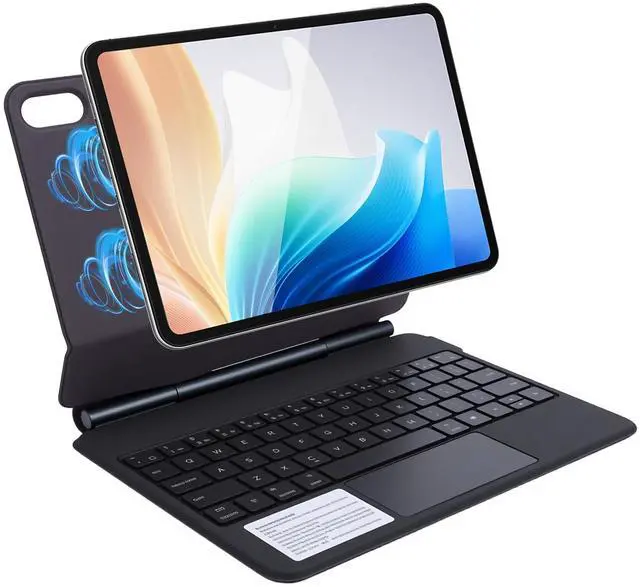
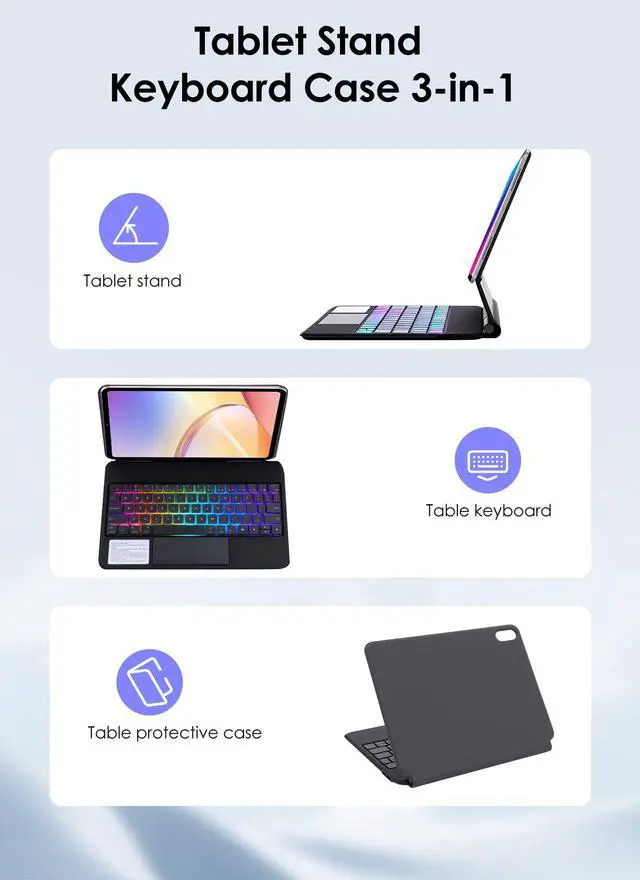
Specification Item Type: Tablet Keyboard
Case Material: PU, PC, Microfiber
Weight: Approx. 697.00 g / 24.59 oz
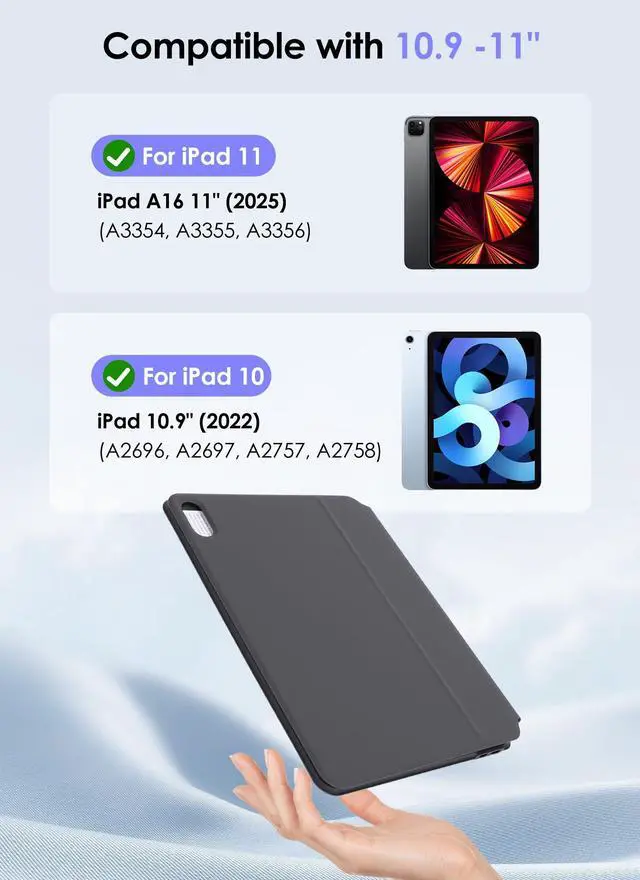
Compatibility: Fit for ipad A16 11 Inch, 10 Gen 10.9, 11 Gen
Product Size: Approx. 253x196x16mm / 9.96 x 7.72 x 0.63 in Number of
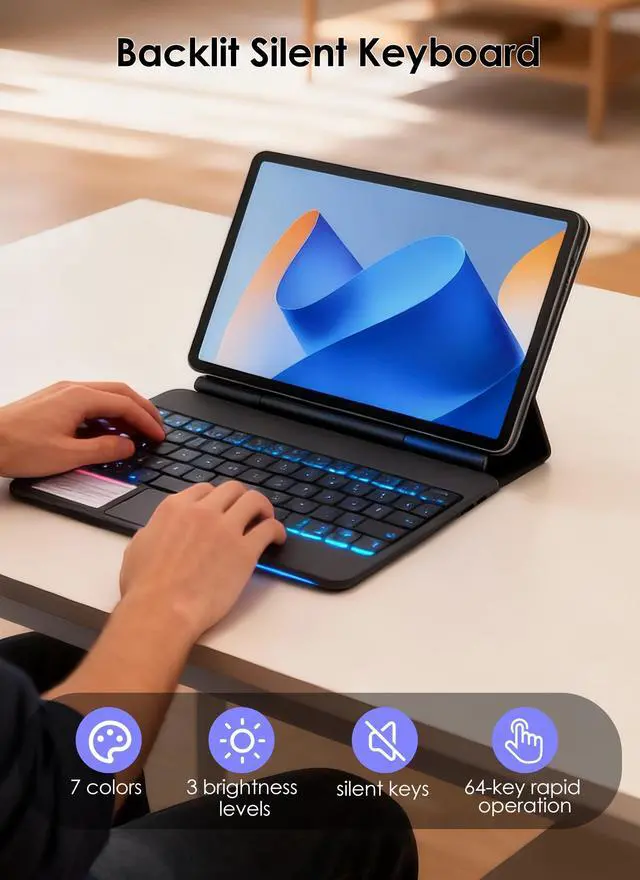
Keys: 64
Keys Continuous Working Time: 5
Hours Working Current: 120mA
Battery Capacity: 500mAh Li Battery (Shipped with Built in
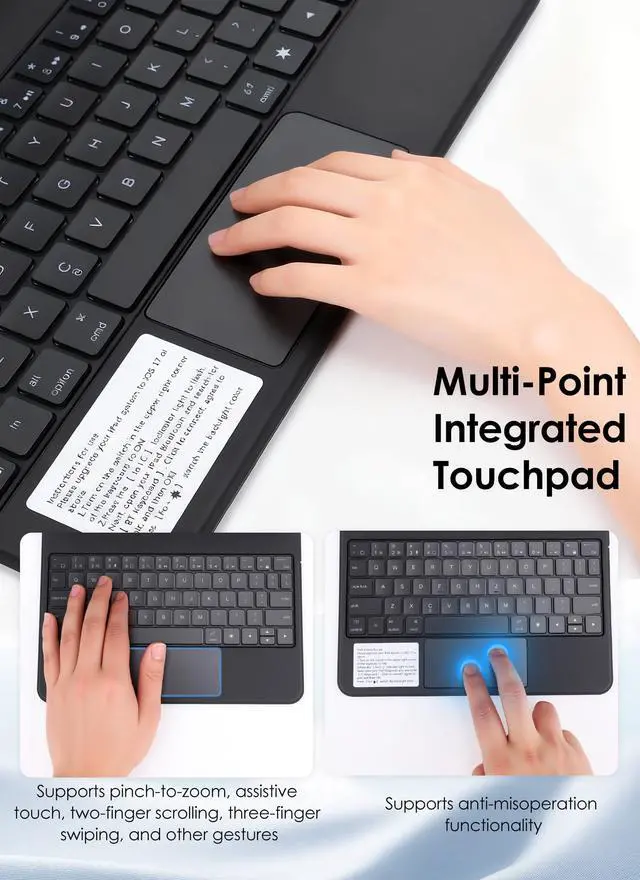
Battery) Standby Time: <150 Days Key Switch Life: 3 Million Presses Battery Life: 3 Years Connection Range: 10 Meters Key Press Force: 50 to 70g Charging Interface: Type C USB Wake Up Time: 2 to 3 Seconds Charging Duration: 2 to 3 Hours Operating Temperature: -10°C To 55°C Random Password: None Bluetooth Channel Switching: Fn+A (Bluetooth Channel 1), Fn+S (Bluetooth Channel 2), Fn+D (Bluetooth Channel 3) Brightness: 3 Gear Adjustment Backlight Color: 7 Colors Switchable Touchpad Gesture: Note: Please Update Your Tablet To The Latest for IOS System (Preferably Version 14.5 Or Above). Operating System Should Be At Least for Win 8 Or Higher. For Android System Is For Reference Only Bluetooth Pairing: The Pairing Indicator Flashes Blue When Waiting For Bluetooth Connection. The Indicator Turns Off Once Successfully Connected. Shift Combination Can Be Used To Output Special Characters; Option Combination Can Be Used To Output Special Characters; Control and Spacebar Switches Input Language Voltage Parameter Working Voltage: 3.0 to 42V How to Use
1. Open the tablet stand, attach the tablet to the stand (the tablet has magnets to hold the tablet in place), and adjust the angle for the best viewing experience.
2. Slide the switch to 'ON' to turn on the keyboard power.
3. Press the 'Fn+C' button to enter Bluetooth pairing mode, the Bluetooth indicator light will flash blue.
4. Turn on the Bluetooth on your tablet. Search for the keyboard name (BT Keyboard).
5. Once connected successfully, the Bluetooth indicator light will stop flashing. Package List 1 x Tablet Keyboard Case 1 x Charging Cable 1