Your Browsing History
Meet Your Seller
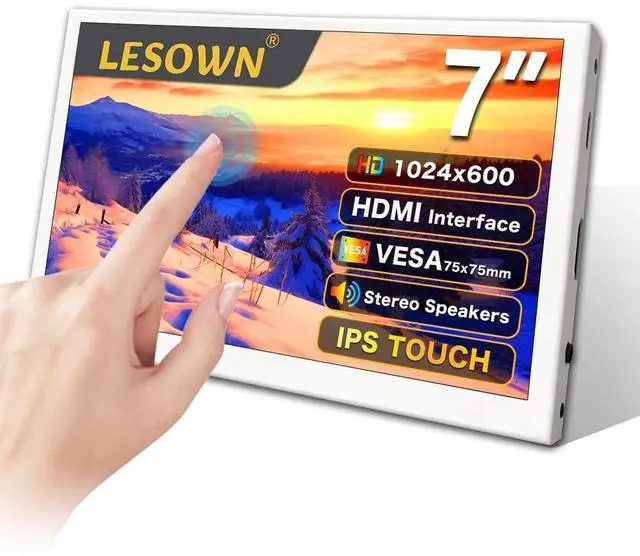
LESOWN Small Monitor 7 inch 1024x600 IPS Capacitive Touch 7" HDMI Wide Screen Portable LCD Display with Speakers for Raspberry Pi Laptop White
- Excellent Color with IPS HD PanelFeaturing an IPS HD panel with a resolution of 1024x600, this 7-inch portable monitor presents a full viewing angle of 178 horizontally and vertically, with accurate colours that are more vibrant and have a higher contrast ratio than those displayed by VA and TN monitors.
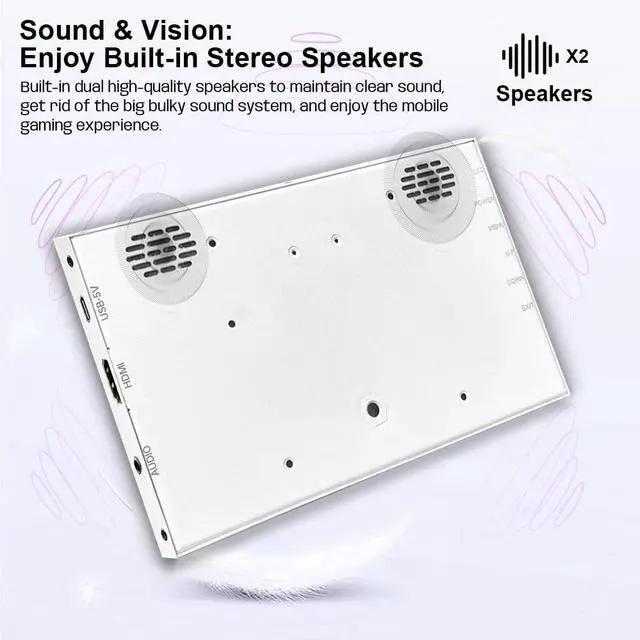
- Dual Built-in Speakers Designed with dual integrated speakers and audio jack, this 7inch portable monitor combines incredible screen performance with stereo sound for an immersive multimedia experience. Thanks to the two built-in speakers, you don't need an external speaker when working on a your project.
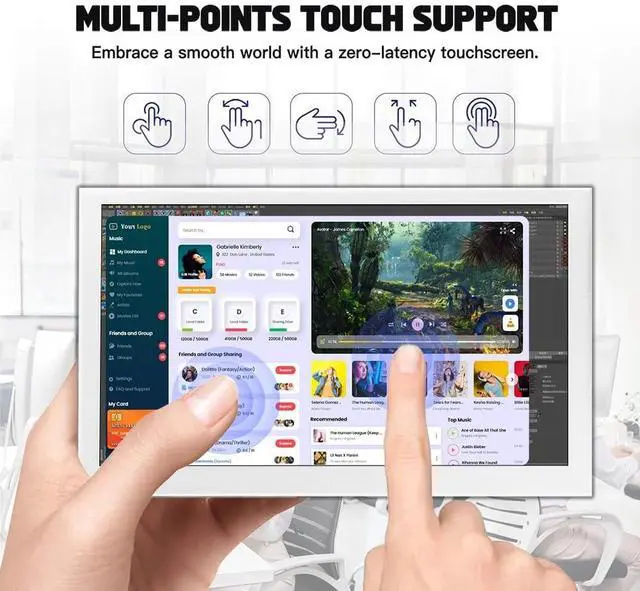
- Responsive TouchingIt is equipped with 5-point capacitive touchscreen. This display supports multi-touch gestures. Excellent touch sensitivity make you to slide, scroll, select, zoom in, zoom out and move the cursor in just about 3-5ms faster response time. Multi-Touch delivers a EXCELLENT touch experience with pin-point accuracy.
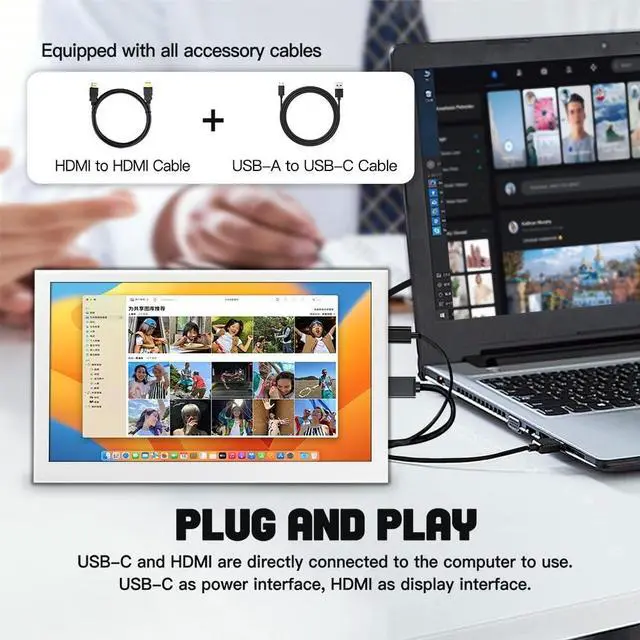
- Plug and Play & Widely Compatible This displ
+
+
Overview
Specs
Reviews
Any questions? Our AI beta will help you find out quickly.
Try me now
Specifications
: ProductType: 7inch
Portable MonitorScreen Size:
7inchResolution: 1024x600Panel
Type: IPS
Visual Angle: 178
Full View AngleLevel index: 16.7M (8-bit)Color
Gamut: 50% NTSC
Refresh Rate: 60HzTouch
Function: YesTouchscreen
Type: CapacitiveSize
Ratio: 16:9
Contrast Ratio: 800:1
Brightness:
400cd/mSpeakers: YesAudio
Jack:
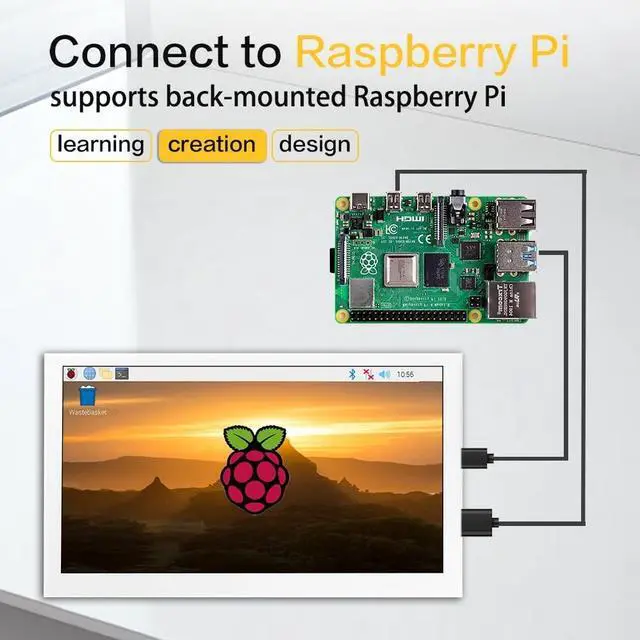
YesWeight: 231gThis portable touch monitor supports Windows/mac OS/Raspbian/Ubuntu/Kali/Retropie. Only single-point touch is supported in most of systems, multiple touches may be supported in some software, max 5-points. Connect to PCThe display supports Windows 7/8/10/11 when working with Windows PC, supports 5-points and it is driver free. 1. Connecting the USB-C 5V interface of display to USB-A port of PC by USB-A to USB-C cable. 2. Connecting the interface of display to HDMI port of PC by standard HDMI cable. 3. Wait for displaying. Connect to Raspberry Pi1. Insert the TF card to Raspberry Pi. 2. Connecting USB-5V interface of the monitor to a USB port of Raspberry Pi. 3. Connecting HDMI interface of the monitor to HDMI port of Raspberry Pi. 4. Power on Raspberry Pi and the LCD will display. Raspberry Pi doesn't support hot-plug and auto-recognized the resolution, you need to configure the resolution manually, otherwise, the display cannot work normally. What's included? 7 inch Monitor x 1HDMI Cable x 1USB Cable x 1

Warranty & Returns
Warranty, Returns, And Additional Information
Warranty
- Please contact the Seller directly for warranty information. Warranty information may also be found on the Manufacturer's website.
- CONTACT
Return Policies
- Return for refund within: 30 days
- Return for replacement within: 30 days
- This item is covered by ApexDash Return Policy
Manufacturer Contact Info
- For a directory of all our manufacturers, please click below.
- Manufacturers Directory
LOADING...