Your Browsing History
Meet Your Seller
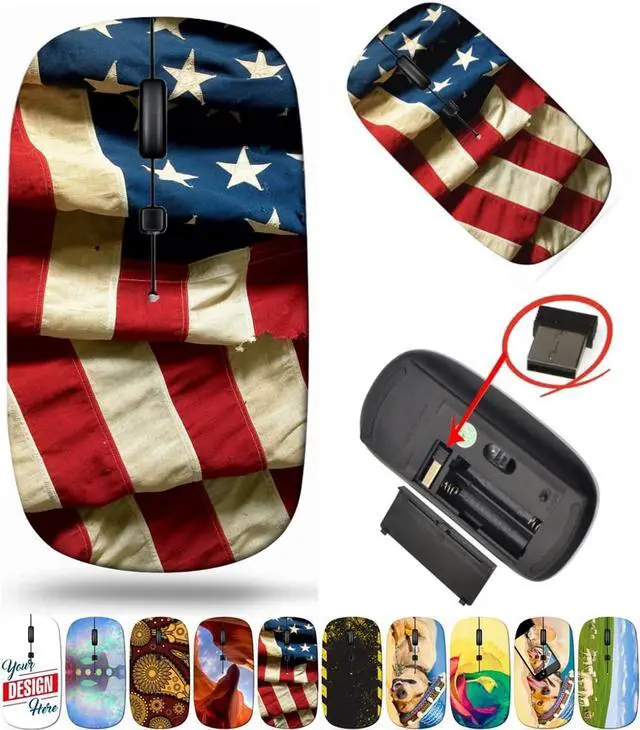
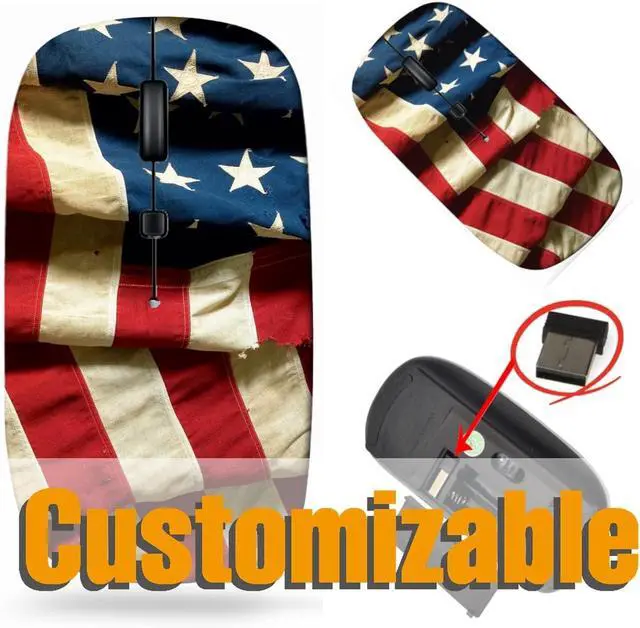
maizi Small Wireless Mouse for Personal Computer Laptop MacBook, Small Wireless Mice Image ID: 608955 US Flag 48 States Flag Travel Mouse 2.4G USB Receiver Printed in USA
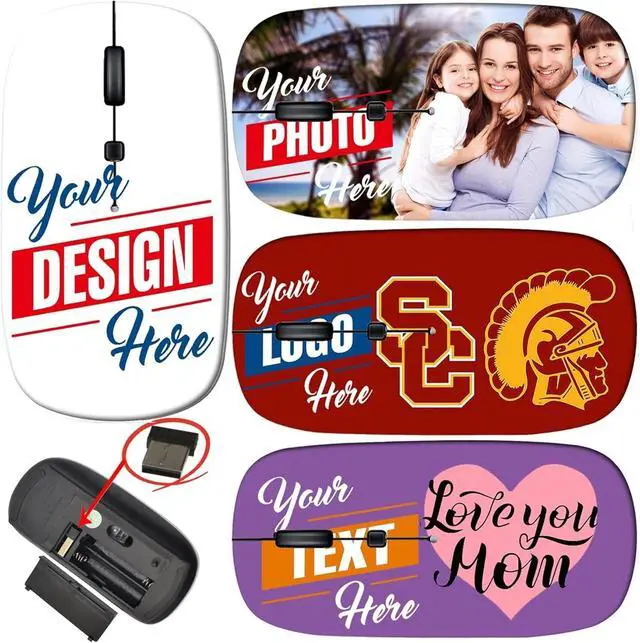
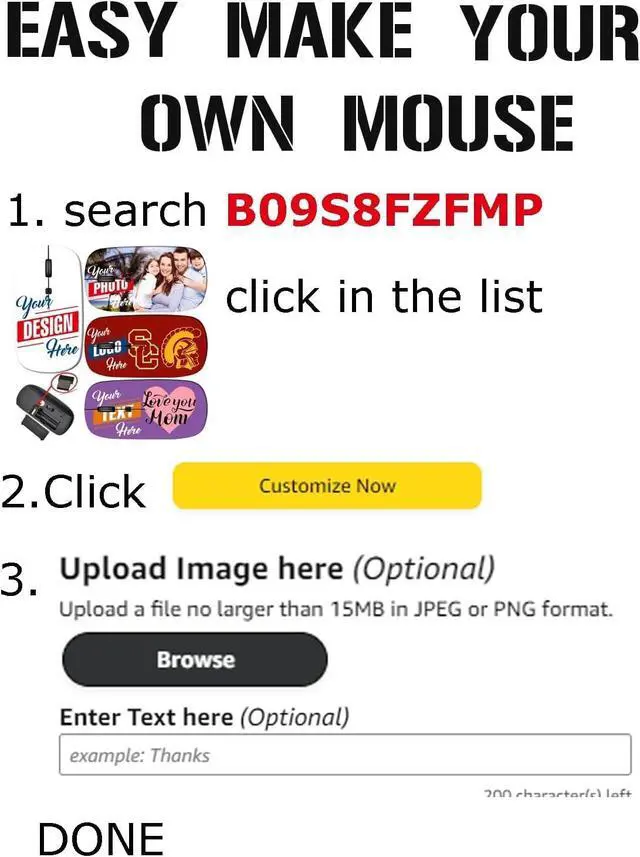
- Small Wireless Mouse with photos. Please search "B09S8FZFMP" on . Steps: 1- Click "CUSTOMIZE NOW", 2- Click "Browse" to upload your image, photo or logo. Great for gifts and memories.
- Small Wireless Mouse with Amazing image design makes your mouse vivid and unique. Please search "Maizi Wireless Mouse" for thousands of unique designs.
- 2.4GHz wireless technology provides a powerful and reliable connection up to 33ft/10m, slim ergonomic design and smooth surface offer you a soft touch, easy to click and comfortable operation for a long time.
- Portable and Lightweight is perfect for travelling. Comes with a Nano receiver (stored in the back of the mouse). No need to install any driver, just plug and play. Built in Smart auto-sleep mode to save battery after inactivity. Powered by 2 AAA batteri
- Wireless Mouse compatible with Windows, Chromebook, Mac and Linux. System Requirements: USB port(2.0). Designed, Printed and Shipped out of our California Facility.
+
+
Overview
Specs
Reviews
Any questions? Our AI beta will help you find out quickly.
Try me now
Small Wireless Mouse Computer, Mac, ChromebookHow to
Use: 1. Put in the 2 AAA batteries, take the dongle (usb receiver) out, which is in the battery compartment of the mouse. 2. Insert the dongle (usb receiver) into a USB port. 3. Turn on the mouse power switch at the back side of the mouse. 4. Allow a few seconds for installing, no action needed, just wait.
Technical
technology: 2.4 GHZ, up
to 33ft/10mWorking type: OpticalUSB
interface: USB
2.0P ower source: 2 AAA Batteries (Not included in package)
Warm Tip: After being tested, we found that color might seem a little different (lighter or darker) on different monitors.
After-sales Service: 1. 30 days warranty by Maizi. Free return or replacement within supported if defective. 2. Your satisfaction is our highest priority. If you have any problems about this product or your order, please feel free to contact us.
Contact Us: Log in account>find the order>click "Get help with order">choose specific subject>click Ask Seller.

Use: 1. Put in the 2 AAA batteries, take the dongle (usb receiver) out, which is in the battery compartment of the mouse. 2. Insert the dongle (usb receiver) into a USB port. 3. Turn on the mouse power switch at the back side of the mouse. 4. Allow a few seconds for installing, no action needed, just wait.
Technical
Details
: Wirelesstechnology: 2.4 GHZ, up
to 33ft/10mWorking type: OpticalUSB
interface: USB
2.0P ower source: 2 AAA Batteries (Not included in package)
Warm Tip: After being tested, we found that color might seem a little different (lighter or darker) on different monitors.
After-sales Service: 1. 30 days warranty by Maizi. Free return or replacement within supported if defective. 2. Your satisfaction is our highest priority. If you have any problems about this product or your order, please feel free to contact us.
Contact Us: Log in account>find the order>click "Get help with order">choose specific subject>click Ask Seller.
Warranty & Returns
Warranty, Returns, And Additional Information
Warranty
- Please contact the Seller directly for warranty information. Warranty information may also be found on the Manufacturer's website.
- CONTACT
Return Policies
- Return for refund within: 30 days
- Return for replacement within: non-replaceable
- This item is covered by FoundationSurge Return Policy
Manufacturer Contact Info
- For a directory of all our manufacturers, please click below.
- Manufacturers Directory
LOADING...