• $131.99
  • Free 30-day Returns
  • Sold by FortressTek

    Shipped by FortressTek

    Price alert
    Shop it at NeweggBusiness.

    Meet Your Seller

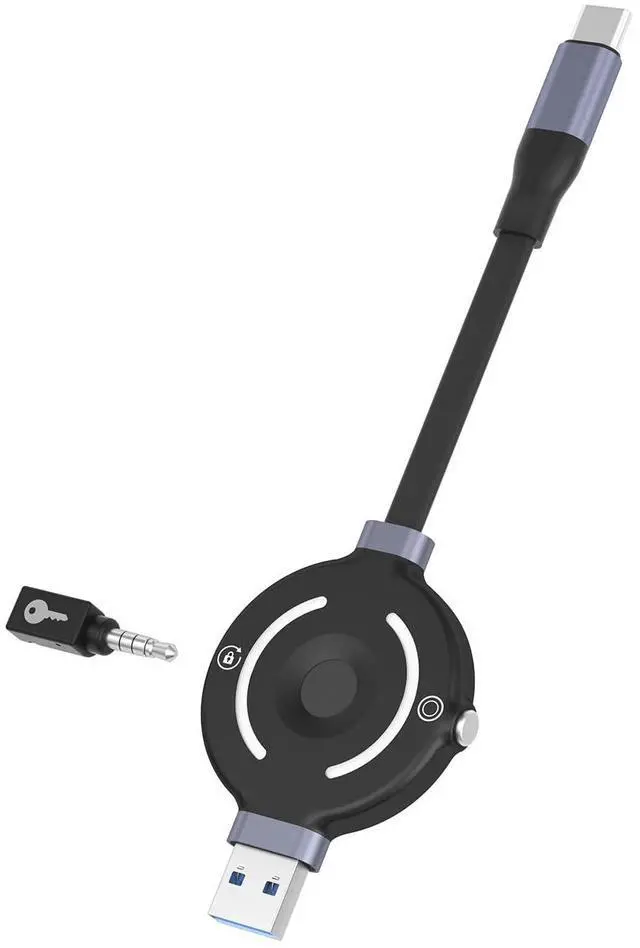
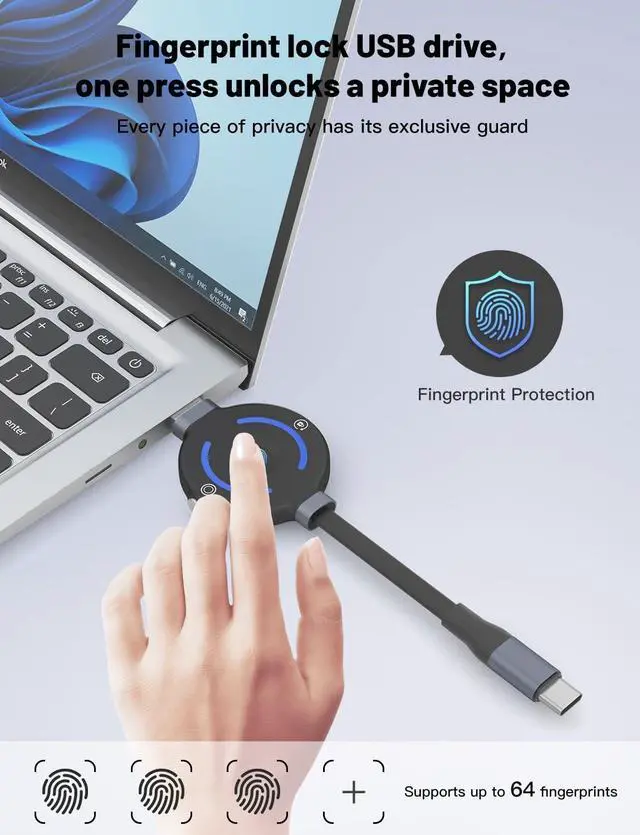
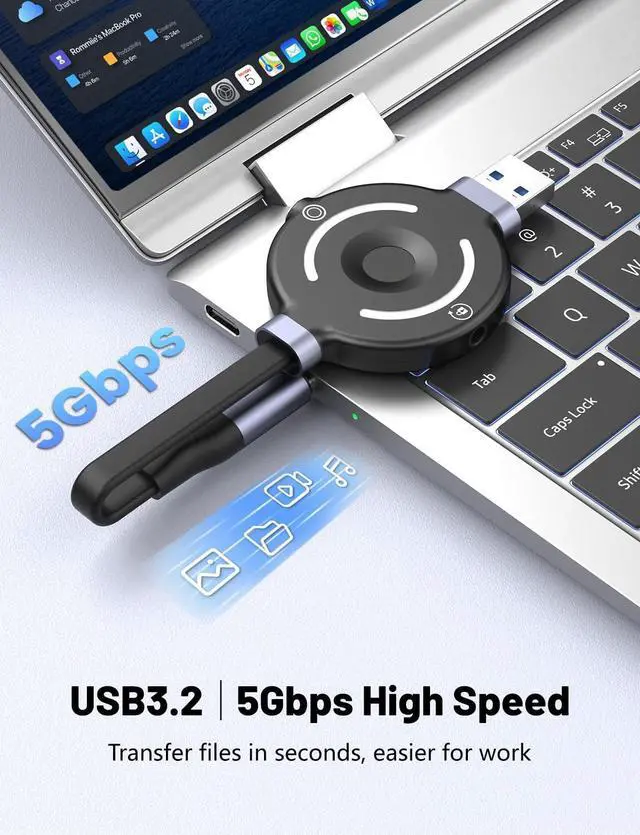
    Fingerprint Encrypted USB C Flash Drive 128GB, Hardware Encryption Flash Drive with Reset Tool, One-Time Use Mode, No Software Needed, 5-Times Enrollment

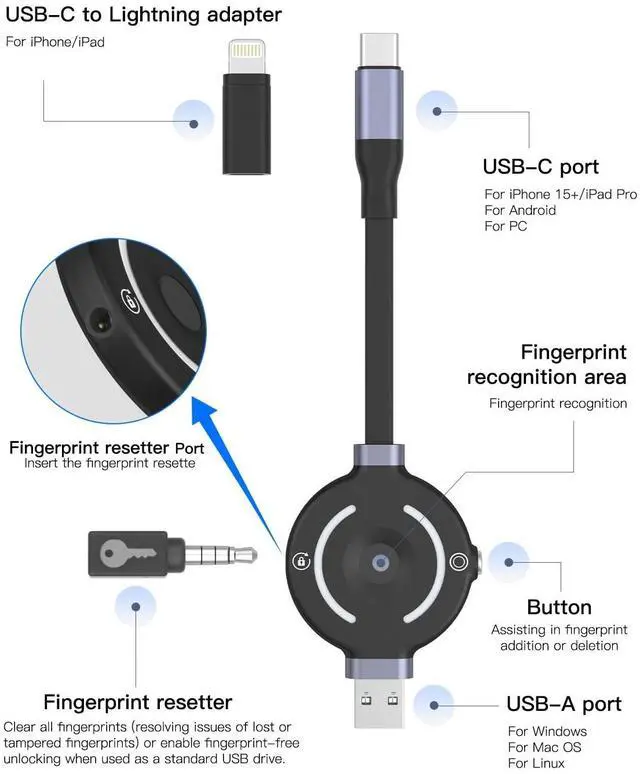
    • The Dedicated Resetter Must Be Stored Properly:The resetter provided with this product is uniquely paired and bound to the USB drive. It is the only tool you can use to erase old fingerprints and re-enroll new ones in case of fingerprint damage or loss. Please be sure to store it in a secure and private location. Do not discard it casually or lend it to others. Otherwise, you will be unable to unlock or reset the USB drive's fingerprint protection function.
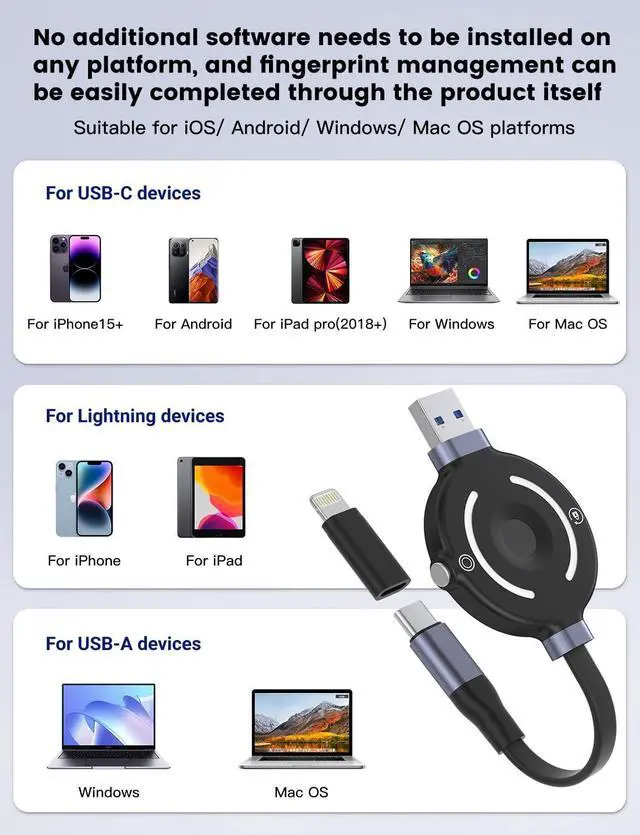
    • Fingerprint Management Requires No Software Installation:This product is a pure hardware-encrypted USB drive. It does not require installing any third-party fingerprint management apps or drivers on devices such as phones or computers. All management operations, including fingerprint enrollment and deletion, can be completed directly via the physical buttons on the USB drive itself. Installing external software may interfere with the product's normal functionality.
    • Fingerprint Enrollment Must Be Completed According to Specific
    +
    +
    Overview
    Specs
    Reviews
    avatar

    Any questions? Our AI beta will help you find out quickly.

    The Dedicated Resetter Must Be Stored Properly: The resetter provided with this product is uniquely paired and bound to the USB drive. It is the only tool you can use to erase old fingerprints and re-enroll new ones in case of fingerprint damage or loss. Please be sure to store it in a secure and private location. Do not discard it casually or lend it to others. Otherwise, you will be unable to unlock or reset the USB drive's fingerprint protection function. ^^ Fingerprint Management Requires No
    Software Installation: This product is a pure hardware-encrypted USB drive. It does not require installing any third-party fingerprint management apps or drivers on devices such as phones or computers. All management operations, including fingerprint enrollment and deletion, can be completed directly via the physical buttons on the USB drive itself. Installing external software may interfere with the product's normal functionality. ^^ Fingerprint Enrollment Must Be Completed According to

    Specifications

    : When enrolling a fingerprint, please strictly follow the operational guide: After inserting the device, wait for the blue light to flash. Then, consecutively enroll different areas of the same finger a total of 5 times until the blue light stays steadily lit for 1 second before turning off, which indicates successful enrollment. If the process is interrupted or the 5 enrollments are not completed, fingerprint verification will fail, and the USB drive cannot be unlocked normally. ^^ Safety

    Specifications

    for One-Time Use ModeWhen sharing the USB drive with others and enabling "One-Time Use Mode, " please promptly remove and take away the resetter after the USB drive is successfully read. After the other person finishes using it and the power is disconnected, fingerprint verification must be performed again or your dedicated resetter must be inserted to access the USB drive again. This prevents subsequent unauthorized access and ensures data security. ^^ Connection and Cable Maintenance NotesThis product features a TPE eco-friendly flat cable and a high-end aluminum alloy connector. During use, please avoid violently bending or pulling the cable. When inserting into a device, ensure the connector is properly aligned before gently pushing it in to prevent damage to the connector or cable.

    If data transfer is interrupted, check if it is caused by a loose cable or the device being lifted, and adjust the connection promptly to restore functionality.

    Warranty & Returns

    Warranty, Returns, And Additional Information

    Warranty

    • Please contact the Seller directly for warranty information. Warranty information may also be found on the Manufacturer's website.
    • CONTACT

    Return Policies

    Manufacturer Contact Info

    LOADING...