• $151.99
  • Free 30-day Returns
  • Price alert
    Sold by GoBeRotie
    Hot Seller
    4.7 (14 seller ratings)

    Shipped by GoBeRotie

    Shop it at NeweggBusiness.

    Meet Your Seller

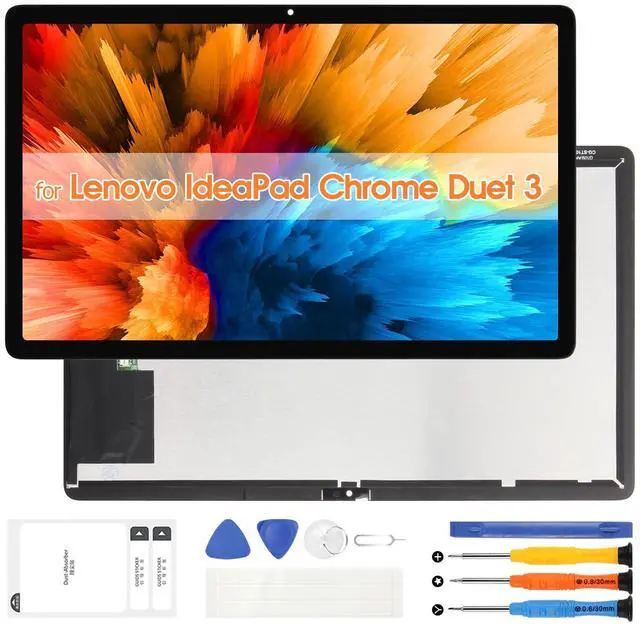
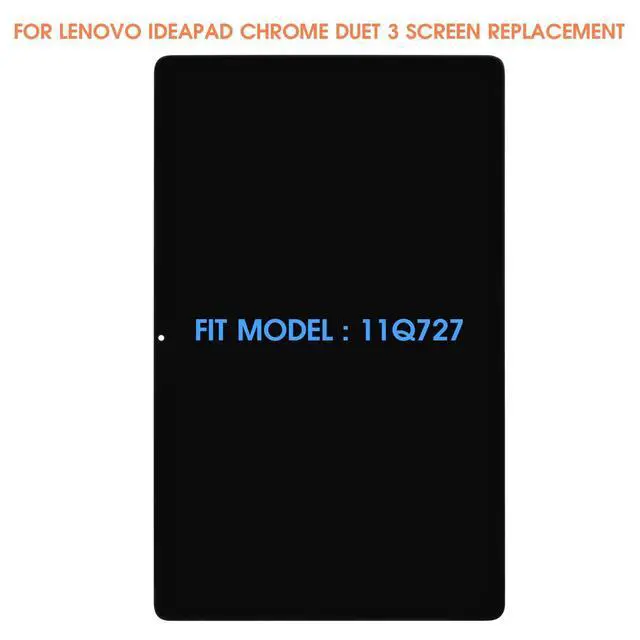
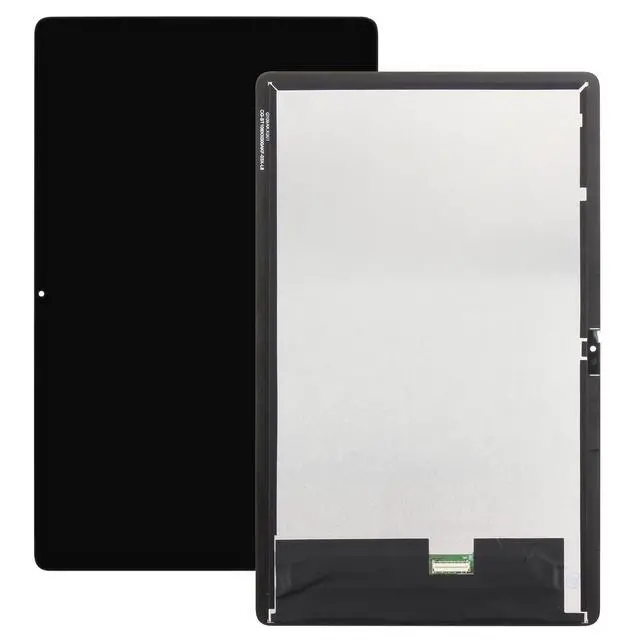
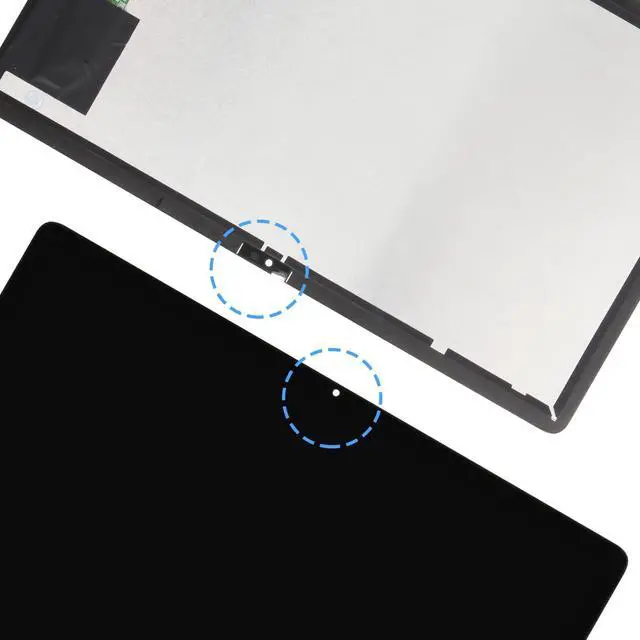
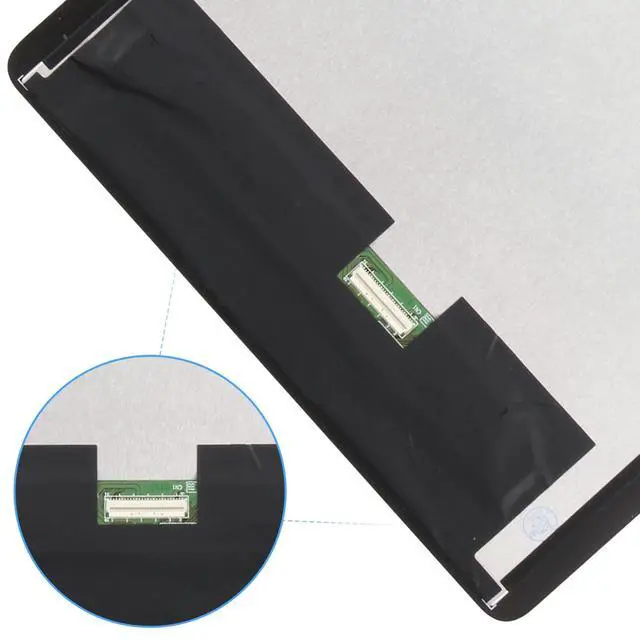
    LCD Screen Replacement for Lenovo IdeaPad Chrome Duet 3 Display for Lenovo 11Q727 Touch Screen Digitizer Full Assembly with Repair Kit w/Bezel 5D10S39804 5D10S39805 5D10S39806 5D10S39807

    • COMPATIBILITY -- Only for Lenovo IdeaPad Chrome Duet 3 screen replacement, model number is 5D10S39804 5D10S39805 5D10S39806 5D10S39807 . NOT suitable for Lenovo IdeaPad Chrome Duet 5 or other models, please kindly confirm the model number before ordering, just check it on your phone through "General Settings-Model Name Information".
    • EASY TO INSTALL -- It's easy to install even for the first timer! However, to replace the screen for Lenovo IdeaPad Chrome Duet 3 LCD more efficiently, we recommend watching some detailed screen replacement tutorial videos on YouTube or other websites before proceeding with the installation.
    • SUPERIOR QUALITY -- Compared with other screens, our for Lenovo IdeaPad Chrome Duet 3 screen replacement digitizer can bring you a perfect experience. Our LCD Display For Lenovo IdeaPad Chrome Duet 3 LCD screen is characterized by exclusive colors, high brightness, high saturation and resolution. Otherwise, digitizer for Lenovo IdeaPad Chrome Duet 3 LCD can displa
    +
    +
    Overview
    Specs
    Reviews
    avatar

    Any questions? Our AI beta will help you find out quickly.

    Thank you for choosing us. Please take note of the following crucial points to ensure a smooth screen replacement process: 1.
    Confirm Compatibility: Prior to purchasing, verify your device's exact model. This product is specifically designed for Lenovo IdeaPad Chrome Duet 3 Screen Replacement, model number is 5D10S39804 5D10S39805 5D10S39806 5D10S39807, and is incompatible with others. Should you have any doubts, consult official channels or check the model number in your phone settings. 2.
    Prepare Sufficient Tools: Ensure you possess specialized disassembly tools to replace our for Lenovo IdeaPad Chrome Duet 3 LCD display, including precision screwdrivers, suction cups, spudgers, etc., which facilitate a safer and more efficient screen replacement process. 3.
    Power Off: Before commencing disassembly, completely shut down your phone and, if applicable, remove the battery or disconnect power to prevent electrostatic damage to internal components. 4.
    Handle with Care: Gently dismantle your old screen for Lenovo IdeaPad Chrome Duet 3 display, refraining from applying excessive force to avoid damaging the screen connectors or the phone chassis. 5.
    Functionality Test: Prior to full reassembly, connect the new screen replacement kits for Lenovo IdeaPad Chrome Duet 3 digitizer LCD and boot up your phone to test all functions, such as touch sensitivity, display quality, front/rear cameras, sensors, and so forth, to confirm everything operates as intended. 6.
    Professional Installation Consideration: If you lack confidence in DIY replacement, it's advisable to seek professional repair services to prevent more severe device damage or safety hazards from improper handling. Adhering to these guidelines will minimize potential issues during the screen replacement process, ensuring your phone emerges refreshed and fully functional.

    Warranty & Returns

    Warranty, Returns, And Additional Information

    Warranty

    • Please contact the Seller directly for warranty information. Warranty information may also be found on the Manufacturer's website.
    • CONTACT

    Return Policies

    • Return for refund within: 30 days
    • Return for replacement within: non-replaceable
    • This item is covered by GoBeRotie Return Policy

    Manufacturer Contact Info

    LOADING...