

Your Browsing History
- Free 30-day Returns
$183.99


Meet Your Seller

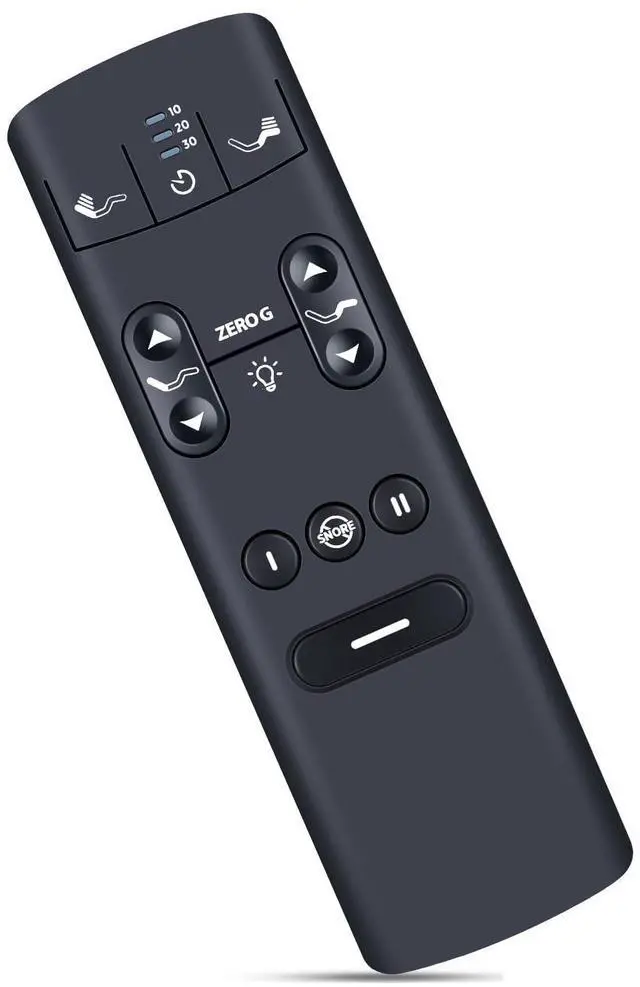
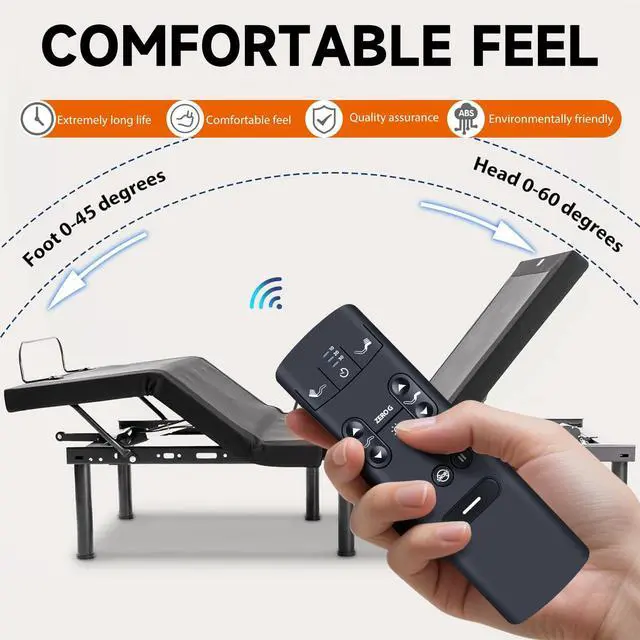
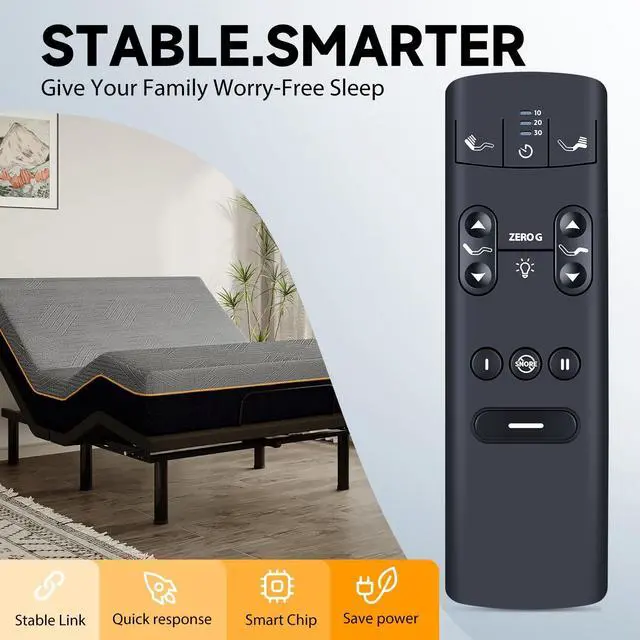
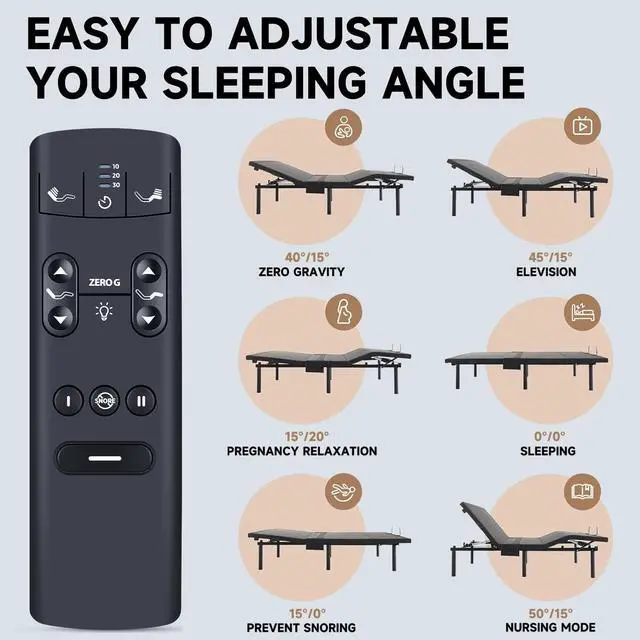


ZWP RF398A Replacement Remote Control for Serta Motion Perfect 4 (IV), SERTA Tempur-Pedic TEMPUR-Ergo Adjustable Bed RF398A
- Compatible with modelPerfect 4 (IV) RF398A (not include the battery)
- Pairing: Step 1 Locate the Battery Backup Box and press the button TWICE. A light on the Battery Back Up Box will illuminate.
- Step 2 On the back of the remote under the battery cover, press and hold down the PAIR button. The PAIR button will illuminate blue and start flashing. When the PAIR button stops flashing, the illuminated light on the Battery Backup Box will go out. Release the PAIR button. The remote is now paired to the adjustable base.
- Step 3 Test all remote functions. If the remote buttons do not impact the adjustable base movements, please repeat the process again or try the steps to Disable the Child Lock because the remote may be locked.
- Any question, Please do not hesitate to contact us before leaving Feedback, We will help you resolve it, Thank you.
+
+
Overview
Specs
Reviews

Any questions? Our AI mode will help you find out quickly.
Try me now
Pairing: Step 1 Locate the Battery Backup Box and press the button TWICE. A light on the Battery Back Up Box will illuminate. Step 2 On the back of the remote under the battery cover, press and hold down the PAIR button. The PAIR button will illuminate blue and start flashing. When the PAIR button stops flashing, the illuminated light on the Battery Backup Box will go out. Release the PAIR button. The remote is now paired to the adjustable base. Step 3 Test all remote functions. If the remote buttons do not impact the adjustable base movements, please repeat the process again or try the steps to Disable the Child Lock because the remote may be locked.
Warranty & Returns
Warranty, Returns, And Additional Information
Warranty
- Please contact the Seller directly for warranty information. Warranty information may also be found on the Manufacturer's website.
- CONTACT
Return Policies
- Return for refund within: 30 days
- Return for replacement within: 30 days
- This item is covered by Detail Driven Return Policy
Manufacturer Contact Info
- For a directory of all our manufacturers, please click below.
- Manufacturers Directory
LOADING...