

Your Browsing History
- Free 30-day Returns
$53.99


Meet Your Seller

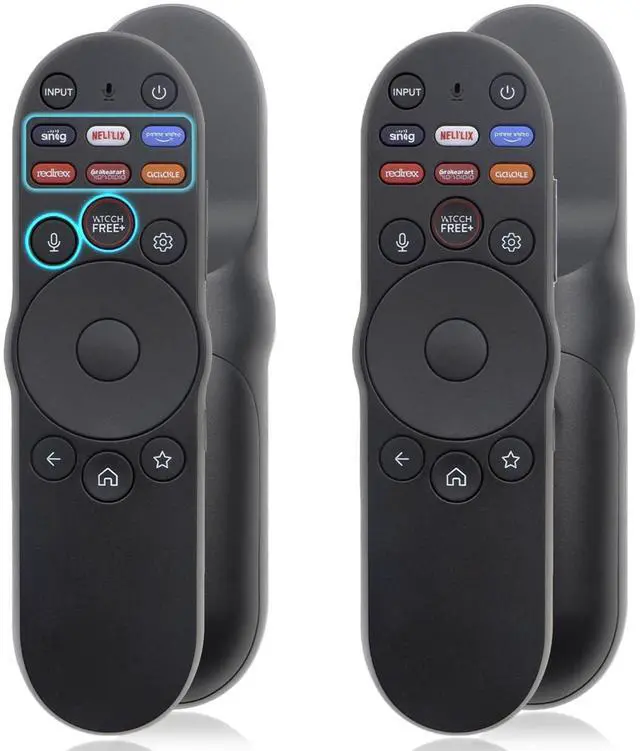
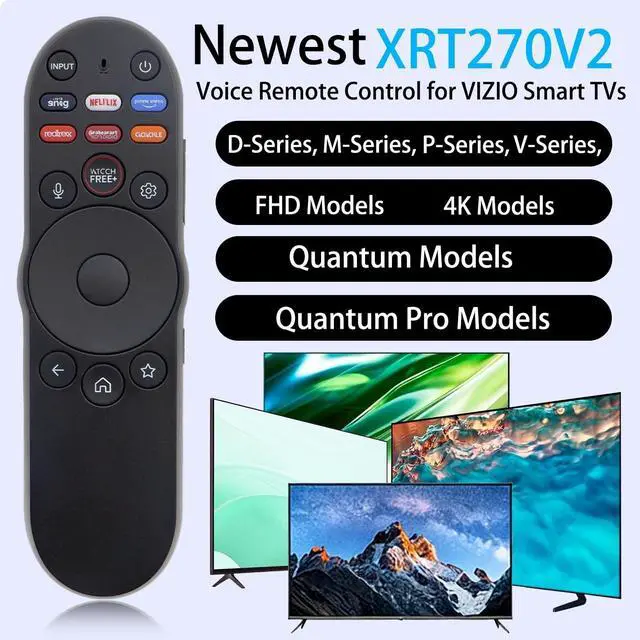
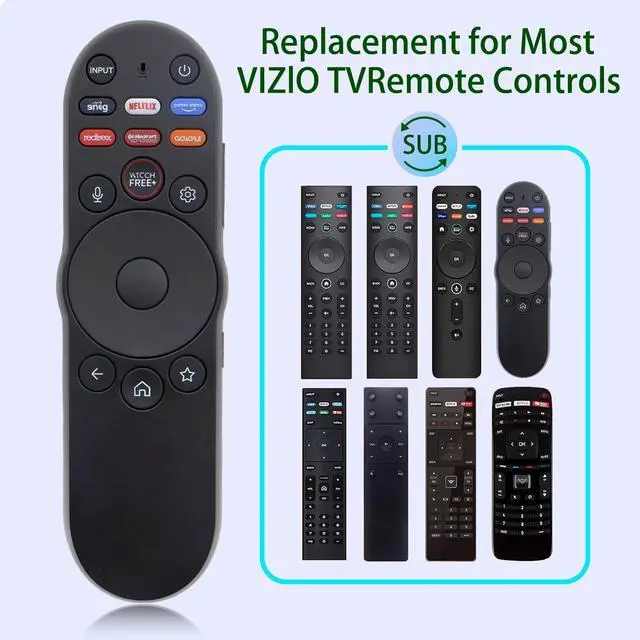


2 Pack Universal New Replacement Voice Remote Control Compatible with Vizio Smart TV XRT270 XRT260 XRT140 XRT136 FHD 4K QLED UHD SmartCast TVs (D/V/M/P Series 4K/Quantum/Quantum Pro) Series TV Remotes
- Compatible with VIZIO SmartCast TVs (D/V/M/P/PX/E series, including 4K UHD, Quantum, Quantum Pro models like V435-J01, M55Q7-J01, P65Q9-J01, VQP75C-84). This replacement remote substitutes XRT136/XRT140/XRT260/XRT270/VR1/VR2 , seamlessly fitting your existing setupno need for a model-specific hunt.Smart TV models including V4K86C-0804, V435M-K04, V505M-K09, V555M-K01, V585M-K01, V655M-K03, V655M-K04, V705M-K03, V755M-K03, V755x-K04, V435-J01, V505-J09, V555-J01, V585-J01, V655-J09, V705-J03, V755-J04, V706-J03, V756-J03, V506-J09, V756-J03, V4K43M-08, V4K43C-08, V4K50M-08, V4K50C-08, V4K55M-08, V4K55C-08, V4K65M-08, V4K65C-08, V4K70M-08, V4K75M-08, V4K75C-08, V4K86C-08, and V4K65M-0804.
- Step 1: Reset the old remote pairing in your TV 1: Press >All Settings>System>Voice Remote> Unpair Remote Step 2: Pair new voice remote with your TV. 1: Press >All Settings>System>Voice Remote> Pair New Remote Please follow the screen prompts to complete the pairing. To pair, press and hold the Micro
+
+
Overview
Specs
Reviews

Any questions? Our AI mode will help you find out quickly.
Try me now
Compatible with VIZIO SmartCast TVs (D/V/M/P/PX/E series, including 4K UHD, Quantum, Quantum Pro models like V435-J01, M55Q7-J01, P65Q9-J01, VQP75C-84). This replacement remote substitutes XRT136/XRT140/XRT260/XRT270/VR1/VR2, seamlessly fitting your existing setupno need for a model-specific hunt. Smart TV models including V4K86C-0804, V435M-K04, V505M-K09, V555M-K01, V585M-K01, V655M-K03, V655M-K04, V705M-K03, V755M-K03, V755x-K04, V435-J01, V505-J09, V555-J01, V585-J01, V655-J09, V705-J03, V755-J04, V706-J03, V756-J03, V506-J09, V756-J03, V4K43M-08, V4K43C-08, V4K50M-08, V4K50C-08, V4K55M-08, V4K55C-08, V4K65M-08, V4K65C-08, V4K70M-08, V4K75M-08, V4K75C-08, V4K86C-08, and V4K65M-0804.
^^
Step 1: Reset the old remote pairing in your
TV 1: Press >All Settings>System>Voice Remote> Unpair
Remote Step 2: Pair new voice remote with your TV.
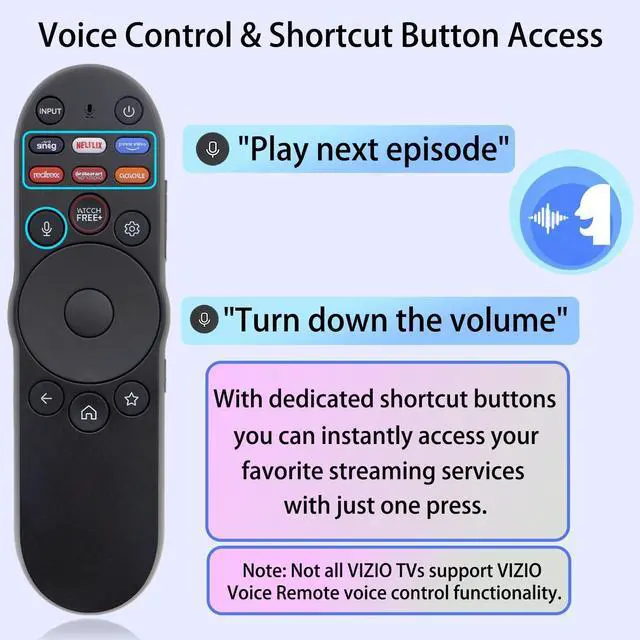
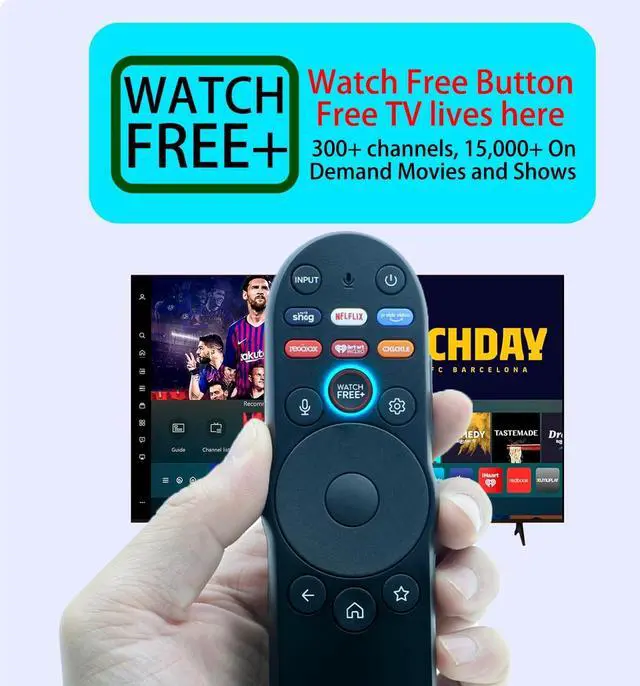
1: Press >All Settings>System>Voice Remote> Pair New Remote Please follow the screen prompts to complete the pairing. To pair, press and hold the Microphone and Mute Button at the same time for five seconds, until the light on your remote begins to flash. ^^ New ABS material, better craftsmanship, Insert 2 AAA batteries (not included) into the remotes battery compartment ^^ One-Touch Streaming Shortcuts for Instant Entertainment AccessSkip scrolling through endless app lists! Pre-programmed shortcuts, let you jump straight to your favorite streaming platforms or free content with a single press. Perfect for quick, on-demand movies, shows, or music. ^^ Ergonomic Design & Reliable Daily PerformanceCrafted with a lightweight, contour-shaped body, this remote fits comfortably in your hand during long viewing sessions. Its responsive, tactile buttons reduce accidental presses, while the low-power Bluetooth design extends battery life (using standard AAA batteries). A durable, user-friendly replacement for your worn-out remote. ^^ You will got 2 remote controls.
^^
Step 1: Reset the old remote pairing in your
TV 1: Press >All Settings>System>Voice Remote> Unpair
Remote Step 2: Pair new voice remote with your TV.
1: Press >All Settings>System>Voice Remote> Pair New Remote Please follow the screen prompts to complete the pairing. To pair, press and hold the Microphone and Mute Button at the same time for five seconds, until the light on your remote begins to flash. ^^ New ABS material, better craftsmanship, Insert 2 AAA batteries (not included) into the remotes battery compartment ^^ One-Touch Streaming Shortcuts for Instant Entertainment AccessSkip scrolling through endless app lists! Pre-programmed shortcuts, let you jump straight to your favorite streaming platforms or free content with a single press. Perfect for quick, on-demand movies, shows, or music. ^^ Ergonomic Design & Reliable Daily PerformanceCrafted with a lightweight, contour-shaped body, this remote fits comfortably in your hand during long viewing sessions. Its responsive, tactile buttons reduce accidental presses, while the low-power Bluetooth design extends battery life (using standard AAA batteries). A durable, user-friendly replacement for your worn-out remote. ^^ You will got 2 remote controls.
Warranty & Returns
Warranty, Returns, And Additional Information
Warranty
- Please contact the Seller directly for warranty information. Warranty information may also be found on the Manufacturer's website.
- CONTACT
Return Policies
- Return for refund within: 30 days
- Return for replacement within: 30 days
- This item is covered by Riveira Store Return Policy
Manufacturer Contact Info
- For a directory of all our manufacturers, please click below.
- Manufacturers Directory
LOADING...