

Your Browsing History

Meet Your Seller


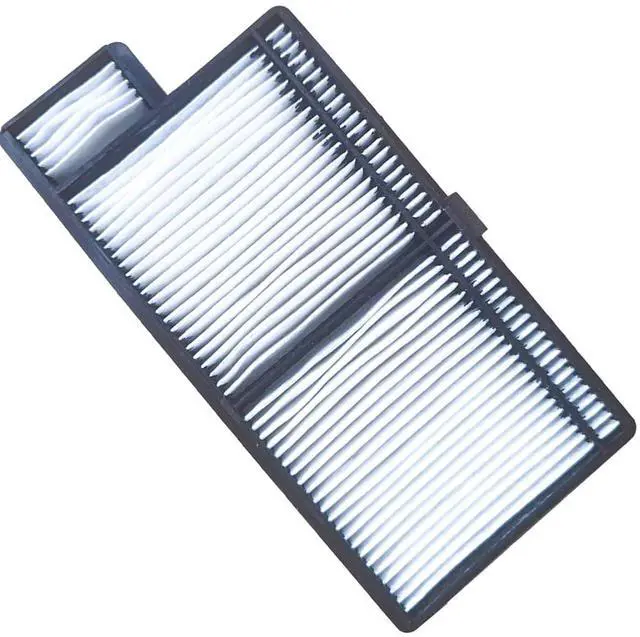
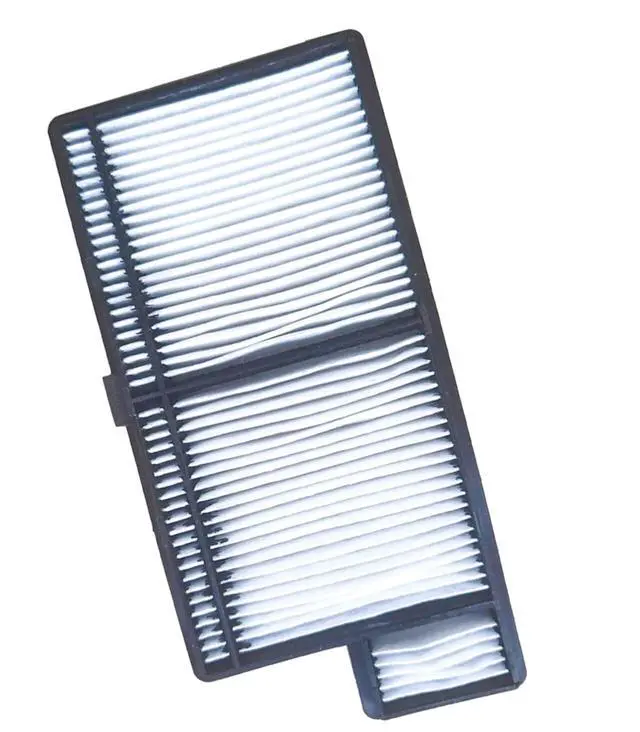
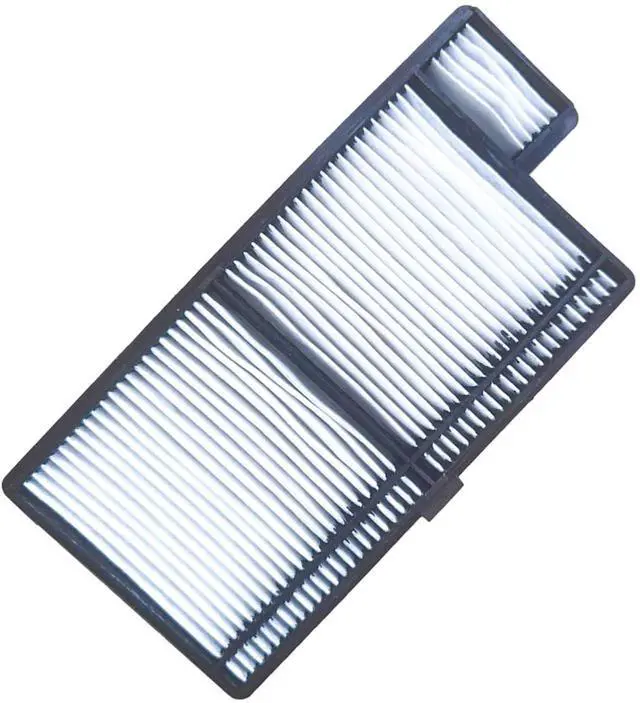
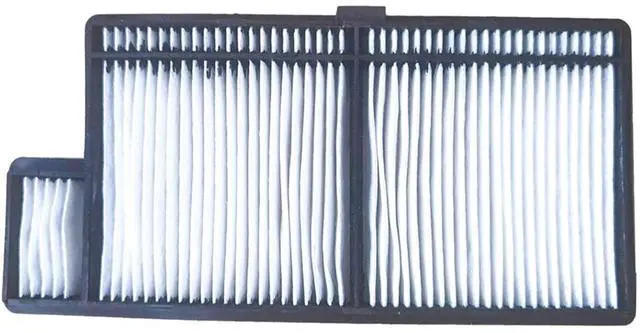


ZECARFA NP44LP NP43LP Replacement Projector Air Filter for NEC NP-P474U P474W P554U P554W P603X NP-P604X NP-PE523X ME301W ME301X ME331W ME331X ME361W ME361X ME401W ME401X Projector Dust Filter
- Proector air filter model: 2NP43LP NP44LP projector dust filter
- This replacement projector filter fit for NEC NP-P474U NP-P474W NP-P554U NP-P554W NP-P603X NP-P604X NP-PE523X ME301W ME301X ME331W ME331X ME361W ME361X ME401W ME401X Projector Dust Filter
- Easy to install. 100% perfect fit for the specified projector model. Simply remove the cover of the air filter, remove the used filter and insert the new filter.
- It is time to replace the air filter for the projector when: 1-The Anti-Dust filter is ripped. 2-The message is frequently displayed even though the dust air filter has been cleaned.
- Excellent customer service, 7x24 hours online instant response. Any of your inquries, please don't hesitate to contact us.
+
+
Overview
Specs
Reviews

Any questions? Our AI mode will help you find out quickly.
Try me now
ZECARFA NP44LP NP43LP Replacement Projector Air Filter for NEC NP-P474U NP-P474W NP-P554U NP-P554W NP-P603X NP-P604X NP-PE523X ME301W ME301X ME331W ME331X ME361W ME361X ME401W ME401X Projector Dust FilterProjector air filter modelNP43LP NP44LP Filtercompatible with NEC NP-P474U NP-P474W NP-P554U NP-P554W NP-P603X NP-P604X NP-PE523X ME301W ME301X ME331W ME331X ME361W ME361X ME401W ME401X Projector Dust Filtercondition: Brand
newWarranty: 180 days from the date of invoiceWhen You Need Clean or Replace Your FilterIf dust has accumulated on the air filter you need to clean or when the following message is displayed. The projector is overheating, Make sure nothing is blocking the air vent, and clean or replace the air filterHow to Replace the Air Filter1. After you turn off the projector's power and the confirmation buzzer beeps twice, disconnect the power cord. 2. Open the air filter cover, slide the air filter cover operation knob and open the air filter cover. 3. Remove the air filter, grip the tab in the center of the air filter and pull it straight out. 4. Install the new air filter, press until it clicks into place. 5. Close the air filter cover
newWarranty: 180 days from the date of invoiceWhen You Need Clean or Replace Your FilterIf dust has accumulated on the air filter you need to clean or when the following message is displayed. The projector is overheating, Make sure nothing is blocking the air vent, and clean or replace the air filterHow to Replace the Air Filter1. After you turn off the projector's power and the confirmation buzzer beeps twice, disconnect the power cord. 2. Open the air filter cover, slide the air filter cover operation knob and open the air filter cover. 3. Remove the air filter, grip the tab in the center of the air filter and pull it straight out. 4. Install the new air filter, press until it clicks into place. 5. Close the air filter cover
Warranty & Returns
Warranty, Returns, And Additional Information
Warranty
- Please contact the Seller directly for warranty information. Warranty information may also be found on the Manufacturer's website.
- CONTACT
Return Policies
- Return for refund within: 30 days
- Return for replacement within: non-replaceable
- This item is covered by VersaCom Return Policy
Manufacturer Contact Info
- For a directory of all our manufacturers, please click below.
- Manufacturers Directory
LOADING...