

Your Browsing History

Meet Your Seller

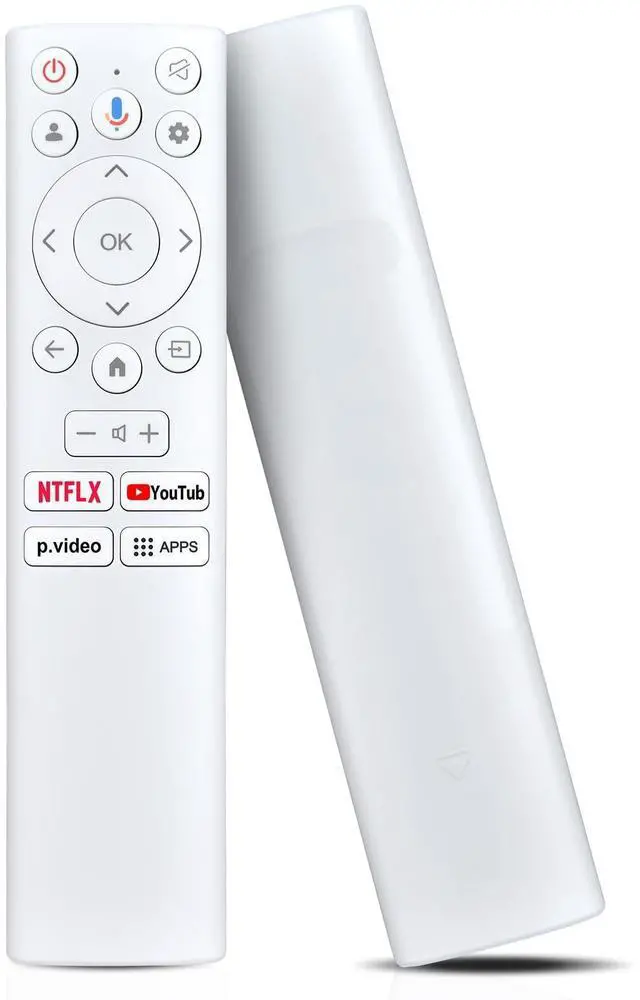
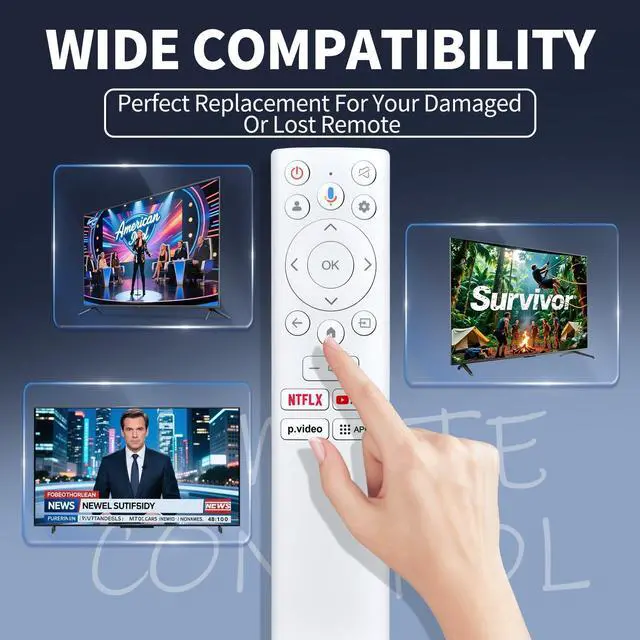
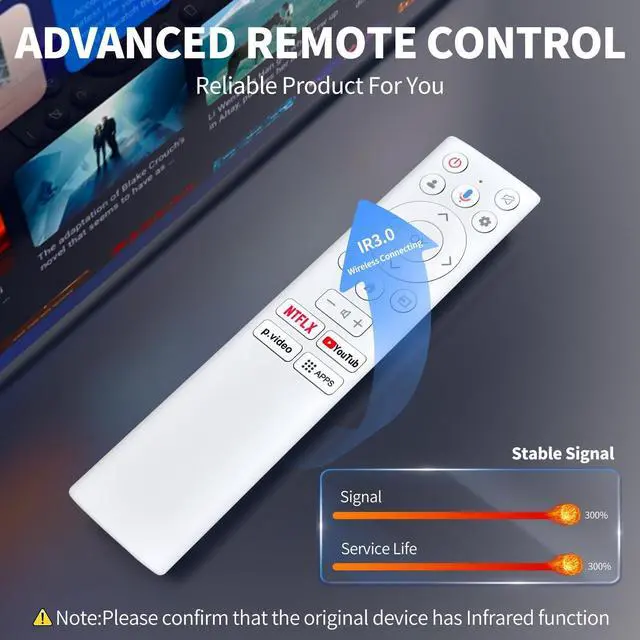
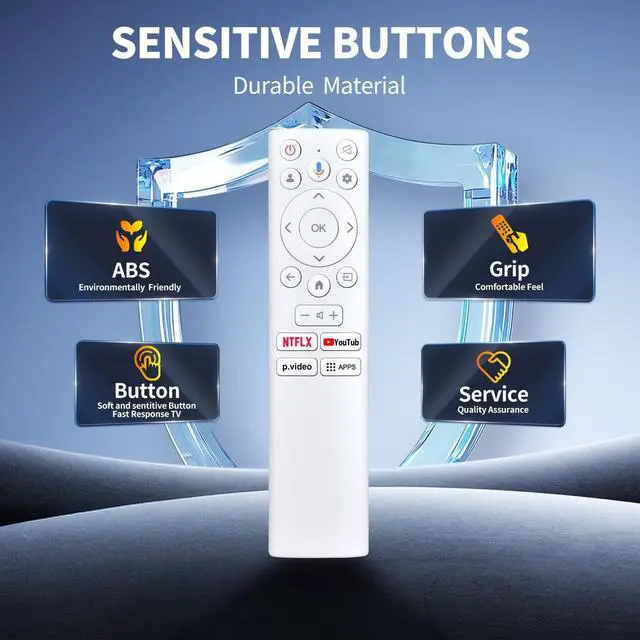
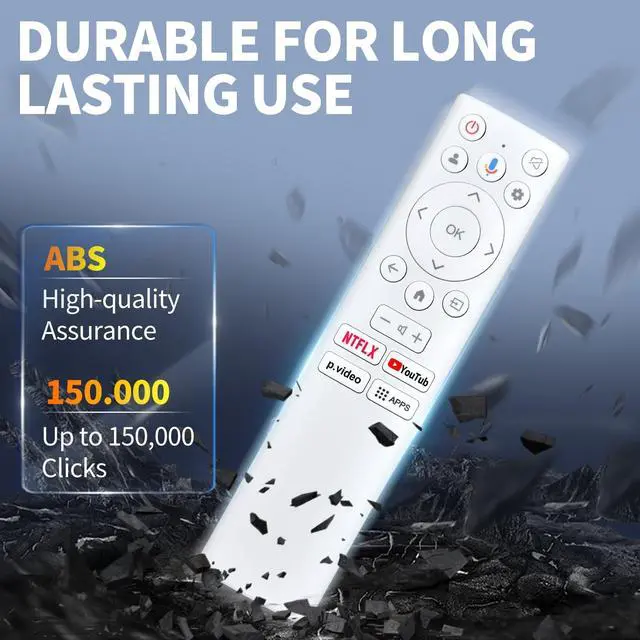


FQOUG Voice Replacement Remote Control for Asus ZenScreen 4K UHD Smart LED Monitor MS27UC MS32UC
- Perfect Compatibility & ReplacementFQOUG Replacement Remote Control compatible with Asus ZenScreen 4K UHD Smart LED Monitor MS27UC MS32UC.
- Easy to PairPress the Power Button at the Top of the Remote. Note: Monitor Controls on the Monitor are located on the bottom or on the side of the Monitor. (If the Monitor is in Boot State, a long press on the Power Button under the Monitor might be necessary.) Press ASUS-MS27UC-Zen-Screen-Smart-Monitor-FIG (34)to select the system language and press OK to confirm the language. Press ASUS-MS27UC-Zen-Screen-Smart-Monitor-FIG (34)to set up Google Monitor which needs to sign in Google account for Google service, or basic Monitor which not need to sign in google account.
- Scan the setup code to download the Google Home app on your phone to set up or press ASUS-MS27UC-Zen-Screen-Smart-Monitor-FIG (34) to set up on the Monitor. Press ASUS-MS27UC-Zen-Screen-Smart-Monitor-FIG (34)to select the wifi to connect, press OK and enter the pass
+
+
Overview
Specs
Reviews

Any questions? Our AI mode will help you find out quickly.
Try me now
FQOUG Voice Replacement Remote Control for Asus ZenScreen 4K UHD Smart LED Monitor MS27UC MS32UC
Warranty & Returns
Warranty, Returns, And Additional Information
Warranty
- Please contact the Seller directly for warranty information. Warranty information may also be found on the Manufacturer's website.
- CONTACT
Return Policies
- Return for refund within: 30 days
- Return for replacement within: 30 days
- This item is covered by LANMEll Return Policy
Manufacturer Contact Info
- For a directory of all our manufacturers, please click below.
- Manufacturers Directory
LOADING...