Your Browsing History
- Free 30-day Returns
$170.99
Meet Your Seller
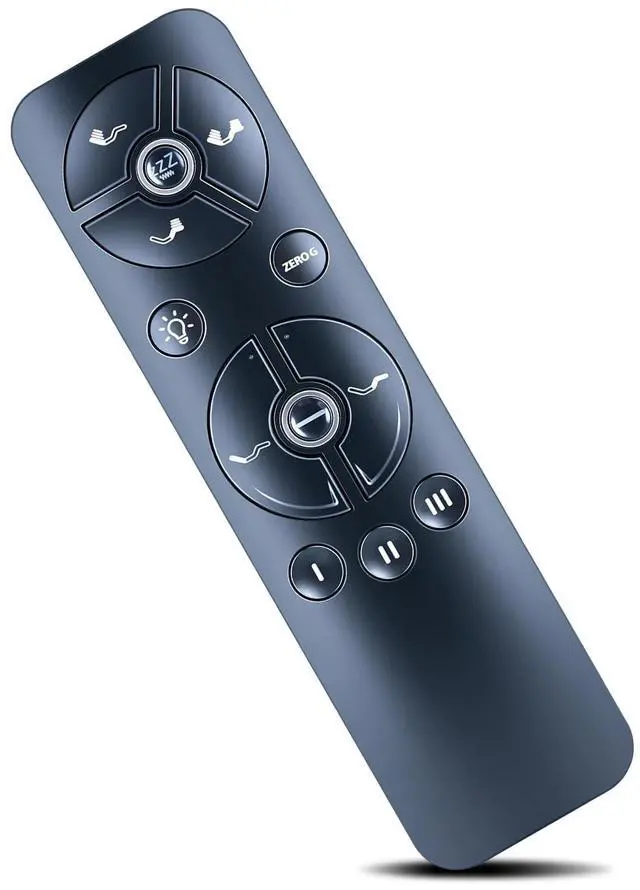
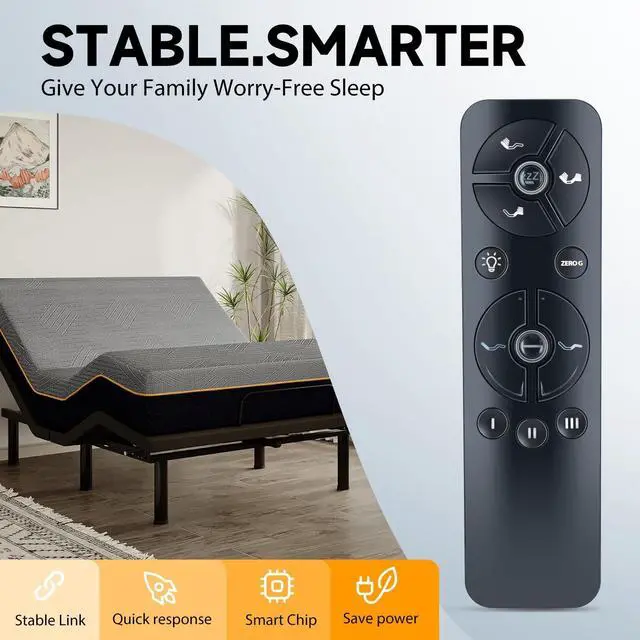
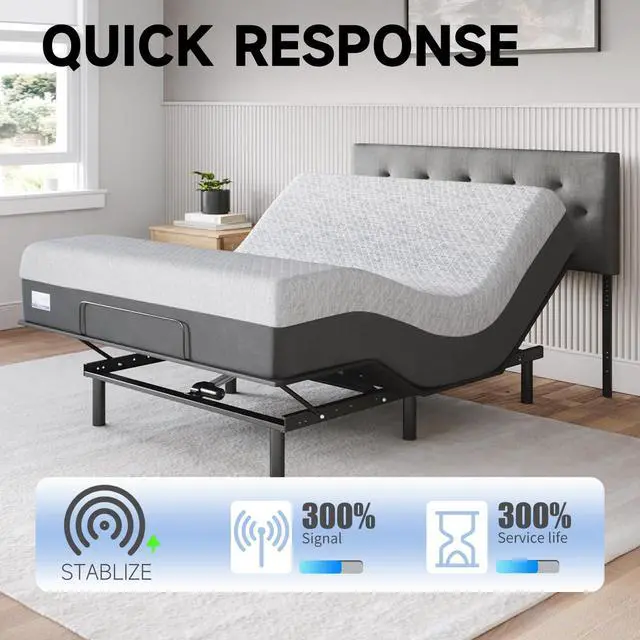
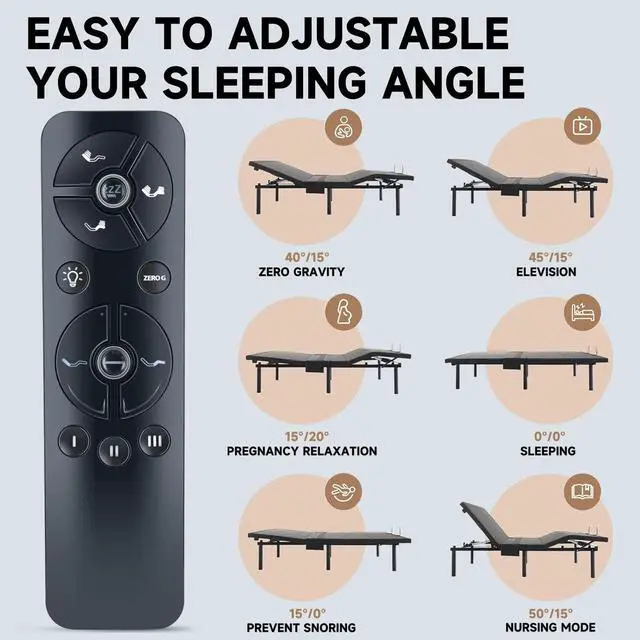
ZWP Remote Control Replacement Compatible for Blissful Nights E4 SBKDP, Pemberly Row, Narcisse, Wayfair, Ergomotion, Sleep Science Q-Series Pro, ZzzenSleep Adjustable Bed
- Compatible with model:Blissful Nights E4 SBKDP, Pemberly Row, Narcisse, Wayfair, Ergomotion, Sleep Science Q-Series Pro, ZzzenSleep Adjustable Bed
- Remote Control Set-up STEP 1: Unplug the adjustable base that is not being programmed. STEP 2: While the bed that is being programmed is plugged in, remove the battery cover on the back of the remote control. STEP 3: Double click the switch on the control box. At this time, the light will illuminate. STEP 4: Press and hold button on the back of the remote. The light will begin to flash. STEP5: Both lights on the Control Box and Remote will be continuous, then simultaneously turn off.
- Additional Step for Cal King and King Split Sets ONLY Complete steps 1 to 5 above if you have not done so already. Move slider switch on back of remote to set which base it will control. For bed A (slide to far left), bed B(slide to far right) or to control both beds A & B simultaneously (slide switch to the middle).Once each remote slideris set - pairing
+
+
Overview
Specs
Reviews
Any questions? Our AI beta will help you find out quickly.
Try me now
Compatible with model: Blissful Nights E4 SBKDP, Pemberly Row, Narcisse, Wayfair, Ergomotion, Sleep Science Q-Series Pro, ZzzenSleep Adjustable Bed ^^
Remote Control Set-up STEP 1: Unplug the adjustable base that is not being programmed.
STEP 2: While the bed that is being programmed is plugged in, remove the battery cover on the back of the remote control.
STEP 3: Double click the switch on the control box. At this time, the light will illuminate.
STEP 4: Press and hold button on the back of the remote. The light will begin to flash.
STEP5: Both lights on the Control Box and Remote will be continuous, then simultaneously turn off. ^^ Additional Step for Cal King and King Split Sets ONLY Complete steps 1 to 5 above if you have not done so already. Move slider switch on back of remote to set which base it will control. For bed A (slide to far left), bed B (slide to far right) or to control both beds A & B simultaneously (slide switch to the middle). Once each remote slideris set - pairing is complete ^^ Brand new Remote Control Made of high-quality ABS, which is wear-resisting and durable, comfortable hand feeling.
Package Included: 1 * Remote Controller (not include the battery) ^^ Any question, Please do not hesitate to contact us before leaving Feedback, We will help you resolve it, Thank you.

Remote Control Set-up STEP 1: Unplug the adjustable base that is not being programmed.
STEP 2: While the bed that is being programmed is plugged in, remove the battery cover on the back of the remote control.
STEP 3: Double click the switch on the control box. At this time, the light will illuminate.
STEP 4: Press and hold button on the back of the remote. The light will begin to flash.
STEP5: Both lights on the Control Box and Remote will be continuous, then simultaneously turn off. ^^ Additional Step for Cal King and King Split Sets ONLY Complete steps 1 to 5 above if you have not done so already. Move slider switch on back of remote to set which base it will control. For bed A (slide to far left), bed B (slide to far right) or to control both beds A & B simultaneously (slide switch to the middle). Once each remote slideris set - pairing is complete ^^ Brand new Remote Control Made of high-quality ABS, which is wear-resisting and durable, comfortable hand feeling.
Package Included: 1 * Remote Controller (not include the battery) ^^ Any question, Please do not hesitate to contact us before leaving Feedback, We will help you resolve it, Thank you.
Warranty & Returns
Warranty, Returns, And Additional Information
Warranty
- Please contact the Seller directly for warranty information. Warranty information may also be found on the Manufacturer's website.
- CONTACT
Return Policies
- Return for refund within: 30 days
- Return for replacement within: 30 days
- This item is covered by GoBeRotie Return Policy
Manufacturer Contact Info
- For a directory of all our manufacturers, please click below.
- Manufacturers Directory
LOADING...