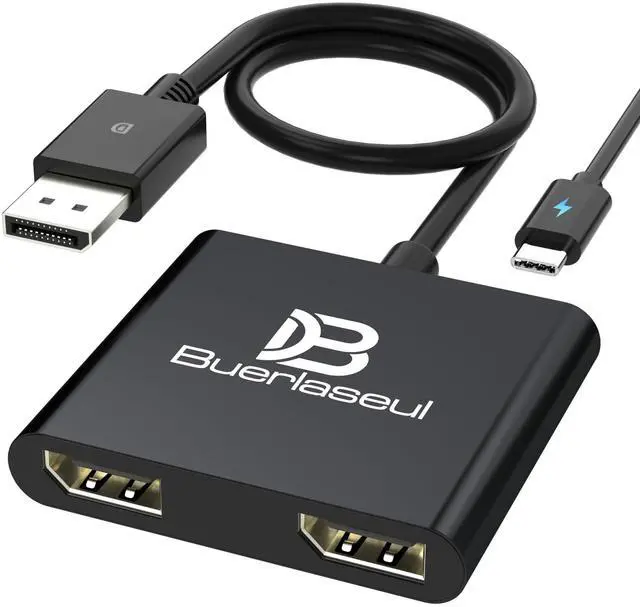
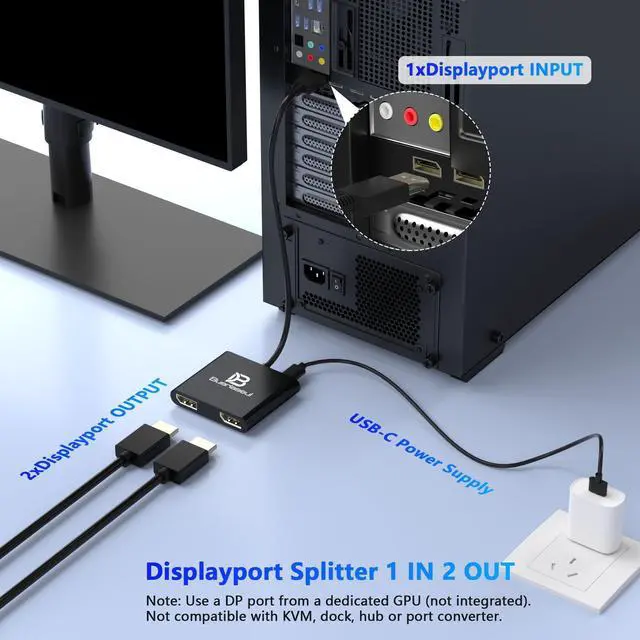
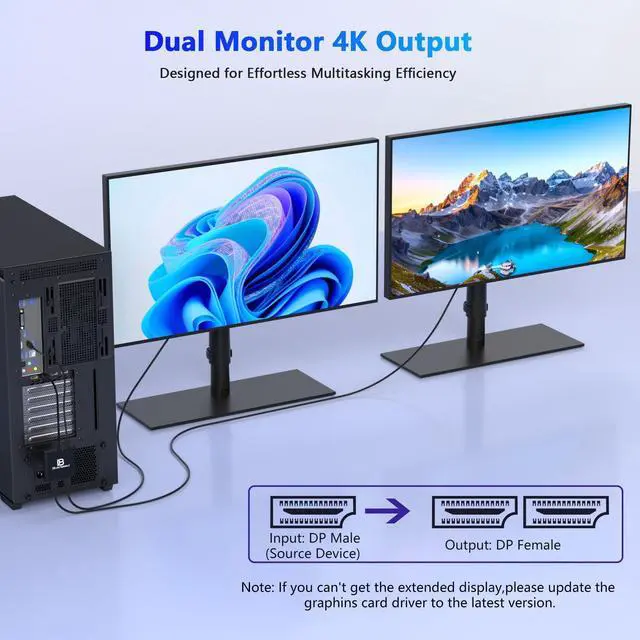
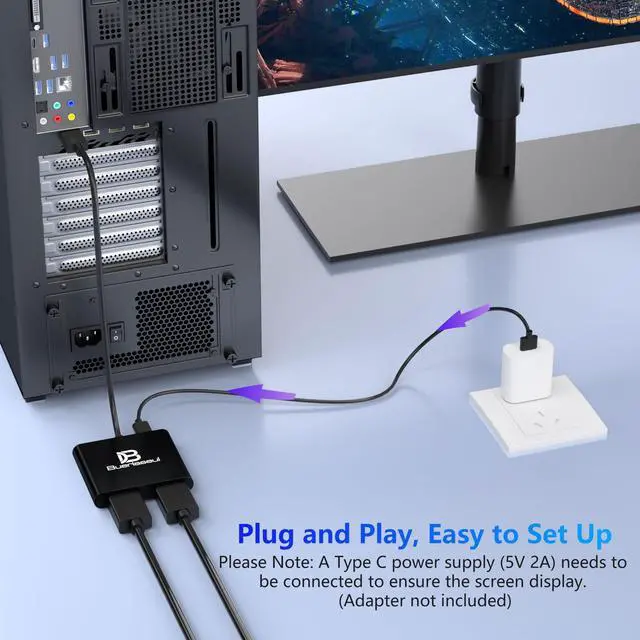
DisplayPort 1 Input to 2 DisplayPort OutputsThis DisplayPort splitter allows you to connect two DP monitors simultaneously from a single DisplayPort on your desktop PC or graphics card. Perfect for expanding your workspace or setting up a dual monitor display. No driver installation required plug and play.
Note: USB-C power (5V/2A) is required for operation as DisplayPort does not provide power. ^^ Supports 4K@120Hz High Resolution & High Refresh RateThis DP MST hub supports up to 4K (38402160) at 120Hz for single monitor output, delivering smooth, clear, and lag-free visuals. Ideal for gaming, video editing, and fast-paced content. Both monitors can run at 4K@60Hz simultaneously when using DP 1.4 with DSC.
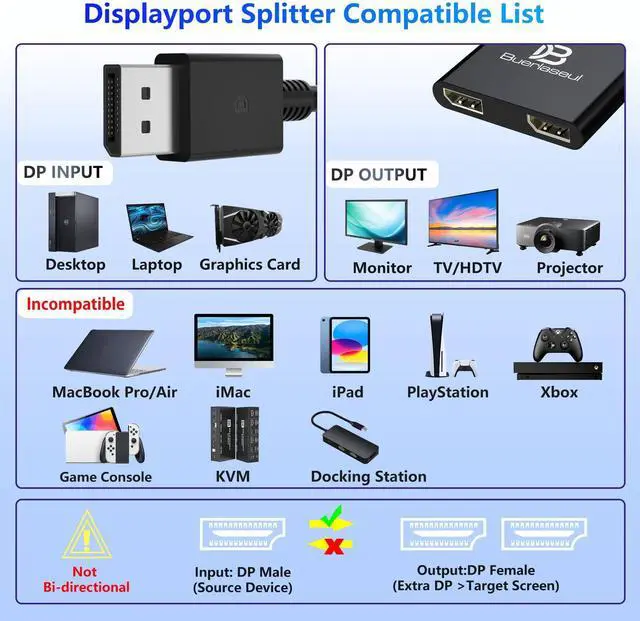
Note: 4K/120Hz requires source, cable, and monitor all supporting 4K/120Hz. ^^ Extended Mode (MST) & Clone Mode SupportedSwitch between extended desktop mode to expand your workspace across two monitors for increased productivity in stock trading, programming, or video editing, or clone mode to display the same image on both monitors for presentations, meetings, or classroom settings. Works perfectly with Windows 11/10. ^^ Designed for Desktop PC & Graphics Card UsersThis DisplayPort splitter is compatible with desktop PCs and graphics cards (AMD, NVIDIA, Intel) that have a DisplayPort 1.2 or higher port with MST support. Works with HP, Dell, Lenovo, and mini PCs like Mini-ITX or Small Form Factor.
Note: Independent graphics card recommended. Integrated graphics may have limited functionality. macOS only supports clone mode, not extended MST mode. ^^ USB Powered + Compact DesignDisplayPort carries video signal only, not power. This DP splitter requires USB-C power (5V/2A) to run the internal MST chip simply connect to a USB-A port on your PC or a phone charger (adapter not included). Compact palm-sized design with a 28cm integrated cable reduces port strain and keeps your setup tidy.
Package includes: DP splitter 1, USB-A to USB-C power cable 1, user manual 1.