• $128.99
  • Free 30-day Returns
  • Price alert
    Shop it at NeweggBusiness.

    Meet Your Seller

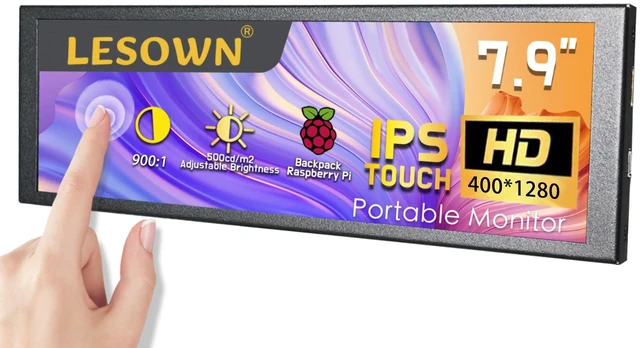
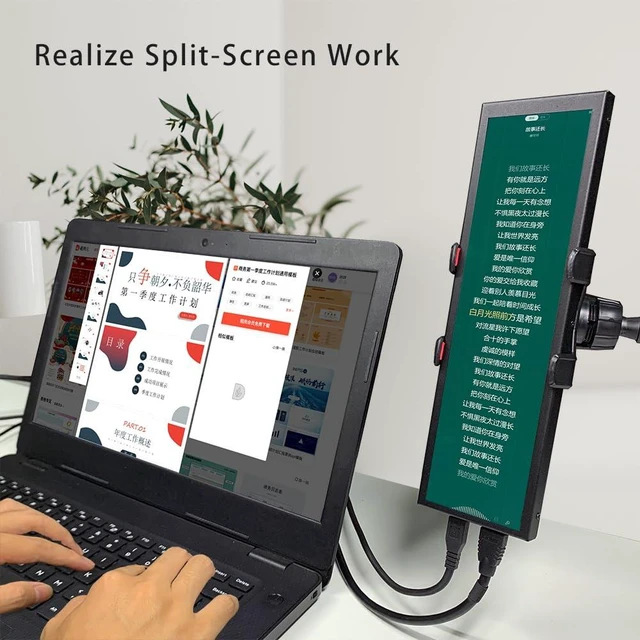
    LESOWN Portable Bar Sub Monitor 7.9 inch Touchscreen LCD IPS 400x1280 mini HDMI USB Long Strip Screen CPU GPU Case Aida64 External Display

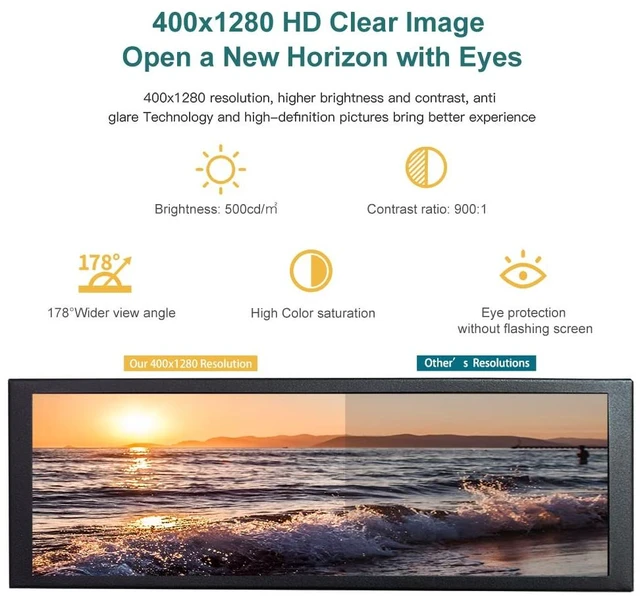
    • IPS Ultra-HD Image Clarity - Ultra-HD 400*1280 high resolution IPS screen, excellent color reproduction and uniformity, brightness 500cd/m, contrast ratio 900:1, show you a superior visual experience. IPS 170 full wider viewing angle suitable for sharing video with multiple people.
    • Compatibility Supports Raspberry Pi 4 3, connecting to the Raspberry Pi requires configuring the resolution. Support Windows system plug and play, no program or software support is required, just make sure your computer has an HDMI port. Adjustable horizontal and vertical screen display in Windows display setting.
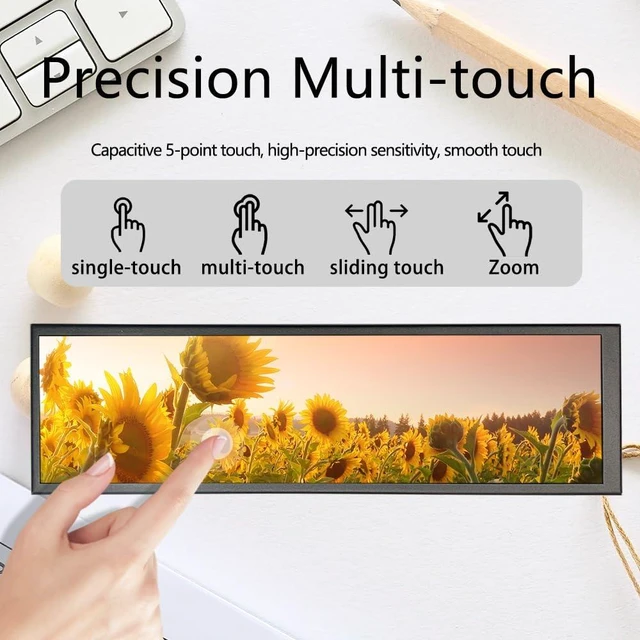
    • Touch Function Multi-point touch function: Supports up to 5 touch points, excellent response; Tempered glass cover.
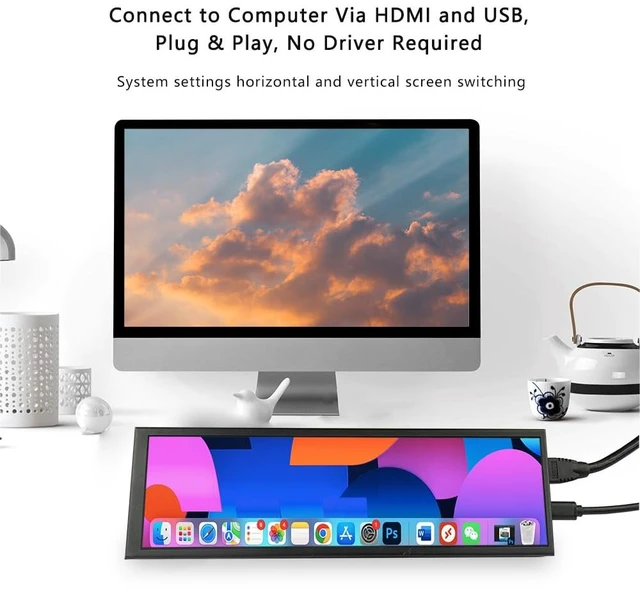
    • Plug & Play. Easy to Use - This is a drive free display monitor. 1xHDMI and 1x USB ports. HDMI supports data and signal transmission, one USB provides power supply, no program or software support required.
    • Portable, Slim & Lightweight - Supports Back-Mounted Raspberr
    +
    +
    Overview
    Specs
    Reviews

    Any questions? Ask CelesteSM will help you find out quickly.

    Specifications

    :
    Model:
    P79-TSize: 7.9 inch
    TFT-LCDLCD Type: IPS
    Resolution: 400*1280Touch
    Function: YesDot
    Pitch: 0.1485 (H) 0.1485 (V)
    Signal Interface: MIPI
    Refresh Rate: 60HzViewing
    Direction: FreeView
    Angle: 170Full
    View AngleSize Ratio: 5:16
    Response Time: 40ms(Typ.
    )(Tr+Tf)Contrast Ratio: 900:1
    Brightness: 500cd/mOutline
    Dimension: 78.8 (W) x 217.6 (H) x 16.5 (T) mmActive
    Area: 59.40 (W) x 190.08 (H) mmColor
    Gamut: 70% NTSC
    Display Colors: 16.7MB
    acklight: WLED( 19.2V (Type.
    ))Connector: 30pins ZIF
    Thickness: 16.5 (mm)
    Display Input: HDMI 1.4A udio
    Out: NOConnect
    to computer: Connect one end of the included HDMI cable to the computer and the other end to the monitor. If the monitor does not have a touch function, the USB cable only provides power for the monitor, just connect it to a computer or a USB adapter (current 0.3A ). If the monitor has a touch function, the USB cable needs to be directly connected to the USB interface with data transmission function of the Windows system host. At this time, the USB cable transmits power and touch signals.
    Please note: Please connect the HDMI cable directly to the native HDMI port of the computer, because the resolution of the display screen is special, not all docking station support 4001280 resolution output.
    Connect to Raspberry Pi: When used on Raspberry Pi, you need to modify the "config. txt"Add the following code to the config.
    txt file: max_usb_current=1hdmi_group=2hdmi_mode=87hdmi_timings=400 0 100 10 140 1280 10 20 20 2 0 0 0 60 0 43000000 3Note: If it is Raspberry Pi 4, you also need to comment out dtoverlay=vc4-fkms-V3D. What's in the box? 1x Portable Monitor1x USB Cable1x HDMI Cable

    Warranty & Returns

    Warranty, Returns, And Additional Information

    Warranty

    • Please contact the Seller directly for warranty information. Warranty information may also be found on the Manufacturer's website.
    • CONTACT

    Return Policies

    • Return for refund within: 30 days
    • Return for replacement within: non-replaceable
    • This item is covered by Aptly Tech Return Policy

    Manufacturer Contact Info

    LOADING...