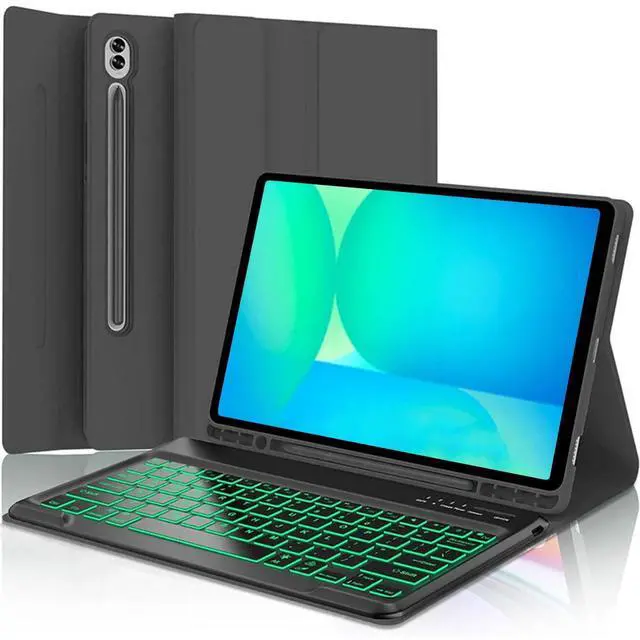
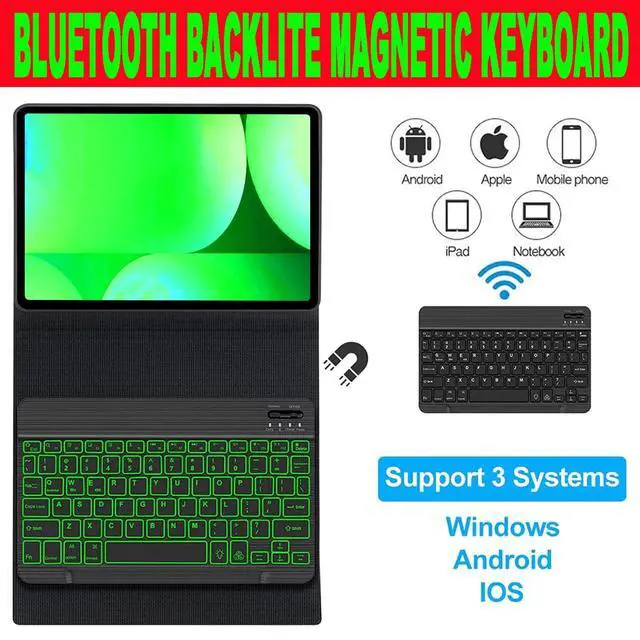
How to connect the Bluetooth keyboard? 1. Open the case, and insert the tablet into the case. 2. Dial ON/OFF button on right direction for opening keyboard, press FN+C into wireless matching condition. (The Bluetooth light blinks slowly) 3. Open bluetooth on device, search keyboard name(Bluetooth Keyboard 3.0 ) for matching device to keyboard4. Click the "Bluetooth Keyboard 3.0" to connect, finish.
Product Features: 1. Magnetic removeable keyboard2. Converts from to stand3. Stylish PU leather Covering/ case4. With front and rear-facing canera holesSpecification: 1.
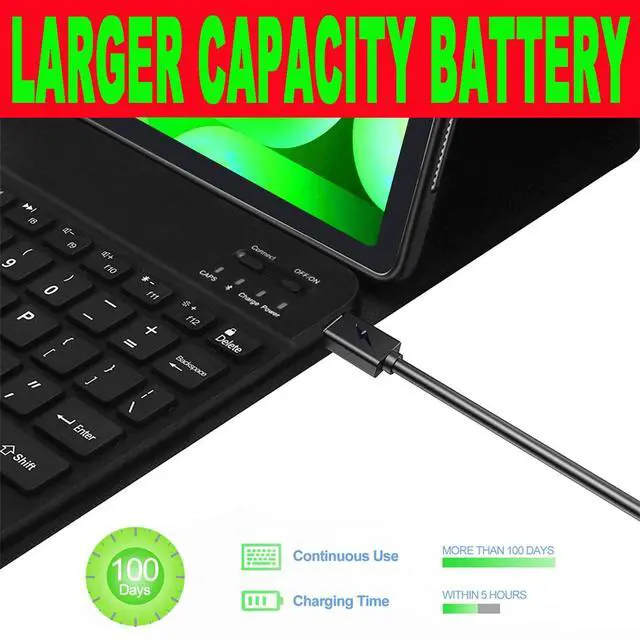
Battery Capacity: 400mAh (2*200mAh) 2.
Voltage: 3.7V 3.
Input Voltage: Type-C USB Charge 5V4.
Standby Time: >100 Days5.
Charging Time: 3-4 Hours6.
Working Time with backlit: About 100 hours7.
Operating Temperature: -20-558.
Storage Temperature: -40-709.
Working Distance: 10M11.
Modulation System: GFSK
Package Included: 1*bluetooth Keyboard Case1* Micro-C USB Charging Cable1*User ManualKind Tips: 1. The keyboard will automatically sleep if you do not use it within 10 minute. 2. Then press any key and wait 2-3 seconds, the device will automatic return the last time you read