Your Browsing History
- Free 30-day Returns
$31.99
Meet Your Seller
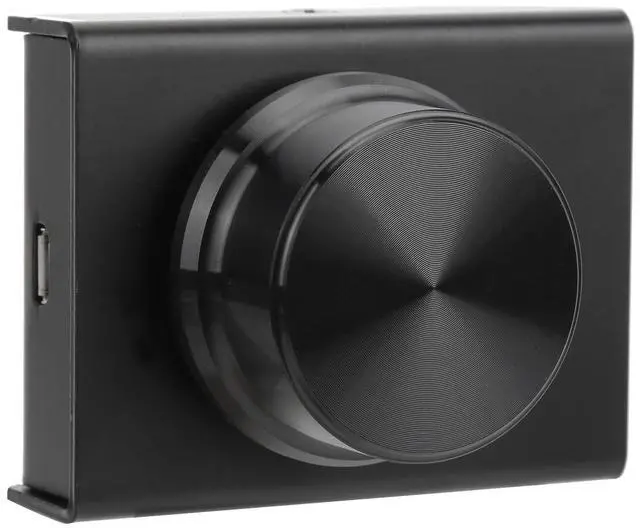
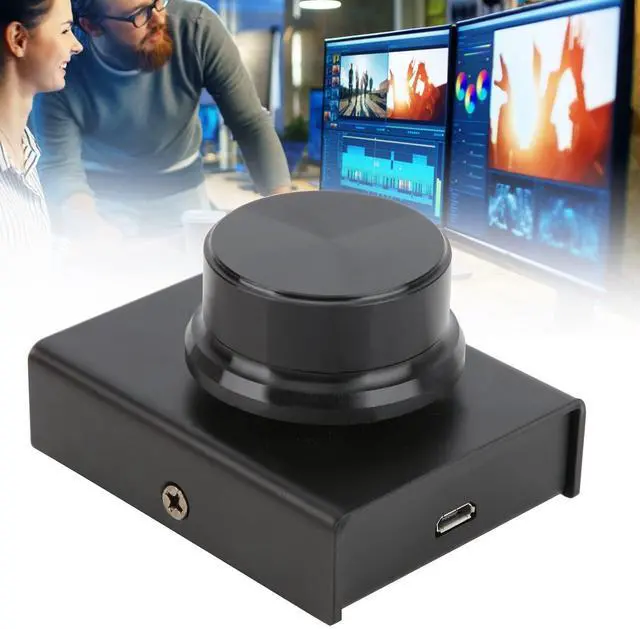
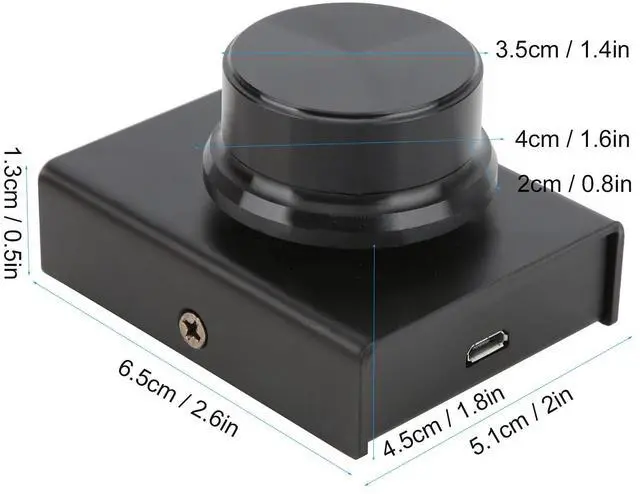
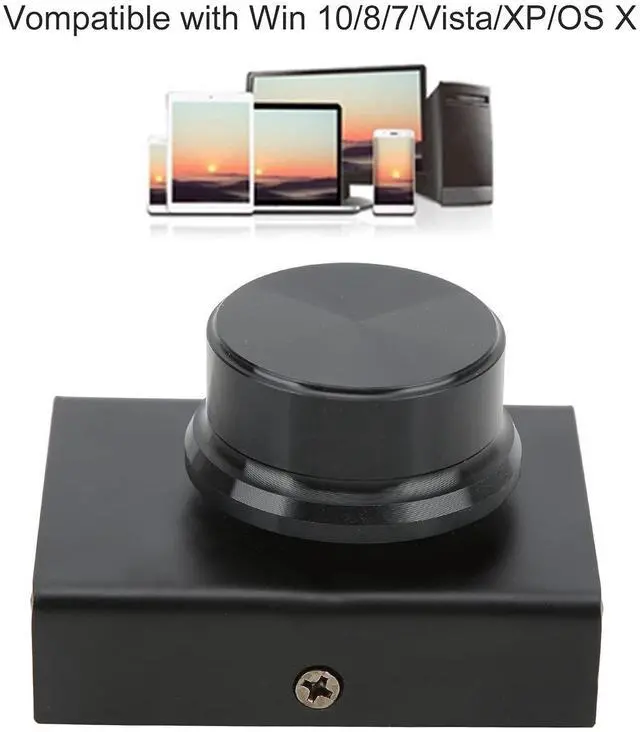
Volume Control Knob, Compatible Volume Remote Controller Knob One Key Mute USB PC Aluminum Alloy for Watching Videos for Playing Games(Black)
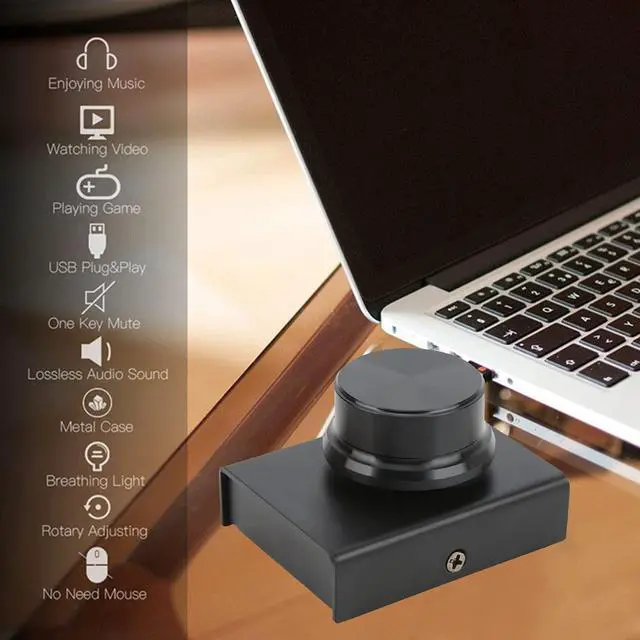
- Support onekey mute function, just press the knob to enter the mute state immediately, press again to restore the sound, simple and convenient to use.
- USB connection, plug and play, once connect computer power, you can turn the knob to easily and quickly adjust the computer's volume.
- The external volume control knob is specially designed for computers and is compatible with Win 10/8/7/Vista/XP/ OS X.
- With metal shell, nonslip pad at the button, sturdy and durable, a good computer volume control knob for watching videos, playing games, etc.
- Equipped with a USB cable, about 2 meters/6.6 feet long, suitable for use with a desktop or laptop computer.
+
+
Overview
Specs
Reviews
Any questions? Our AI beta will help you find out quickly.
Try me now
Feature: 1. Support onekey mute function, just press the knob to enter the mute state immediately, press again to restore the sound, simple and convenient to use. 2. USB connection, plug and play, once connect computer power, you can turn the knob to easily and quickly adjust the computer's volume. 3. The external volume control knob is specially designed for computers and is compatible with Win 10/8/7/Vista/XP/ OS X. 4. Equipped with a USB cable, about 2 meters/ 6.6 feet long, suitable for use with a desktop or laptop computer. 5. With metal shell, nonslip pad at the button, sturdy and durable, a good computer volume control knob for watching videos, playing games, etc.
How to Use: 1. Press down to switch the silent mode. 2. Press counterclockwise to switch to the previous song; press clockwise to switch to the next song. 3. Increase the volume counterclockwise and decrease the volume clockwise.
Specification: Item
Type: USB
Volume Control KnobMaterial: Aluminum alloyCable
Length: Approx. 2meters / 6.6 ftPackage
List: 1 xUSB Volume Control Knob1 x USB Cable1 x User Manual

How to Use: 1. Press down to switch the silent mode. 2. Press counterclockwise to switch to the previous song; press clockwise to switch to the next song. 3. Increase the volume counterclockwise and decrease the volume clockwise.
Specification: Item
Type: USB
Volume Control KnobMaterial: Aluminum alloyCable
Length: Approx. 2meters / 6.6 ftPackage
List: 1 xUSB Volume Control Knob1 x USB Cable1 x User Manual
Warranty & Returns
Warranty, Returns, And Additional Information
Warranty
- Please contact the Seller directly for warranty information. Warranty information may also be found on the Manufacturer's website.
- CONTACT
Return Policies
- Return for refund within: 30 days
- Return for replacement within: 30 days
- This item is covered by Detail Driven Return Policy
Manufacturer Contact Info
- For a directory of all our manufacturers, please click below.
- Manufacturers Directory
LOADING...