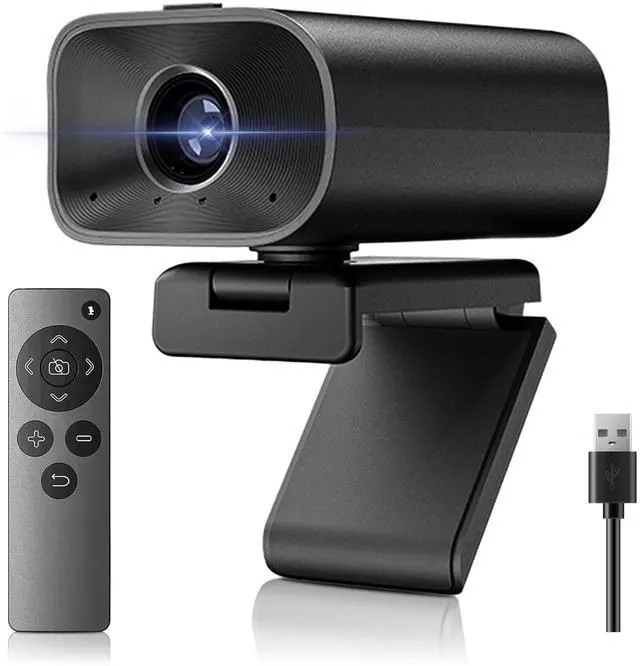
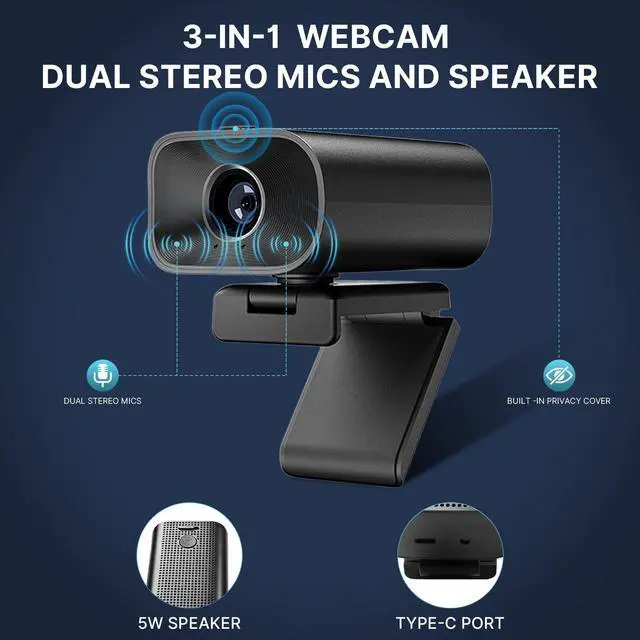
ALL-IN-ONE WEBCAM WITH DUAL MICROPHONES AND BUILT-IN 5W SPEAKER Combines a camera, microphone, and speaker into one compact device, freeing up valuable desk space. Ideal for small workspaces, remote workers, and on-the-go meetings. Equipped with dual omnidirectional microphones and a built-in 5W speaker, it delivers crystal-clear sound and smooth, detailed videoperfect for Zoom, Teams, Skype, and other platforms. ^^ BUILT-IN SPEAKER AND 5X DIGITAL ZOOM with 90 WIDE-ANGLE WEBCAM- Upgrade your meetings with a professional conference webcam offering clear, true-to-life video. Clear Enough for Calls.
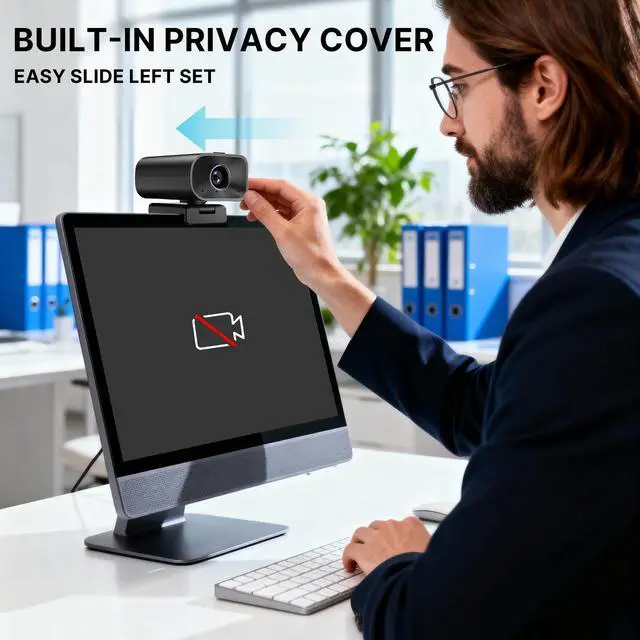
The integrated speaker provides clear audio for video meetings and voice calls. The fixed 90 field of view ensures balanced framing for individuals and small groups, while the 5X digital zoom provides close-up details for presentations, classes, and virtual meetings. ^^ BUILT-IN SLIDE PRIVACY COVER FOR SECURE USE&2 HIGH-SENSITIVITY MICROPHONES Your privacy matters. The integrated sliding cover lets you close the lens instantly with a simple left slideno need for extra accessories. Keeps your workspace private and secure when the camera is not in use, suitable for both home and office environments.
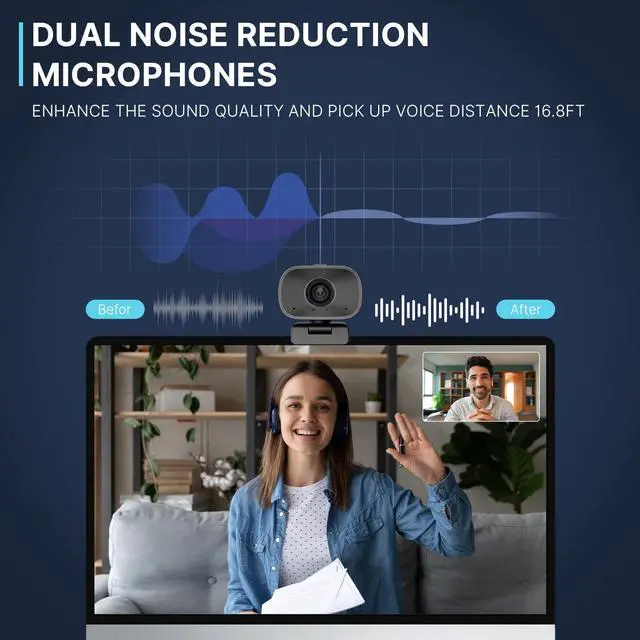
Built-in noise-reduction microphone ensures your voice sounds crisp and stable during callsno distortion and no interruptions. ^^ 180 HORIZONTAL & 360 ROTATING BASE, LIGHTWEIGHT AND EASY TO MOUNT REMOTE CONTROL INCLUDED, ONE-TOUCH MUTE & CAMERA OFFThe flexible base provides 180 horizontal adjustment and full 360 rotation, helping you find the perfect viewing angle. Compact, lightweight, and easy to install on laptops, monitors, or tripodsideal for professional or mobile setups. Manage audio, video, and camera settings effortlessly with the remote control. Perfect for professional meetings, online teaching, and home office use.
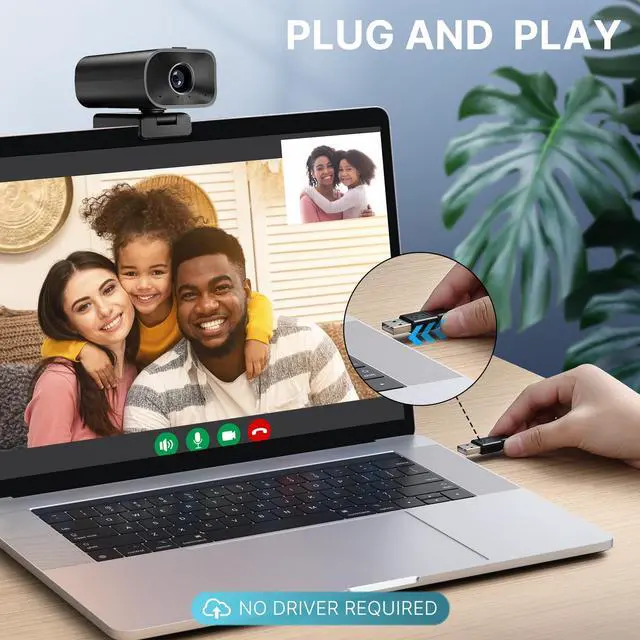
^^ PLUG-AND-PLAY COMPATIBILITY ACROSS MULTIPLE DEVICES Works seamlessly with Windows and macOS, and supports popular conferencing software such as Zoom, and OBS. Connect easily via USB-Cno drivers or additional setup required. Perfect for offices, classrooms, and home video calls. ^^ Please note before first use, please slide the lens switch on the top of the camera to open the lens privacy cover. If the lens cover is closed, the computer may detect the camera, but the screen will remain black. Next, go to your computers camera or privacy settings and locate the camera named FDC.
Please make sure the camera is selected and permission is granted. Once enabled, the camera will work normally. Please note that the camera toward large single-color backgrounds, mirrors, or overly dark/bright lighting conditions to ensure optimal image