• $91.99
  • Free 30-day Returns
  • Price alert
    Sold by HyperCore

    Shipped by HyperCore

    Shop it at NeweggBusiness.

    Meet Your Seller

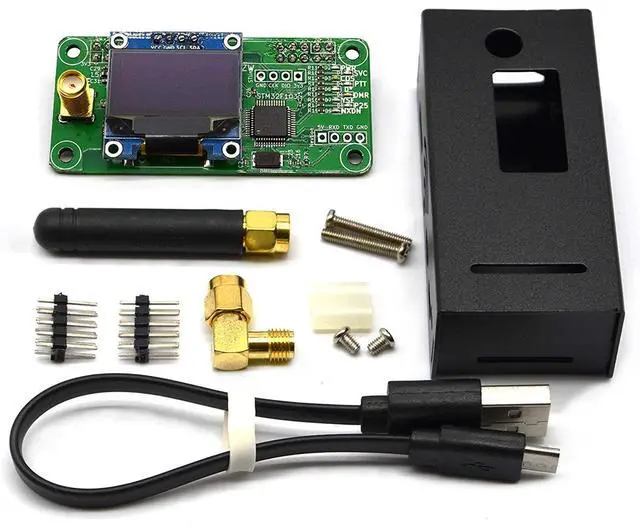
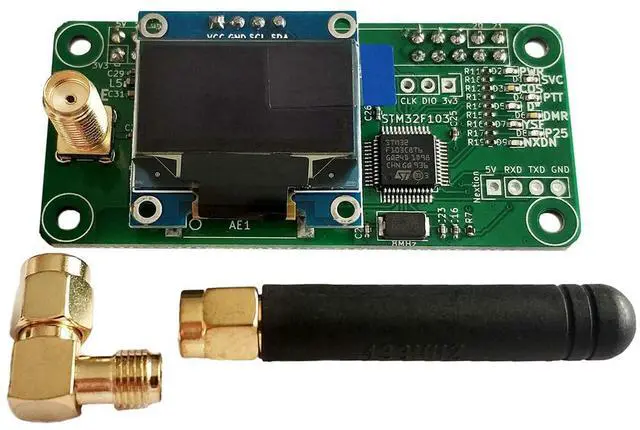
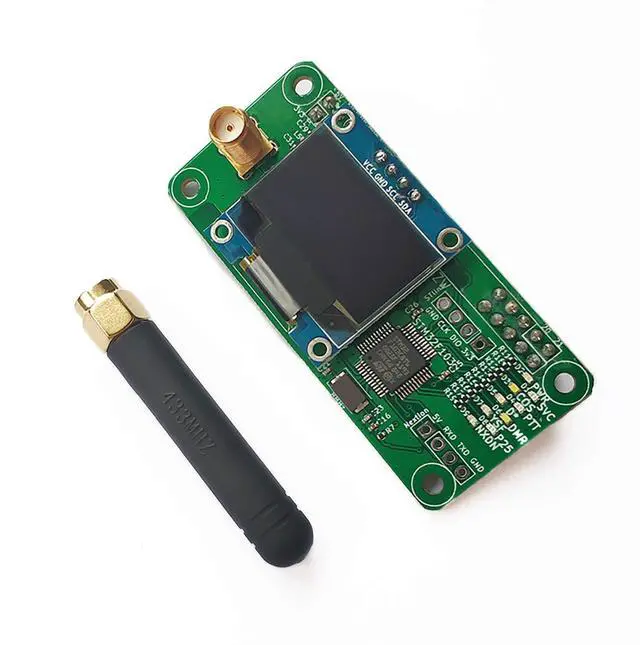
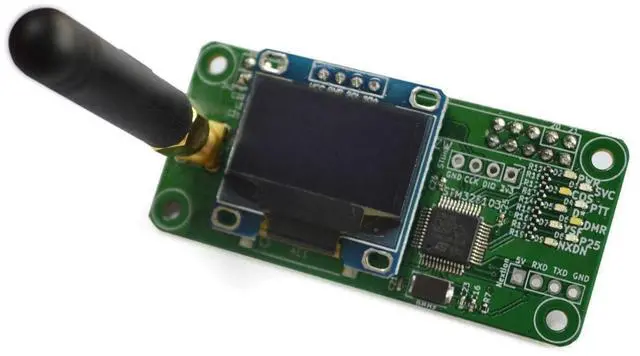
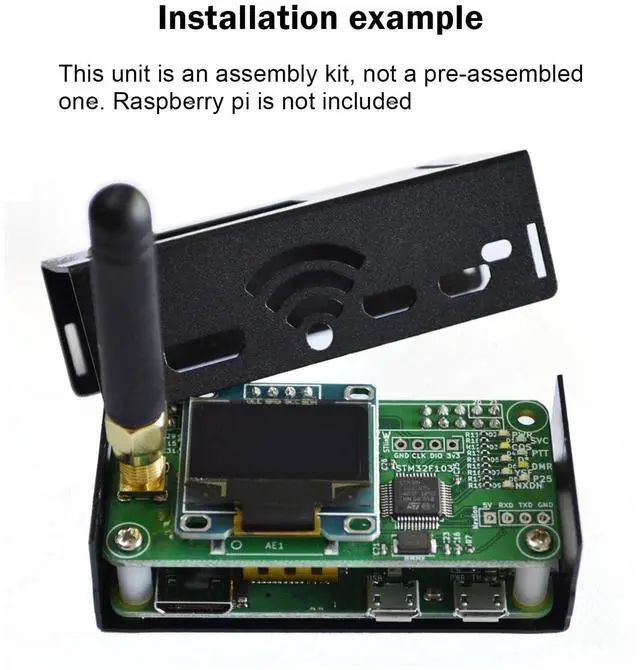
    AURSINC MMDVM Hotspot Hat Board(V1.5.2) with UHF 433MHz Antenna OLED Display Aluminium Case, MMDVM Pi Hat for Raspbery Pi 3 4 3B 3B+ Zero W Zero 2W Digital Hotspot Ham Radio(Raspberry pi not Included)

    • MMDVM hotspot supports UHF VHF, frequency range: 144MHz-148MHz, 420MHz-475MHz, 842MHz-950MHz (depending on ADF7021 and TCXO, HAT firmware amateur radio brand license restrictions)
    • Aursinc mmdvm hat supports Raspberry Pi 4, 3B, 3B +, Pi Zero W, Pi Zero 2W, compatible with NanoPi NEO, Orange Pi, compatible with BlueDV (requires USBtoTTL or Bluetooth model). Great way to roll your own hotspot. Added a Pi Zero 2W, power supply, microSD, and loaded with WPSD. You will have a great simple hotspot, great way to help learn about DMR
    • Firmware Update: If the Raspberry fails to connect the hotspot board, please try update the firmware of the hotspot board by conducting the command: sudo pistar-mmdvmhshatflash hs_hat(How to Update MMDVM_HS for WPSD 1.6.1: jumbo5566.github.io)
    • [Multifunction] Hotspot board saves electricity, High quality TCXO, stable, low BER. Support MMDVM mode DMR / YSF / P25 / NXDN / DSTAR / POCSAG. Support online upgrade, User-friendly OLED and Nextion special design l
    +
    +
    Overview
    Specs
    Reviews
    avatar

    Any questions? Our AI beta will help you find out quickly.

    MMDVM hotspot supports UHF VHF, frequency
    range: 144MHz-148MHz, 420MHz-475MHz, 842MHz-950MHz (depending on ADF7021 and TCXO, HAT firmware amateur radio brand license restrictions) ^^ Aursinc mmdvm hat supports Raspberry Pi 4, 3B, 3B +, Pi Zero W, Pi Zero 2W, compatible with NanoPi NEO, Orange Pi, compatible with BlueDV (requires USBtoTTL or Bluetooth model). Great way to roll your own hotspot. Added a Pi Zero 2W, power supply, microSD, and loaded with WPSD. You will have a great simple hotspot, great way to help learn about DMR ^^
    Firmware Update: If the Raspberry fails to connect the hotspot board, please try update the firmware of the hotspot board by conducting the command: sudo pistar-mmdvmhshatflash hs_hat(How to Update MMDVM_HS for WPSD 1.6.
    1: jumbo5566. github. io) ^^ [Multifunction] Hotspot board saves electricity, High quality TCXO, stable, low BER. Support MMDVM mode DMR / YSF / P25 / NXDN / DSTAR / POCSAG. Support online upgrade, User-friendly OLED and Nextion special design location, reserved for additional installation of Bluetooth modules ^^ When connecting the MMDVM board to a RPi 4, please
    note: If it works normally, no additional settings are required. If the SVC indicator does not flash, choose one of these methods (refer to the product diagram):
    1. Remove the R1 resistor on the hotspot board.
    2. Cut off the 2 RPi pin headers on the corners of the board ^^ [Note] Please refer to this website to test whether your device can receive or transmit signals: m7spi. co. uk/mmdvmcal/. If you encounter that the device cannot connect to network after setup, please kindly contact us. We will help resolve this issue

    Warranty & Returns

    Warranty, Returns, And Additional Information

    Warranty

    • Please contact the Seller directly for warranty information. Warranty information may also be found on the Manufacturer's website.
    • CONTACT

    Return Policies

    • Return for refund within: 30 days
    • Return for replacement within: 30 days
    • This item is covered by HyperCore Return Policy

    Manufacturer Contact Info

    LOADING...