Weather Alert: Severe winter storms may impact delivery times in some regions. We appreciate your patience as carriers work to deliver orders as quickly as possible. UPS Service Alerts.
  • $75.99
  • Free 30-day Returns
  • Price alert
    Sold by FortressTek

    Shipped by FortressTek

    Shop it at NeweggBusiness.

    Meet Your Seller

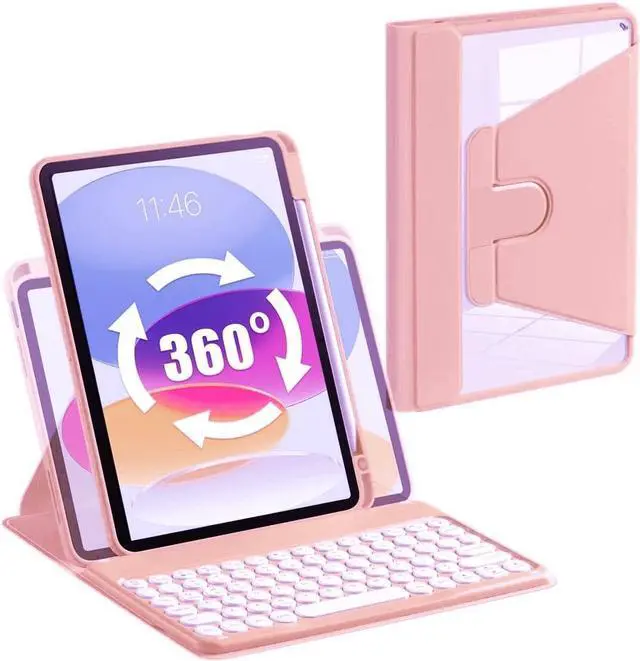
    AnMengXinLing Keyboard Case for iPad 9th/8th /7th Generation, Rotating Case for iPad 10.2 2021/2020/2019 with Keyboard, Detachable Round Keys Clear Cover with Pencil Holder, Pink

    • keyboard case for iPad 10.2 inchSpecifically designed for iPad 9th Generation 2021 (A2602/A2603/A2604/A2605), for iPad 8th Generation 2020 (A2270/A2428/A2429/A2430),for iPad 7th Generation 2019 (Model Number: A2197/A2200/A2198) 10.2" Tablet.
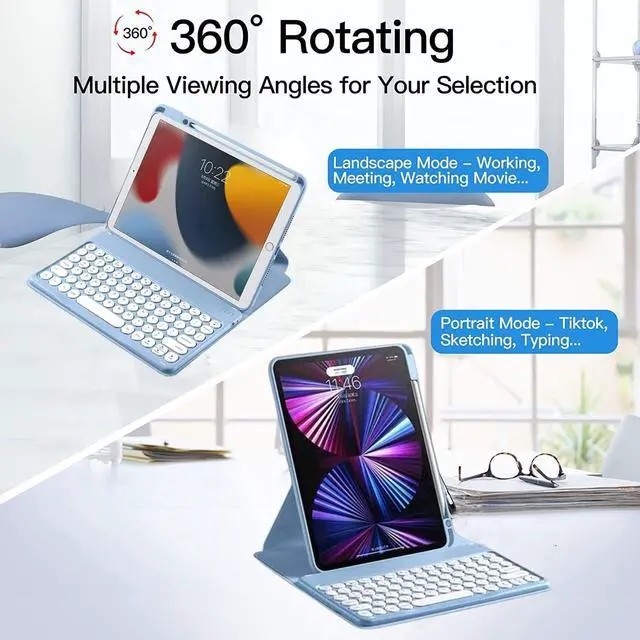
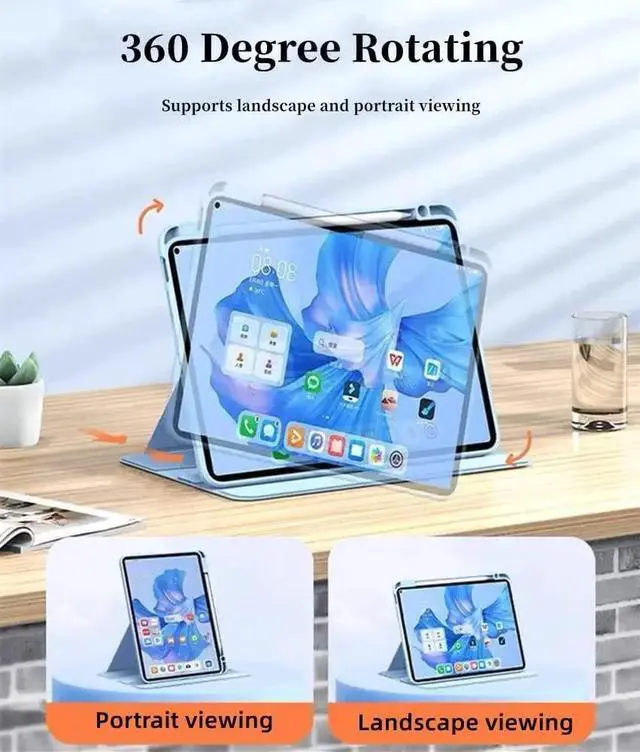
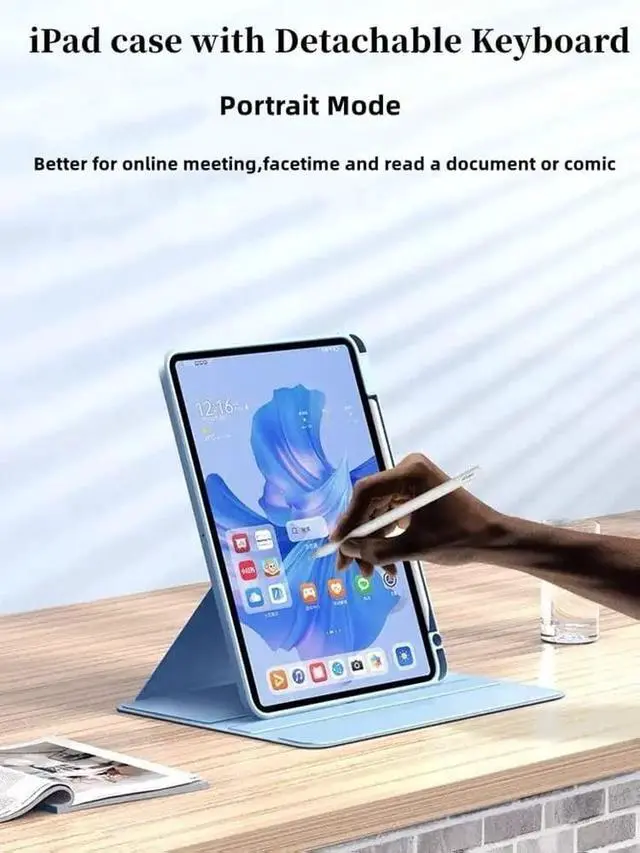
    • Clear Case 360 Rotating360 degree rotating case converts into a stand that rotates between portrait and landscape.And the crystal transparent clear hard shell back cover will show your original tablet beauty
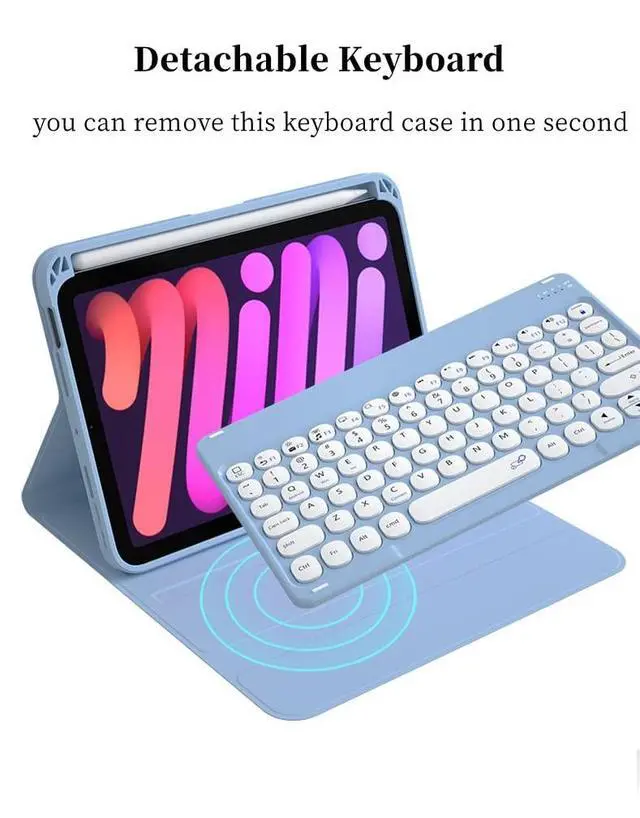
    • Magnet Detachable KeyboardThe magnetic wireless keyboard is removable and moveable to make it easy to put the iPad and keyboard in a comfortable position. Round Keys make your keyboard is Unique and Attractive.
    • Built-in Pencil Holder This ipad keyboard case is comes with Pencil Holder, you can use your Pencil whenever you want and never get lost easily. (Pencil is NOT included).
    • Best Gift for College Students/Women/Menwhether you're a blogger, writer, designer, professional or student, 10.2 inch keyboard with Rotatable Case offers y
    +
    +
    Overview
    Specs
    Reviews
    avatar

    Any questions? Our AI beta will help you find out quickly.

    Rotating Case with Keyboard for iPad 10.2 Inch 2021/2020 iPad 9th/8th Generation & 2019 iPad 7th Generation Tablet 360 Degree Smart Protective Stand Keyboard case With Pencil HolderHow to
    Connect the iPad: Step 1. Switch On/Off to On to turn your keyboard on. Step 2. Press the Fn + C keys together to enter pairing mode. please press"Fn""C"together. Step 3. Verify your devices Bluetooth settings are on. Select Settings - Bluetooth - On. Step 4. Select Bluetooth Keyboard from your devices list of available devices to complete pairing. Step 5. Select Bluetooth Keyboard, the indicator will turn off after successfully paired.
    NOTE: the case with plastic film, please remove it before you use the ipad case.

    Warranty & Returns

    Warranty, Returns, And Additional Information

    Warranty

    • Please contact the Seller directly for warranty information. Warranty information may also be found on the Manufacturer's website.
    • CONTACT

    Return Policies

    Manufacturer Contact Info

    LOADING...