Your Browsing History
- Free 30-day Returns
$62.99
Meet Your Seller
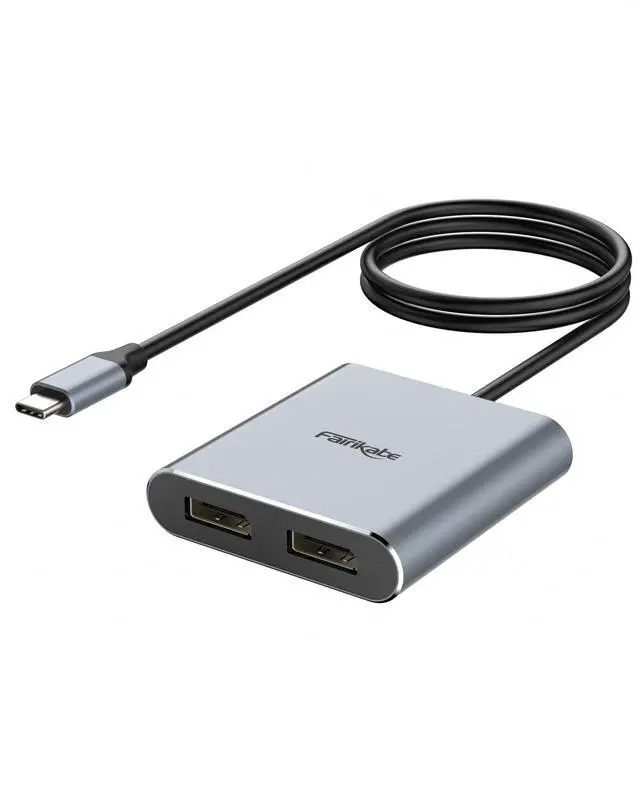
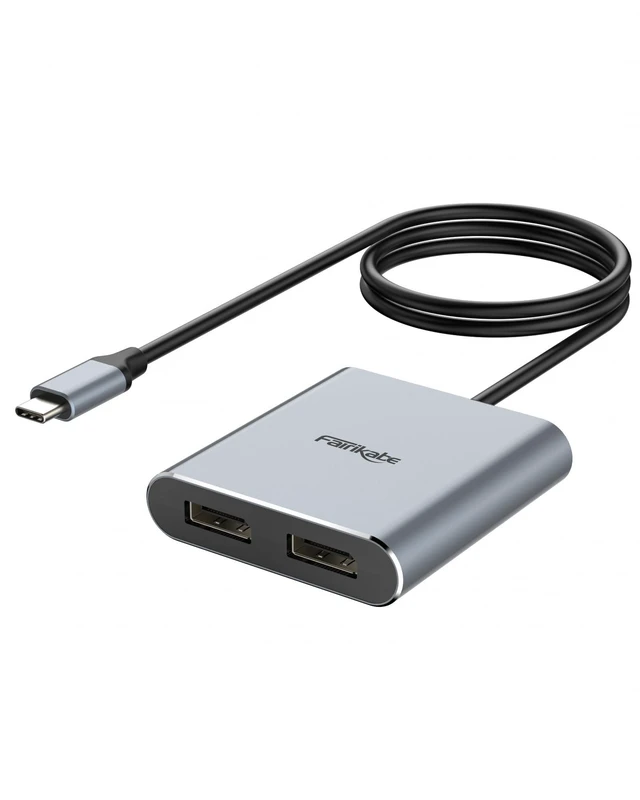
fairikabe USB C to Dual DisplayPort MST Hub Splitter, Dual 4K 60Hz USB Type C to 2X DisplayPort 1.2 Adapter for Windows Laptop PC, Compatible with Thunderbolt 3
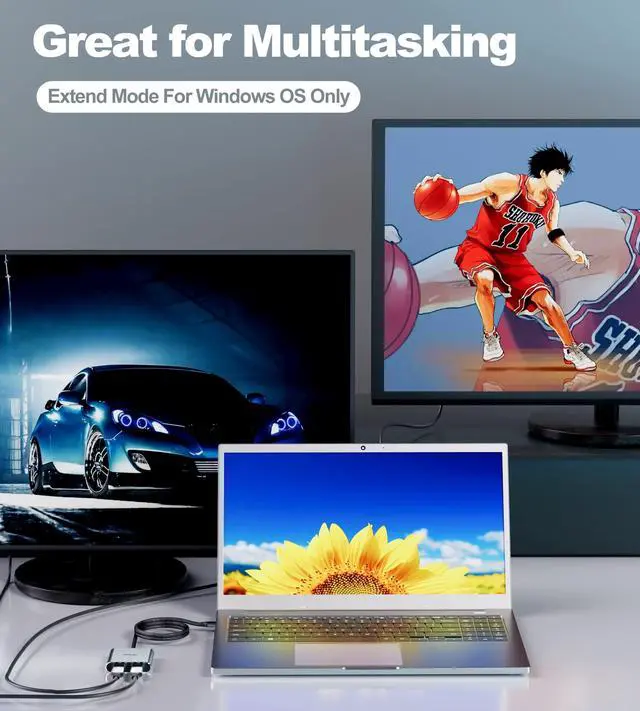
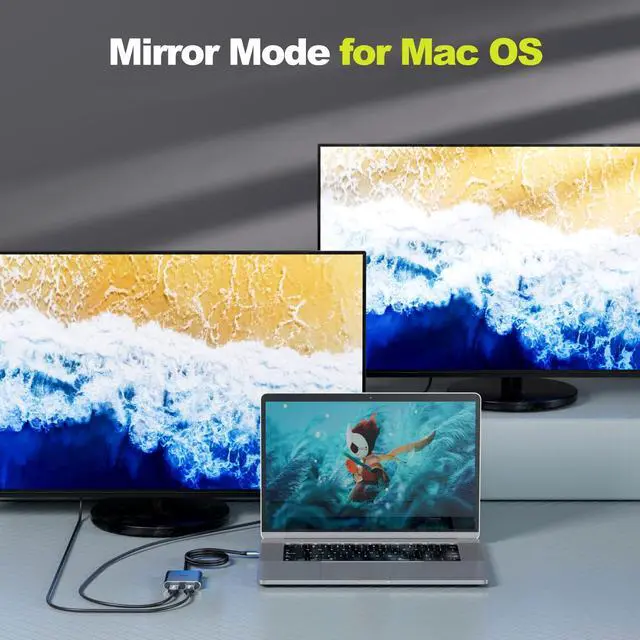
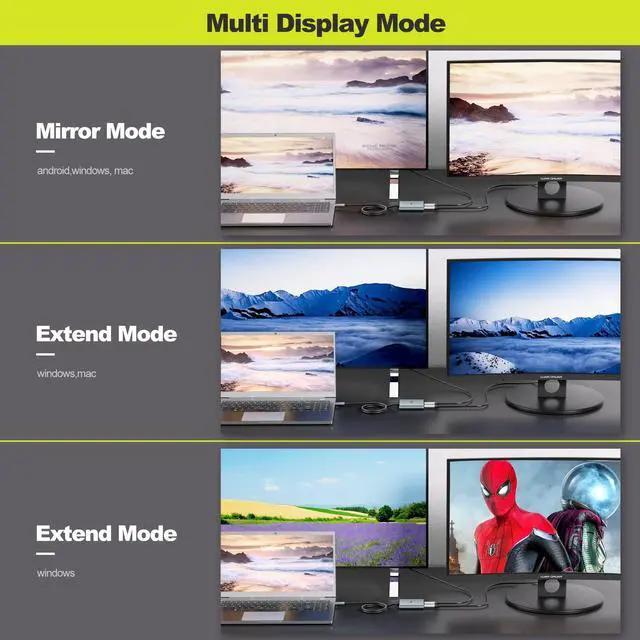
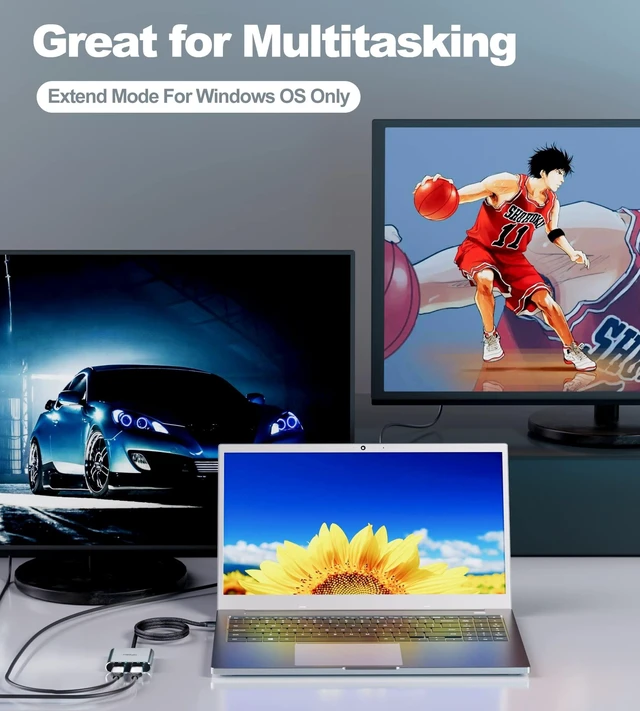
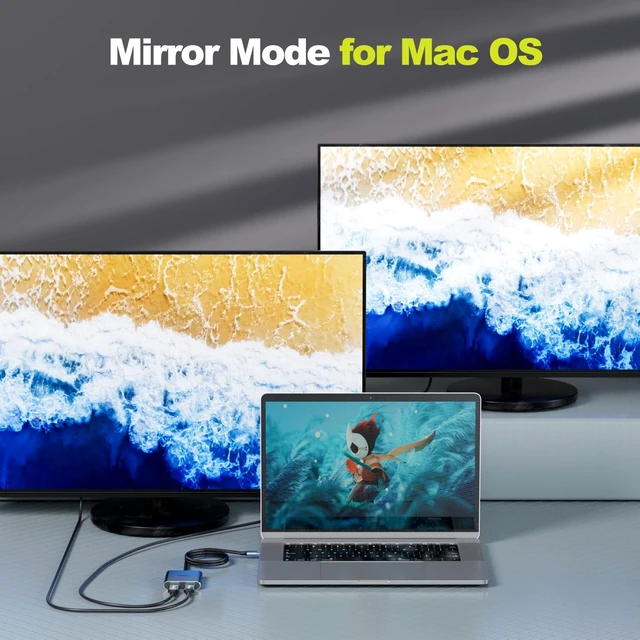
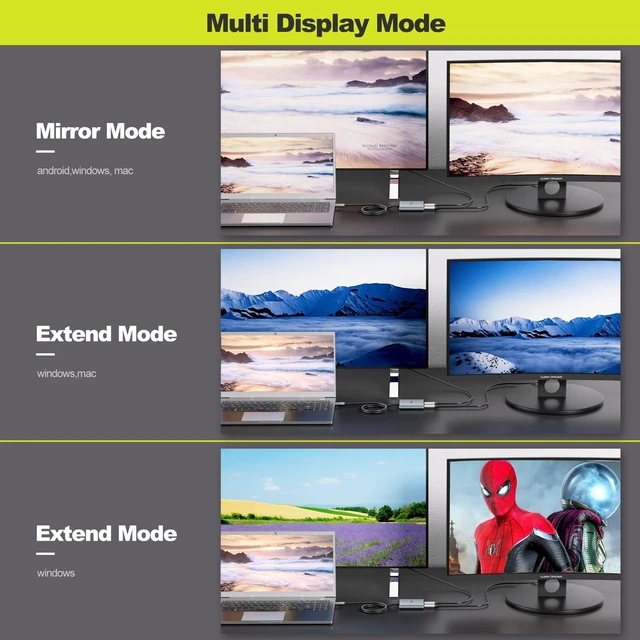
- Important Notes: For this USB C to DisplayPort adapter, 1)USB-C port must support DisplayPort Alt Mode (DP Alt Mode, not all USB-C ports/systems support Alt Mode functionality. 2) MST mode (Extended displays) only for Windows OS, Mac OS only support SST mode and will only mirror the dual displays *To achieve the max resolution of 4K@60Hz for dual monitors, please note the dual displayport monitors need to support DSC and 4K 60Hz and the computer's DP output port is DP 1.4
- Triple Displays: Connect this USB C to dual displayport adapter via a single USB-C or thunderbolt 3 port on your laptop, to mirror or extend two additional monitors.
- Dual 4K@60Hz: This USB Type C to multi display MST hub, convenient to drive dual 4K@60Hz, 4K@30Hz or dual 1080p@60Hz DisplayPort monitors using a USB-C DP Alt-Mode port. * To get 2 4K60Hz displays, require your USB-C port support DP Alt Mode 1.4, and monitors must support corresponding resolution.
- Widely Compatibility: This USB C to DisplayPort a
+
+
Overview
Specs
Reviews
Any questions? Our AI beta will help you find out quickly.
Try me now
Important Notes: For this USB C to DisplayPort adapter, 1)USB-C port must support DisplayPort Alt Mode (DP Alt Mode, not all USB-C ports/systems support Alt Mode functionality. 2) MST mode (Extended displays) only for Windows OS, Mac OS only support SST mode and will only mirror the dual displays *To achieve the max resolution of 4K@60Hz for dual monitors, please note the dual displayport monitors need to support DSC and 4K 60Hz and the computer's DP output port is DP 1.4 ^^
Triple Displays: Connect this USB C to dual displayport adapter via a single USB-C or thunderbolt 3 port on your laptop, to mirror or extend two additional monitors.
^^ Dual 4K@60Hz: This USB Type C to multi display MST hub, convenient to drive dual 4K@60Hz, 4K@30Hz or dual 1080p@60Hz DisplayPort monitors using a USB-C DP Alt-Mode port. * To get 2 4K60Hz displays, require your USB-C port support DP Alt Mode 1.4, and monitors must support corresponding resolution.
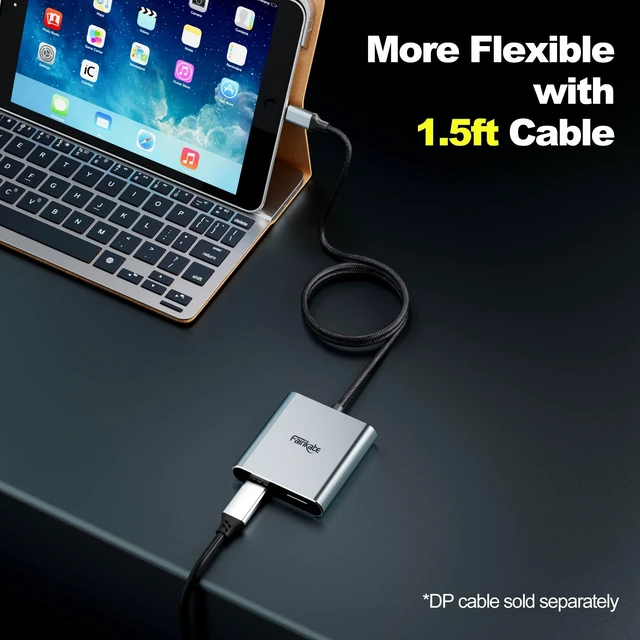
^^ Widely Compatibility: This USB C to DisplayPort adapter compatible with USB-C (Thunderbolt 3) devices such as Dell, Lenovo, Acer, HP & More (Make sure USB-C port supports video output). 1.5 feet length cable bring more flexibility for you.
^^ Plug and Play: No driver required for this USB C to DP hub, SST and MST for windows, SST for Mac M1 only (mirror display). With this USB C to dual display port splitter, you can easily realize triple display (including the laptop display).

Triple Displays: Connect this USB C to dual displayport adapter via a single USB-C or thunderbolt 3 port on your laptop, to mirror or extend two additional monitors.
^^ Dual 4K@60Hz: This USB Type C to multi display MST hub, convenient to drive dual 4K@60Hz, 4K@30Hz or dual 1080p@60Hz DisplayPort monitors using a USB-C DP Alt-Mode port. * To get 2 4K60Hz displays, require your USB-C port support DP Alt Mode 1.4, and monitors must support corresponding resolution.
^^ Widely Compatibility: This USB C to DisplayPort adapter compatible with USB-C (Thunderbolt 3) devices such as Dell, Lenovo, Acer, HP & More (Make sure USB-C port supports video output). 1.5 feet length cable bring more flexibility for you.
^^ Plug and Play: No driver required for this USB C to DP hub, SST and MST for windows, SST for Mac M1 only (mirror display). With this USB C to dual display port splitter, you can easily realize triple display (including the laptop display).
Warranty & Returns
Warranty, Returns, And Additional Information
Warranty
- Please contact the Seller directly for warranty information. Warranty information may also be found on the Manufacturer's website.
- CONTACT
Return Policies
- Return for refund within: 30 days
- Return for replacement within: non-replaceable
- This item is covered by Aptly Tech Return Policy
Manufacturer Contact Info
- For a directory of all our manufacturers, please click below.
- Manufacturers Directory
LOADING...