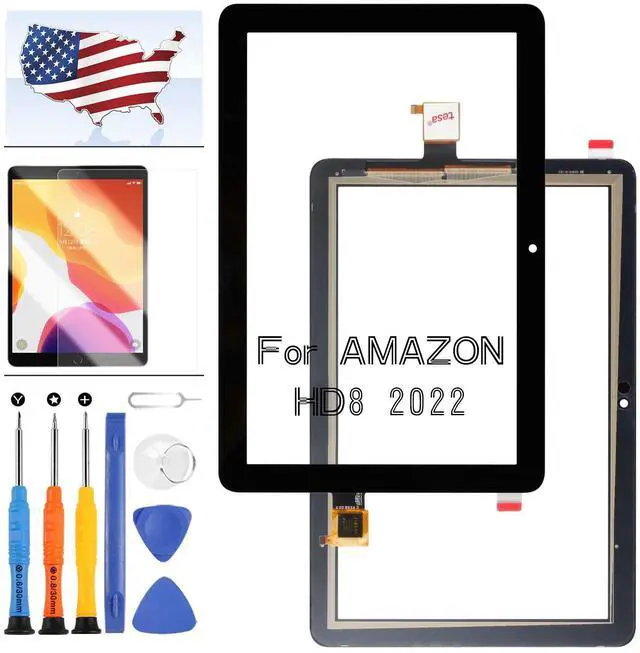
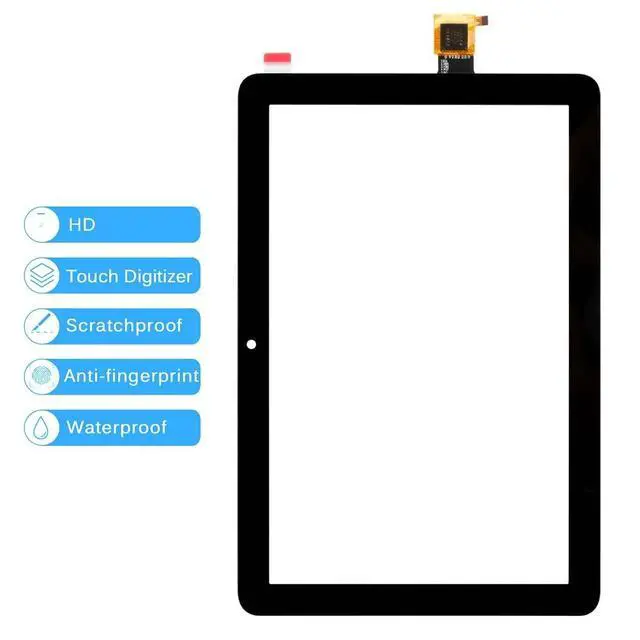
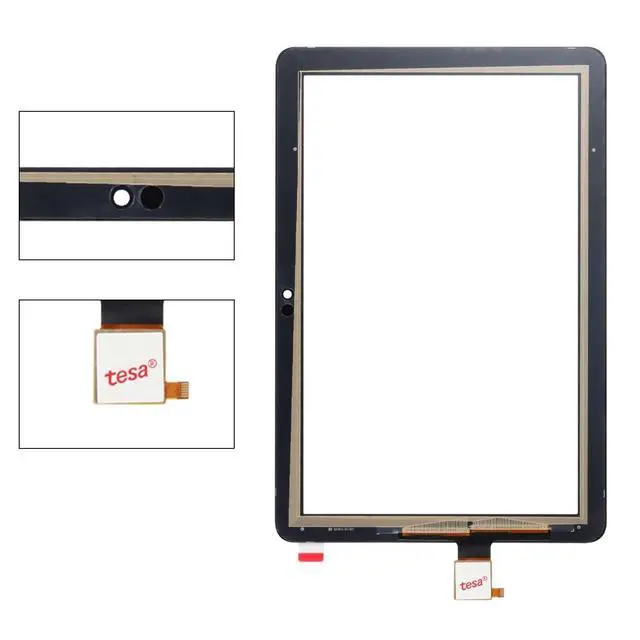
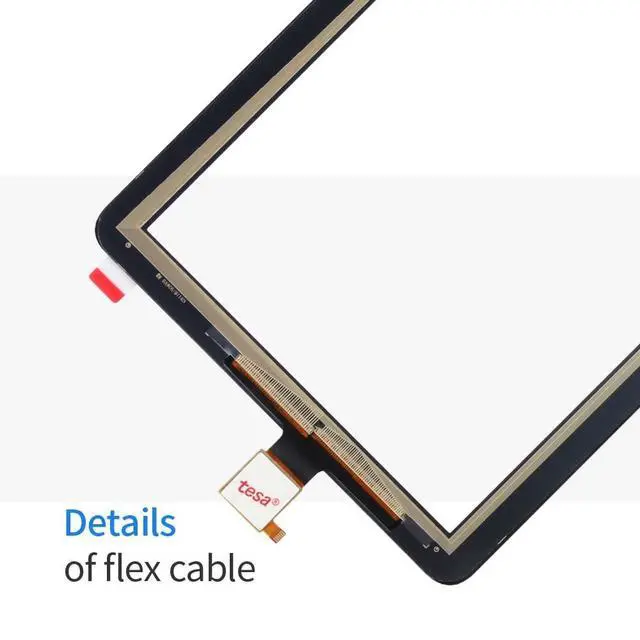
PLEASE NOTE: Screen for Kindle Fire HD 8 /HD 8 Plus 12th Gen 2022 Touch Screen Replaccement for Kindle Fire Tablet HD8 /HD8 Plus 12th Gen 2022 Digitizer Panel Front Glass
Lens T805S R2SP8TInstallation: Here are some tips during installation: 1. Please disconnect the battery flex cable from the device before installing the new screen. Failure to do will result in the screen not turning on. 2. Do not apply pressure to the corners of the LCD panel. 3. The screws are all different lengths, make sure they are reinstalled back into its original location. 4. Please check the LCD and make sure the flex cable is in good condition and there is no debris on the connector. 5. Be gentle to the flex cable connectors when removing and installing them. DO NOT over-bend or use excessive force which can tear the flex cable.
Problem Solution: If problems occur after installation, for
example: cannot turn on, no touch, no home button function, flashing, lines on screen etc. Please make sure flex cable connectors are properly connected to the logicboard and double check all flex cables is in good condition. Then turn off and on the phone.
Package Include: 1 x Kindle Fire HD 8 /HD 8 Plus 12th Gen 2022 Touch Screen Replacement Kit1 x Repair Tools Set1 x Adhesive