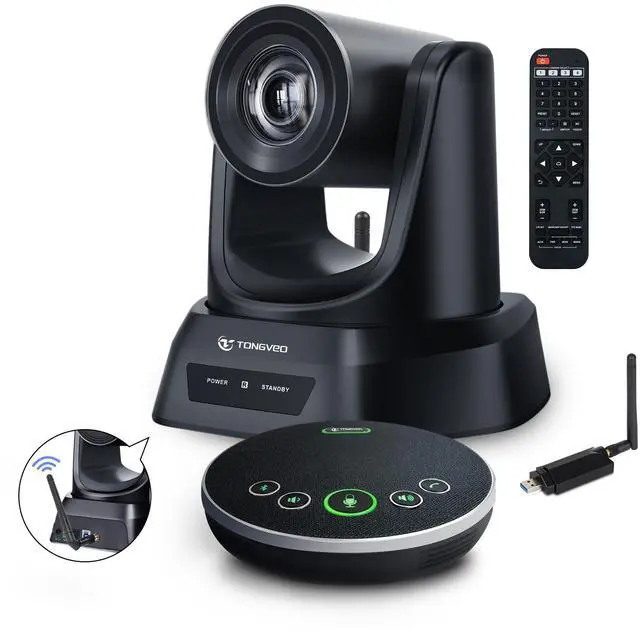
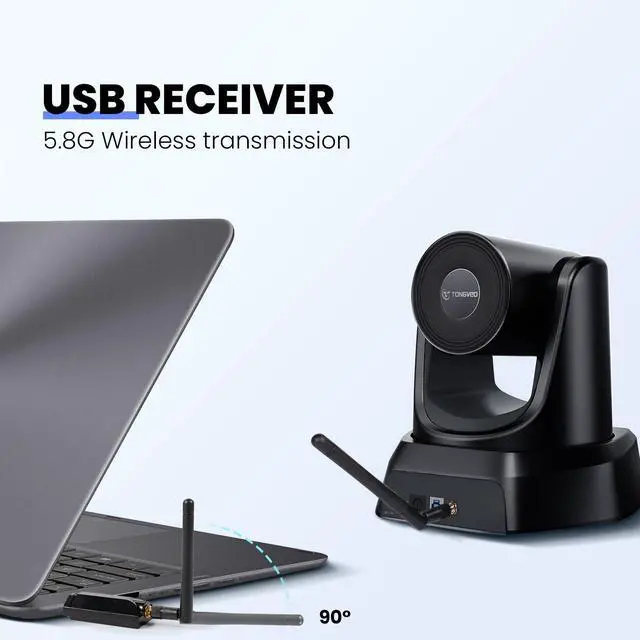
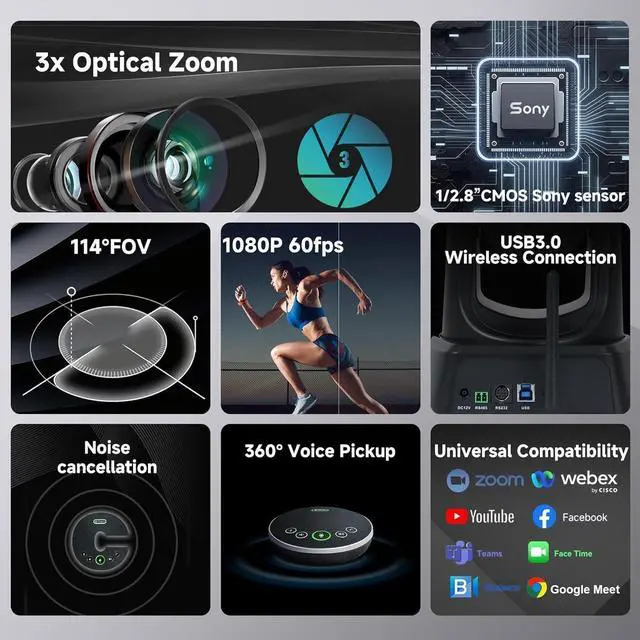
3X 5.8G WIRELESS 1080P 60FPS USB 3.0 PTZ camera Bundle with Speakerphone offers Easier Video and Audio Solutions. TONGVEO wireless live streaming camera comes with a 5.8GH z USB receiver, for a 50ft transmission range allowing for flexibility in positioning. so you can expect clear, undistorted online working. The speakerphone provides 360 voice enhancement while effectively eliminating background noise, ensuring a professional and distraction-free business conference experience. ^^ EASY TO SET UP AND MULTIPLE WAYS OF CONTROLLING. Installation is fast with easy plug and play, no time is wasted, automatically recognized by the computer without the need to install drivers.
Anyone can easily set up this Wireless camera and control video conferencing, launching a video meeting with a wireless connection. It can be controlled by our remote, standard PTZ camera joystick RS485, or RS232 interface, and mainstream conference software (UVC 1.1 ). ^^ 3X WIRELESS CAMERA WITH DUPLEX DESIGN SPEAKERPHONE. A 5.8GH z wireless PTZ camera ensures a stable and interference-free connection. It could move quickly from one preset to another to capture the entire conference space. Ideal solution for small or medium group business meetings. It is also a good choice for streaming your church services to host online meetings and lecturing.
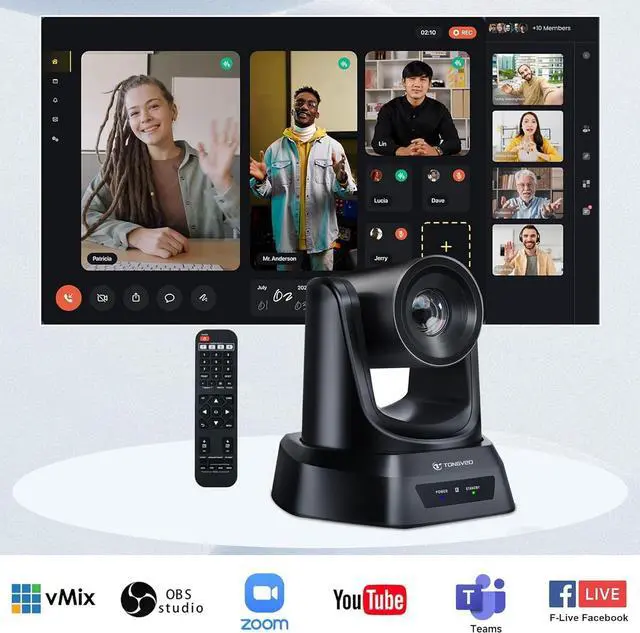
^^ FULL HD VIDEO CONFERENCING WIRELESS EQUIPMENT SYSTEM. Conduct your Hybrid meetings with the TONGVEO 3X wireless PTZ conference camera system. Pan Tilt Camera with 114 wide field of view with no video distortion. Offers better video and audio solutions. Elevate your collaboration efforts with superior sound and picture quality for enhanced productivity. Launch video and audio meetings easily at video calls, video conferences, online courses, Telemedicine, remote training, remote interviews, etc. ^^ COMPATIBLE WITH PC, MAC, LAPTOP, AND POPULAR CONFERENCE APPS. TONGVEO 3X wireless PTZ camera system is compatible with Windows XP, Vista, and 7/8 / 8.1 / 10, 11Mac 10.4 or higher, it's suitable for laptops, LCDs, or monitors.
Our video conference PTZ camera system could work with any online conferencing software: Zoom, WebEx, GoToMeeting, BlueJeans, etc. ^^ Tongveo WIRELESS PTZ Camera Offers Various
Mounting Options: This camera can be easily installed on a desk, monitor, wall, tripod, or even upside-down on the ceiling. It comes complete with a DC 12V power adaptor, a 5.8GH z USB receiver, an IR remote control, a user manual, a USB cable, as well as brackets and screws for installation. ^^ For a wireless connection, attach the camera's antenna to the rear wireless port and another antenna to the PCs dongle. Connect the antenna and dongle, then plug them into a USB port. After installing the camera and antennas, open the video conferencing software, select the camera, and start the meeting. It's normal for the wireless connector to heat up after long use. After unplugging and cooling down, it should work normally. Each receiver is uniquely paireddisassembling it may prevent wireless connection.





 here!
here!