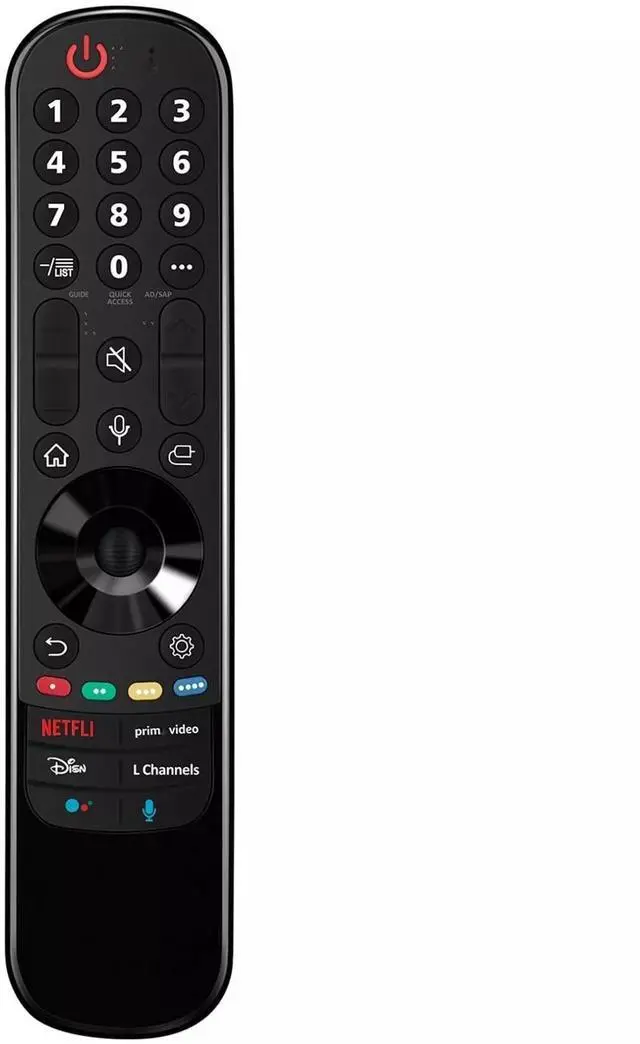
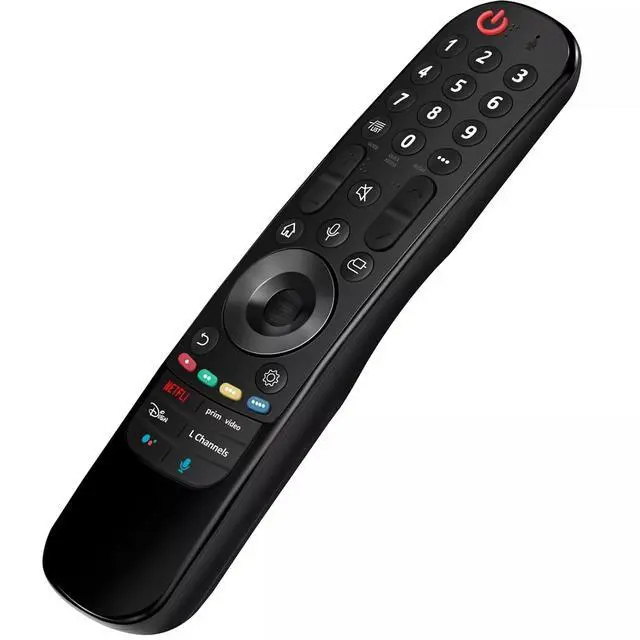
Replacement Remote Control Controller For LG 82UP8770PUA 82", 86UP8770PUA 85" 4K Smart UHD TV (2021) Compatible with LG 4K Smart
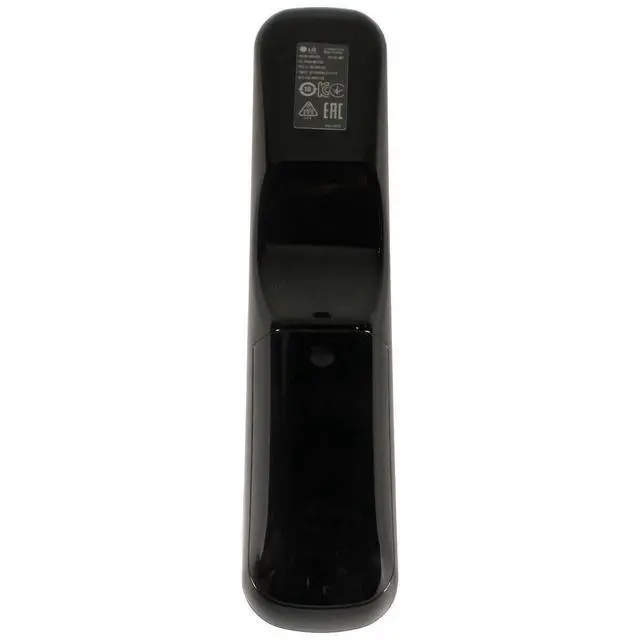
OLED TV models: OLED48A1AUA OLED48A1PUA OLED48C1AUB OLED48C1PUB OLED55A1AUA OLED55A1PUA OLED55B1PUA OLED55C1AUB OLED55C1PUA OLED55C1PUB OLED55G1PUA OLED65A1AUA OLED65A1PUA OLED65B1PUA OLED65C1AUA OLED65C1AUB OLED65C1PUB OLED65G1PUA OLED77A1AUA OLED77A1PUA OLED77B1PUA OLED77C1AUA OLED77C1AUB OLED77C1PUB OLED77G1PUA OLED83C1AUA OLED83C1PUA RCLLGEMR21GA R-C-LLGEMR21GAPower Supply: 2X 1.5V
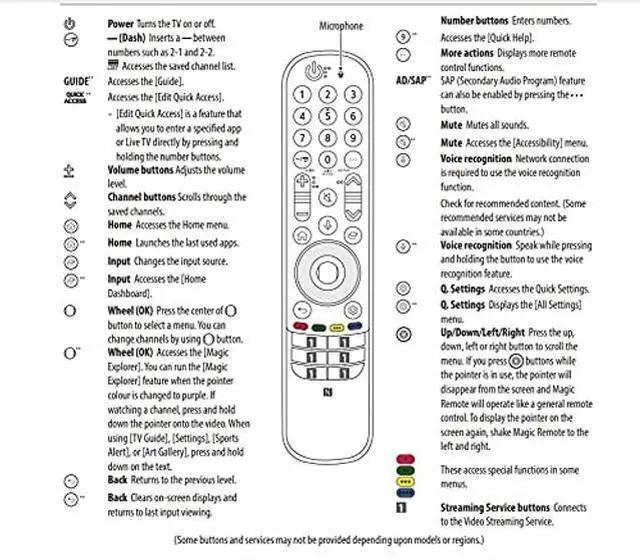
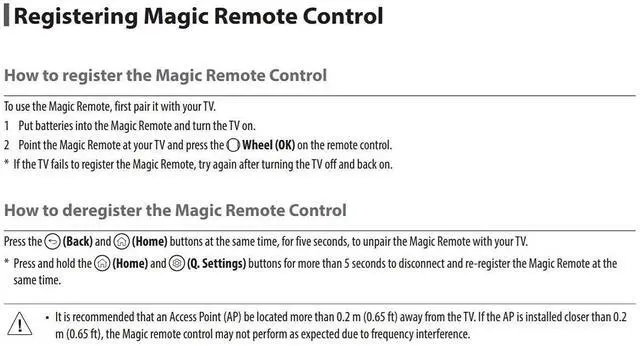
AA Alkaline BatteryPackage Content: 1X Remote Control (Battery and User Manual Not Included) ***************How to register the Magic Remote ControlTo use the Magic Remote, first pair it with your TV. 1 Put batteries into the Magic Remote and turn the TV on. 2 Point the Magic Remote at your TV and press the Wheel (OK) on the remote control. * If the TV fails to register the Magic Remote, try again after turning the TV off and back on. ***************How to deregister the Magic Remote ControlPress the (Back) and (Home) buttons at the same time, for five seconds, to unpair the Magic Remote with your TV. * Press and hold the (Home) and (Q. Settings) buttons for more than 5 seconds to disconnect and re-register the Magic Remote at the same time.





 here!
here!