

Your Browsing History
- Free 30-day Returns
$213.99


Meet Your Seller

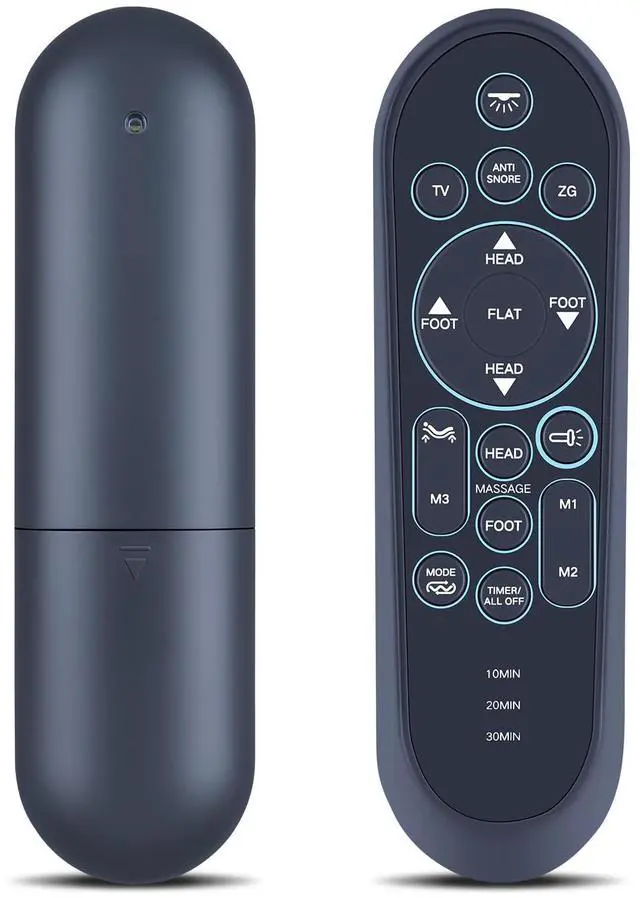
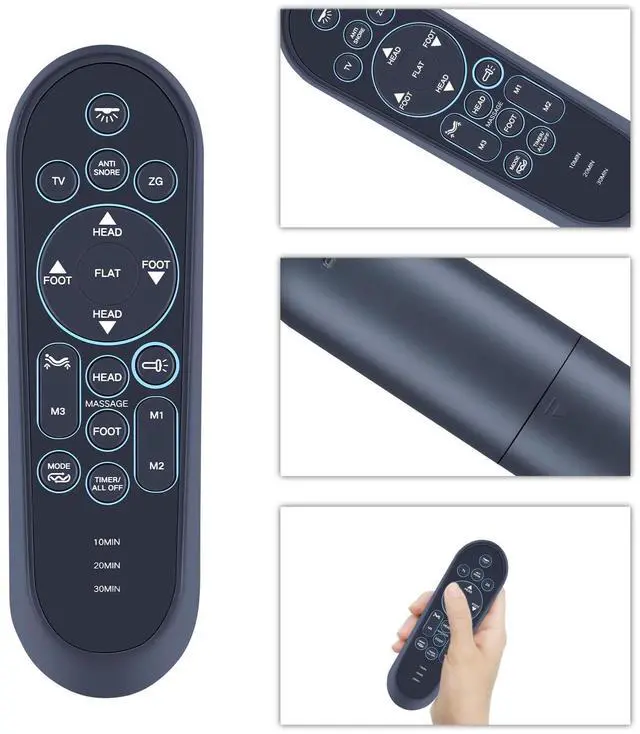
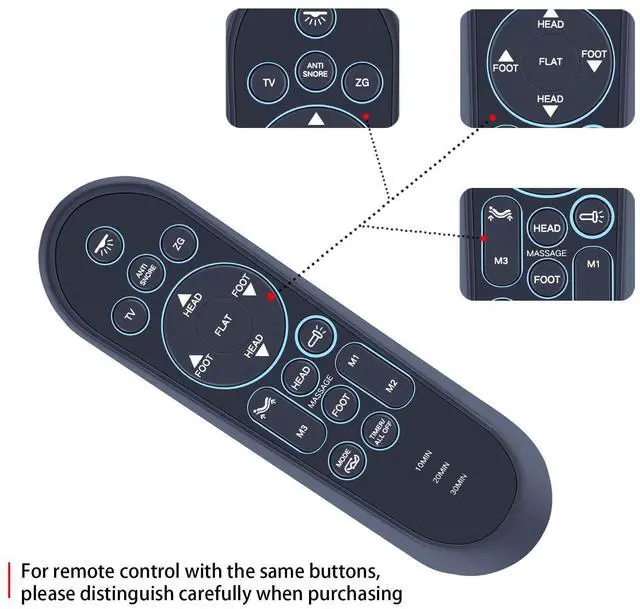
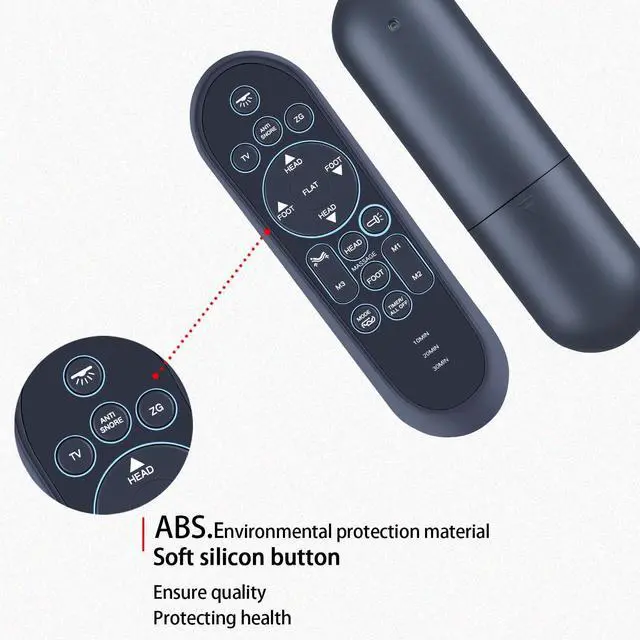


HZIME New Replacement Remote Control Compatible for iDealBed 4i 5i Custom Adjustable Bed Basefor S4-4i-SS S4-5i-SS G4NOV-4i 5i G4-5i-SS
- Perfect CompatibilityReplacement Remote Control For 4i 5i Custom Adjustable Bed Base S4-4i-SS S4-5i-SS G4NOV-4i 5i G4-5i-SS
- Premium QualityWith infrared 3.0 technology and better craftsmanship, the remote control signal stays strong and responds fast to your every movement while it feel great to hold and touch.And its control distance covers 32 feet and an angle of more than 120 degrees, you'll have a great using experience
- Easy To PairPlug the base into your outlet Hold "HEAD DOWN" and "FOOT UP" button at the same time for at least 3 seconds to start pairing Press and hold the blue button on the control box cable until you hear 2 beeps, indicating that the connection is successful Press and button on the remote to test all functions
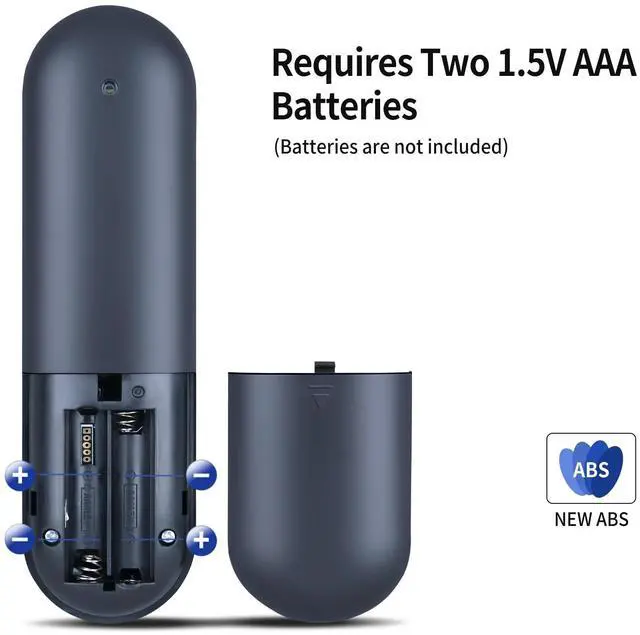
- Note1. Please check the battery before operation 2. Check whether the child lock function is turned on (it cannot be operated normally when it is turned on) 3. If pairing does not work, please disconnect the device from the power supply for 1 minu
+
+
Overview
Specs
Reviews

Any questions? Our AI mode will help you find out quickly.
Try me now
Perfect CompatibilityReplacement Remote Control For 4i 5i Custom Adjustable Bed Base S4-4i-SS S4-5i-SS G4NOV-4i 5i G4-5i-SS ^^ Premium QualityWith infrared 3.0 technology and better craftsmanship, the remote control signal stays strong and responds fast to your every movement while it feel great to hold and touch. And its control distance covers 32 feet and an angle of more than 120 degrees, you'll have a great using experience ^^ Easy To PairPlug the base into your outlet Hold "HEAD DOWN" and "FOOT UP" button at the same time for at least 3 seconds to start pairing Press and hold the blue button on the control box cable until you hear 2 beeps, indicating that the connection is successful Press and button on the remote to test all functions ^^ Note1.
Please check the battery before operation 2. Check whether the child lock function is turned on (it cannot be operated normally when it is turned on) 3. If pairing does not work, please disconnect the device from the power supply for 1 minute and try again ^^ SeviceBringing good products and services to customers has always been our pursuit. So if you have any questions about the remote control during purchase or use, please feel free to contact us and we will do our best to solve it for you, thanks!
Please check the battery before operation 2. Check whether the child lock function is turned on (it cannot be operated normally when it is turned on) 3. If pairing does not work, please disconnect the device from the power supply for 1 minute and try again ^^ SeviceBringing good products and services to customers has always been our pursuit. So if you have any questions about the remote control during purchase or use, please feel free to contact us and we will do our best to solve it for you, thanks!
Warranty & Returns
Warranty, Returns, And Additional Information
Warranty
- Please contact the Seller directly for warranty information. Warranty information may also be found on the Manufacturer's website.
- CONTACT
Return Policies
- Return for refund within: 30 days
- Return for replacement within: 30 days
- This item is covered by GoBeRotie Return Policy
Manufacturer Contact Info
- For a directory of all our manufacturers, please click below.
- Manufacturers Directory
LOADING...