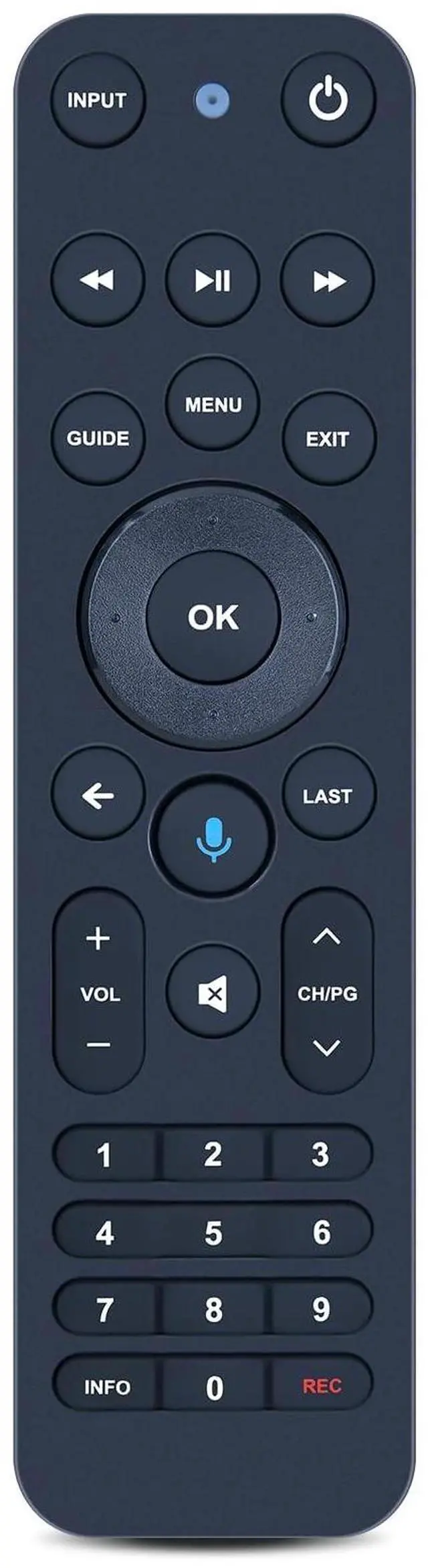
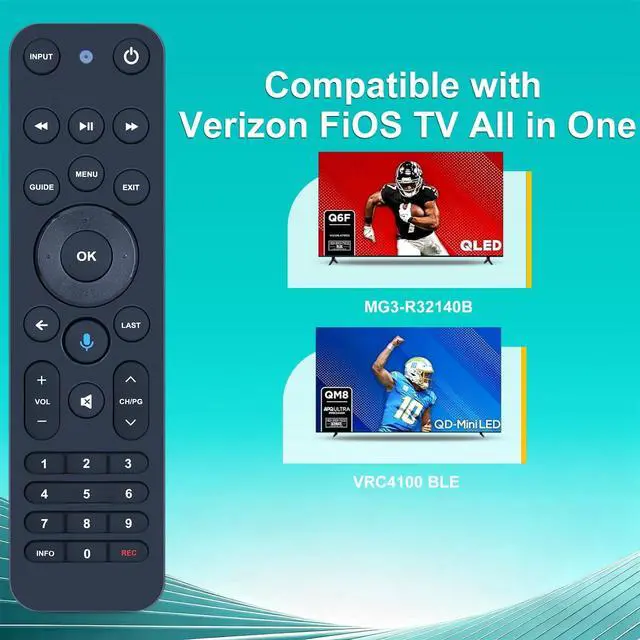
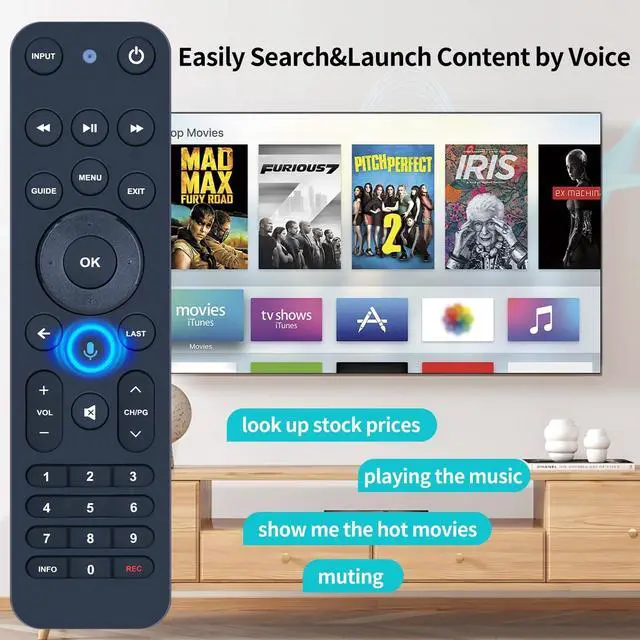
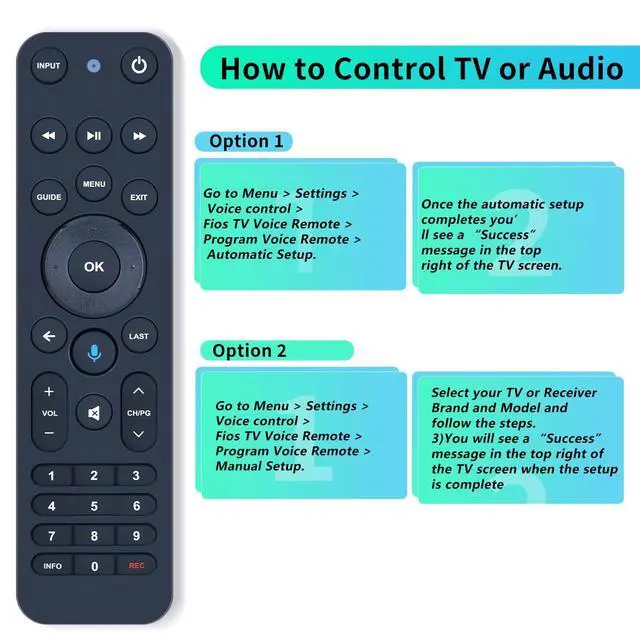
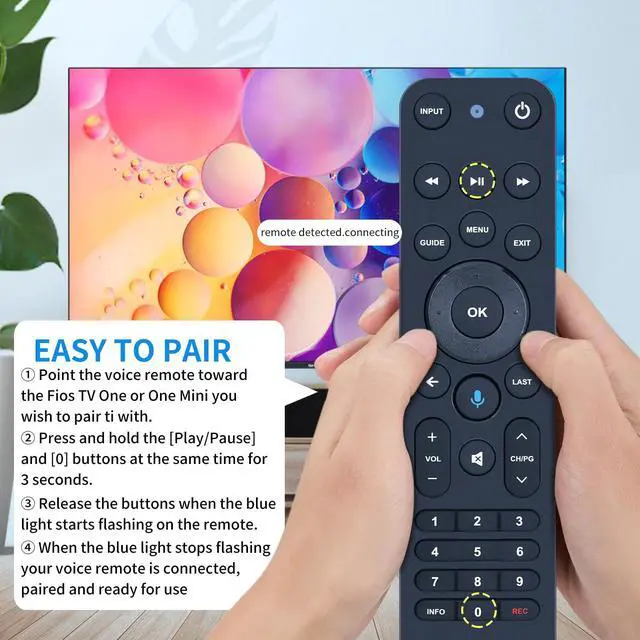
Compatible Models - This all-in-one smart voice replacement remote control work with 2019 models MG3-R32140B & VRC4100 BLE ^^ NOTE - NOT work Frontier. Work with Verizon ^^ Smart Voice Search - Built-in microphone allows you to search channels, open apps, and control your TV hands-free with simple voice commands (Tips: the microphone function can only be used after successful pairing with the device. ) ^^ Remote Finder Motion Activated Light - If you lose your voice remote, press the power button on your Fios TV One twice. The voice remote paired with this device will beep. Once you find it, press any button on the remote to turn off the beep. Additionally, there is a sensor on the back of the voice remote. When it detects movement, an indicator light on the remote will illuminate, making it easier to find the remote in the dark ^^ Easy to Pair - 1) Point the voice remote toward the Fios TV One or One Mini you wish to pair ti with. 2) Press and hold the [Play/Pause] and [0] buttons at the same time for 3 seconds. 3) Release the buttons when the blue light starts flashing on the remote. 4) When the blue light stops flashing, your voice remote is connected, paired and ready for use ^^ How to Control your TV or Audio using your voice remote - Option 1: 1 )Go to Menu > Settings > Voice control > Fios TV Voice Remote > Program Voice Remote > Automatic Setup.
2)Once the automatic setup completes youll see a Success message in the top right of the TV screen. Option 2: 1 )Go to Menu > Settings > Voice control > Fios TV Voice Remote > Program Voice Remote > Manual Setup. 2)Select your TV or Receiver Brand and Model and follow the steps. 3)You will see a Success message in the top right of the TV screen when the setup is complete ^^ Package List - 1 x Remote Control (2pcs AA Not included)