

Your Browsing History
- Free 30-day Returns
$50.99

Meet Your Seller

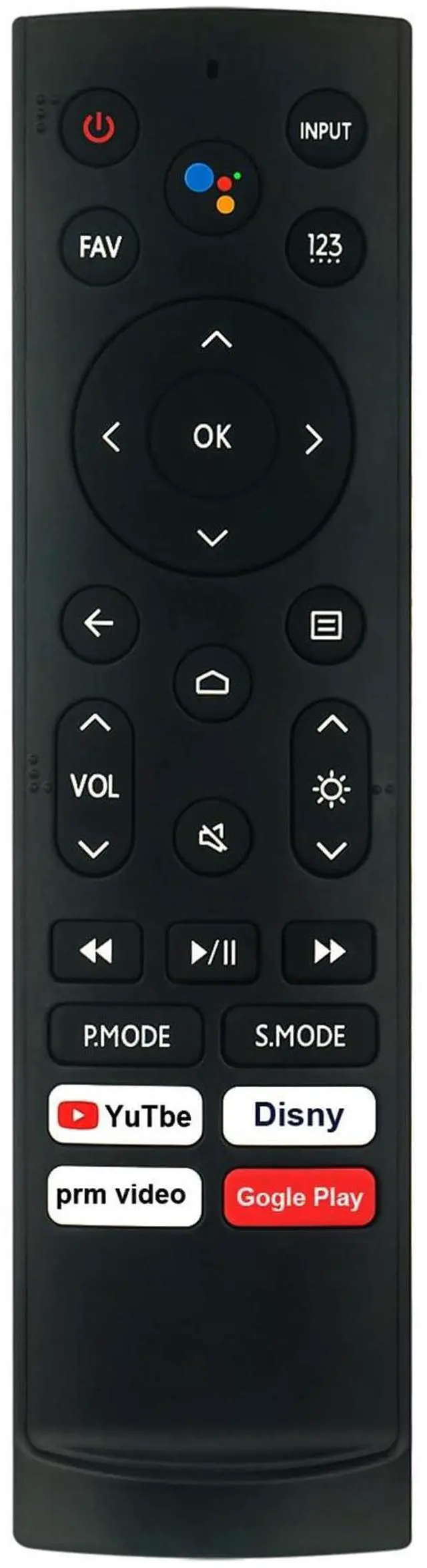
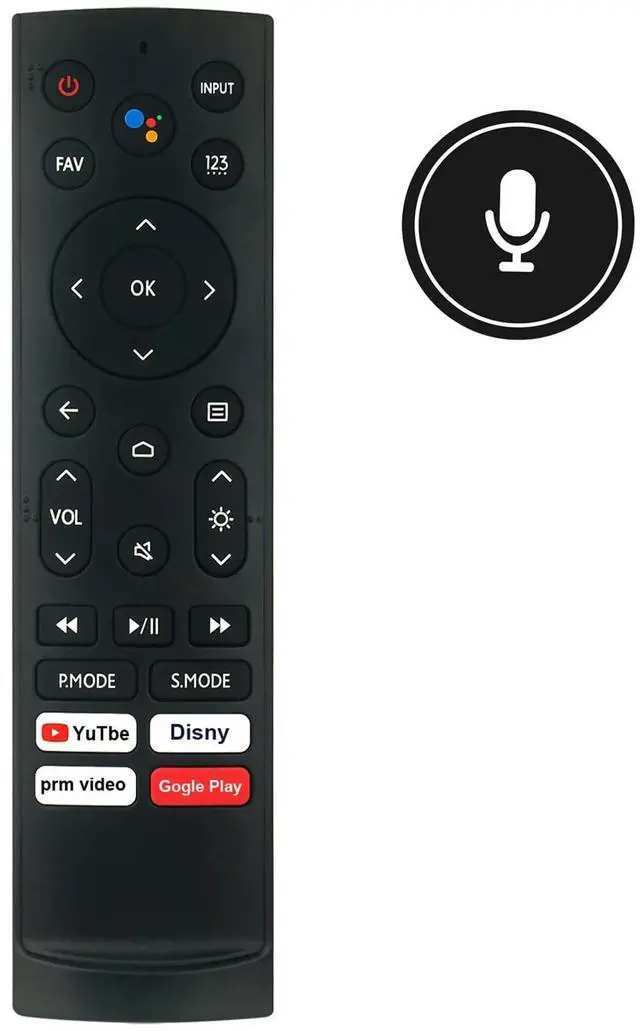
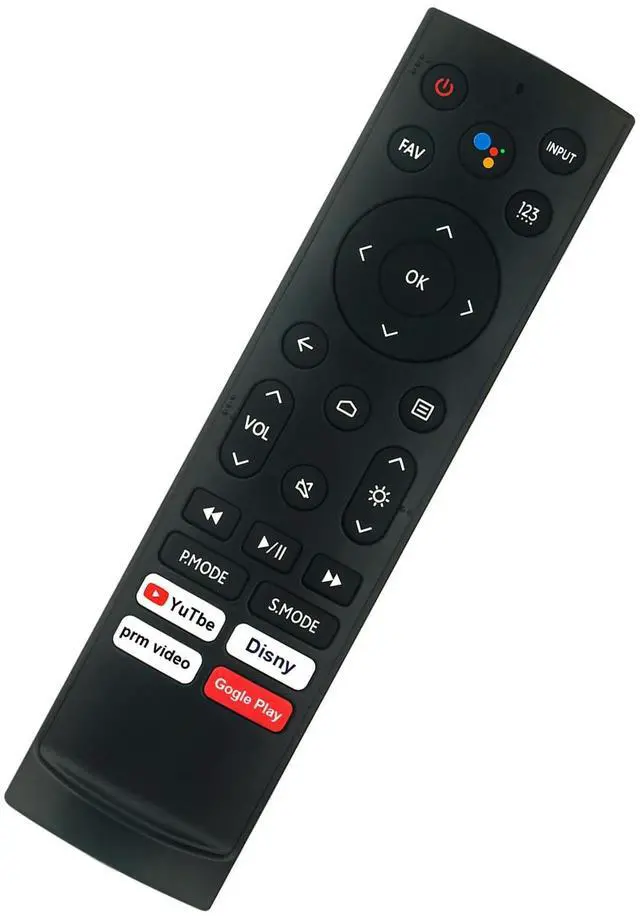
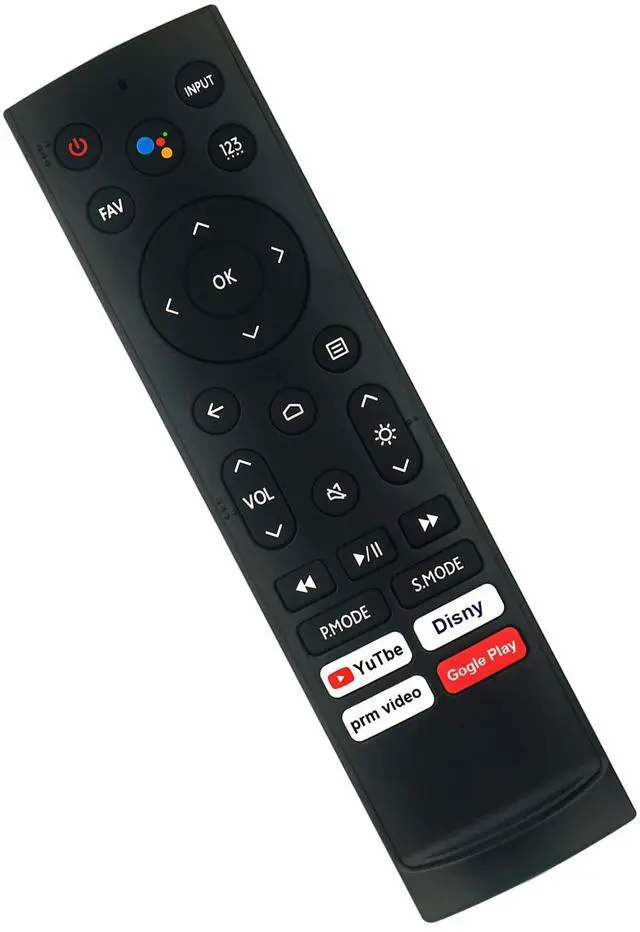
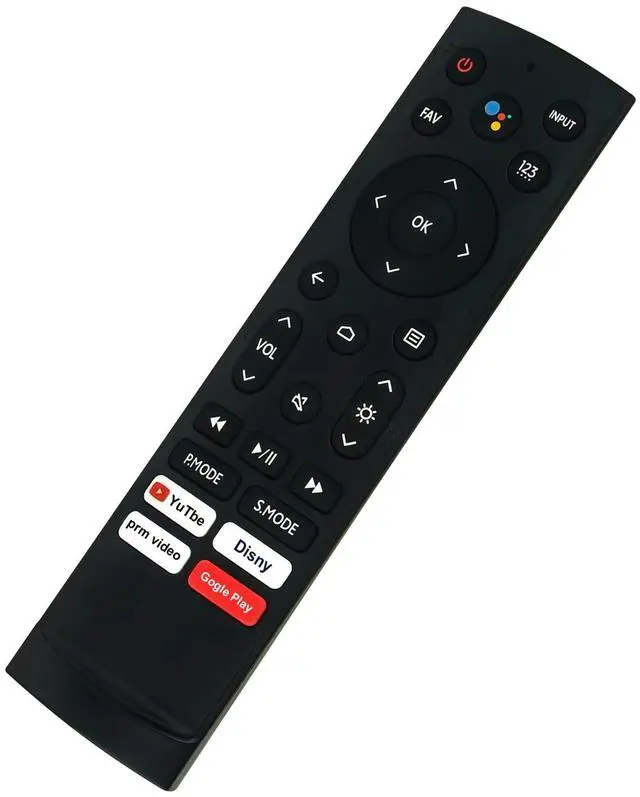


ERF3AA90H Voice Replacement Remote Control Applicable for Hisense Laser Cinema Projector PX1-PRO PX1 PRO
- New ERF3AA90H Voice Replacement Remote Control Applicable for Hisense Laser Cinema Projector PX1-PRO
- Pairing required. Please pair it with your Laser Console before use. Keep the remote control within 10 feet (304.8 cm) from the Laser Console, hold "Back"and "Home" buttons at the same time at least 3 seconds to start pairing until you see the light pulsing on the remote control.
- Power Supply: 2X 1.5V AAA Alkaline Battery. Batteries and manual are not included.
+
+
Overview
Specs
Reviews

Any questions? Our AI mode will help you find out quickly.
Try me now
New ERF3AA90H Voice Replacement Remote Control Applicable for Hisense Laser Cinema ProjectorPairing required. Please pair it with your TV before use. Compatible with below
Hisense Projector Models: PX1-PROPairing the Remote Control1. To pair the Bluetooth remote control to the Laser Console after you power the Laser Console on for the first time, there will be instructions on how to pair the remote control. 2. If your remote control fails to pair with Laser Console, keep the remote control within 10 feet ( 304.8 cm) from the Laser Console, hold "Back"and "Home" buttons at the same time at least 3 seconds to start pairing until you see the light pulsing on the remote control.
Note: If your remote control fails to pair with Laser Console, check the Bluetooth is set On by pressing "Setting" button to select Settings > Remotes & Accessories > Bluetooth to On. If an error occurred while trying to pair the remote control, it could have been caused by interference. Try to remove what is causing the interference and try pairing again. The remote control cannot be paired to the Laser Console while the Laser Console is in standby mode.
Power Supply: 2X 1.5V
AAA Alkaline BatteryPackage Content: 1X Remote Control
Hisense Projector Models: PX1-PROPairing the Remote Control1. To pair the Bluetooth remote control to the Laser Console after you power the Laser Console on for the first time, there will be instructions on how to pair the remote control. 2. If your remote control fails to pair with Laser Console, keep the remote control within 10 feet ( 304.8 cm) from the Laser Console, hold "Back"and "Home" buttons at the same time at least 3 seconds to start pairing until you see the light pulsing on the remote control.
Note: If your remote control fails to pair with Laser Console, check the Bluetooth is set On by pressing "Setting" button to select Settings > Remotes & Accessories > Bluetooth to On. If an error occurred while trying to pair the remote control, it could have been caused by interference. Try to remove what is causing the interference and try pairing again. The remote control cannot be paired to the Laser Console while the Laser Console is in standby mode.
Power Supply: 2X 1.5V
AAA Alkaline BatteryPackage Content: 1X Remote Control
Warranty & Returns
Warranty, Returns, And Additional Information
Warranty
- Please contact the Seller directly for warranty information. Warranty information may also be found on the Manufacturer's website.
- CONTACT
Return Policies
- Return for refund within: 30 days
- Return for replacement within: 30 days
- This item is covered by mafengkeji Return Policy
Manufacturer Contact Info
- For a directory of all our manufacturers, please click below.
- Manufacturers Directory
LOADING...