

Your Browsing History

Meet Your Seller

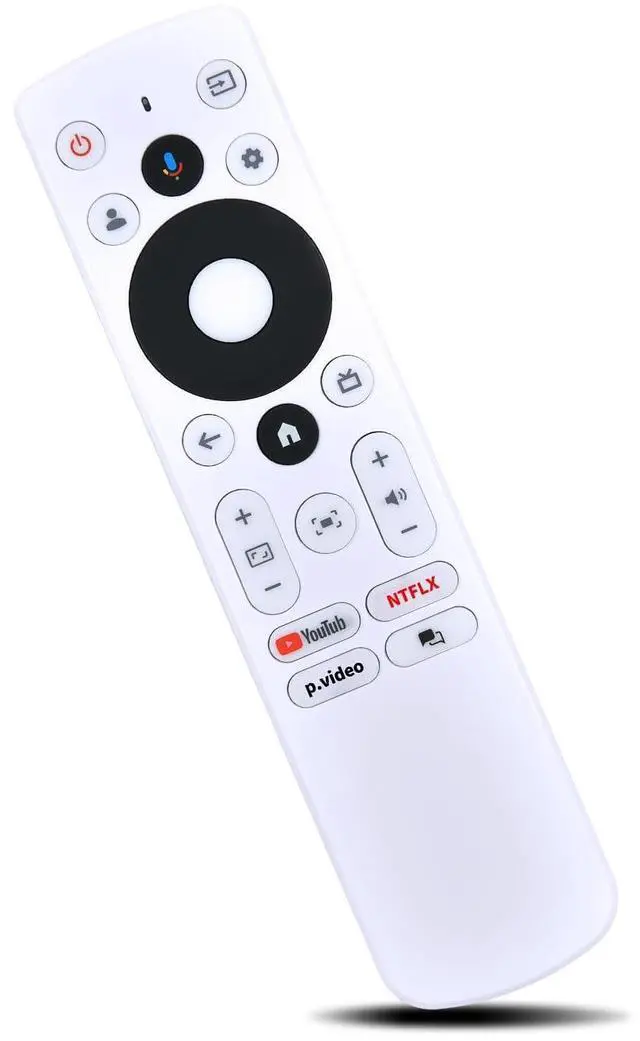

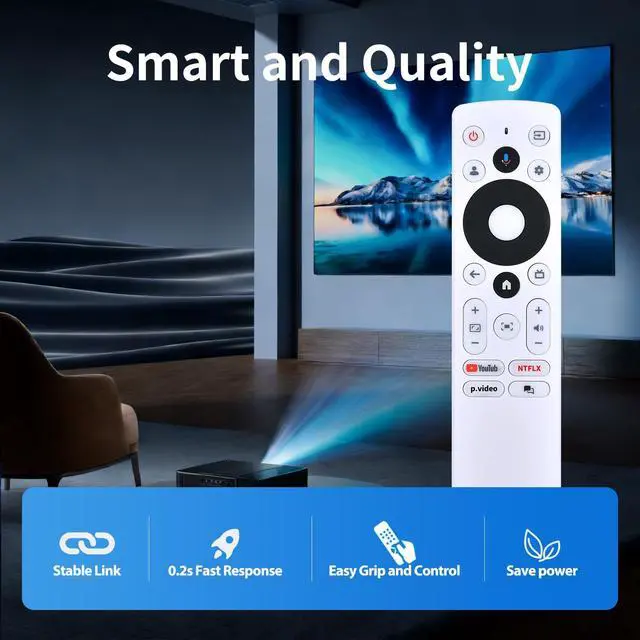
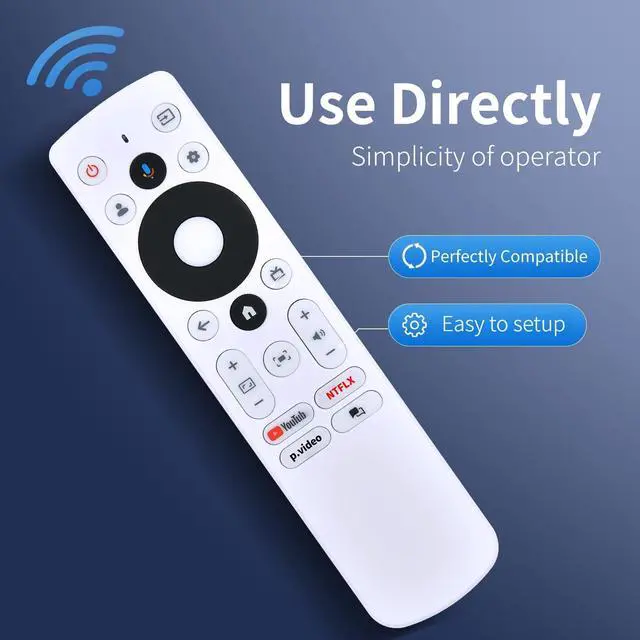
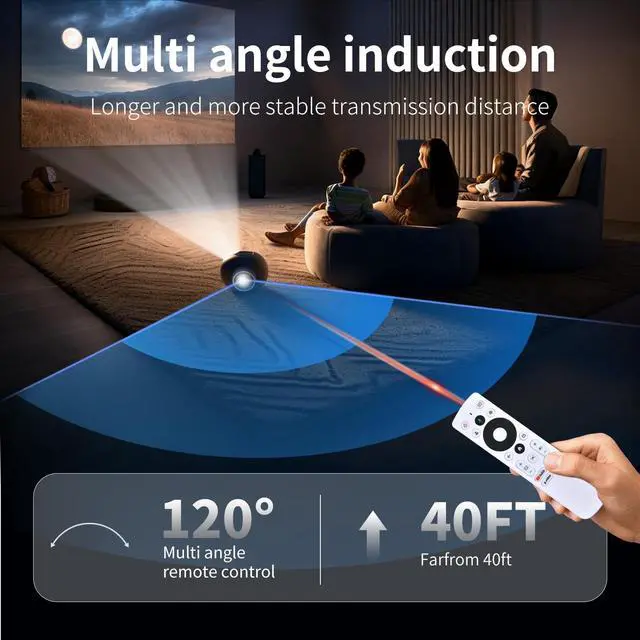


MOVHEIYL Voice Remote Control Replacement for BENQ GV50 Laser Portable Projector
- Compatible with BENQ GV50 Laser Portable Projector
- To enable remote, press All settings > Projector > Advanced Settings > Remote Control > Use remote control to power on.Once enabled, the projector scans for remote control signals when it ispowered off and may drain battery power gradually
- Brand new Remote Control Made of high-quality ABS, which is wear-resisting and durable, comfortable hand feeling.
- Package Included:1 x Remote Controller (not include the battery)
- Any question, Please do not hesitate to contact us before leaving Feedback, We will help you resolve it, Thank you.
+
+
Overview
Specs
Reviews

Any questions? Our AI mode will help you find out quickly.
Try me now
Compatible with BENQ GV50 Laser Portable Projector ^^ To enable remote, press All settings > Projector > Advanced Settings > Remote Control > Use remote control to power on. Once enabled, the projector scans for remote control signals when it ispowered off and may drain battery power gradually ^^ Brand new Remote Control Made of high-quality ABS, which is wear-resisting and durable, comfortable hand feeling.
^^ Package Included: 1 x Remote Controller (not include the battery) ^^ Any question, Please do not hesitate to contact us before leaving Feedback, We will help you resolve it, Thank you.
^^ Package Included: 1 x Remote Controller (not include the battery) ^^ Any question, Please do not hesitate to contact us before leaving Feedback, We will help you resolve it, Thank you.
Warranty & Returns
Warranty, Returns, And Additional Information
Warranty
- Please contact the Seller directly for warranty information. Warranty information may also be found on the Manufacturer's website.
- CONTACT
Return Policies
- Return for refund within: 30 days
- Return for replacement within: 30 days
- This item is covered by Qiangsheng kuajing (Hong Kong) Co., Limi Return Policy
Manufacturer Contact Info
- For a directory of all our manufacturers, please click below.
- Manufacturers Directory
LOADING...