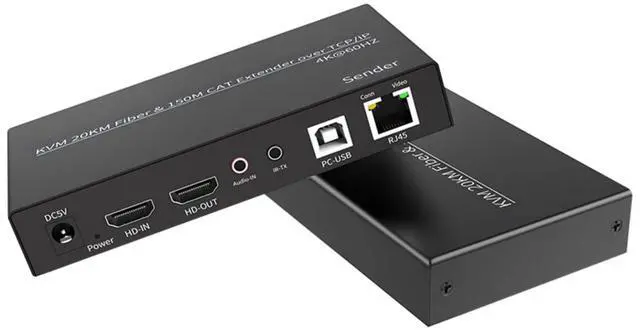
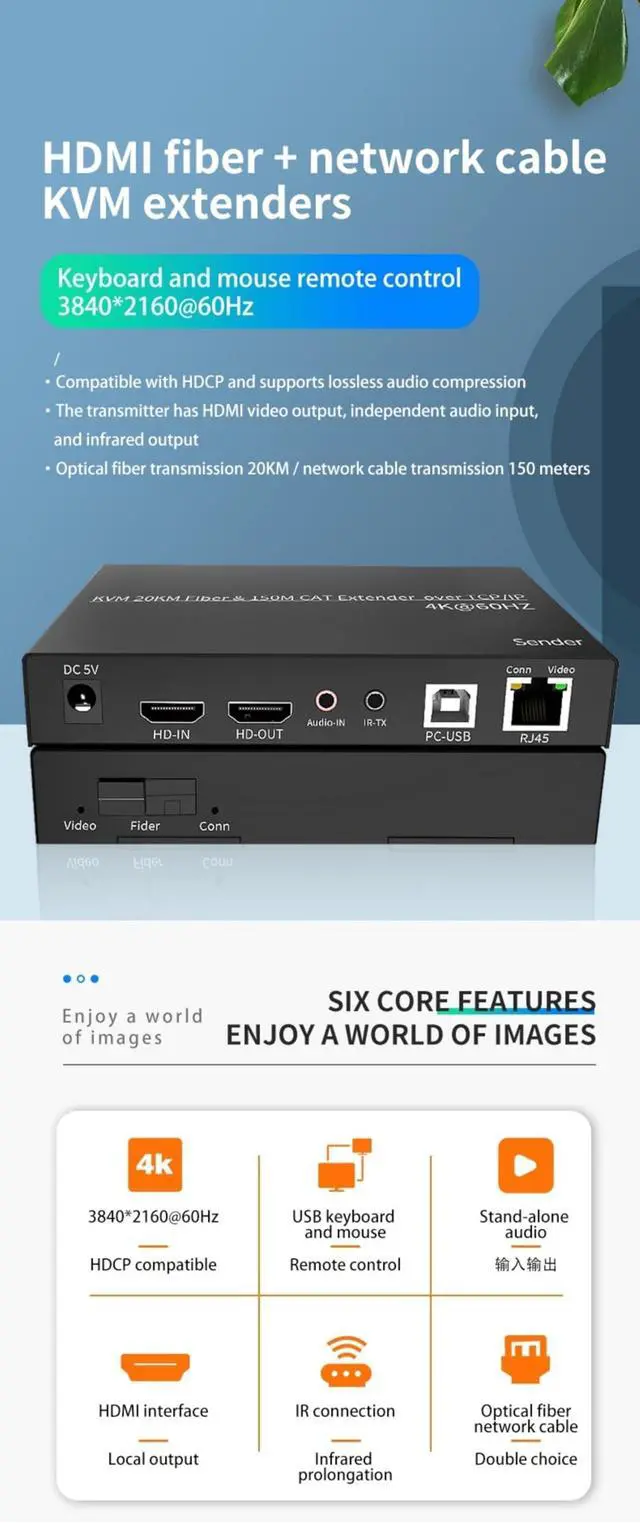
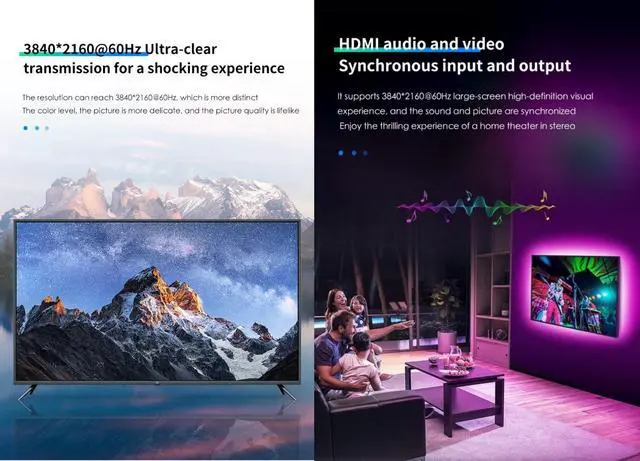
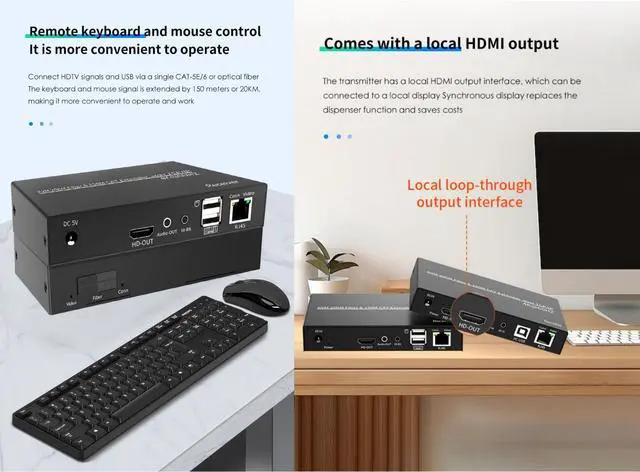
1. IntroductionThis extender extends high-definition TV signals and USB keyboard/mouse signals up to 150 metres or 20 kilometres using a single CAT-5E/6 cable or fibre optic cable, with a resolution of up to 38402160@60Hz. It not only breaks the distance limitations of HDMI cables but also offers greater flexibility and convenience in cabling thanks to the use of CAT-5E/6 or fibre optic cables. This HDMI extender uses an HDMI (High-Definition Multimedia Interface) connector. If an HDMI-to-DVI adapter is used, it also supports DVI (Digital Visual Interface) connectors, providing greater flexibility and more options for home theatre systems.
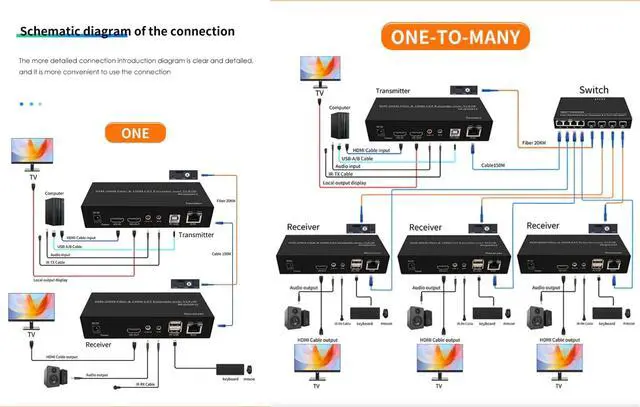
2. Operating Steps1) Connect the display device directly to the signal source player via an HDMI cable, and check for signal output and normal display. 2) Connect the HDMI cable and USB printer cable to the HDMI IN, USB IN, and host ports on the sender (Sender). 3) Connect the receiver (Receiver) to the display device and the sender (Sender) to the display device via an HDMI cable. 4) Connect the host's DC 3.5 audio port to the sender, receiver, and speakers using an audio cable. 5) Connect the mouse and keyboard to the receiver's USB ports.
6) Connect the sender and receiver using a CAT-5E/6 cable or fibre optic cable. 7) Power on the sender and receiver. 3. Packaging Contents1) One transmitter unit2) One receiver unit3) Two DC5V power adapters4) One USB A-B data cable for transmitting keyboard and mouse data and powering the transmitter unit5) One infrared receiver cable and one infrared transmitter cable6) User manualKVM
Features: KVM = keyboard, video, mouse, The "Receive" USB interface only supports connecting USB wired mouse and wired standard 104 keyboards, and does not support any other USB devices.





 here!
here!