

Your Browsing History
- Free 30-day Returns
$40.99

Meet Your Seller

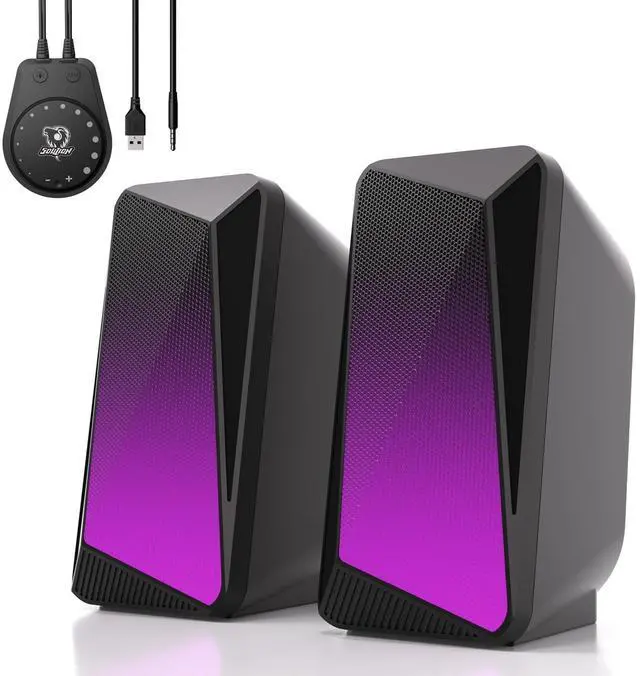


SOULION C30 Bluetooth Computer Speakers, USB Powered & 3.5 mm AUX PC Speakers with Easy-Control Pod, Gaming Speakers with Pulsing & LED Flame Lights for Monitor Laotop Desktop, Black
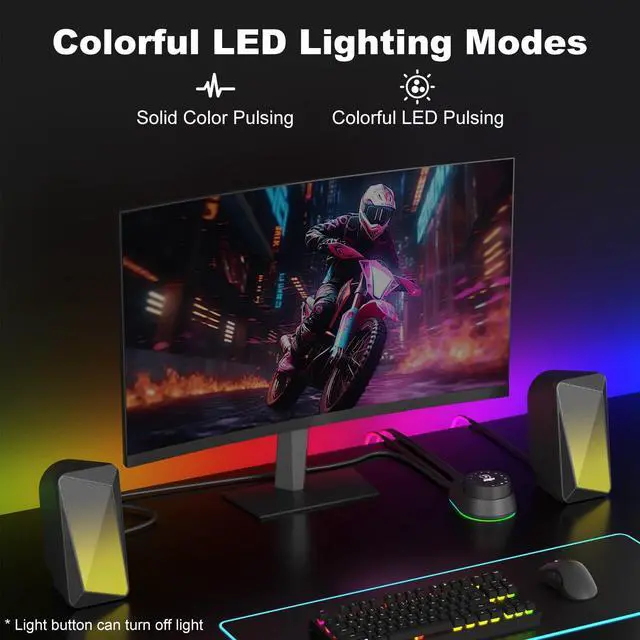
- Pulsing & LED Flame LightsThe 2.0-channel computer speaker features both a "Pulsing Mode" and a "Flame Lighting Mode." The lighting synchronizes with the audio rhythmpulsing and flickering in time with the beatto create an immersive and delightful atmosphere, whether you are enjoying music, gaming, or watching movies
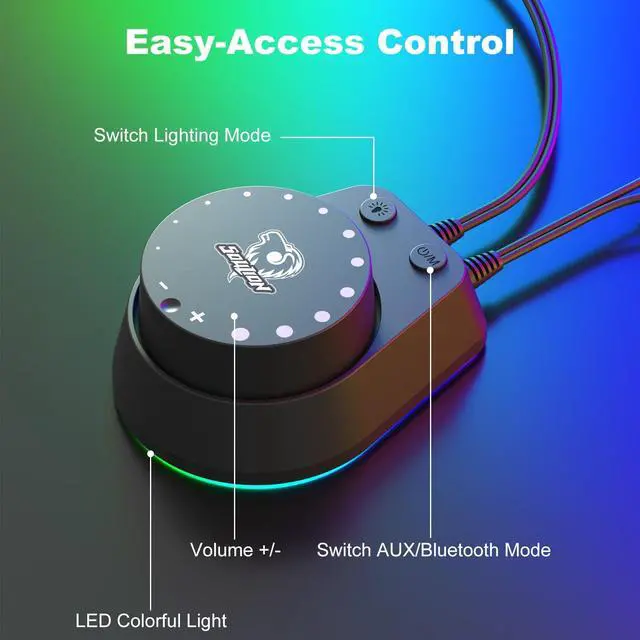
- Convenient Control PodThe C30 Bluetooth speaker is equipped with a large circular knob for all-in-one control. Press and hold the "M" button to switch between AUX and Bluetooth modes, long press the light button to adjust or turn off the LED lighting, and rotate the knob to adjust the volume
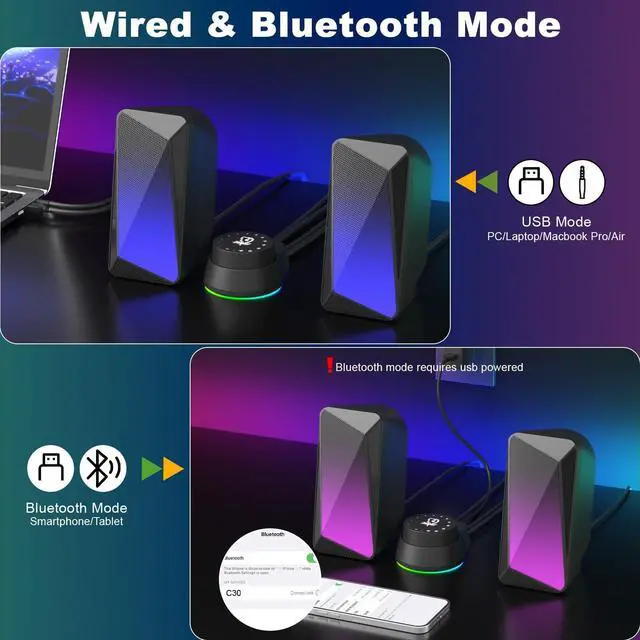
- 3.5 Aux ModeSimply connect the speaker to a USB port for power, press the "M" button to switch to AUX mode, and transmit audio via the 3.5mm jack. This computer speaker offers wide compatibility with PCs, laptops, tablets, smartphones, and other devices
- Bluetooth ModeConnect the USB cable to a power port for power supply. Press the M button to switch to Bluetooth mode, accompa
+
+
Overview
Specs
Reviews

Any questions? Our AI beta will help you find out quickly.
Try me now
Pulsing & LED Flame LightsThe 2.0 -channel computer speaker features both a "Pulsing Mode" and a "Flame Lighting Mode. " The lighting synchronizes with the audio rhythmpulsing and flickering in time with the beatto create an immersive and delightful atmosphere, whether you are enjoying music, gaming, or watching movies ^^ Convenient Control PodThe C30 Bluetooth speaker is equipped with a large circular knob for all-in-one control. Press and hold the "M" button to switch between AUX and Bluetooth modes, long press the light button to adjust or turn off the LED lighting, and rotate the knob to adjust the volume ^^ 3.5 Aux ModeSimply connect the speaker to a USB port for power, press the "M" button to switch to AUX mode, and transmit audio via the 3.5 mm jack.
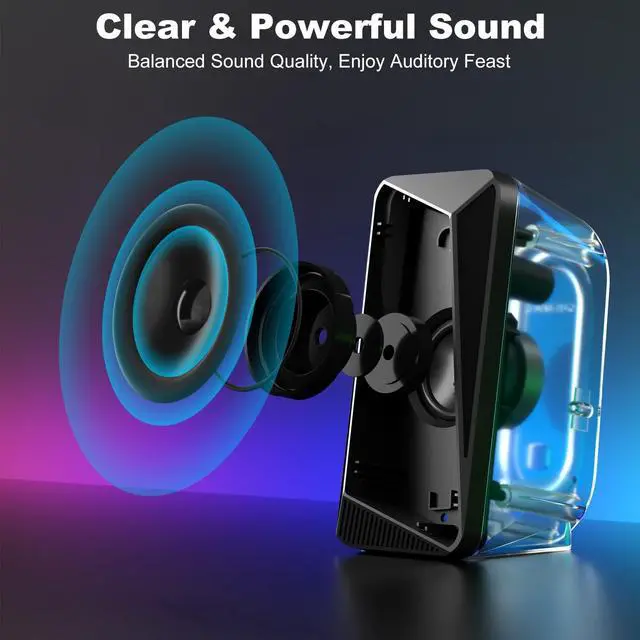
This computer speaker offers wide compatibility with PCs, laptops, tablets, smartphones, and other devices ^^ Bluetooth ModeConnect the USB cable to a power port for power supply. Press the M button to switch to Bluetooth mode, accompanied by a beep sound to confirm the switch. Search for and connect to C30 on your device. To clear and reset the Bluetooth connection, long-press the light button for 3 seconds ^^ Balanced & Clear SoundThis gaming speaker can be placed on both sides of your computer, delivering rich and pristine sound through left and right channels for a more comfortable listening experience.
Compared with an integrated soundbar, it offers more balanced and even audio distribution
This computer speaker offers wide compatibility with PCs, laptops, tablets, smartphones, and other devices ^^ Bluetooth ModeConnect the USB cable to a power port for power supply. Press the M button to switch to Bluetooth mode, accompanied by a beep sound to confirm the switch. Search for and connect to C30 on your device. To clear and reset the Bluetooth connection, long-press the light button for 3 seconds ^^ Balanced & Clear SoundThis gaming speaker can be placed on both sides of your computer, delivering rich and pristine sound through left and right channels for a more comfortable listening experience.
Compared with an integrated soundbar, it offers more balanced and even audio distribution
Warranty & Returns
Warranty, Returns, And Additional Information
Warranty
- Please contact the Seller directly for warranty information. Warranty information may also be found on the Manufacturer's website.
- CONTACT
Return Policies
- Return for refund within: 30 days
- Return for replacement within: 30 days
- This item is covered by Tactifans Outdoor Sport Goods Return Policy
Manufacturer Contact Info
- For a directory of all our manufacturers, please click below.
- Manufacturers Directory
LOADING...