

Your Browsing History
- Free 30-day Returns
$160.99

Meet Your Seller


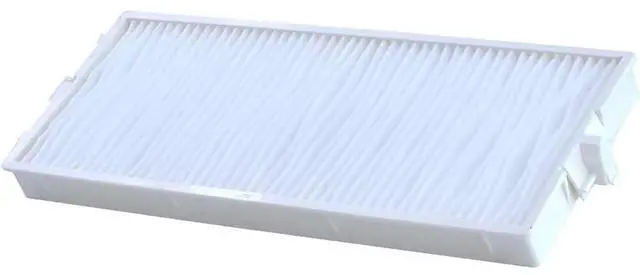
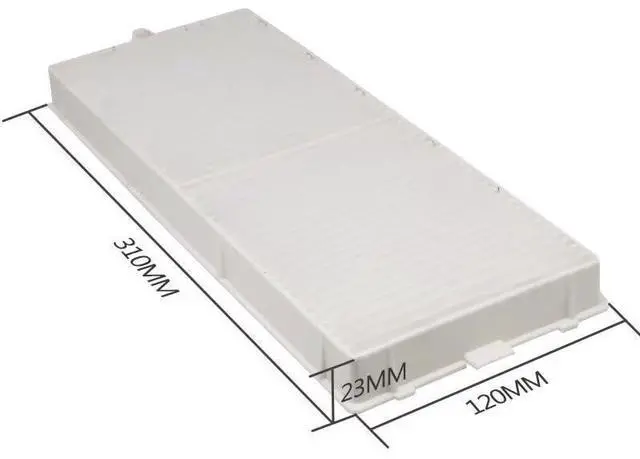
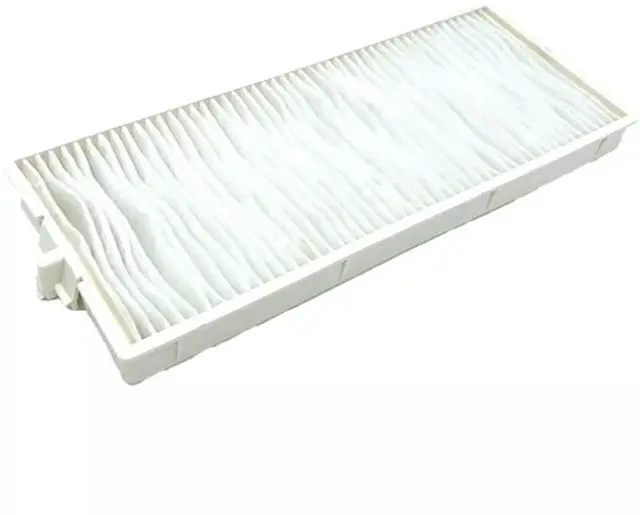


Replacement ET-RFM100 Air Filter Compatible with Panasonic PT-MZ670 PT-MW530EJ PT- MW530LEJ PT-MW530U PT-MW630EJ PT-MW630LEJ PT-MZ10KLBEJ PT-MZ10KLBU PT-MZ10KLBU7 PT-MZ10KLWEJ Projector Filter
- Air Filter Compatible with Panasonic Projectors including the PT-MZ670 - ET-RFM100 - PT-MW530EJ,PT- MW530LEJ, PT-MW530U, PT-MW630EJ, PT-MW630LEJ, PT-MZ10KLBEJ, PT-MZ10KLBU, PT-MZ10KLBU7, PT-MZ10KLWEJ, PT-MZ10KLWU, PT-MZ13KLWU, PT-MZ16KLBU7, PT-MZ570EJ, PT-MZ570LEJ, PT-MZ570U, PT-MZ670EJ
- Air Filter Compatible with Panasonic PT-MZ670LEJ, PT-MZ770, PT-MZ770E, PT-MZ770EJ, PT-MZ770J, PT-MZ770L, PT-MZ770LBE, PT-MZ770LBEJ, PT-MZ770LBU, PT-MZ770LE, PT-MZ770LEJ, PT-MZ770LU, PT-MZ770LU7, PT-MZ770U, PT-MW530LU, PT-MW530U, PT-MW630U, PT-MW730LU, PT-MZ570LU, PT-MZ670LB, PT-MZ670LU, PT-MZ770LBU7, PT-MZ770LU
- Air filters should be replaced every 6 months to maintain optimal performance.This is an efficient filter with the same performance and efficiency as the original plant.
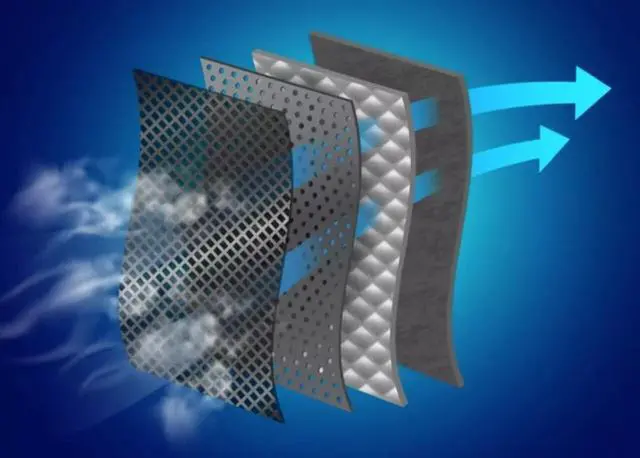
- Designed for extreme environments,Protects from harmful dust and smoke fumes,slowing down operation and prevents damaging your projector.
- Upgrade Lifetime, Extra Long Lifetime Up to
+
+
Overview
Specs
Reviews

Any questions? Our AI mode will help you find out quickly.
Try me now
You need to replace the projector filter in the following situations: 1, If the projector has a filter warning icon or message appearing on the screen (if you do not have a filter warning icon or message, or are just unsure, please remove the filter and visually inspect it). 2, The filter is clogged with dust particles and is difficult to remove or the air filter is torn or damaged, replace the air. 3, Air filters should be replaced every 6 months to maintain optimal performance. How to Replace the Projector Filter1, Turn off the projector and unplug the power cord. 2, Remove the air filter cover. (Press the knocks to release the catches, and then pull the cover upward). 3, Remove the old air filter. 4, Insert the new air filter and push gently until it clicks into place. (Install with the groove faced to the right). 5, Close the air filter cover.
NOTE: If regular maintenance is not performed, your projector will notify you when the temperature inside the projector has reached a high level. Do not wait until this warning appears to maintain your projector filter as prolonged exposure to high temperatures may reduce the life of your projector or lamp
NOTE: If regular maintenance is not performed, your projector will notify you when the temperature inside the projector has reached a high level. Do not wait until this warning appears to maintain your projector filter as prolonged exposure to high temperatures may reduce the life of your projector or lamp
Warranty & Returns
Warranty, Returns, And Additional Information
Warranty
- Please contact the Seller directly for warranty information. Warranty information may also be found on the Manufacturer's website.
- CONTACT
Return Policies
- Return for refund within: 30 days
- Return for replacement within: 30 days
- This item is covered by To the Internet media Return Policy
Manufacturer Contact Info
- For a directory of all our manufacturers, please click below.
- Manufacturers Directory
LOADING...