

Your Browsing History
- Free 30-day Returns
$47.99

Meet Your Seller

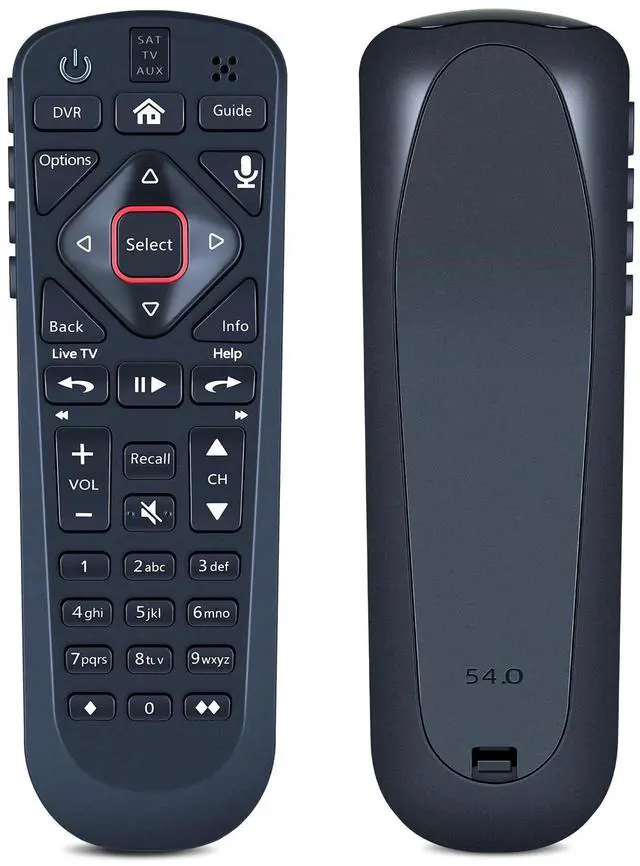
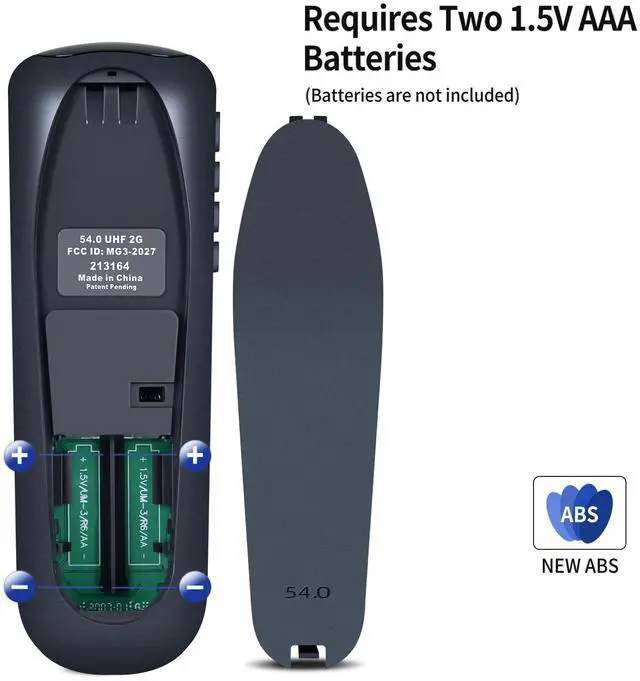
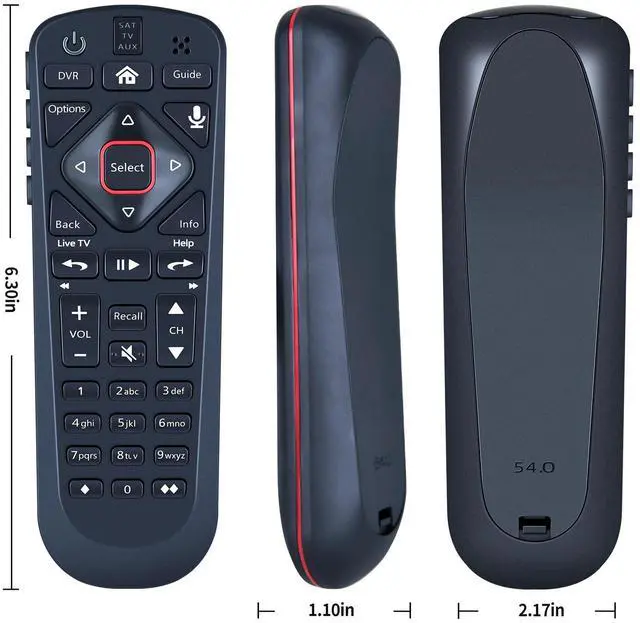


RETROSUN Replacement Voice Remote Control Compatible with Dsh Network 54.0 for The Hopper
- RETROSUN Replacement Remote Control works for Dsh Network 54.0; for DSH 54 series: 54.1 54.2 54.3.
- Once the pairing is complete, you can use the one-touch voice function to enjoy the convenience it brings. Note: Your receiver must be connected to the Internet to enjoy voice control. To make a wireless connection: Home button twice > Settings > Internet.
- Pair Your Remote: Press the HOME button twice. Select Settings, then Remote Control. Select TV, and then TV Pairing Wizard. Follow the prompts.Tips: You can also pair your remote with an Auxiliary Device, such as a Blu-ray player or stereo.
- Personalize Your Remote: Press and hold the [diamond] or [double-diamond] button. Select from the menu what you want the button to do. You can turn closed captioning on and off, launch Netflix, turn on picture in picture (PiP), record a program with one click, and more.
- Unpairing method: Press and hold the SAT button on the side of the remote control. After 3 seconds, the indic
+
+
Overview
Specs
Reviews

Any questions? Our AI mode will help you find out quickly.
Try me now
The Remote Control 54.0 User Manual provides detailed instructions on how to use the Dish 54.0 remote control for the Hopper. The manual includes information on how to turn on the remote, pair it with the receiver, activate backlighting, personalize it, and locate it anytime. It also provides regulatory information and safety instructions that users should follow while using the device. The manual features frequently asked questions that provide solutions to common issues that users may face while operating the remote control.
Warranty & Returns
Warranty, Returns, And Additional Information
Warranty
- Please contact the Seller directly for warranty information. Warranty information may also be found on the Manufacturer's website.
- CONTACT
Return Policies
- Return for refund within: 30 days
- Return for replacement within: 30 days
- This item is covered by mafengkeji Return Policy
Manufacturer Contact Info
- For a directory of all our manufacturers, please click below.
- Manufacturers Directory
LOADING...