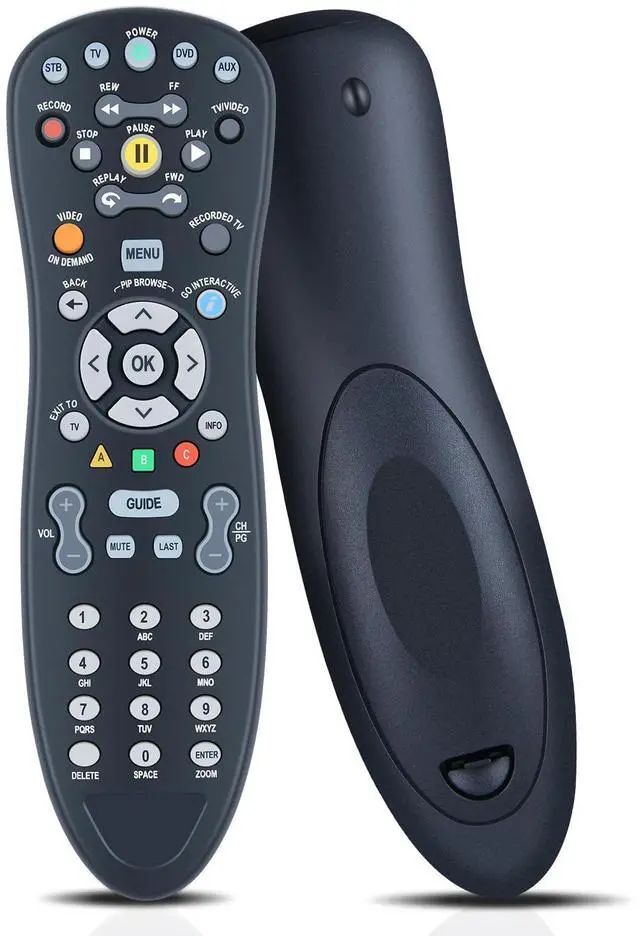
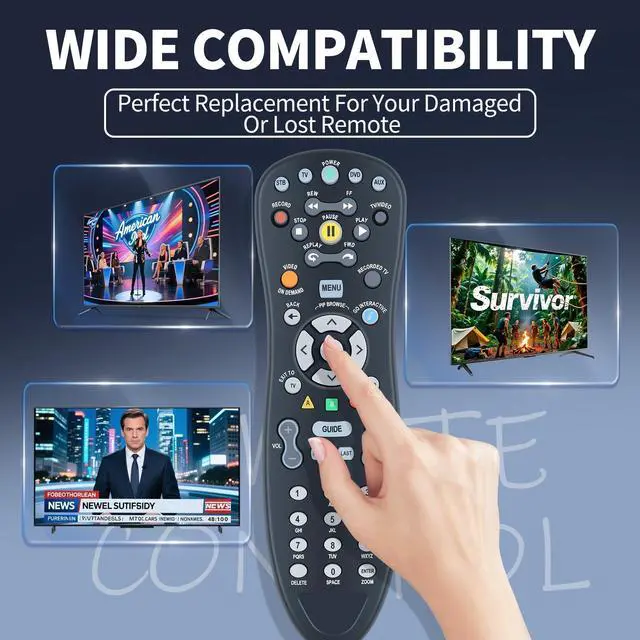
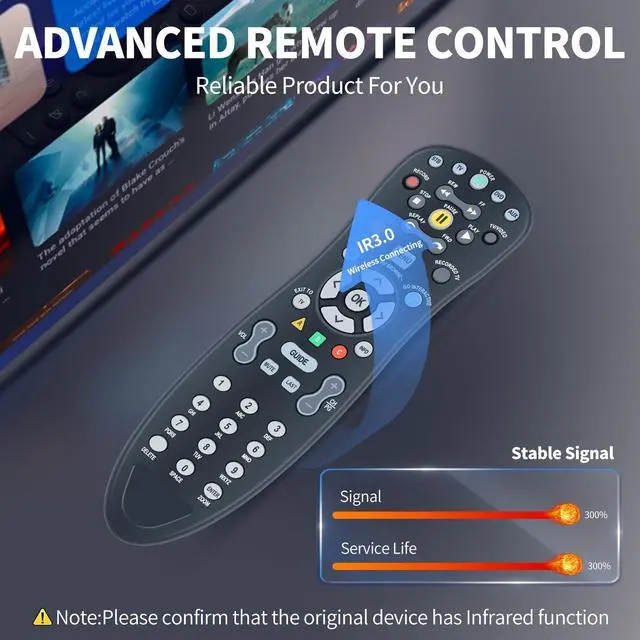
Perfect Compatibility & ReplacementFQOUG Replacement remote control compatible with AT&T U-Verse Digital TV S10-S4 S10-S3 S10-S2 S10-S1. plus most major TV brands and many audio devices.
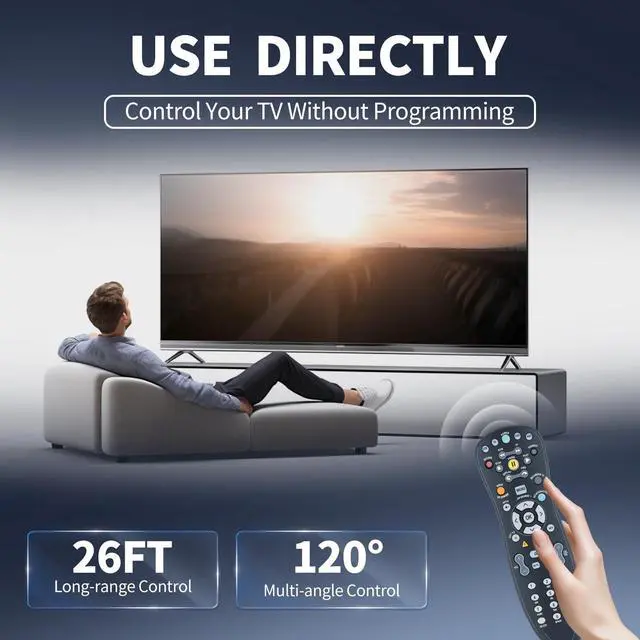
Easy to SetupSetting up your Remote to control other devices(TV/DVD/etc). You may also use the setup tool on the TV (Recommended): Go to Menu- Help - System Set-up - Program your U-verse Remote. To control other devices, your Remote Control needs to be programmed. The Remote contains the IR codes to control them. By Searching for Device Codes to find the code for your device or Manually Program the Device Codes.
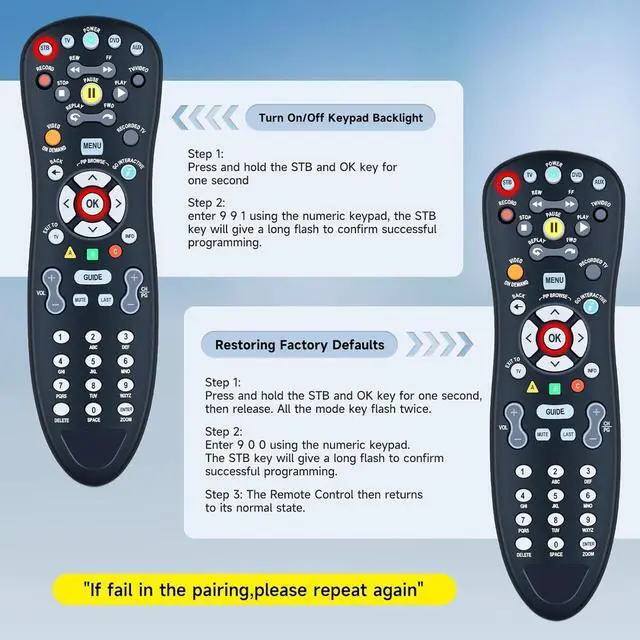
Backlight KeysTurn On/Off Keypad Backlight: Press and hold the STB and OK key for one second, enter 9 9 1 using the numeric keypad, the STB key will give a long flash to confirm successful programming.
Restore Factory SettingsReturn all programmed codes to Factory Default: Press and hold the STB and OK key for one second, then release. All the mode key flash twice. Enter 9 0 0 using th
+
+
Overview
Specs
Reviews
Any questions? Our AI beta will help you find out quickly.
Try me now
FQOUG Replacement for AT&T U-Verse Digital TV DVR Uverse Receiver Cable Box Remote Control, S10-S4 S10-S3 S10-S2 S10-S1, Easy Setup, Compatible with HTiB, Audio, Amplifier, DVD, VCR etc.
Learn more about the Detailed Specifications
Additional Information
First Listed on Newegg
June 15, 2026
There are no reviews yet.
Do you own this product?
Warranty & Returns
Warranty, Returns, And Additional Information
Warranty
Please contact the Seller directly for warranty information. Warranty information may also be found on the Manufacturer's website.