Your Browsing History
- Free 30-day Returns
$209.99
Meet Your Seller
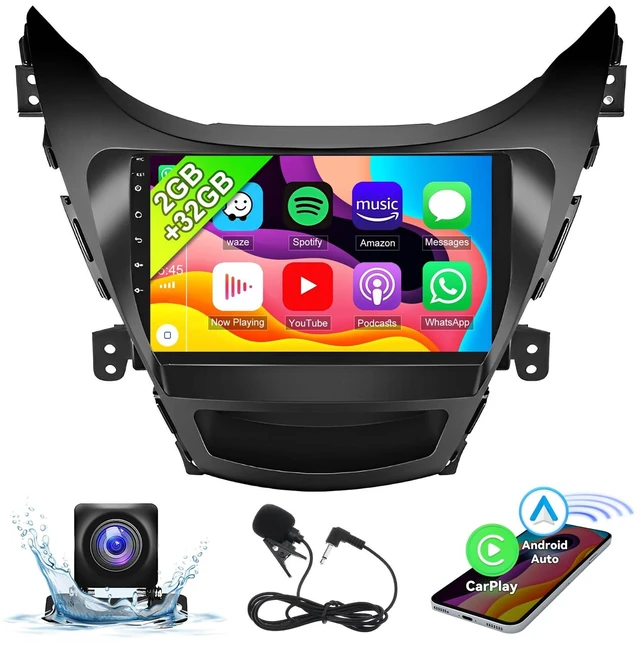
EWLSAC Android 13 Car Stereo Radio Player for Hyundai Elantra 2011-2013 2GB (RAM)+32GB (ROM) 9 Inch Touch Screen Car Audio Receiver with GPS Navigation Bluetooth Head Unit Supports Backup Camera
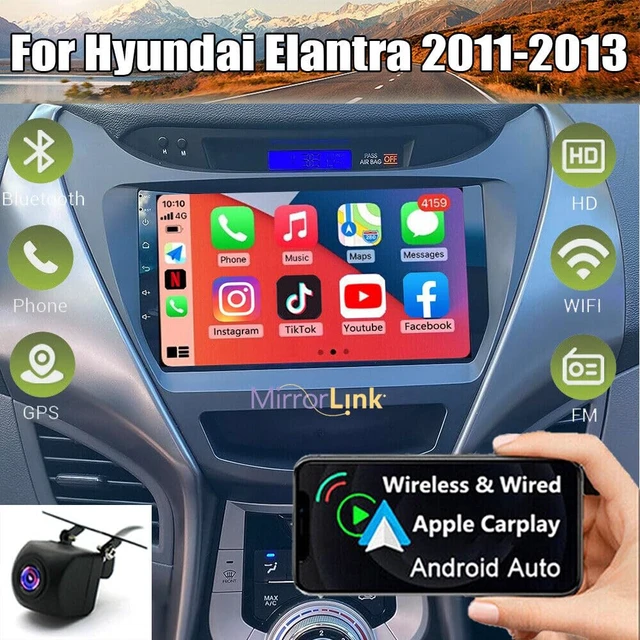
- Android Car Stereo Vehicle Applicable Models - Car stereo and rear view backup camera is suitable for Hyundai Elantra 2011-2013 with 9 inch HD capacitive touch screen radio.
- Android Car Radio Multimedia Player - Car play radio has the latest Android 13.0 operating system 2GB (RAM)+32GB (ROM), powerful 4 core processor, HD 9 inch capacitive touch screen with 1024*600 resolution, bigger and clearer screen, giving you a wonderful visual experience.
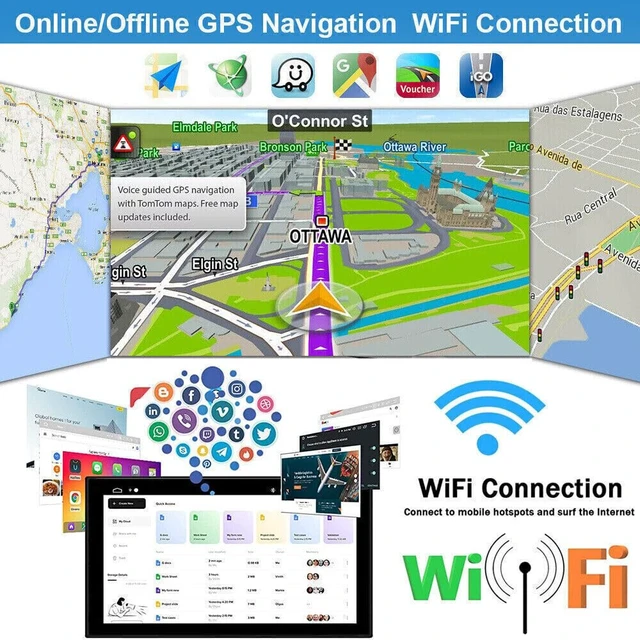
- GPS Navigation WiFi and Bluetooth Function - The car stereo has built-in Wi-Fi and GPS, supports online maps such as Google Maps, Waze and Here Maps, shares hotspots through your phone, and can also download offline maps in the app store. Built-in Bluetooth supports hands-free answering and making calls and smart music playback, these features make your driving easier and more enjoyable.
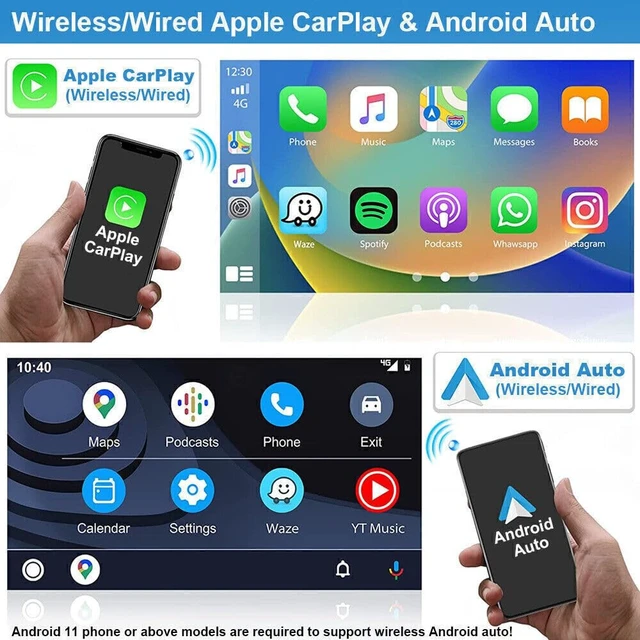
- Built-in Wireless with Carplay and Android Auto - This Cocheparts car stereo comes with built-in Apple with Carplay and Android Auto, makin
+
+
Overview
Specs
Reviews
Any questions? Ask CelesteSM will help you find out quickly.
Try me now
Specifics:
System: Android
13Screen size:
9''Memory: 2GB (RAM) +32GB (ROM)
Screen resolution: 1024*600Power
output: 4*45WWork
temperature: -20-75Steering
wheel control function: SupportRadio
Band: FM/RDS
Video output: SupportReversing
input: AHD/CVBS
External microphone: supportSplit
screen:
supportMaps: Built-in offline maps (requires internet to download data)
WIFI:
SupportUSB: Double
USB interfaceFactory setting keyword: 8888 or 3368Package
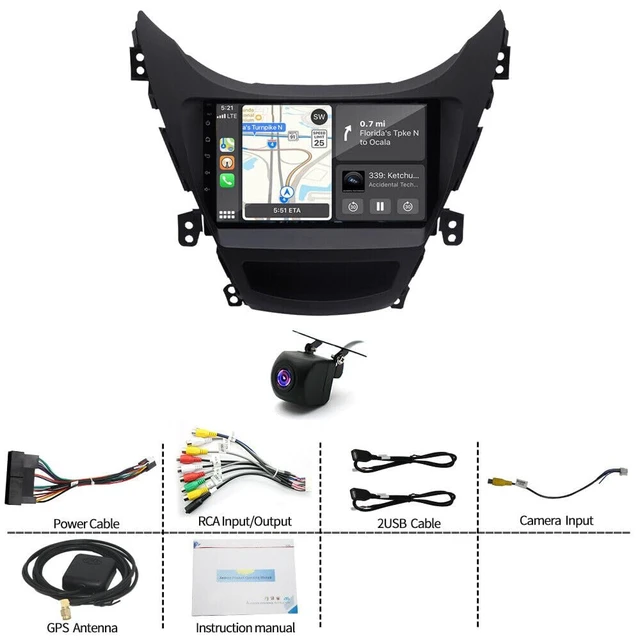
Included: 1 x Car MP5 Player1 x Power Cable1 x GPS Antenna1 x Rear Camera lnput Cable1 x RCA Cable2 x USB Cable1 x Instruction manual1 x
CameraTips: 1. Why can't turn on the car radio? 1.1P lease check the
Voltage of car radio: 12V 1.2W hen you test this car radio, you can combine the red and yellow wires and connect them to the positive side of the power supply. Black line to negative power supply. 1.3R eplace the same type of insurance to test the car radio.
Note: Please must use our power cables to connect our car radio, it is not possible to insert the original car plug directly into our machine. 2. Why the car radio will show "No Signal" when we reversing? Please check if the camera's line is properly connected to the car radio.
Note: The video port of rear camera must insert the "CAMIN" port of car radio. 3. Why does the camera display "! " and "Can't watch video while driving" when I use USB to watch videos? Please turn off the "Video Warning" function in the settings, then will be OK.
System: Android
13Screen size:
9''Memory: 2GB (RAM) +32GB (ROM)
Screen resolution: 1024*600Power
output: 4*45WWork
temperature: -20-75Steering
wheel control function: SupportRadio
Band: FM/RDS
Video output: SupportReversing
input: AHD/CVBS
External microphone: supportSplit
screen:
supportMaps: Built-in offline maps (requires internet to download data)
WIFI:
SupportUSB: Double
USB interfaceFactory setting keyword: 8888 or 3368Package
Included: 1 x Car MP5 Player1 x Power Cable1 x GPS Antenna1 x Rear Camera lnput Cable1 x RCA Cable2 x USB Cable1 x Instruction manual1 x
CameraTips: 1. Why can't turn on the car radio? 1.1P lease check the
Voltage of car radio: 12V 1.2W hen you test this car radio, you can combine the red and yellow wires and connect them to the positive side of the power supply. Black line to negative power supply. 1.3R eplace the same type of insurance to test the car radio.
Note: Please must use our power cables to connect our car radio, it is not possible to insert the original car plug directly into our machine. 2. Why the car radio will show "No Signal" when we reversing? Please check if the camera's line is properly connected to the car radio.
Note: The video port of rear camera must insert the "CAMIN" port of car radio. 3. Why does the camera display "! " and "Can't watch video while driving" when I use USB to watch videos? Please turn off the "Video Warning" function in the settings, then will be OK.
Warranty & Returns
Warranty, Returns, And Additional Information
Warranty
- Please contact the Seller directly for warranty information. Warranty information may also be found on the Manufacturer's website.
- CONTACT
Return Policies
- Return for refund within: 30 days
- Return for replacement within: non-replaceable
- This item is covered by FoundationSurge Return Policy
Manufacturer Contact Info
- For a directory of all our manufacturers, please click below.
- Manufacturers Directory
LOADING...