AOACE Gaming PC Desktop AMD Ryzen 7 5700X,RTX 5060 8G  16GB RAM and 1TB NVMe M.2 SSD, WiFi6E, ARGB Fan, Game Design Office console,Sea View Room Windows 11
  •  
  • $959.99 
  • Save: 43%
  • $89.99
  • Free 30-day Returns
  • Price alert
    Sold by DSKL
    4 (7 seller ratings)

    Shipped by DSKL

    Shop it at NeweggBusiness.

    Meet Your Seller

    BIGTREETECH Upgrade PITFT50 V2.1 Graphic Smart Display DSI Interface 5 inch LCD Touch Screen Suitable for Raspberry-Pi

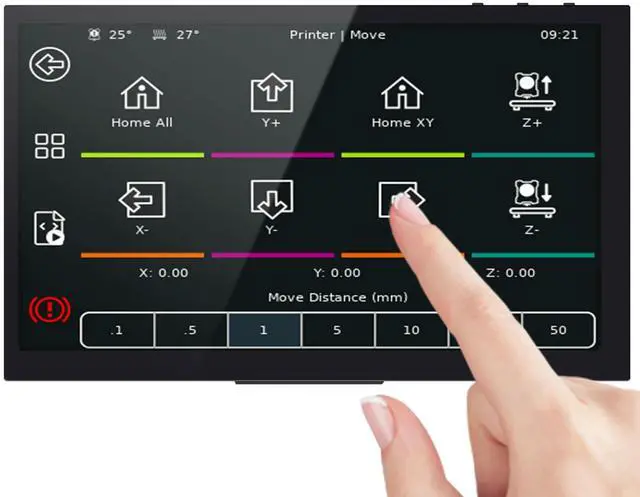
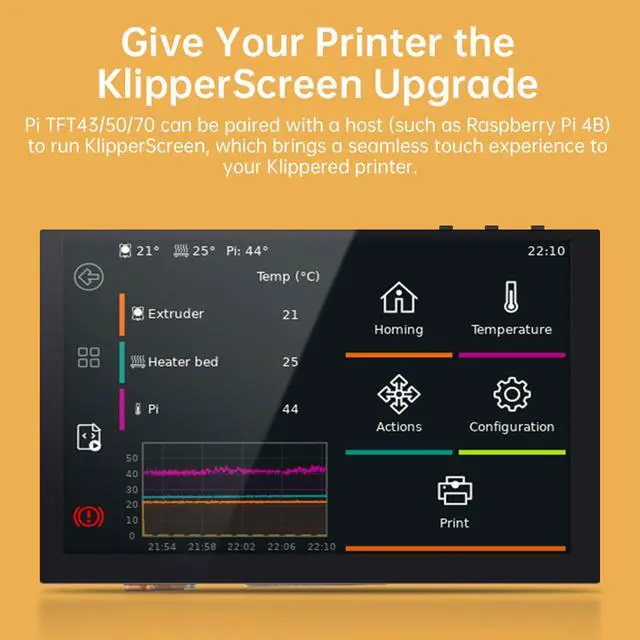
    • This is a 5-inch LCD touch screen with a resolution of 800 x 480 for Raspberry-Pi. The display area can reach 108 x 64.8mm
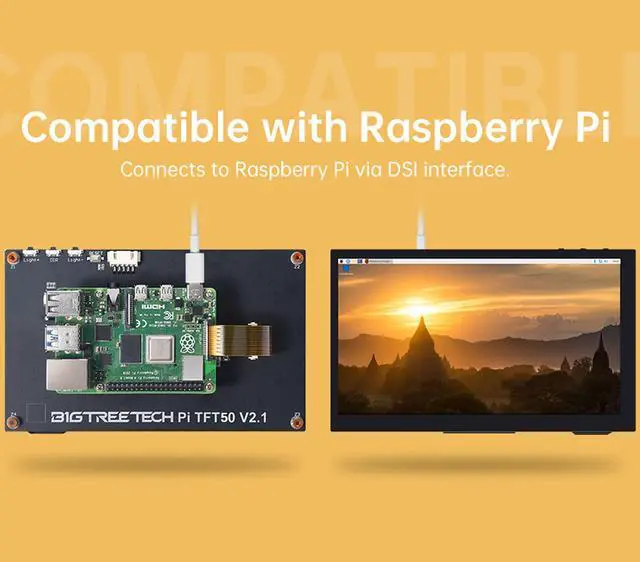
    • Adapt to the Raspberry-Pi DSI display interface, directly driven by DSI; with a capacitive touch panel. Supports 5-point touch
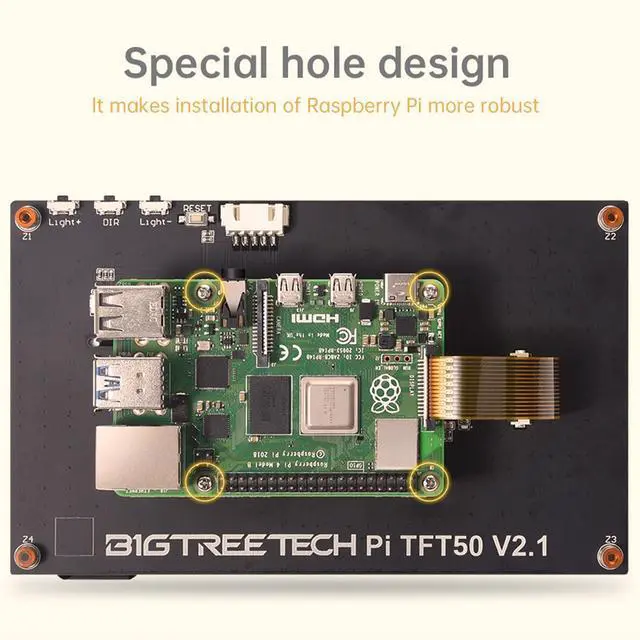
    • The unique hole design on the back allows you to install the Raspberry-Pi directly. PI TFT50 display adopts Raspberry-Pi power supply design, no external power supply is needed
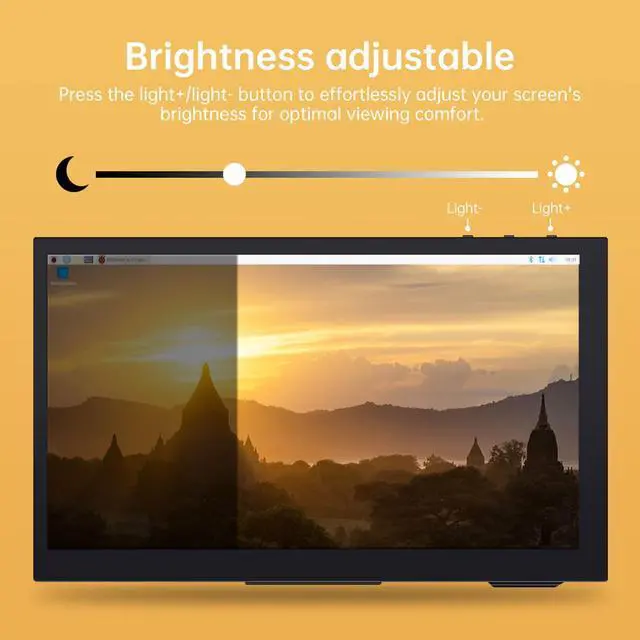
    • The PI TFT50 display supports hardware backlight adjustment, and the backlight brightness can be adjusted by rotating the potentiometer behind the screen
    • If you encounter any problems after receiving the product, please write us via . We have professional technical after-sales personnel to solve your problems
    +
    +
    Overview
    Specs
    Reviews
    avatar

    Any questions? Our AI beta will help you find out quickly.

    PI-TFT50 V 2.1 Technical

    Specifications

    :

    Working Voltage: 3.3V (provided by Raspberry Pi display interface)

    Maximum Working Current: 320mA

    Screen Current: 100mA

    Screen Resolution: 800*480

    Video Interface: Raspberry Pi DSI

    Touch Points: 5 points

    Viewing Angle: 60deg/70deg/70deg/70deg

    RGB888-16 Trillion True Color

    Refresh Rate: 60Hz

    Luminous Rate: 280 cd/m2

    Working Temperature: -20-70

    Dimensions: 121mm x 76mm

    Mounting Hole Size: M 2.5

    Outer Mounting Hole Position: 113mm x 68mm

    Inner Mounting Hole Position: 58mm x 49m

    Use Tutorial:

    The first step is to insert the SD card with the Raspberry-Pi system into the Raspberry-PI.

    Step 2: Connect the DISPLAY interface of the 5-inch touch screen to the DISPLAY interface on the Raspberry-Pi through the provided FPC cable.

    Step 3: After powering on the Raspberry-Pi, you can use the 5-inch touch screen.

    Warranty & Returns

    Warranty, Returns, And Additional Information

    Warranty

    • Please contact the Seller directly for warranty information. Warranty information may also be found on the Manufacturer's website.
    • CONTACT

    Return Policies

    • Return for refund within: 30 days
    • Return for replacement within: 30 days
    • This item is covered by DSKL Return Policy

    Manufacturer Contact Info

    LOADING...