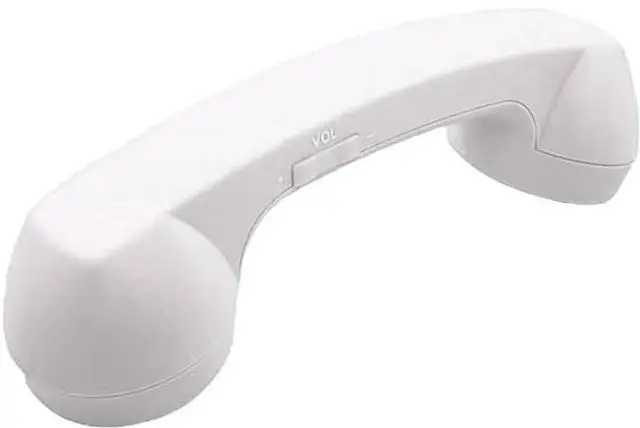
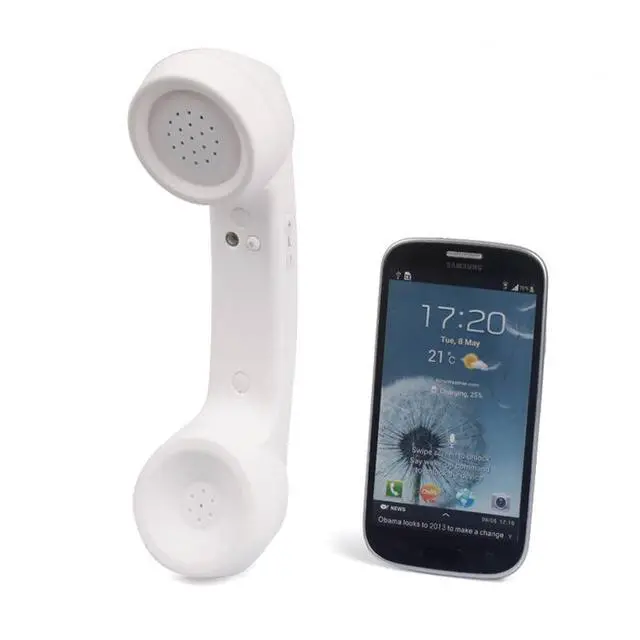
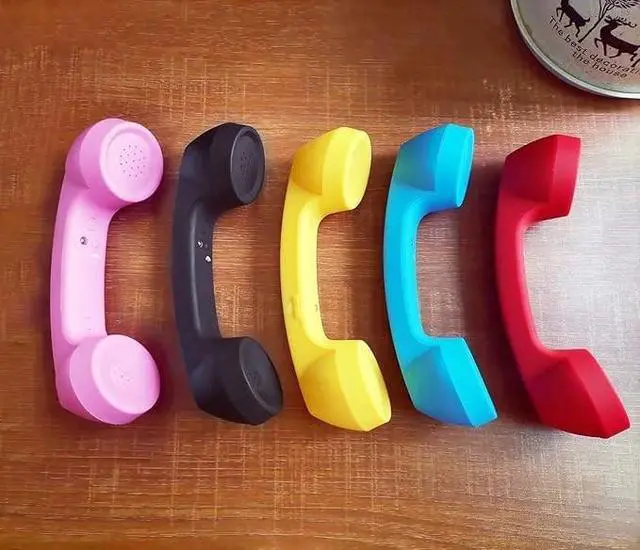
Retro mobile phone supports internal any bluetooth mobile phone, notebook bluetooth.
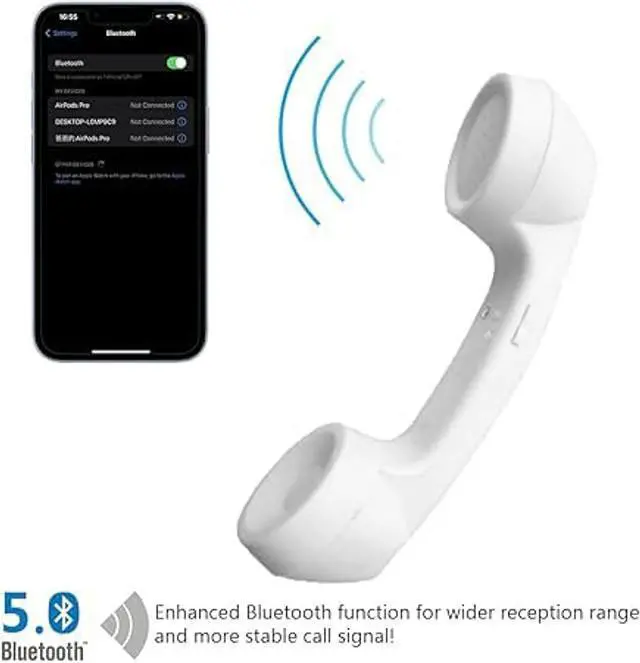
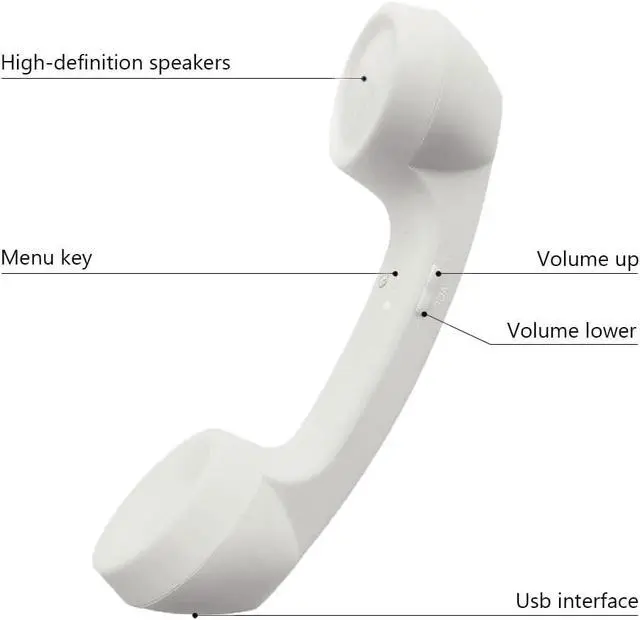
Features: Support Bluetooth 5.0, support listening to songs, support HFPV 1.5 and HSPV 1.1, office appearance, with usb handset.
Technical parameter: *Working
voltage: DC
4V*Battery capacity: 200mAH*
Communication time: 12
hours*Standby time: 36
hours*Charger: DC 5V, 300mA*Frequency: 2404-2479MHZ*
Communication distance: barrier-free
10M*Charging time: 4
hoursSteps for usage: 1.
Start the power supply: When using Bluetooth, press and hold the function key until the blue and red lights are on at the same time and flashing. 2.
Bluetooth pairing: a Start the Bluetooth function of the mobile phone; b. Turn on the Bluetooth search function; c. Search for the NFXSL model, select the model, and then the blue light flashes, the pairing is successful. 3.
Answer the call: When the phone calls, the phone will still ring the ringtone, press the function key at this time to answer the call. 4.
End the call: After the call is finished, press the function key to end the call. 5.
Reject the call: When the phone calls, press and hold the function key for two seconds, and release it to reject the call. 6.
Redial: Redial the last call, double-click the function key or long press the function key for two seconds to achieve the redial function. 7.
Power off: press and hold the function key until the red light is on, that is, power off. 8. The indicator light of the earphone shows a red light when charging. When the earphone is fully charged, the red light will turn off and the blue light will be on. The first charging time is about 4 hours.