Get a $25 Newegg Promo Gift Card when you spend $250+ between 1/17/26 and 1/19/26. Learn More>
  • $250.78
  • Free 30-day Returns
  • Ships from China.
    Price alert
    Sold by FortressTek

    Shipped by FortressTek

    Shop it at NeweggBusiness.

    Meet Your Seller

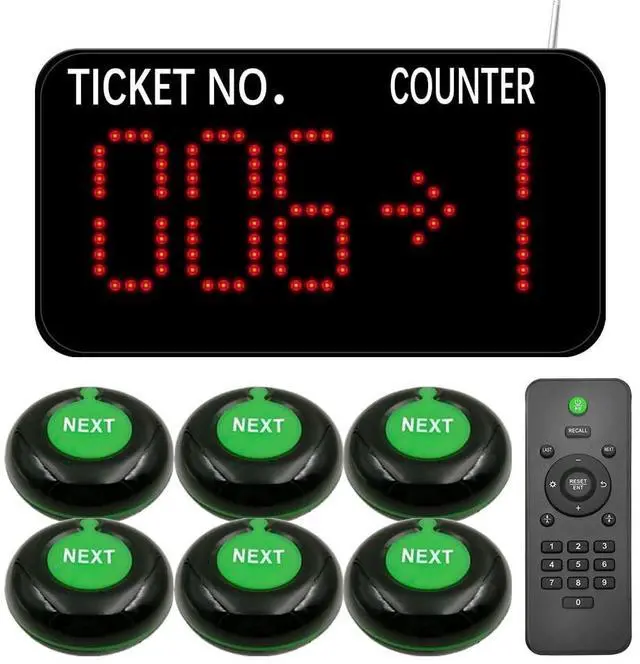
    KOQICALL Take a Number System Queue Wireless Calling Sysem with 1 Counter Display and 6 Next Button for Restaurant Bank Ticket Office Clinic

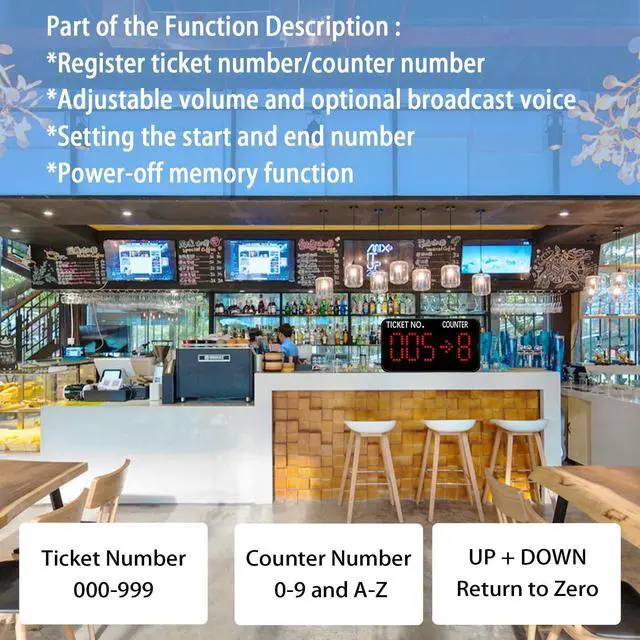
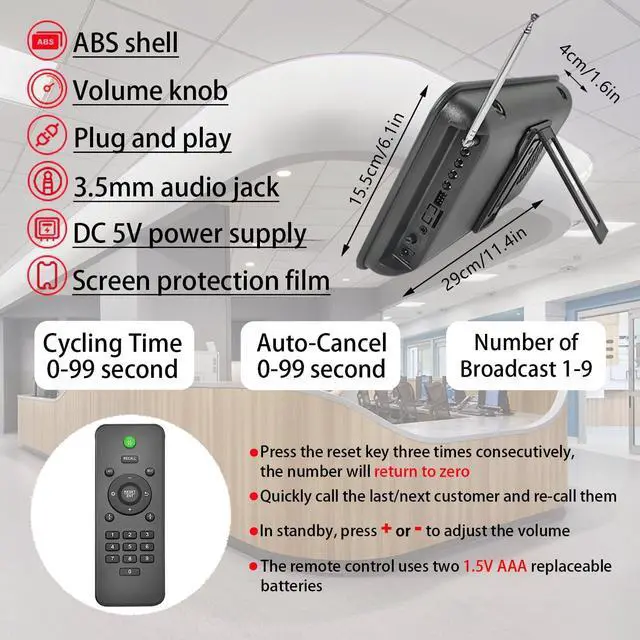
    • Power-off memory is one of the highlights of this queue calling system. When this function is switched on, the last number called will be stored automatically. Upon reconnecting the power, the call will start with "Last Number + 1"
    • By default, numbers start at 000 and end at 999. You can set the "Start" and "End" numbers as required, for example, you only need to call numbers between 50 and 200. Once the call reaches the "End" number, the system will automatically restart from the "Start" number.
    • Quick Zero: Suppose you have set the "Start" number to 10 and are currently calling 35. Press the Up and Down keys at the same time to quickly zero. When pressing the NEXT button, the number will start calling again from 10. Note that the "zero" here is not necessarily the number 0, but the "Start" number you set.
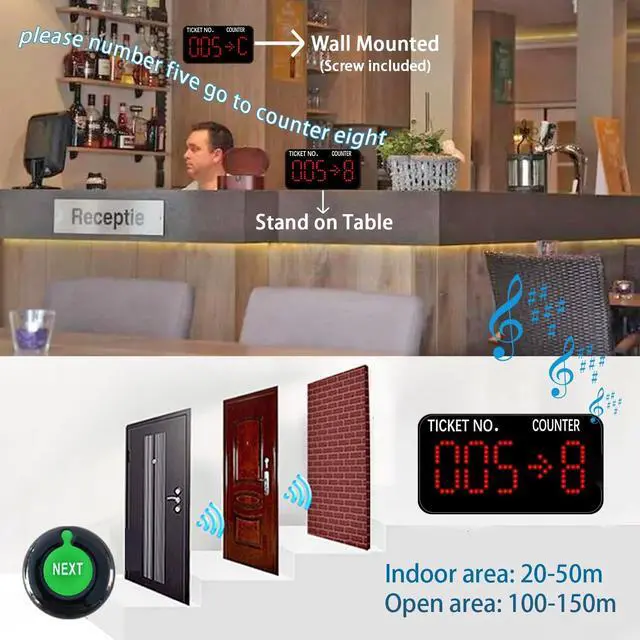
    • Receiver displays 3-digit ticket number and 1-digit counter number. It can be mounted on the wall or desktop, and can be easily adjusted for volume, voice mode, number of br
    +
    +
    Overview
    Specs
    Reviews
    avatar

    Any questions? Our AI beta will help you find out quickly.

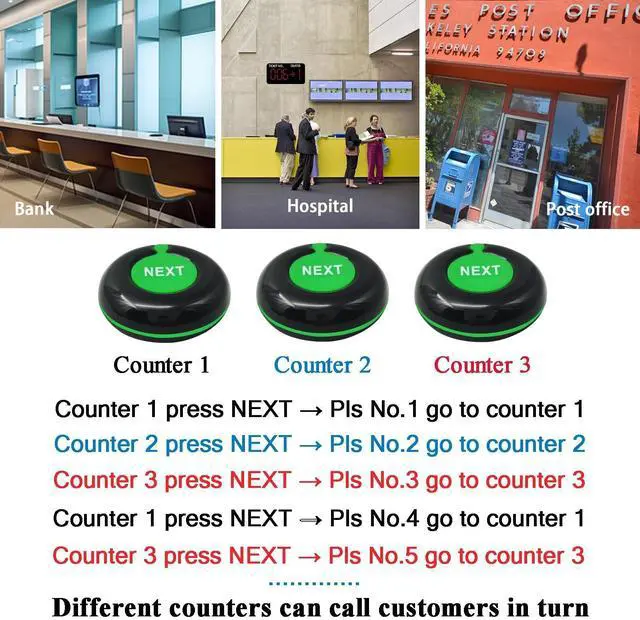
    How Does the Queue Management System Work? 1. Customer go to the service center and take a number ticket by thermal printer. 2. Customer wait for their service. 3. When it is their turn, the counter worker will press the "Next" button to call. 4. The customer's number will be shown on the display screen with voice prompts so that the customer knows which counter they should go to.
    The Complete Queue Pager Includes: 1 x
    Number Display: show the ticket number and counter number6 x
    NEXT Call Button: call the customer one by one1 x Remote Button1 x
    Screw: fixing the display to the wall1 x English Manual6 x Double-Sided Tape for Call buttons

    Warranty & Returns

    Warranty, Returns, And Additional Information

    Warranty

    • Please contact the Seller directly for warranty information. Warranty information may also be found on the Manufacturer's website.
    • CONTACT

    Return Policies

    Manufacturer Contact Info

    LOADING...