Your Browsing History
- Free 30-day Returns
$41.99
Meet Your Seller
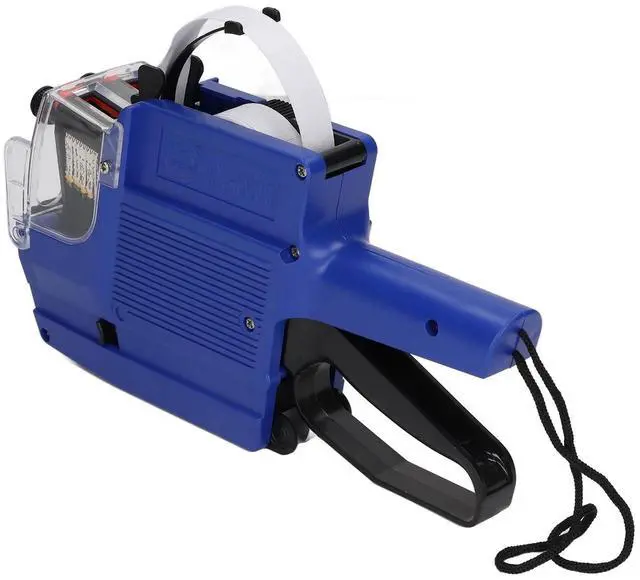
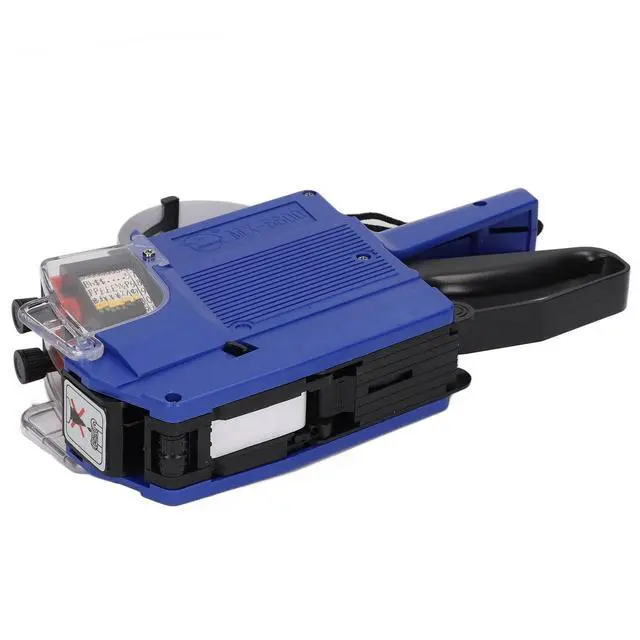
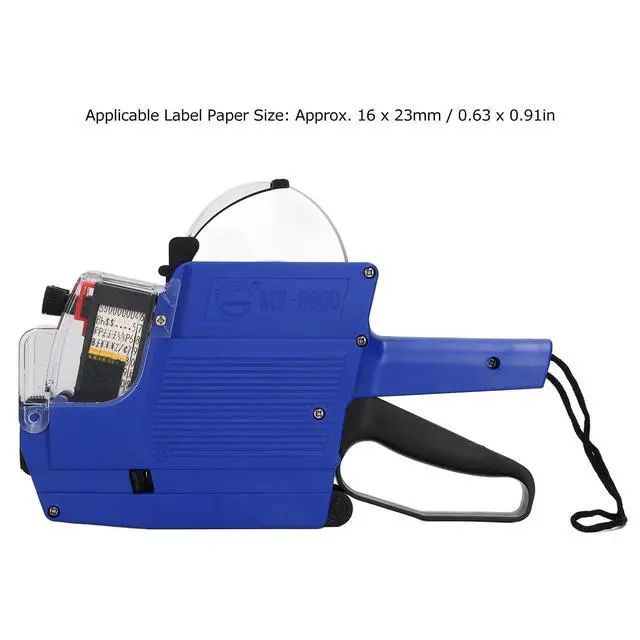
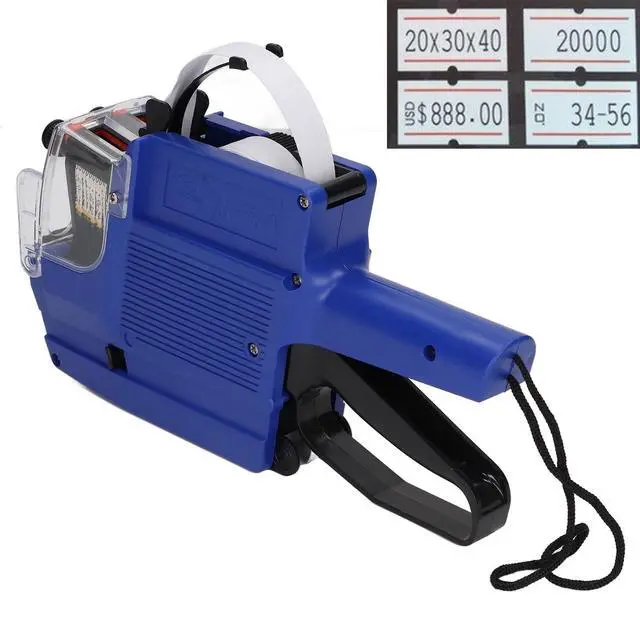
MX 6600 Price Tag Marker, 10 Digits 2 Lines Label Maker with Ink Wheel, Blue, ABS Material, for Retail Store and Office
- [Complete Kit] Includes 1pc 2-row price tag , 1pc ink wheel, pre-loaded with label stickers and extra ink roller for smooth .
- [Easy to Use] Selector knob allows for quick character changes. printing is precise and beautiful, ensuring professional results.
- [ Material] Made of abs, ideal for office, retail store, grocery, and more. practical tool for organization and labeling tasks.
- [Versatile Application] for various settings such as retail stores, offices, and organizations. simplify pricing and labeling with this tool.
- [Efficient Printing] Features 2 lines of 10 digits for symbols, prices, product codes, and more. clear and fast printing with a simple flick.
+
+
Overview
Specs
Reviews
Any questions? Our AI mode will help you find out quickly.
Try me now
Spec: Item
Type: Price
TagModel:
MX-6600Material: ABS
Colour: Red, yellow, blue.
Applicable Label Paper Size: Approx. 16 x 23mm / 0.63 x 0.91 inMarking
Digits: 10 digits and 2 linesPackage
List: 1 x Price Tag1 x
Ink RollerHow To Use: 1.
Position Adjustment: Pull out and push the turntable left and right to locate the column position, and turn the turntable to adjust row position. 2.
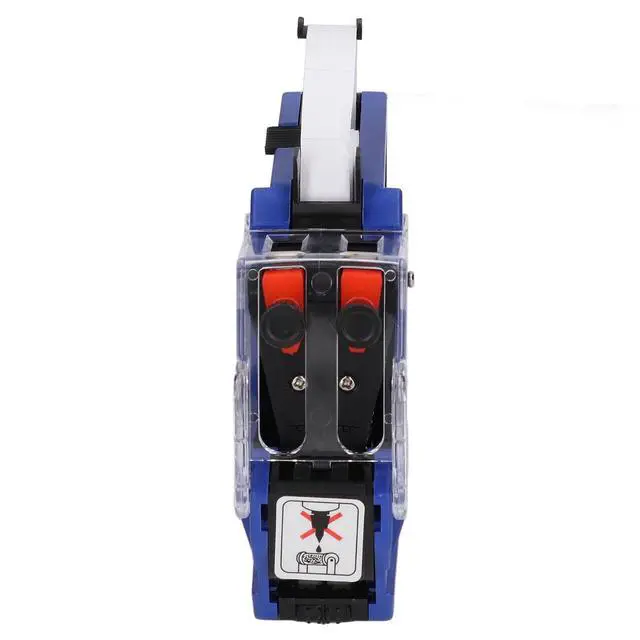
Ink Roller Installation: Pull out the coloured plastic bit on the lower left corner of the head, and then take out the ink roller or install the ink roller. Note that you cannot add ink directly to the old ink roller. 3.
Paper Loading: Press the right button to open the pull position at the bottom of the upper part, and install the label paper according to the circuit diagram.

Type: Price
TagModel:
MX-6600Material: ABS
Colour: Red, yellow, blue.
Applicable Label Paper Size: Approx. 16 x 23mm / 0.63 x 0.91 inMarking
Digits: 10 digits and 2 linesPackage
List: 1 x Price Tag1 x
Ink RollerHow To Use: 1.
Position Adjustment: Pull out and push the turntable left and right to locate the column position, and turn the turntable to adjust row position. 2.
Ink Roller Installation: Pull out the coloured plastic bit on the lower left corner of the head, and then take out the ink roller or install the ink roller. Note that you cannot add ink directly to the old ink roller. 3.
Paper Loading: Press the right button to open the pull position at the bottom of the upper part, and install the label paper according to the circuit diagram.
Warranty & Returns
Warranty, Returns, And Additional Information
Warranty
- Please contact the Seller directly for warranty information. Warranty information may also be found on the Manufacturer's website.
- CONTACT
Return Policies
- Return for refund within: 30 days
- Return for replacement within: 30 days
- This item is covered by FortressTek Return Policy
Manufacturer Contact Info
- For a directory of all our manufacturers, please click below.
- Manufacturers Directory
LOADING...