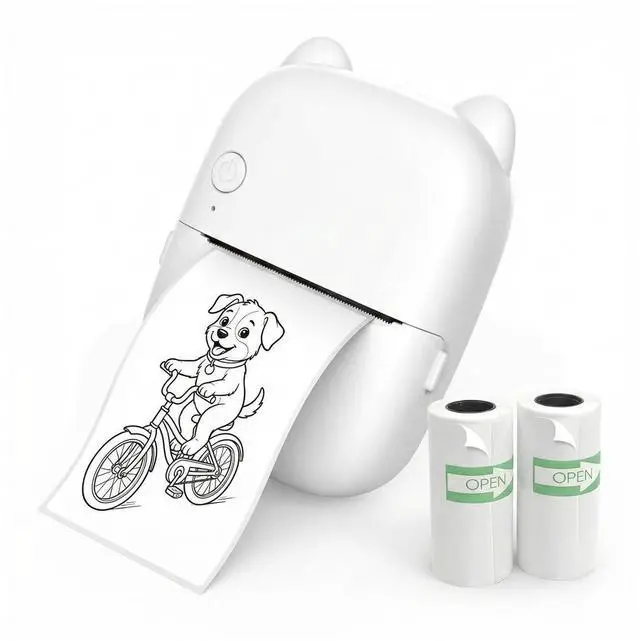
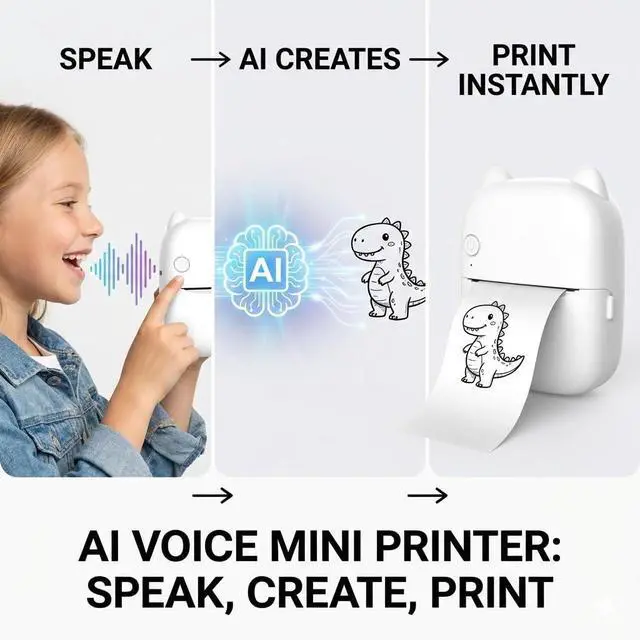
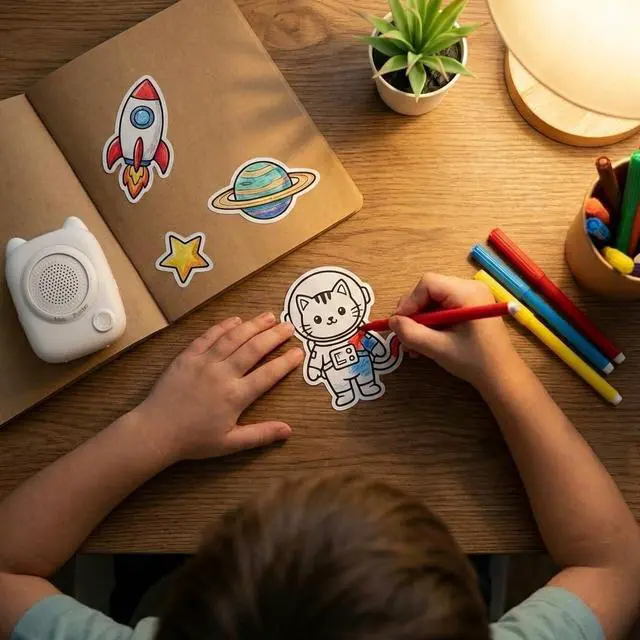
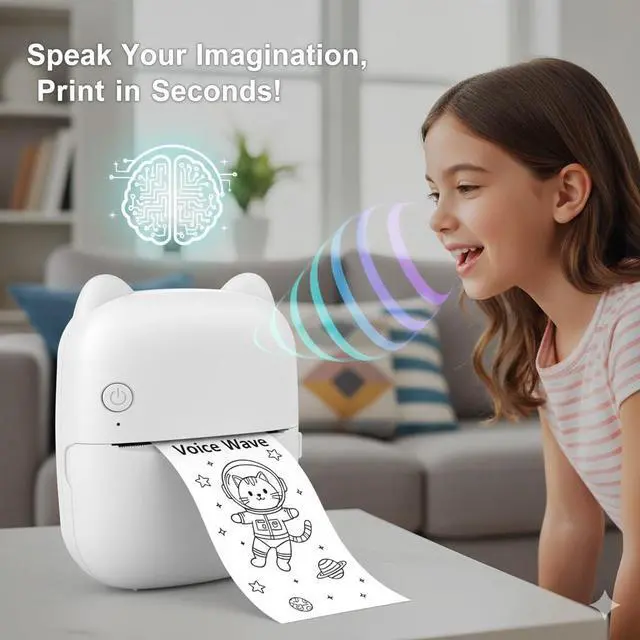
Turn Your Voice into Reality with YPANX Unleash a new wave of creativity with the YPANX AI Voice Thermal Printerthe pocket-sized studio that transforms your spoken words into tangible art. Whether you are an avid journaler, a DIY enthusiast, or someone looking to organize your space with style, YPANX bridges the gap between imagination and the physical world. Speak, Print, Create Forget complex design software. With our advanced Voice-to-Sketch technology, simply press the button and describe your idea. Within seconds, the AI generates a unique black-and-white line art sticker.
It is the perfect canvas for coloring, customizing, and making your mark on the world. A Mindful, Screen-Free Experience In an age of digital noise, YPANX offers a refreshing, tactile escape. By turning digital requests into physical stickers, it encourages hands-on interaction. Peel, stick, color, and organizeenjoy a creative process that fosters focus and relaxation without the need for a screen. Privacy & Safety First Designed with your security in mind, the YPANX printer operates on a strictly "Push-to-Talk" basis. The device only listens when you choose to engage, ensuring zero passive recording.
Paired with our BPA-Free, inkless thermal paper, it provides a safe, non-toxic, and eco-friendly printing experience for every user.
Key Features: AI
Voice-to-Sketch: Instant generation of unique line art stickers.
Inkless Thermal Printing: No messy ink or toner needed.
Privacy Protection: Push-to-Talk microphone ensures total control.
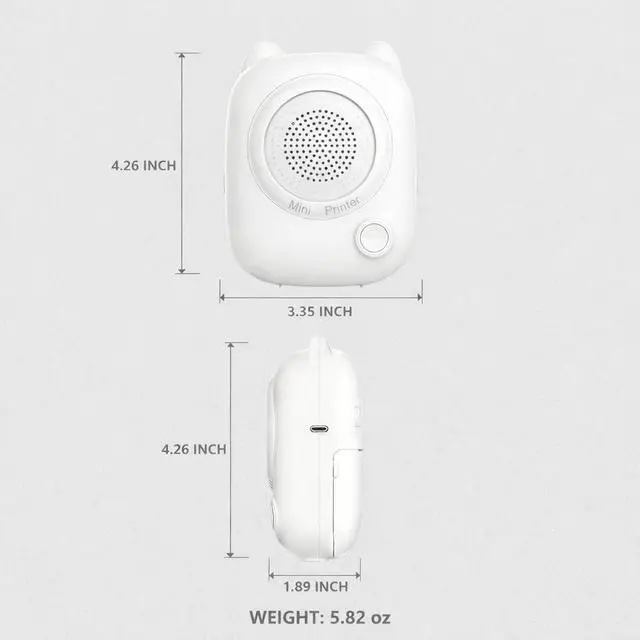
Portable Design: Fits in your pocket for creativity on the go.
BPA-Free Paper: Includes 2 rolls (1 pre-installed) for safe handling.
Box Includes: 1 x YPANX AI Printer, 2 x Thermal Sticker Rolls, 1 x USB Charging Cable, 1 x User Manual. Ready to visualize your thoughts? Just press, speak, and print with YPANX.
Important Notes & Tips:
1. Universal Paper Compatibility This printer is designed to be versatile. It is fully compatible with any standard 57mm x 25mm thermal paper or sticker rolls available on the market, giving you the freedom to choose your preferred refills easily.
2. Voice-Controlled Power Off To turn off the device, simply press and hold the button while saying "Power Off" (or "Turn Off"). The device will recognize the command and shut down automatically.
3. Power Troubleshooting If the device does not turn on or restart, the battery may be fully depleted. Please connect it to a power source using the included USB cable and allow it to charge for a few minutes before trying again.
4. Wi-Fi Requirement ( 2.4GH z Only) Please note that this device supports 2.4GH z Wi-Fi networks only. It is not compatible with 5GHz Wi-Fi bands. Please ensure your phone is connected to a 2.4GH z network during the initial setup.
5. One-Time App Setup For the first use, please download the "FUN PRINT" App to complete the Wi-Fi configuration. Once the network is configured, you can use the printer independently without the app for all future voice-to-print interactions.





 here!
here!