• $153.99
  • Free 30-day Returns
  • Price alert
    Shop it at NeweggBusiness.

    Meet Your Seller

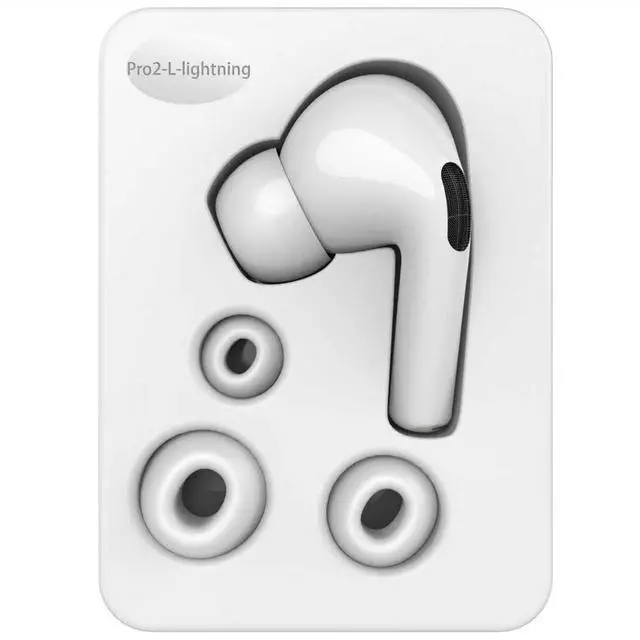
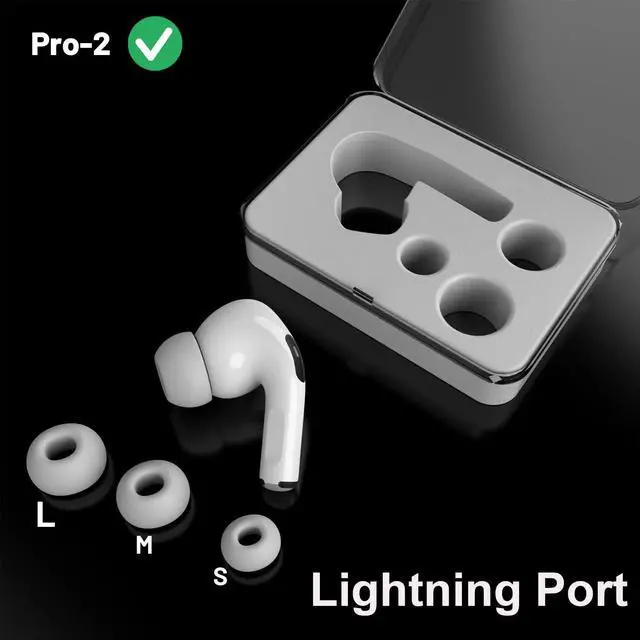
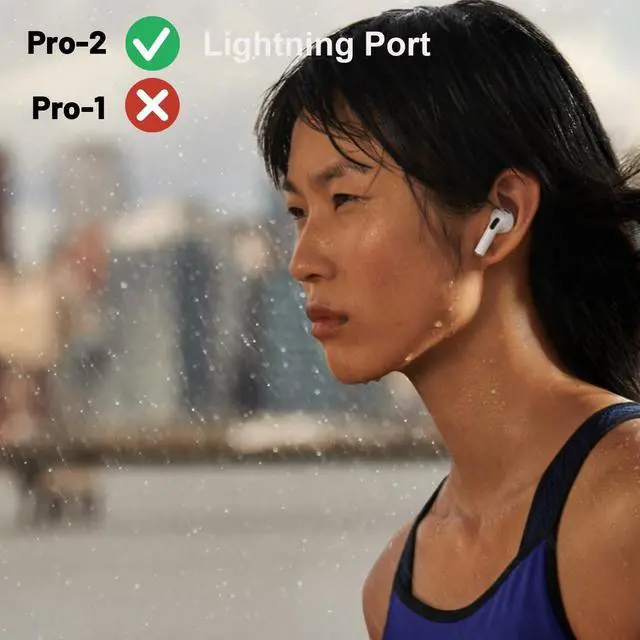
    wusheation OEM A2931, A2698, A2699 Single Left Side Earbud Replacement for Pro2nd, Compatible with Original A2700 Charging Case with Lightning Port, Ear Cushion

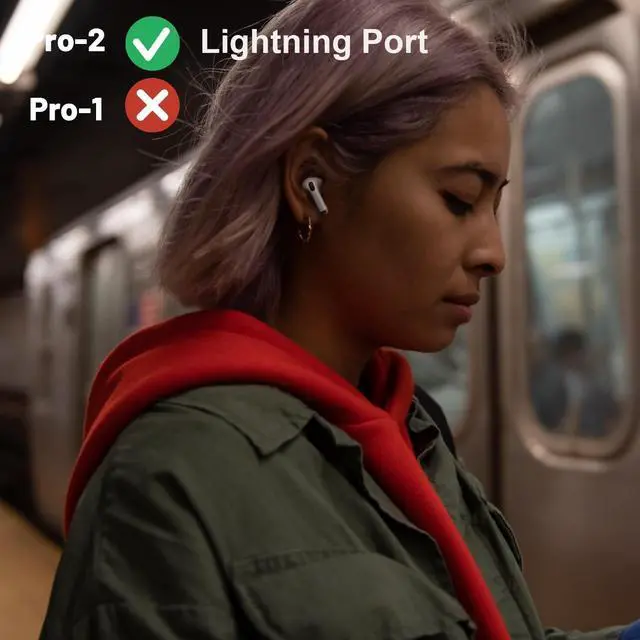
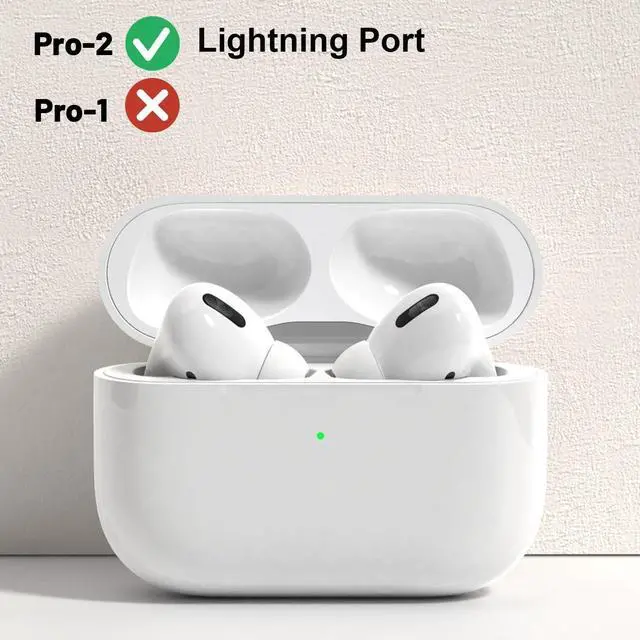
    • Compatibility: The earbud is compatible with Pro2nd and works with original charging case.
    • Important Compatibility Notes: It is incompatible with USB-C charging case: A2968, earbuds A3047, A3048, A3049.
    • Convenient Charging Feature: Pre-charge the A2700 charging case, and you'll have a portable power source for the earbud during outings without access to electricity, ensuring continuous audio enjoyment.
    • Quality Assurance: Although used, this earbud adheres to OEM standards, delivering the same high quality and performance as the original. Its a reliable and cost-effective replacement solution.
    • Pairing Guide: Remove existing earbud connections from your device's Bluetooth list. Charge the earbud for at least 30 minutes with your iPhone/iPad placed right next to it. Reset the earbud and re-establish the Bluetooth connection. If pairing fails, extend the charging time, preferably overnight. Encountering issues? Reach out to us. Note that the pairing process might take longerpat
    +
    +
    Overview
    Specs
    Reviews
    avatar

    Any questions? Our AI beta will help you find out quickly.

    Compatibility: The earbud is compatible with Pro2nd and works with original charging case.
    ^^ Important Compatibility Notes: It is incompatible with
    USB-C charging case: A2968, earbuds A3047, A3048, A3049.
    ^^ Convenient Charging Feature: Pre-charge the A2700 charging case, and you'll have a portable power source for the earbud during outings without access to electricity, ensuring continuous audio enjoyment.
    ^^ Quality Assurance: Although used, this earbud adheres to OEM standards, delivering the same high quality and performance as the original. Its a reliable and cost-effective replacement solution.
    ^^ Pairing Guide: Remove existing earbud connections from your device's Bluetooth list. Charge the earbud for at least 30 minutes with your iPhone/iPad placed right next to it. Reset the earbud and re-establish the Bluetooth connection. If pairing fails, extend the charging time, preferably overnight. Encountering issues? Reach out to us. Note that the pairing process might take longerpatience is key!

    Warranty & Returns

    Warranty, Returns, And Additional Information

    Warranty

    • Please contact the Seller directly for warranty information. Warranty information may also be found on the Manufacturer's website.
    • CONTACT

    Return Policies

    Manufacturer Contact Info

    LOADING...