

Your Browsing History
- Free 30-day Returns
$695.99

Meet Your Seller


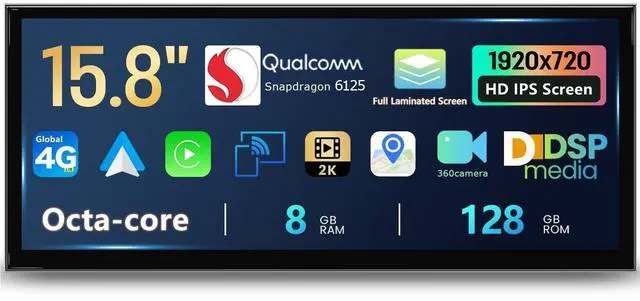


Uckazy 15.8 Inch Android Auto Radio for BMW X1 F48 F49 F30 2016-2017 NBT System, 8+128GB Car Play IPS Touch Screen Support Wireless Android Auto
- Vehicle modelPlug and play Suitable for BMW X1 F48 F49 F30 (2016-2017) NBT System. If you are unsure if this device is suitable for your vehicle, please contact us first.
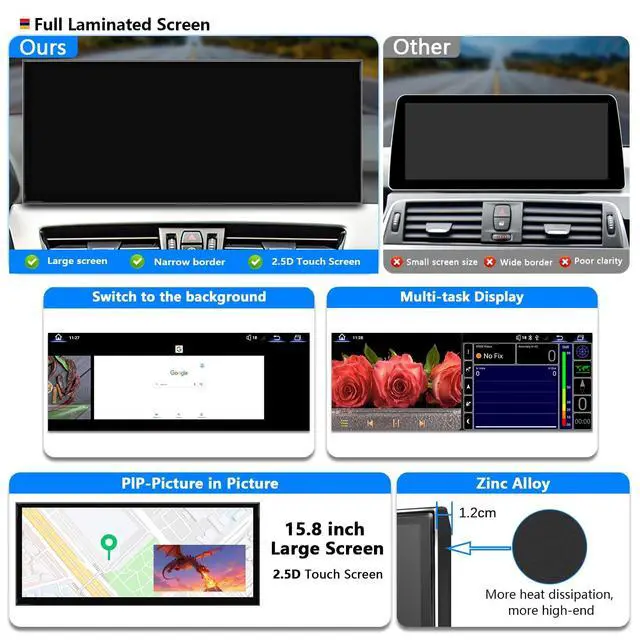
- screenAdopting an ultra narrow 15.8-inch(1920*720)IN-CELL screen and full lamination technology to eliminate air between screens, it can make the screen look more transparent,The use of full lamination technology for iMac reflection helps reduce the reflection between the display panel and glass by 75% The screen is made of zinc alloy material, which has high strength and wear resistance compared to traditional plastic shells. Its unique damping characteristics help absorb vibration and noise
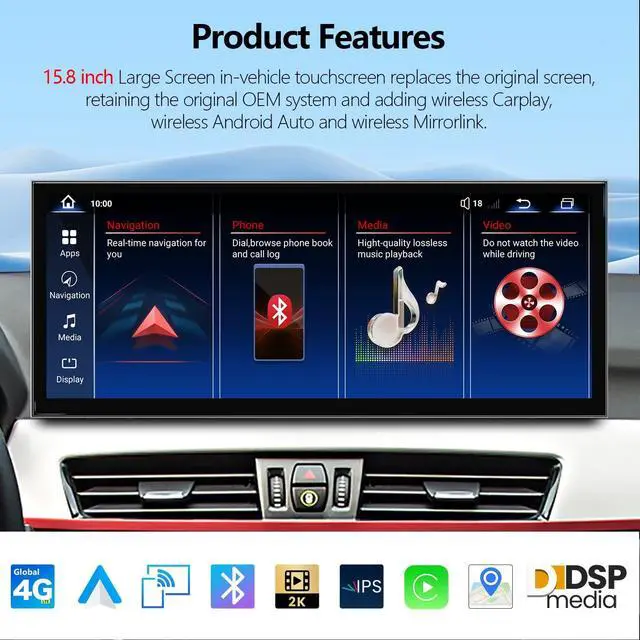
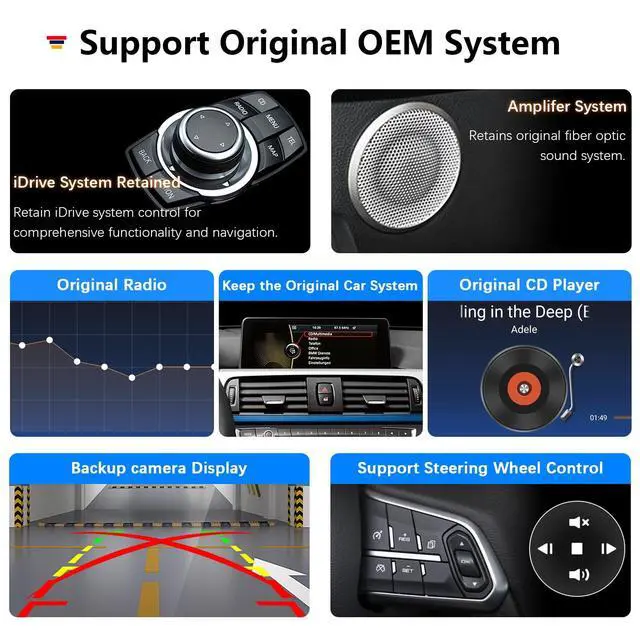
- Dual systemOne click switch between Android system and original car system,The upgraded capacitive touch screen retains all original functions and adds Android system features, greatly enhancing your experience. This includes the original car radio, amplifier function, factory steering wheel control, original car mouse knob
+
+
Overview
Specs
Reviews

Any questions? Our AI mode will help you find out quickly.
Try me now
Applicable Models & Years: Car Radio For BMW X1 X2 NBT 2016-2017 Carplay Android Auto. Car Mulitmedia For BMW F48 F49 NBT 2016-2017 Carplay Android Auto.
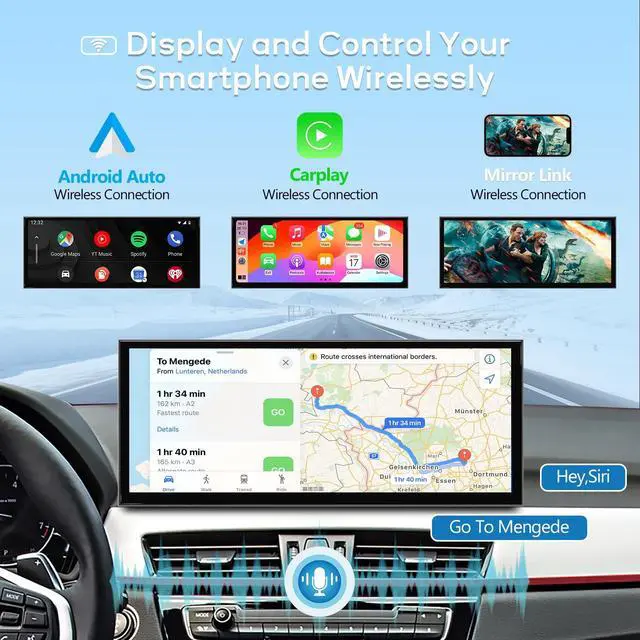
Note: This unit is for above BMW vehicles that come with Original NBT System. >>>NBT means the display LVDS plug is 6pin>>>Follow the car year or original Factory head unit screen Menu to choose right one. Please kindly note if your original car has AUX. If your car does not have audio AUX input, you need to order an FM transmitter to help with installationor activate aux function in your local car workshop, the speaker of your original car can make sound. How to link carplay & android auto Turn on your phone's Bluetooth and WiFi Open the Bluetooth of the device and check the Bluetooth name. Find and connect from the Bluetooth device on the phone. If the device Bluetooth cannot be found, please ignore deleting other excess Bluetooth devices. After authorizing and successfully connecting on the phone, it will automatically enter the CarPlay function interface. Google Phone Settings Same as aboveThe original car system can't be displayerChoose to enter Setup Car Settings Original car's screen resolution Select the correct resolution. IDrive knob not workingChoose to enter Setup Car Settings IDriveIDrive_A (CCC) or IDrive_B (CCC) Revers view not workingChoose to enter Setup Car SettingsReversing setting (Confirm if it is original car camera or an additional camera )
Note: This unit is for above BMW vehicles that come with Original NBT System. >>>NBT means the display LVDS plug is 6pin>>>Follow the car year or original Factory head unit screen Menu to choose right one. Please kindly note if your original car has AUX. If your car does not have audio AUX input, you need to order an FM transmitter to help with installationor activate aux function in your local car workshop, the speaker of your original car can make sound. How to link carplay & android auto Turn on your phone's Bluetooth and WiFi Open the Bluetooth of the device and check the Bluetooth name. Find and connect from the Bluetooth device on the phone. If the device Bluetooth cannot be found, please ignore deleting other excess Bluetooth devices. After authorizing and successfully connecting on the phone, it will automatically enter the CarPlay function interface. Google Phone Settings Same as aboveThe original car system can't be displayerChoose to enter Setup Car Settings Original car's screen resolution Select the correct resolution. IDrive knob not workingChoose to enter Setup Car Settings IDriveIDrive_A (CCC) or IDrive_B (CCC) Revers view not workingChoose to enter Setup Car SettingsReversing setting (Confirm if it is original car camera or an additional camera )
Warranty & Returns
Warranty, Returns, And Additional Information
Warranty
- Please contact the Seller directly for warranty information. Warranty information may also be found on the Manufacturer's website.
- CONTACT
Return Policies
- Return for refund within: 30 days
- Return for replacement within: 30 days
- This item is covered by JMDesign Return Policy
Manufacturer Contact Info
- For a directory of all our manufacturers, please click below.
- Manufacturers Directory
LOADING...