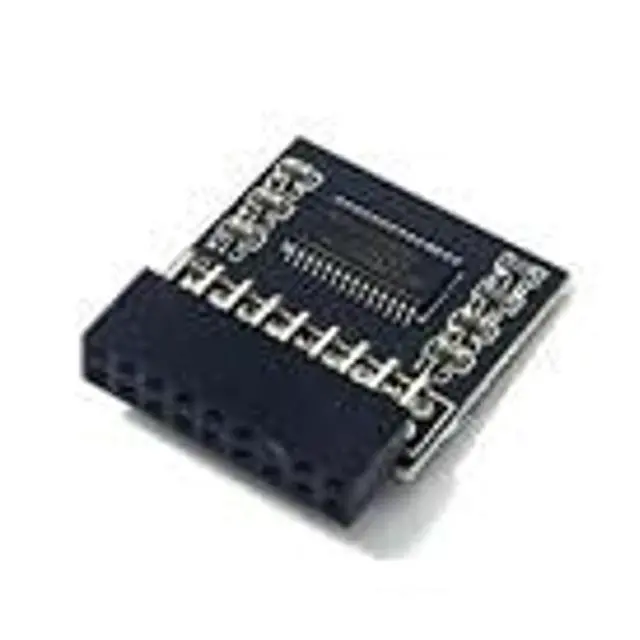
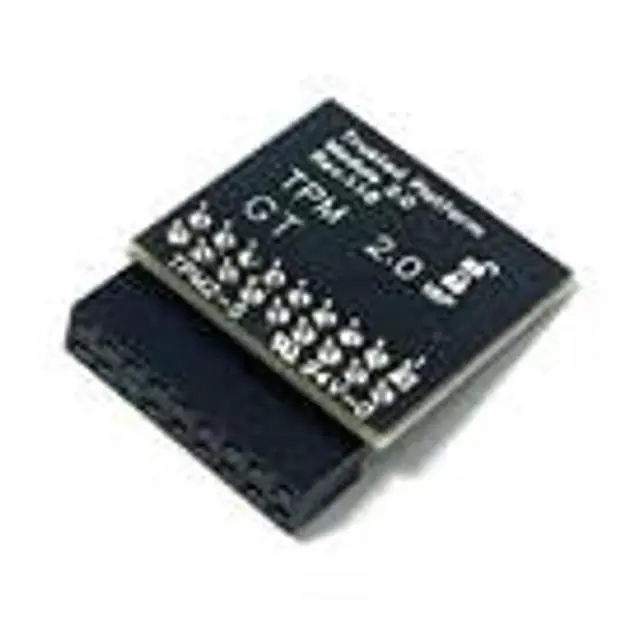
Important Notes: 1. This product is only compatible with older motherboards such as Intel and AMD. It is not compatible with newer motherboard models featuring firmware TPM, all-in-one PCs, or laptops. 2. The minimum hardware requirements for upgrading to Windows 11 via
TPM 2.0 are as follows: a 1 GHz or faster 64-bit processor (dual-core/multi-core), 4 GB of memory, 64 GB of storage space, firmware supporting UEFI Secure Boot and TPM 2.0, a DirectX 12-compatible graphics card, and a display with a resolution of 720p or higher. 3. This product has a 18pin-1 connector. Please carefully check the pin positions in the image to ensure compatibility with your motherboard before purchasing. Compatible with GIGABYTE MotherboardB150M Pro4HyperB150A-X1HyperB250 Pro4H310M-HDVH310M-HDVM. 2H310CM-HDVM. 2H170 Pro4HyperH170 ComboH170 Pro4D3H170 Pro4SH170A-X1H170A-X 13.1H 170M Pro4SH170M-ITXacH170M-ITXDL
Fatal1ty H170 PerformanceFatal1ty H170 PerformanceHyperCompatible with TPM-M R 2.018 pin-1
Chipset: Infineon
SLB9665PIN DEFINE:
18PinInterface: LPC
How to select and install a security module: 1. Confirm whether the host has TPM 2.0 or if TPM 2.0 is enabled. 2.
Click Run,
enter: tpm. msc (Win+R keys), and check if the TPM version is ready. 3. If version 2.0 is displayed but not ready, you need to configure settings in the BIOS; consult the motherboard manufacturer's customer service. 4. Open the host and inspect the TPM pins on the motherboard. 5. When installing the module, ensure the chip-side faces inward, align with the pins, and insert fully to prevent loosening. (See image for direction)





 here!
here!