Your Browsing History
- Free 30-day Returns
$67.99
Meet Your Seller
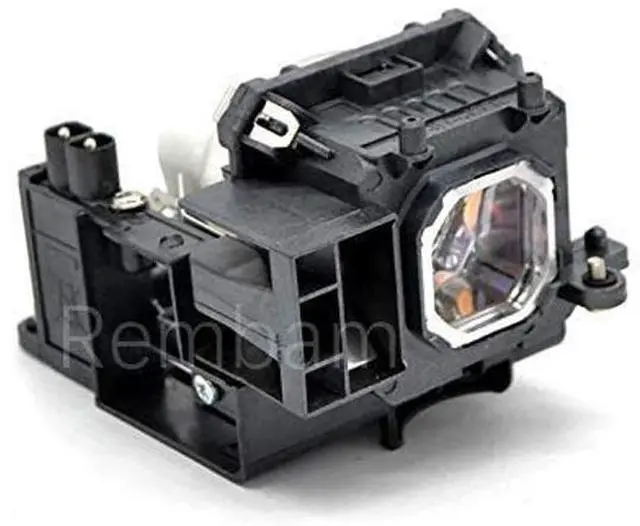
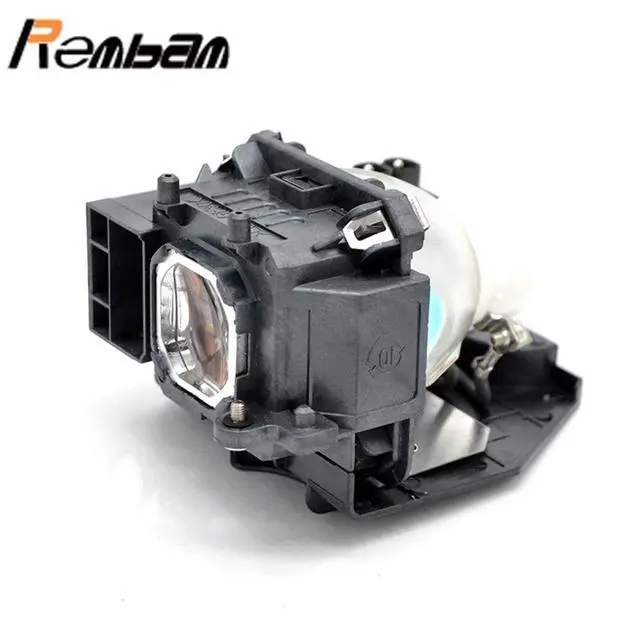
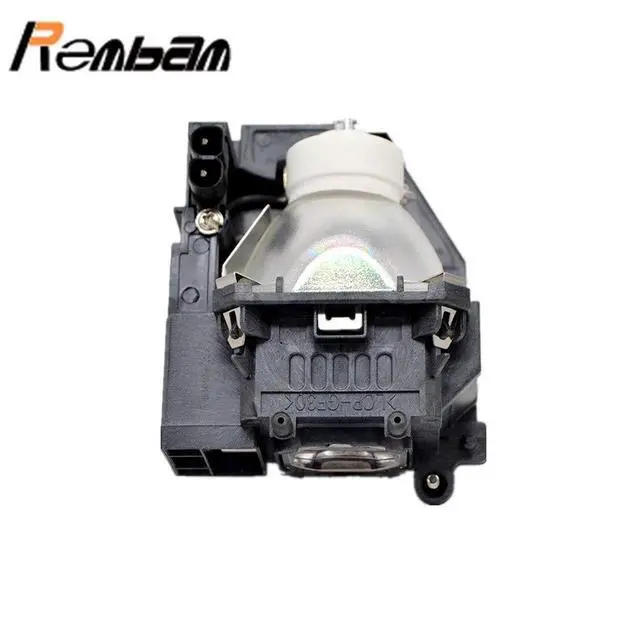
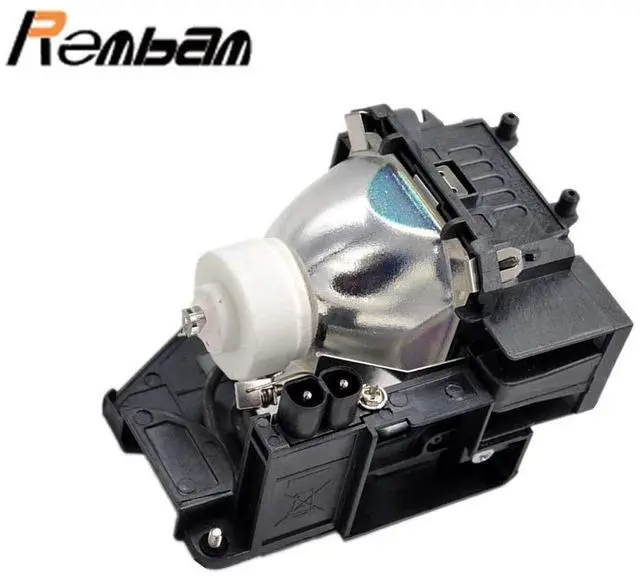
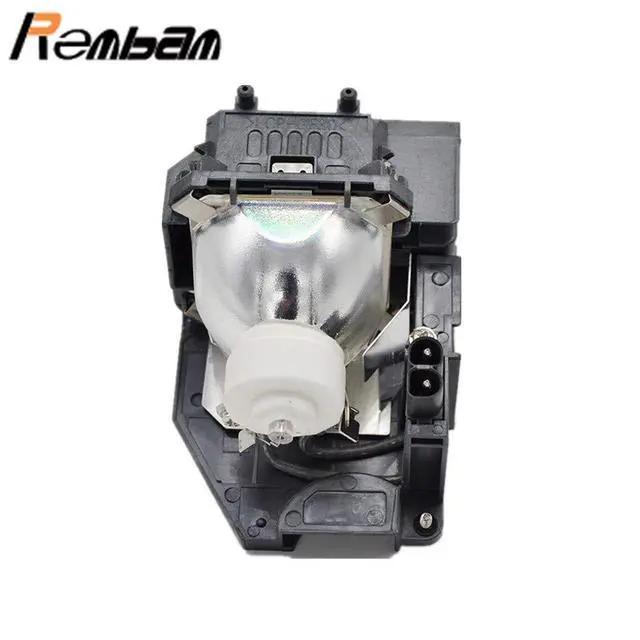
Rembam NP16LP Projector Replacement Bulb with Housing for NEC M260WS M260XS M300W M300XS M350X M361X
- Compatible modelFor NEC M300W M311W M300XS M260WS M361X M300XSG M350X NP-UM300W UM280W UM280Wi UM280X UM280Xi NP-P350X
- Affordable PriceBudget-friendly replacement bulbs that fit a wide range of projector models, helping you save without sacrificing performance.
- Reliable PerformanceMade with durable materials to ensure stable brightness and extended lamp life, providing reliable everyday use.
- Easy to Install Simple plug-and-play designno professional skills needed. Get your projector shining again in minutes.
- Hass-Free SupportOrders ship quickly so you receive your bulb on time. Backed by responsive customer service for a smooth purchase experience.
+
+
Overview
Specs
Reviews
Any questions? Our AI beta will help you find out quickly.
Try me now
Rembam Information: Rembam has own factory and many experienced workers. Every lamp will be take strict quality test before leaving factory. So you don't need to doubt the quality.
number:
NP16LPApplication:
Business/Education/Home/SchoolCompatible: for NEC M260WS NEC M260XSNEC M300W NEC M300XSNEC M350X NEC M361XPackage: 1 bulb with housing1
Instructions sheetInstallation: 1. Turn off the projector and unplug the power cord. 2. Let the projector cool for at least an hour. The lamp is extremely hot immediately after use. 3. Loosen the lamp cover screw. Then slide the lamp cover off. 4. Loosen the two screws holding the lamp in place. 5. Hold the lamp as shown and pull it straight out. 6. Gently insert the new lamp. Then tighten its screws. 7. Replace the lamp cover, then tighten its screw.
Notes: 1. To avoid burns, allow the projector to cool for at least 60 minutes before replacing the lamp. 2. We provide excellent re fund service with no any contidition with 12 hours feedback. If you have any questions, please contact us. We will try our best to sole your problem as soon as possible.

Specifications
: Partnumber:
NP16LPApplication:
Business/Education/Home/SchoolCompatible: for NEC M260WS NEC M260XSNEC M300W NEC M300XSNEC M350X NEC M361XPackage: 1 bulb with housing1
Instructions sheetInstallation: 1. Turn off the projector and unplug the power cord. 2. Let the projector cool for at least an hour. The lamp is extremely hot immediately after use. 3. Loosen the lamp cover screw. Then slide the lamp cover off. 4. Loosen the two screws holding the lamp in place. 5. Hold the lamp as shown and pull it straight out. 6. Gently insert the new lamp. Then tighten its screws. 7. Replace the lamp cover, then tighten its screw.
Notes: 1. To avoid burns, allow the projector to cool for at least 60 minutes before replacing the lamp. 2. We provide excellent re fund service with no any contidition with 12 hours feedback. If you have any questions, please contact us. We will try our best to sole your problem as soon as possible.
Warranty & Returns
Warranty, Returns, And Additional Information
Warranty
- Please contact the Seller directly for warranty information. Warranty information may also be found on the Manufacturer's website.
- CONTACT
Return Policies
- Return for refund within: 30 days
- Return for replacement within: 30 days
- This item is covered by Riveira Store Return Policy
Manufacturer Contact Info
- For a directory of all our manufacturers, please click below.
- Manufacturers Directory
LOADING...