Your Browsing History
Meet Your Seller
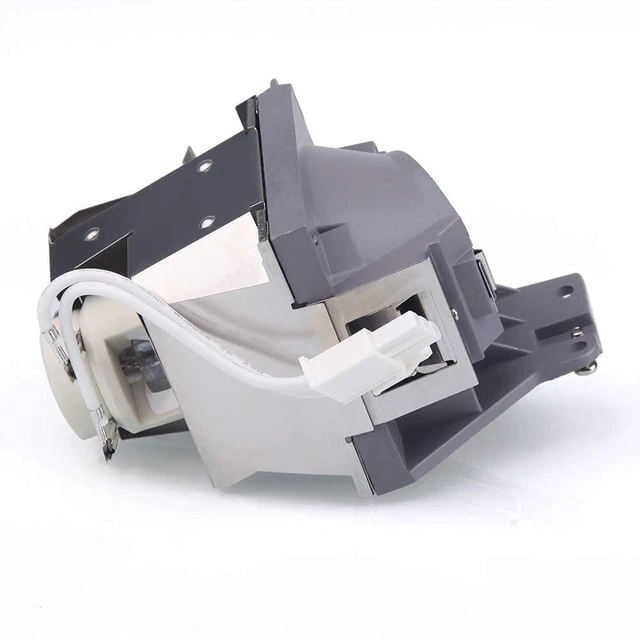
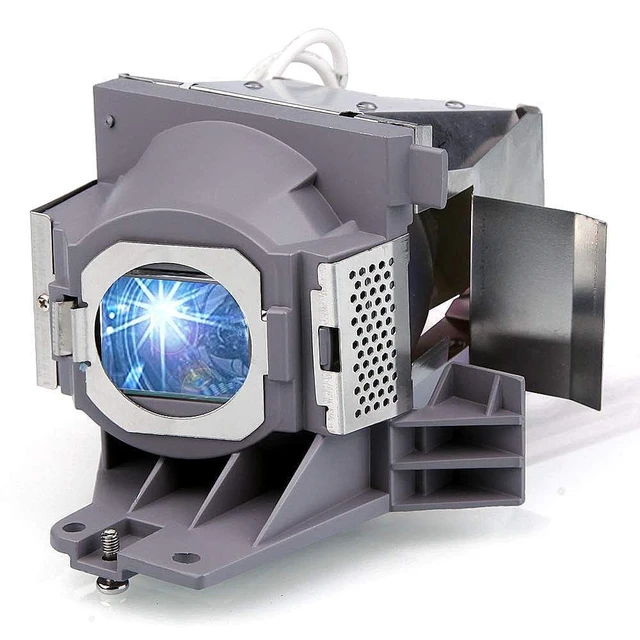
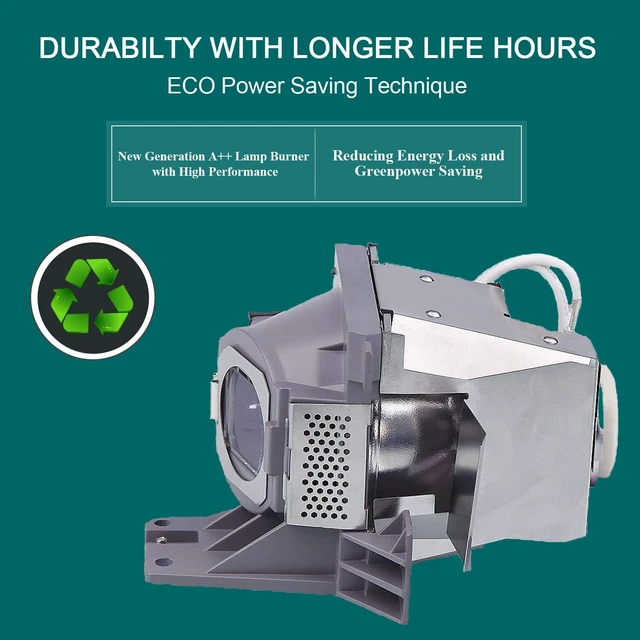
RANETLIO 5J.JEE05.001 Replacement Lamp Bulb with Housing
- Projector Lamp Part Number for 5J.JEE05.001 5J.JEE05.A01
- Quality Replacement Lamps works for BENQ HT2150ST HT2050A HT2050 HT3050 W1110 W1120 W1210ST W2000 W2000+ WP2010 W2000W projector lamp module
- RANETLIO Provides 180- Day Long Warranty for the Replacement
- Excellent Customer Service, 7x24 online instant customer service.All the Inquires will be responded within 12 hours
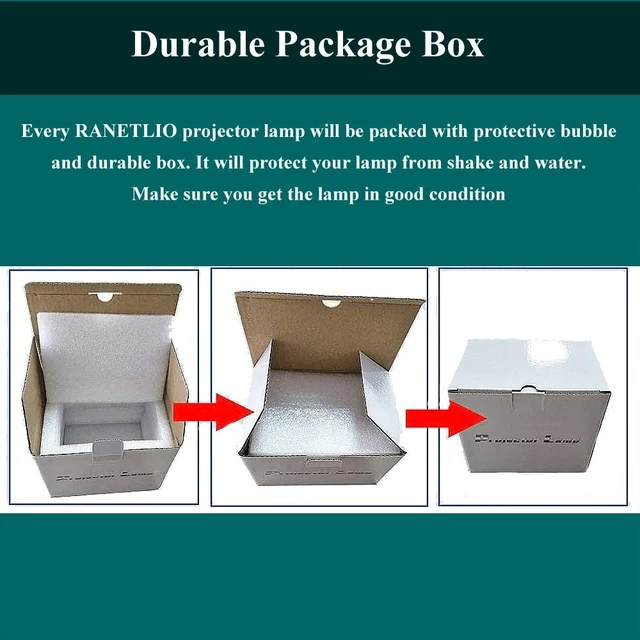
- RANETLIO's Replacement Lamps will be strictly checked before shipping, and will be well packaged to protect the lamp from shake and water
+
+
Overview
Specs
Reviews
Any questions? Our AI mode will help you find out quickly.
Try me now
Item Name: Projector Lamp for 5J.
JEE 05.001T ype: Compatible Replacement Lamp bulb with
HousingWarranty: 180 DaysWorks for
Following Models: forfor BENQ HT2150ST HT2050 HT3050 W1110 W1120 W1210ST W2000 W2000+How to Replace the
Replacement Lamp: 1- Turn off the power before replacing the lamp. 2- Clean the fan and surrounding dust before replacing the lamp to avoid abnormal; temperature and cause the projector to malfunction. 3- After replacing the new lamp, clear the lamp usage time. 4- After turning off the projector, wait for the cooling to complete before unplugging the power cord. 5- Avoid other objects blocking the projector, which will cause abnormal heat dissipation, so as not to affect the life of the lamp and other faults. How to Extend the
Lamp LifeA: Do not disconnect the power suddenly during use..
B: Do not turn on or turn off frequently in a short period of time. Before unplugging the power plug, make sure that the cooling fan stops running.
C: Replace the filter regularly to keep the projector from overheating

JEE 05.001T ype: Compatible Replacement Lamp bulb with
HousingWarranty: 180 DaysWorks for
Following Models: forfor BENQ HT2150ST HT2050 HT3050 W1110 W1120 W1210ST W2000 W2000+How to Replace the
Replacement Lamp: 1- Turn off the power before replacing the lamp. 2- Clean the fan and surrounding dust before replacing the lamp to avoid abnormal; temperature and cause the projector to malfunction. 3- After replacing the new lamp, clear the lamp usage time. 4- After turning off the projector, wait for the cooling to complete before unplugging the power cord. 5- Avoid other objects blocking the projector, which will cause abnormal heat dissipation, so as not to affect the life of the lamp and other faults. How to Extend the
Lamp LifeA: Do not disconnect the power suddenly during use..
B: Do not turn on or turn off frequently in a short period of time. Before unplugging the power plug, make sure that the cooling fan stops running.
C: Replace the filter regularly to keep the projector from overheating
Warranty & Returns
Warranty, Returns, And Additional Information
Warranty
- Please contact the Seller directly for warranty information. Warranty information may also be found on the Manufacturer's website.
- CONTACT
Return Policies
- Return for refund within: 30 days
- Return for replacement within: non-replaceable
- This item is covered by VersaCom Return Policy
Manufacturer Contact Info
- For a directory of all our manufacturers, please click below.
- Manufacturers Directory
LOADING...