Your Browsing History
Meet Your Seller
USB Status Busylight Compatible with Microsoft Teams, Zoom, and Cisco Jabber/Webex Auto-Syncs (Free Software Required) or Tap to Manually Change Color Real-Time Availability for Office
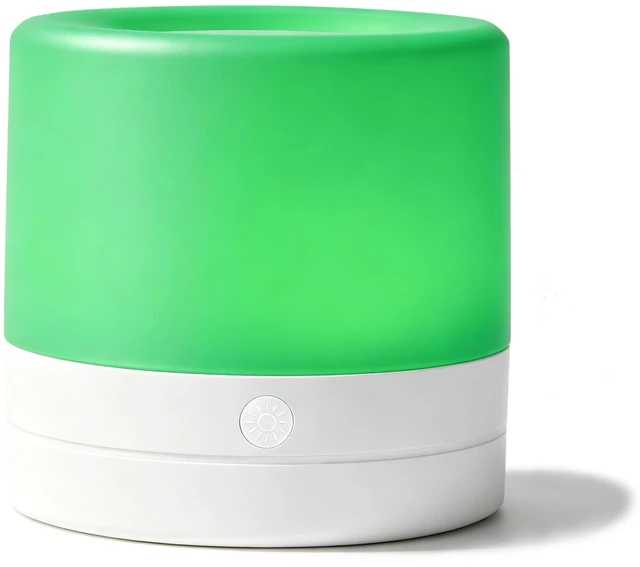
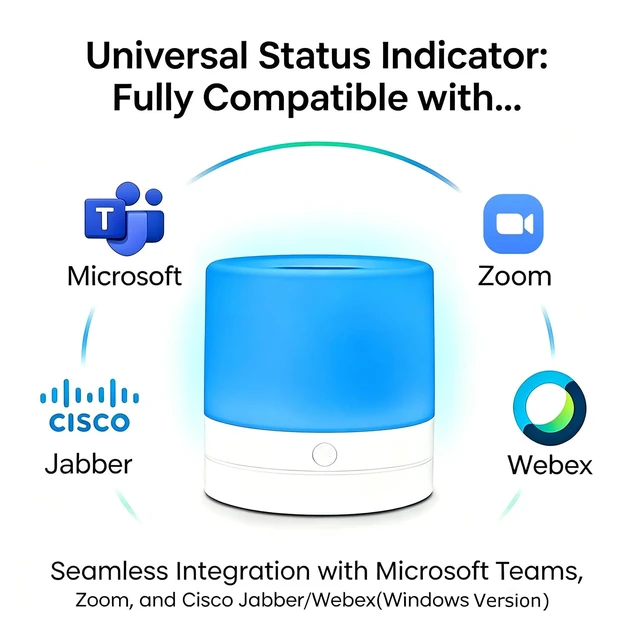
- Smart Busylight Displays your real-time availability. VT USB busy light is compatible with Microsoft Teams, Zoom, and Cisco Jabber/Webex syncing your status to reduce interruptions and keep you focused.
- Auto Presence Synchronization Free Software Required When receiving a Teams or Zoom call, the indicator flashes blue and turns red when the call is answered or a meeting begins. Note: Install the free busy light software to enable status synchronization. Cisco Jabber/Webex full synchronization is supported on Windows only. Follow the user manual for setup.
- IN-A-CALL Mode Free Software Required For platforms without full status synchronization, enable IN-A-CALL Mode: the busy light turns red during calls and green when idle.
- Tap to Manually Change Color Simply tap the top to switch colors anytime no software needed for manual mode.
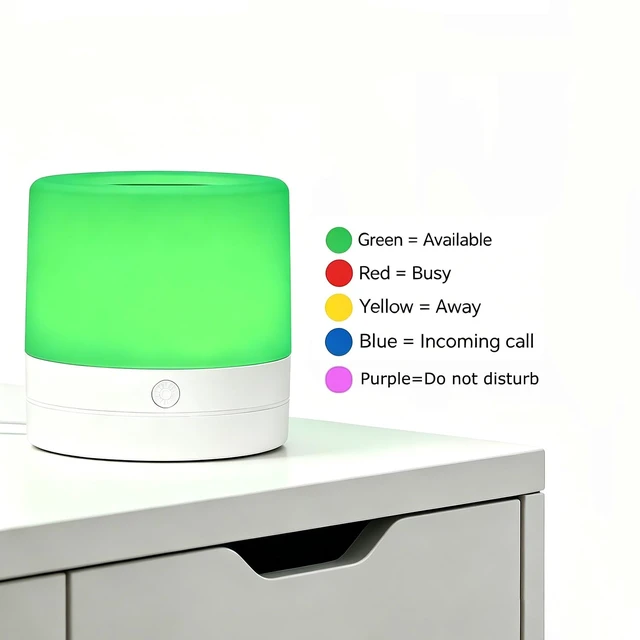
- Easy-to-Read Status Rules Green = Available
- Red = Busy
- Yellow = Away
- Blue = Incoming Call
- Purple = Do Not Dis
+
+
Overview
Specs
Reviews
Any questions? Ask CelesteSM will help you find out quickly.
Try me now
Smart Busylight Displays your real-time availability. VT USB busy light is compatible with Microsoft Teams, Zoom, and Cisco Jabber/Webex syncing your status to reduce interruptions and keep you focused. ^^ Auto Presence Synchronization Free Software Required When receiving a Teams or Zoom call, the indicator flashes blue and turns red when the call is answered or a meeting begins.
Note: Install the free busy light software to enable status synchronization. Cisco Jabber/Webex full synchronization is supported on Windows only. Follow the user manual for setup. ^^ IN-A-CALL Mode Free Software Required For platforms without full status synchronization, enable
IN-A-CALL Mode: the busy light turns red during calls and green when idle. ^^ Tap to Manually Change Color Simply tap the top to switch colors anytime no software needed for manual mode. ^^ Easy-to-Read Status Rules Green = Available ^^ Red = Busy ^^ Yellow = Away ^^ Blue = Incoming Call ^^ Purple = Do Not Disturb. Perfect for home office, remote work, or returning to the workplace. ^^ Size, Cable &
Interface Diameter: 2.76 in
Height: 2.83 in.
Cable length: 6.56 ft (2 m).
Interface: Type-C + USB C-A adapter.
Note: Install the free busy light software to enable status synchronization. Cisco Jabber/Webex full synchronization is supported on Windows only. Follow the user manual for setup. ^^ IN-A-CALL Mode Free Software Required For platforms without full status synchronization, enable
IN-A-CALL Mode: the busy light turns red during calls and green when idle. ^^ Tap to Manually Change Color Simply tap the top to switch colors anytime no software needed for manual mode. ^^ Easy-to-Read Status Rules Green = Available ^^ Red = Busy ^^ Yellow = Away ^^ Blue = Incoming Call ^^ Purple = Do Not Disturb. Perfect for home office, remote work, or returning to the workplace. ^^ Size, Cable &
Interface Diameter: 2.76 in
Height: 2.83 in.
Cable length: 6.56 ft (2 m).
Interface: Type-C + USB C-A adapter.
Warranty & Returns
Warranty, Returns, And Additional Information
Warranty
- Please contact the Seller directly for warranty information. Warranty information may also be found on the Manufacturer's website.
- CONTACT
Return Policies
- Return for refund within: 30 days
- Return for replacement within: non-replaceable
- This item is covered by VersaCom Return Policy
Manufacturer Contact Info
- For a directory of all our manufacturers, please click below.
- Manufacturers Directory
LOADING...