
Your Browsing History




Any questions? Our AI beta will help you find out quickly.
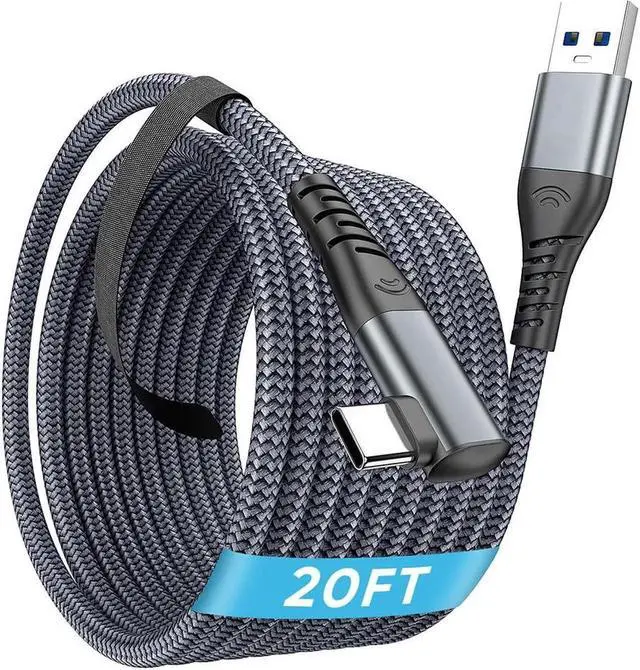
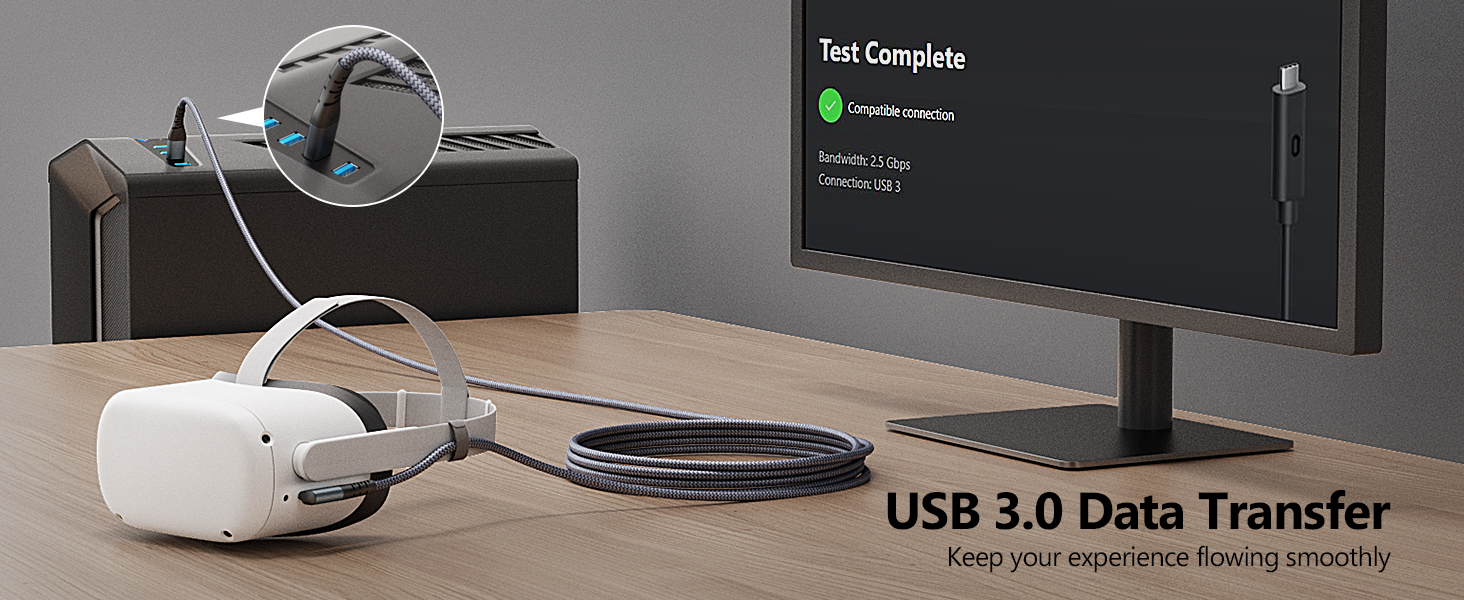
USB 3.0 Data Transfer
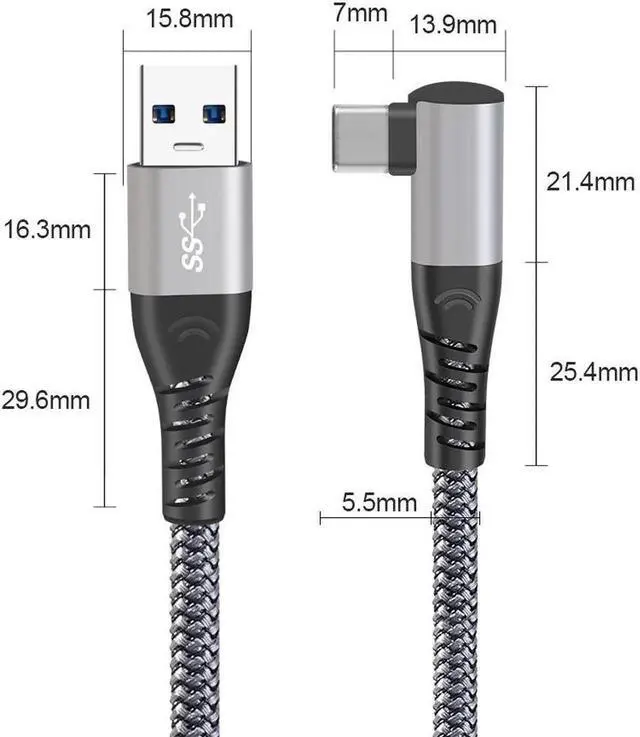
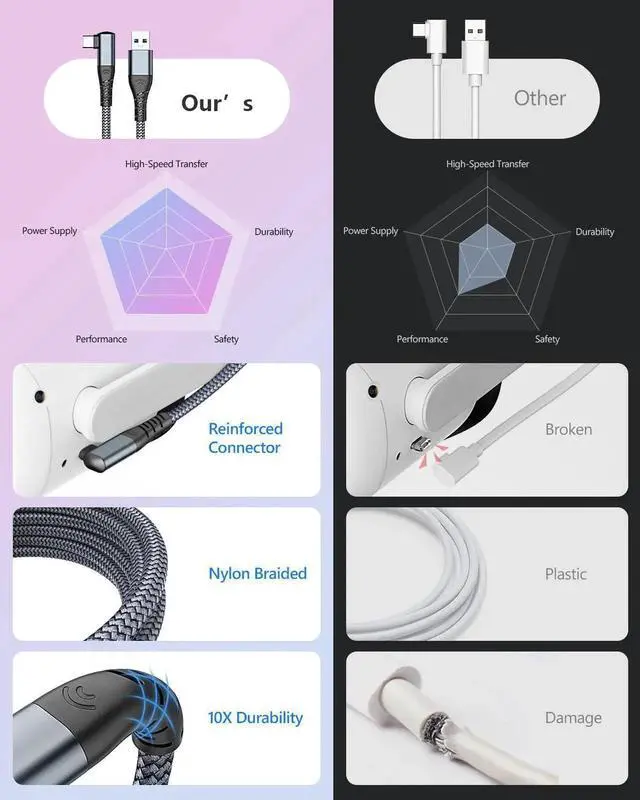
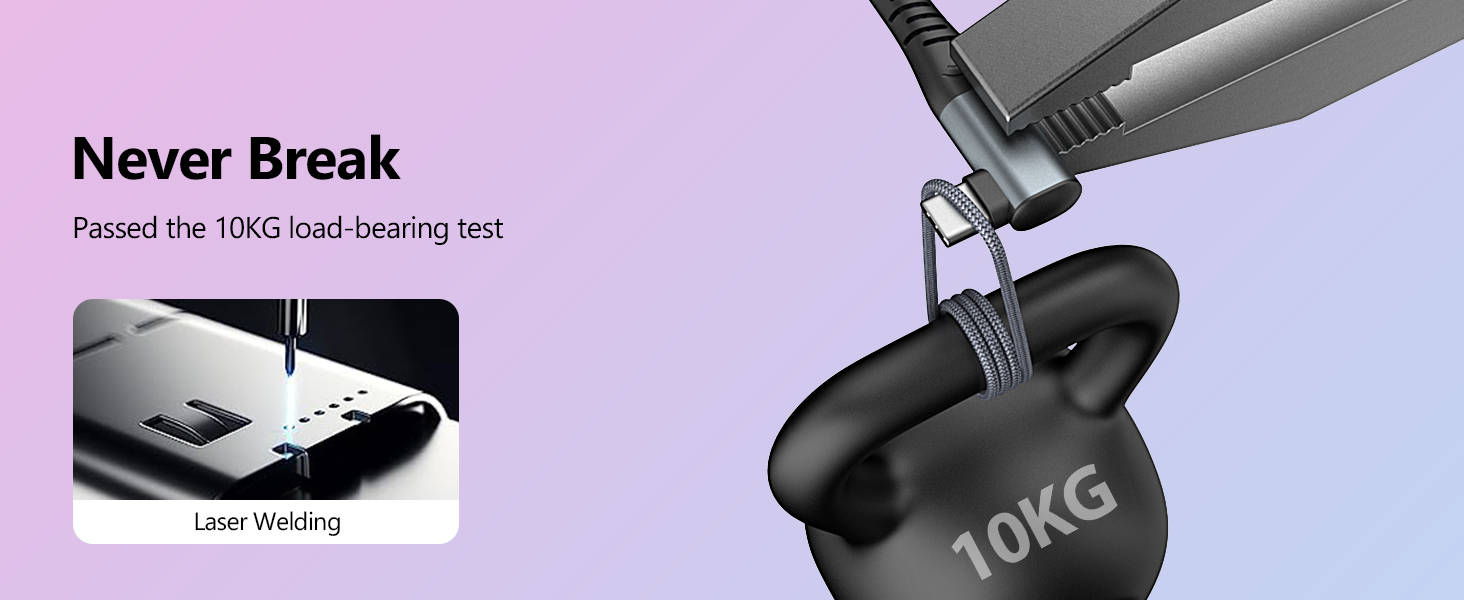
Strong and Sturdy
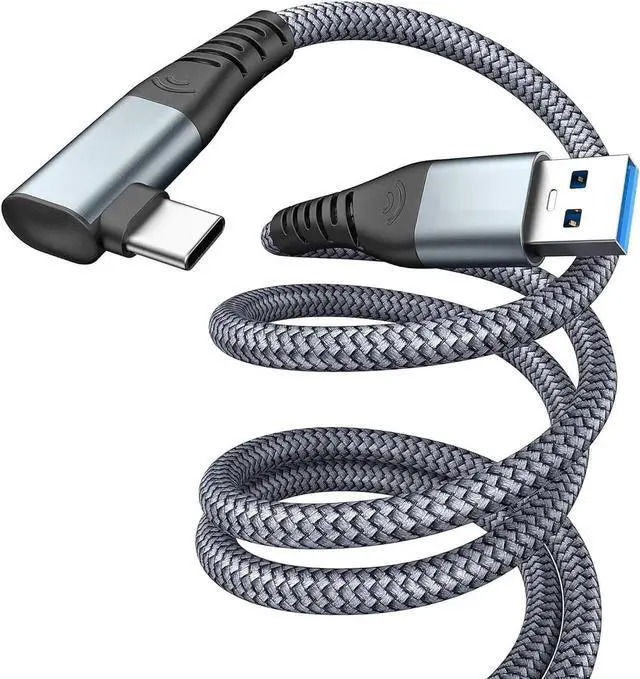
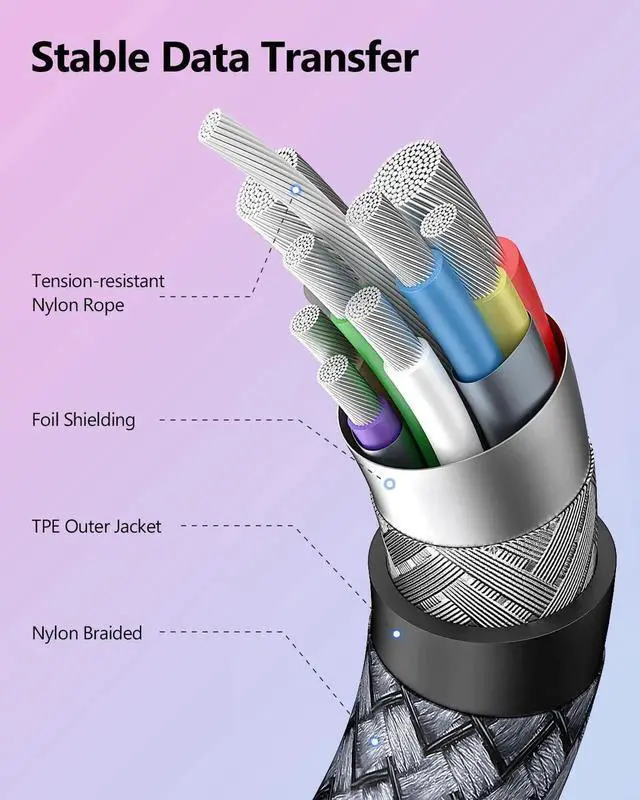
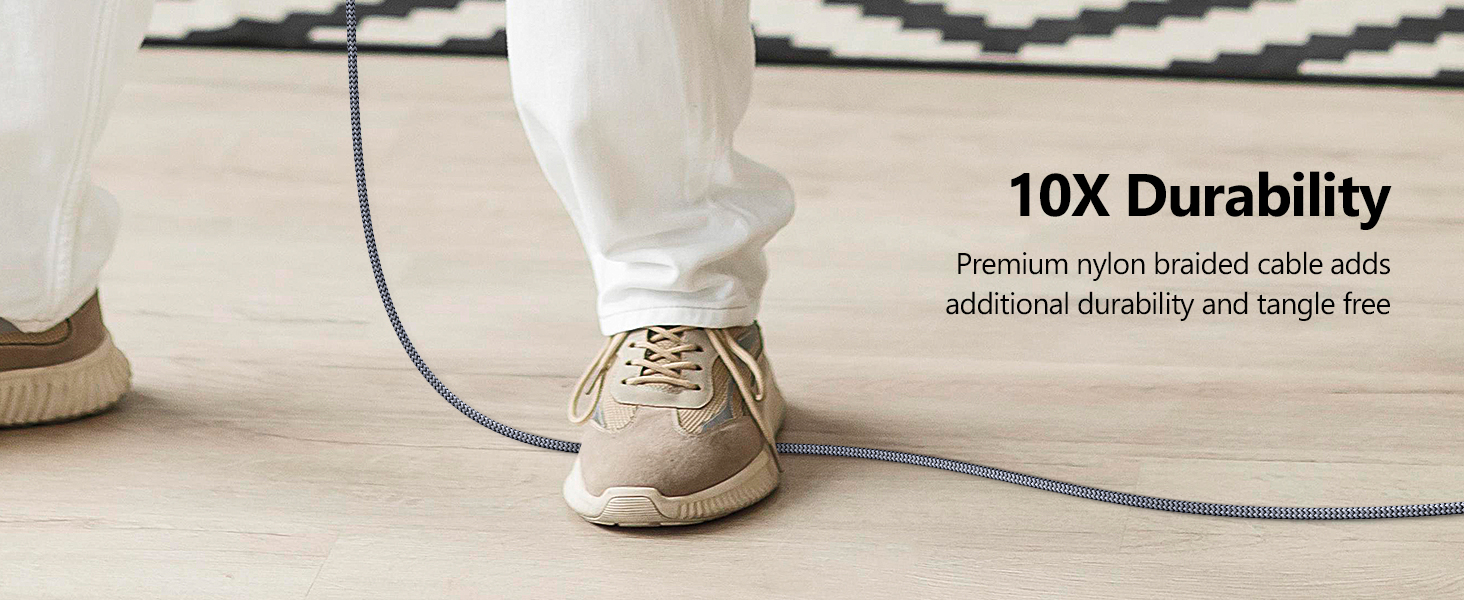
Nylon Braided Durable
Safe & Stable Chip
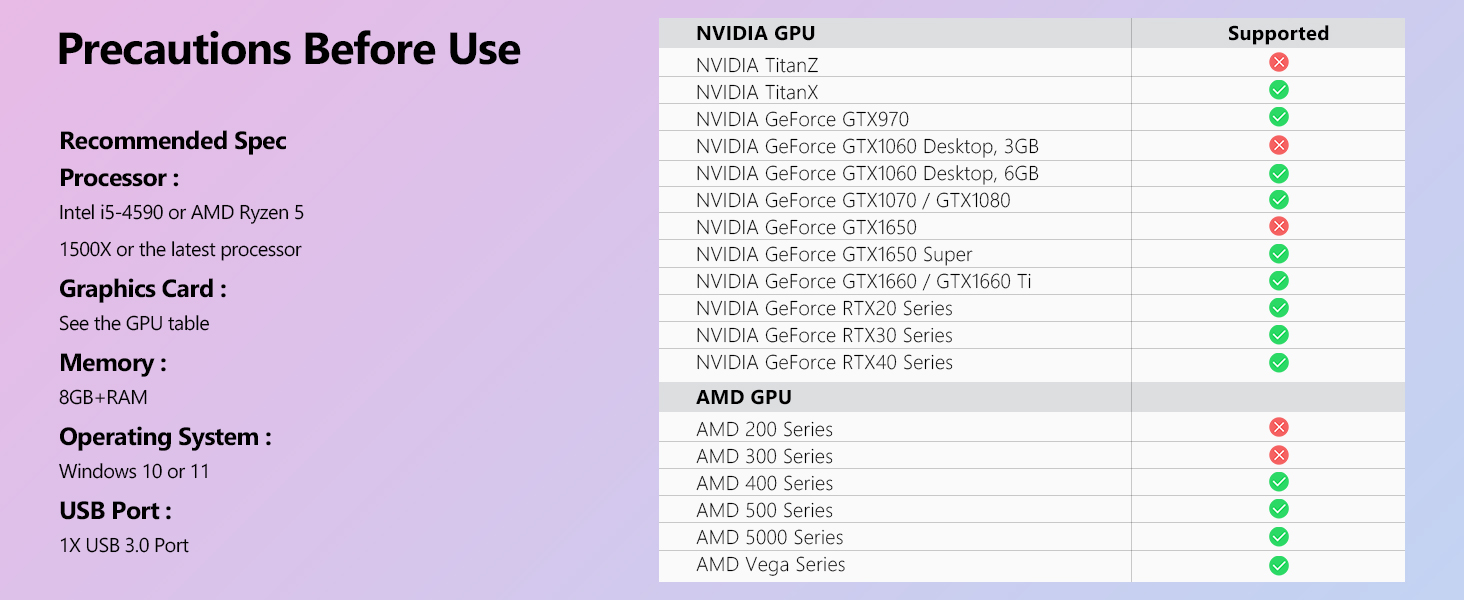
Preview Before Use!!
Q & A:
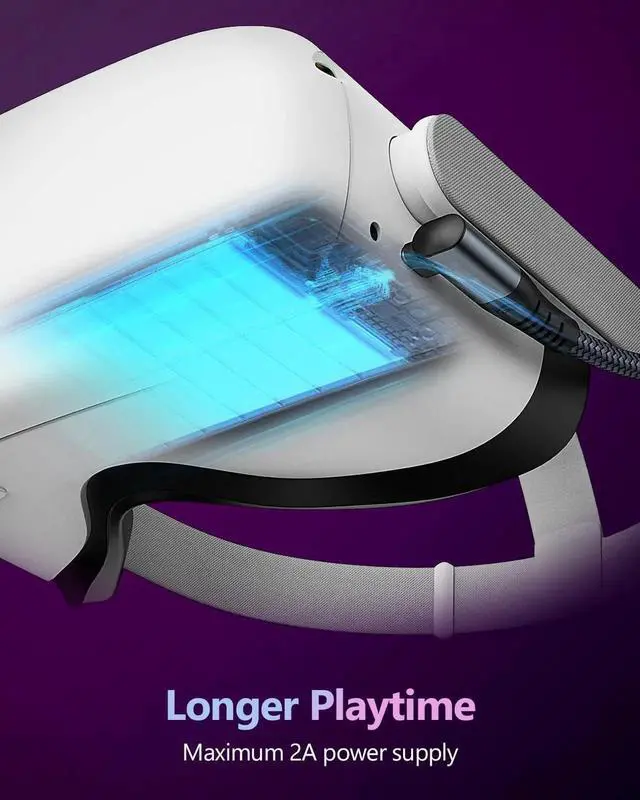
Q: 1. Will it keep VR Headset charging while playing?
A: It will charge slowly, But we recommend you use it as a link cable rather than a charging cable, it is not made to stay fully charged while playing. We suggest you fully charge it first before you start playing, it's a better experience.
Q: 2. What can I do when my Quest 2 fails to connect to the link cable?
A: 1. Check the computer's USB 3.0 and graphics card driver updates, and ensure that the Quest 2 PC software and versions are updated to the latest.
2. Ensure the cable is in all available USB 3.0/3.1 ports.
3. Check if Air Link is off.
Q: 3. Is this 20ft usb c cable suitable for o-cul-us quest series products?
A: Yes, according to our test, this 20ft usb c cable fits for O-cu-lus Quest 3/2/1 well
Q& A:
Q:
1. Will it keep VR Headset charging while playing?
A: It will charge slowly, But we recommend you use it as a link cable rather than a charging cable, it is not made to stay fully charged while playing. We suggest you fully charge it first before you start playing, its a better experience.
Q:
2. What can I do when my Quest2 fails to connect to the link cable?
1. Check the computer's USB 3.0 and graphics card driver updates, and ensure that the Quest2 PC software and versions are updated to the latest.
2. Ensure the cable is in all available USB 3.0 / 3.1 ports.
3. Check if Air Link is off.
Q:
3: Is this 20ft usb c cable suitable for oc-ul-us quest series products?
Yes, according to our test, this 20ft usb c cable fits for Oc-u-lus Quest 3/2/1 well