

Your Browsing History
- Free 30-day Returns
$45.99


Meet Your Seller


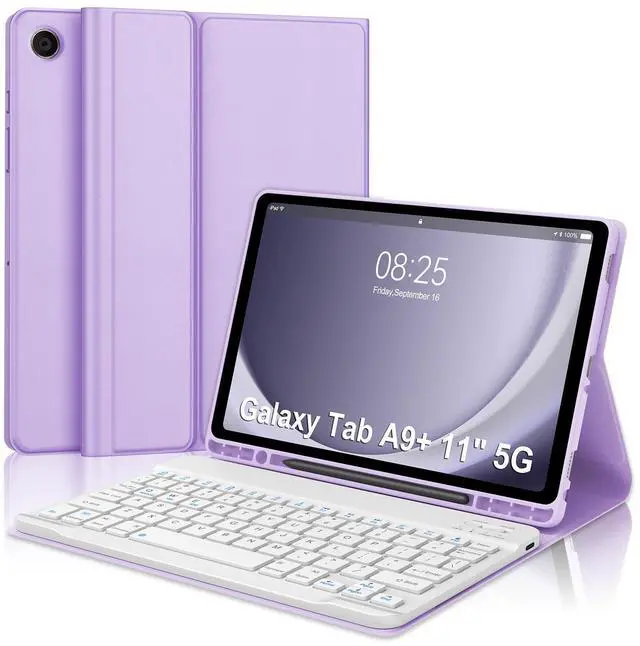


WINCHKING Keyboard Case for Samsung Galaxy Tab A9 Plus 11"(SM-X210/X216/X218),Detachable Wireless Bluetooth Keyboard Multi-Angle Viewing Tablet Cover with Pen Slot for A9+ 5G (Purple)
- Compatible:This keyboard cover is compatible with Samsung Galaxy tablet A9+ 11-inch 2023 (Model Number:SM-X210/X216/X218). Please check your tablet model before purchasing.(This product does not include: tablet, pen)
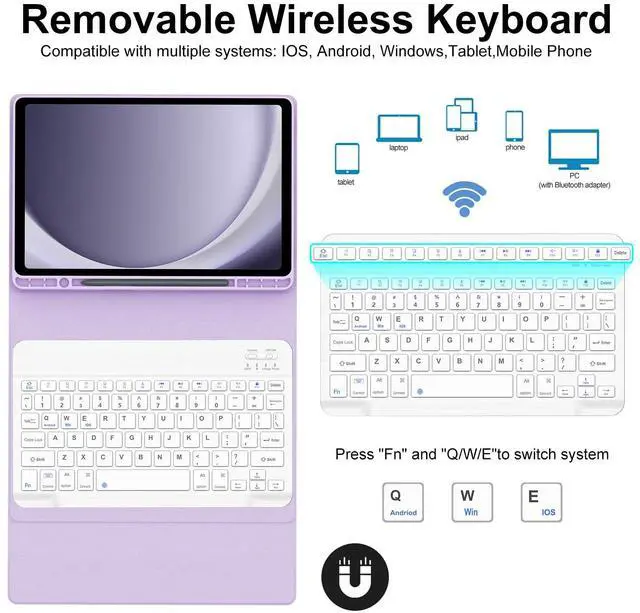
- Detachable Keyboard:The keyboard for Samsung tablet A9+ with a bluetooth design is wirelessly detachable to use within a distance 10 meters,that you place the keyboard wherever you feel comfortable.Perfect for working,writing or watching videos whenever work,school,traveling and at home.
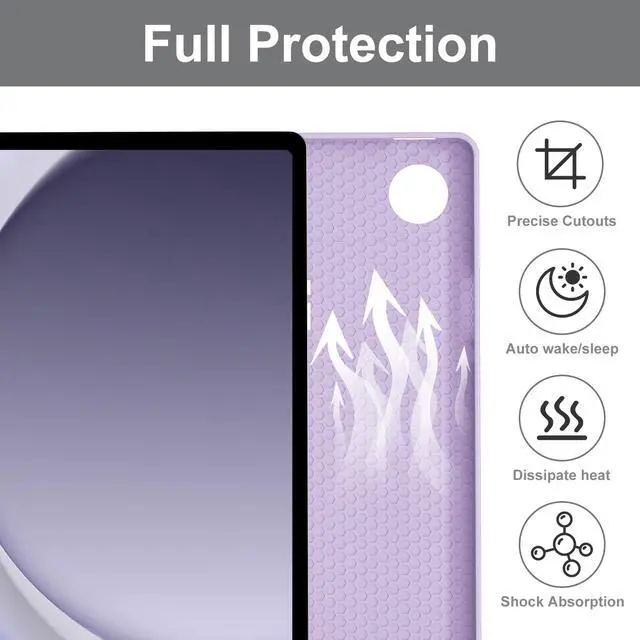
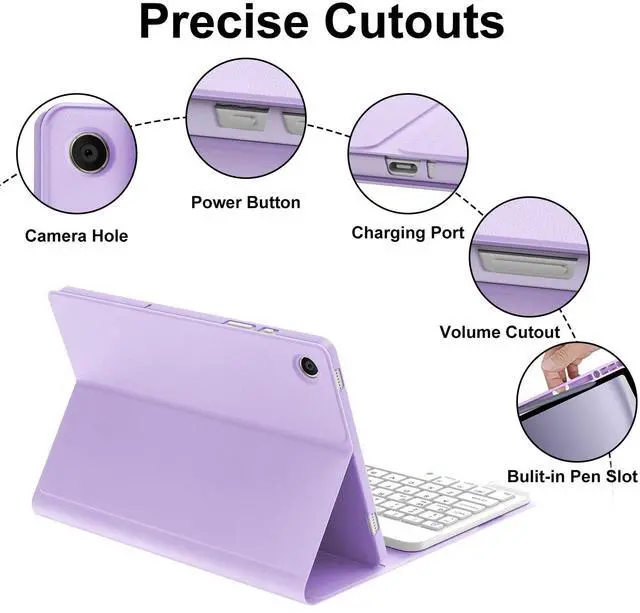
- Multi-functional Tablet Case:This keyboard case with honeycomb design is made of high-quality TPU material,smooth,anti-collision and anti-scratch.Honeycomb design for A9+ helps heat dissipation and improves the performance of your samsung tablet.Precise cutout allows full access to all features and controls (cameras,speakers,ports and buttons).
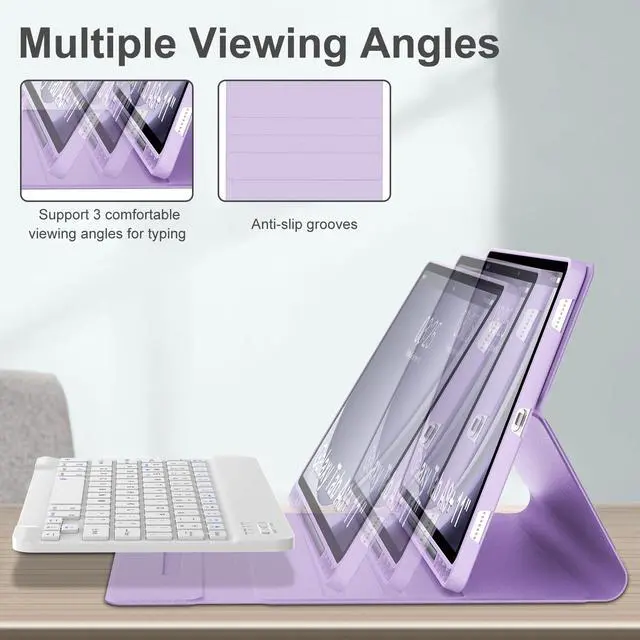
- Support Pen Storage&Multiple Viewing Angles: The protective case for galaxy tab A9+ with a pen slot prevents your pencil fro
+
+
Overview
Specs
Reviews

Any questions? Our AI mode will help you find out quickly.
Try me now
Keyboard Case for Samsung Tablet Tab A9+ 5G 11 Inch
(Compatible Models: SM-X210/X216/X218)
Features
Built-in pen slot prevents loss or misplacement of your pencil
Designed honeycomb interior of the iPad case can help to dissipate heat for improved performance
Rechargeable keyboard be fully charged in 2-3 hours by a Type-C fast charging cable
There is multimedia shortcut Keys including Hompage, Search, Cope, Paste, Cut, Volume, Brightness, ect.
Press "Fn" and "Q/W/E" to switch 3 system: Android, Windows, IOS.
How to Link the Keyboard
1. Push the button to the "ON" position, the POWER light is on
2. Press the "CONNECT" button, the BT light is on
3. Search and click to connect "Bluetooth 3.0 keyboard" on your tablet.
(Compatible Models: SM-X210/X216/X218)
Features
Built-in pen slot prevents loss or misplacement of your pencil
Designed honeycomb interior of the iPad case can help to dissipate heat for improved performance
Rechargeable keyboard be fully charged in 2-3 hours by a Type-C fast charging cable
There is multimedia shortcut Keys including Hompage, Search, Cope, Paste, Cut, Volume, Brightness, ect.
Press "Fn" and "Q/W/E" to switch 3 system: Android, Windows, IOS.
How to Link the Keyboard
1. Push the button to the "ON" position, the POWER light is on
2. Press the "CONNECT" button, the BT light is on
3. Search and click to connect "Bluetooth 3.0 keyboard" on your tablet.
Warranty & Returns
Warranty, Returns, And Additional Information
Warranty
- Please contact the Seller directly for warranty information. Warranty information may also be found on the Manufacturer's website.
- CONTACT
Return Policies
- Return for refund within: 30 days
- Return for replacement within: 30 days
- This item is covered by Riveira Store Return Policy
Manufacturer Contact Info
- For a directory of all our manufacturers, please click below.
- Manufacturers Directory
LOADING...