

Your Browsing History


Meet Your Seller

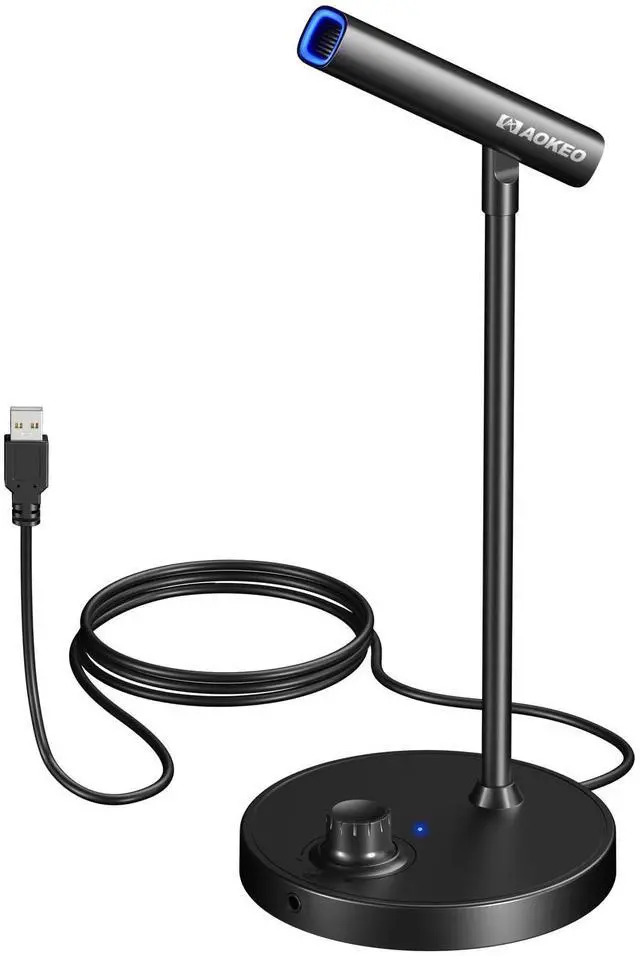
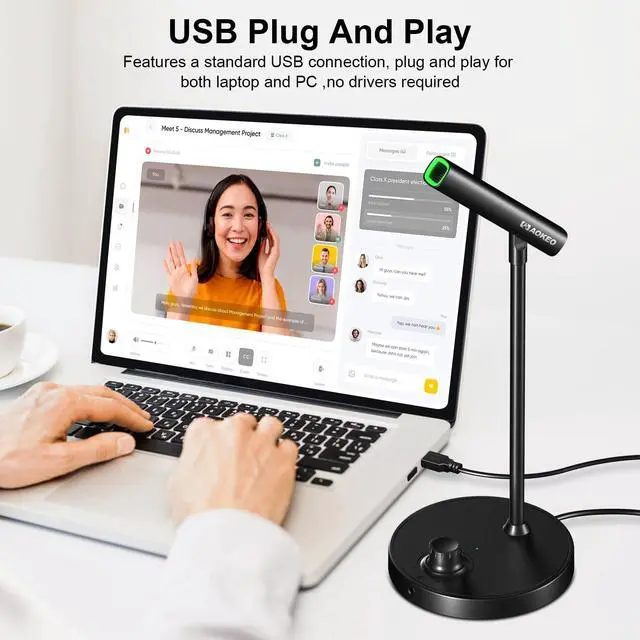


Aokeo USB Microphone, Gaming Microphone for PC with Volume Control Buttons for Recording,Podcasting,Streaming,YouTube,PS5 PS4 Mac Laptop
- Multifunctional PC microphone: with 48kHz/16bit professional condenser microphone chip. Delivers crystal-clear and accurate audio reproduction with high sensitivity, capturing every detail of the sound source, ensuring professional-grade recordings.
- Omni-directional pickup mode: picks up sound equally from all directions, making it ideal for capturing chats, meetings, performances or ambient sounds, instrumental sounds and vocals in a natural and immersive way.
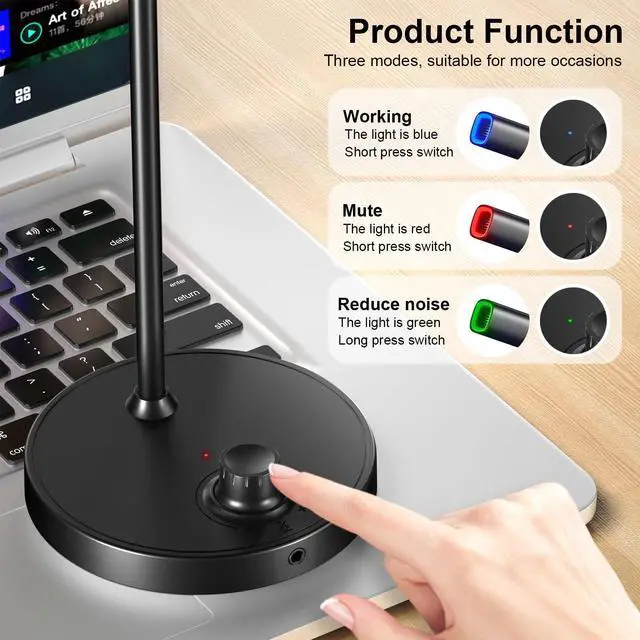
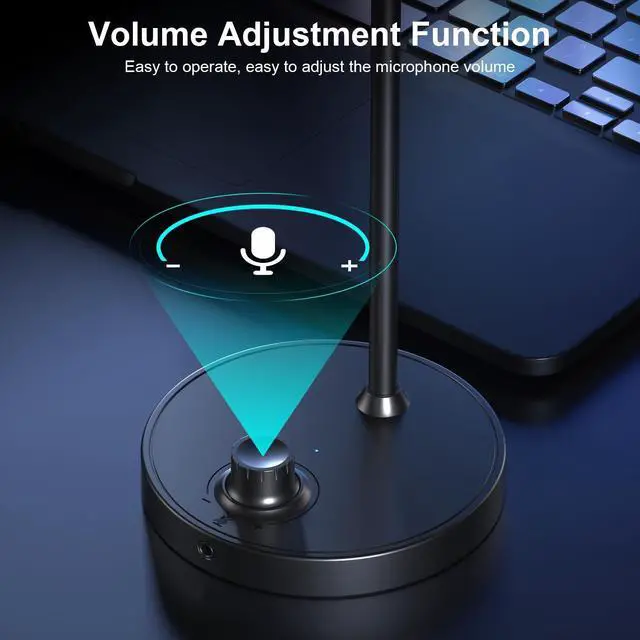
- CLICK TO MUTE: When the podcast microphone is connected to your device, the blue light is on and the microphone is in working condition. Rotate the button on the microphone base to adjust the microphone volume level. Tap the microphone volume adjustment button, the red light will be on, the microphone will be converted to mute mode.
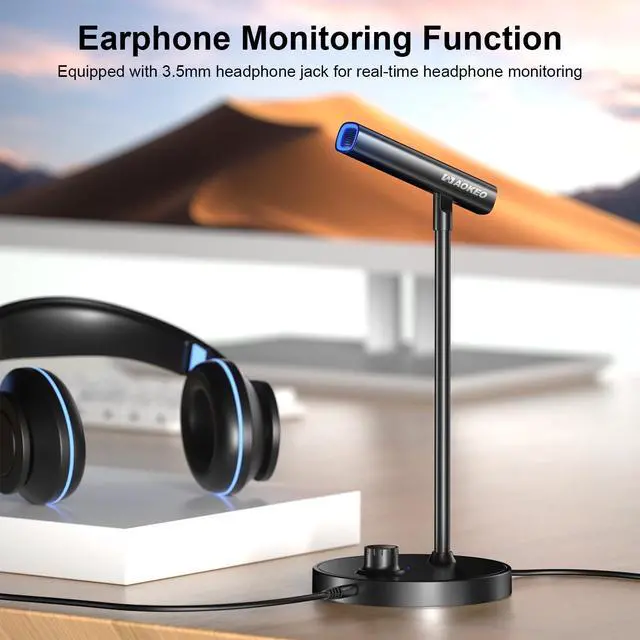
- REAL-TIME MONITORING: The mic base has a 3.5mm headphone jack, you can monitor your own and your computer's sound in real time. This is a basic function when you need to record songs and ins
+
+
Overview
Specs
Reviews

Any questions? Our AI beta will help you find out quickly.
Try me now
Multifunctional PC microphone: with 48kHz/16bit professional condenser microphone chip. Delivers crystal-clear and accurate audio reproduction with high sensitivity, capturing every detail of the sound source, ensuring professional-grade recordings.
^^ Omni-directional pickup mode: picks up sound equally from all directions, making it ideal for capturing chats, meetings, performances or ambient sounds, instrumental sounds and vocals in a natural and immersive way.
^^ CLICK TO MUTE: When the podcast microphone is connected to your device, the blue light is on and the microphone is in working condition. Rotate the button on the microphone base to adjust the microphone volume level. Tap the microphone volume adjustment button, the red light will be on, the microphone will be converted to mute mode.
^^ REAL-TIME MONITORING: The mic base has a 3.5 mm headphone jack, you can monitor your own and your computer's sound in real time. This is a basic function when you need to record songs and instrument sounds, and also convenient for you to monitor the sound output from your computer.
^^ Low Self-Noise: Ensures a clean and quiet recording environment by minimizing the internal noise of the microphone, resulting in pure and distortion-free audio output.
^^ Omni-directional pickup mode: picks up sound equally from all directions, making it ideal for capturing chats, meetings, performances or ambient sounds, instrumental sounds and vocals in a natural and immersive way.
^^ CLICK TO MUTE: When the podcast microphone is connected to your device, the blue light is on and the microphone is in working condition. Rotate the button on the microphone base to adjust the microphone volume level. Tap the microphone volume adjustment button, the red light will be on, the microphone will be converted to mute mode.
^^ REAL-TIME MONITORING: The mic base has a 3.5 mm headphone jack, you can monitor your own and your computer's sound in real time. This is a basic function when you need to record songs and instrument sounds, and also convenient for you to monitor the sound output from your computer.
^^ Low Self-Noise: Ensures a clean and quiet recording environment by minimizing the internal noise of the microphone, resulting in pure and distortion-free audio output.
Warranty & Returns
Warranty, Returns, And Additional Information
Warranty
- Please contact the Seller directly for warranty information. Warranty information may also be found on the Manufacturer's website.
- CONTACT
Return Policies
- Return for refund within: 30 days
- Return for replacement within: 30 days
- This item is covered by kaipuda Return Policy
Manufacturer Contact Info
- For a directory of all our manufacturers, please click below.
- Manufacturers Directory
LOADING...