• $145.99
  • Free 30-day Returns
  • Price alert
    Sold by ApexDash

    Shipped by ApexDash

    Shop it at NeweggBusiness.

    Meet Your Seller

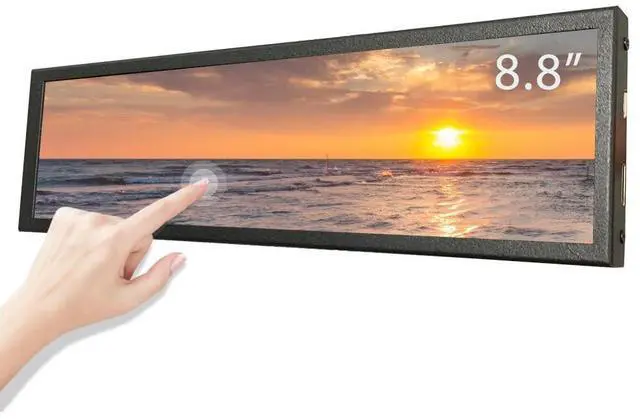
    LESOWN 8.8 inch Stretched Bar Wide Touch Screen Monitor 480x1920 IPS Long bar LCD Display Secondary Screen PC Case for Windows Rpi4

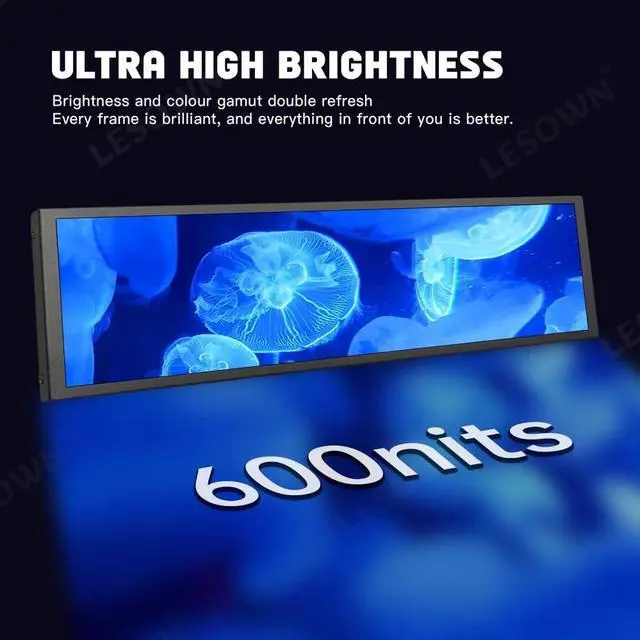
    • * IPS technology, Ultra-HD image clarity: 8.8inch super HD 480x1920 high resolution IPS screen, excellent color reproduction and uniformity, high brightness 600cd/m, contrast ratio 800:1. IPS full wider viewing angle.
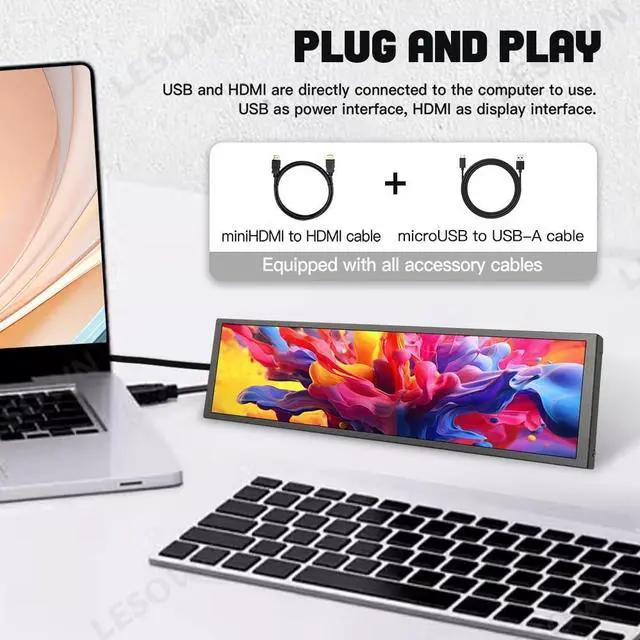
    • * Plug & play, easy to use on PC: This is a drive-free display long strip monitor on PC. 1x mini HDMI and 1x micro USB ports. HDMI supports data and signal transmission, one USB for power supply and touch.
    • * Portable, slim & lightweight: the weight is 231g, the thickness is 13.5mm; Metal appearance; Support back-mounted Raspberry Pi or back support, and the back support is removable.
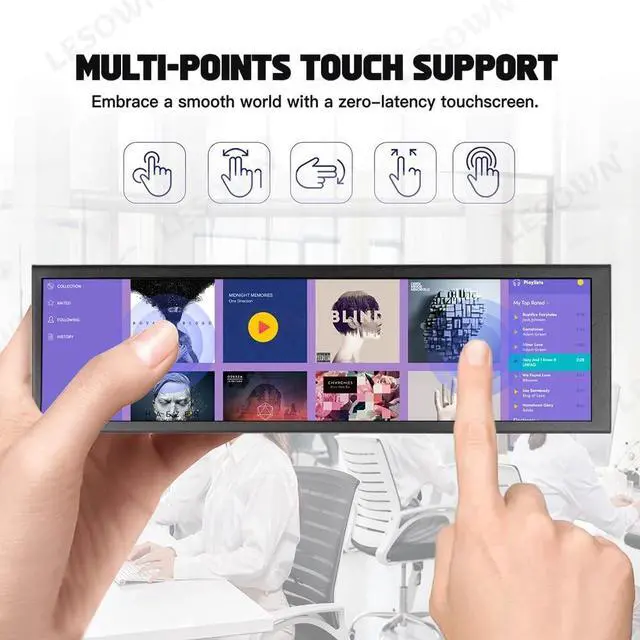
    • * Multi-point touch function: Supports up to 5 touch points, excellent response; Tempered glass cover. For the touch function, please ensure that the USB port is connected directly to the computer. An external power supply will not be able to touch.
    • * Compatibility: Supports Raspberry Pi 4/3/2/ B B+. Compatible with Windows 7/8/10 and mac os. It supports plug and play on PC, no pr
    +
    +
    Overview
    Specs
    Reviews
    avatar

    Any questions? Our AI beta will help you find out quickly.

    Specifications

    :
    Model: P88-TScreen
    Size: 8.8
    inchResolution: 480*1920Panel
    Type: IPS, Normally
    BlackTouch Function: YesSpeaker
    Function: NoContrast
    Ratio: 800:1
    Surface Luminance: 600cd/m2Viewing
    Angle: 178Full
    View AngleOutline Dimension: 64.9231.
    913.5 (mm) Display Area: 54.72 (W) 218.88 (H) mmColor
    Gamut: 50% NTSC
    Display Colors: 16.7M (8-bit)Refresh
    Rate: 60HzResponse
    Time: 30 (Typ.
    )(Tr+Td) msPower Supply: microUSB
    PortInput Voltage: microUSB
    5VInterface: 1miniHDMI, 1microUSB
    Operation Temperature: -10~60Please
    Note: About
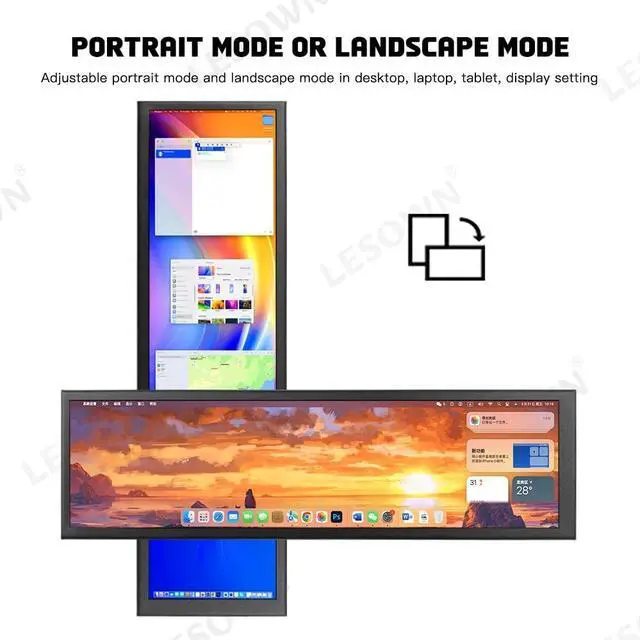
    display: -1. Please connect the HDMI cable directly to the HDMI port of your computer's graphics card, and do not connect it to an adapter or docking station. Because the resolution of the display screen is special, most docking stations or adapters do not support a resolution output of 480x1920 or 1920x480. -2. Windows and mac os systems are supported, just make sure your PC has HDMI and USB ports. Adjustable horizontal and vertical screen display in display setting of PC. The default is vertical screen display.
    About touch: -1. Please ensure that the USB port is connected directly to PC or Raspberry Pi, the USB cable transmits power and touch signals. An external power supply will not be able to touch. -2. Mac os systems with M1 and M2 chips will not support touch.
    Connecting to Raspberry Pi: When used on Raspberry Pi, you need to modify the "config. txt"Add the following code to the config.
    txt file: max_usb_current=1hdmi_group=2hdmi_mode=87hdmi_timings=400 0 100 10 140 1280 10 20 20 2 0 0 0 60 0 43000000 3Note: If it is Raspberry Pi 4, you also need to comment out dtoverlay=vc4-fkms-V3D. What's included? 8.8 inch Monitor x 1mini HDMI Cable x 1USB Cable x 1

    Warranty & Returns

    Warranty, Returns, And Additional Information

    Warranty

    • Please contact the Seller directly for warranty information. Warranty information may also be found on the Manufacturer's website.
    • CONTACT

    Return Policies

    • Return for refund within: 30 days
    • Return for replacement within: 30 days
    • This item is covered by ApexDash Return Policy

    Manufacturer Contact Info

    LOADING...