

Your Browsing History
- Free 30-day Returns
$48.99

Meet Your Seller

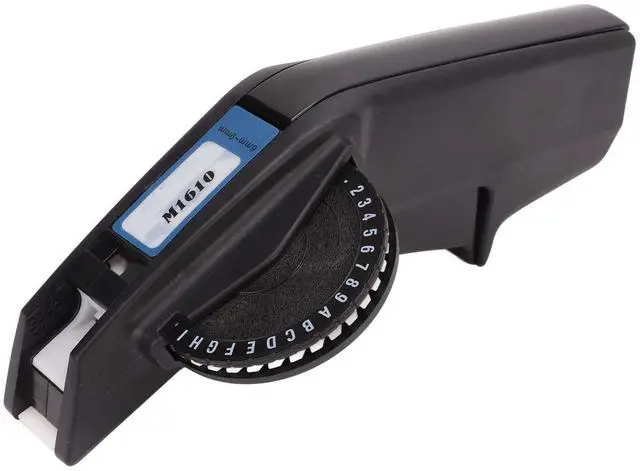
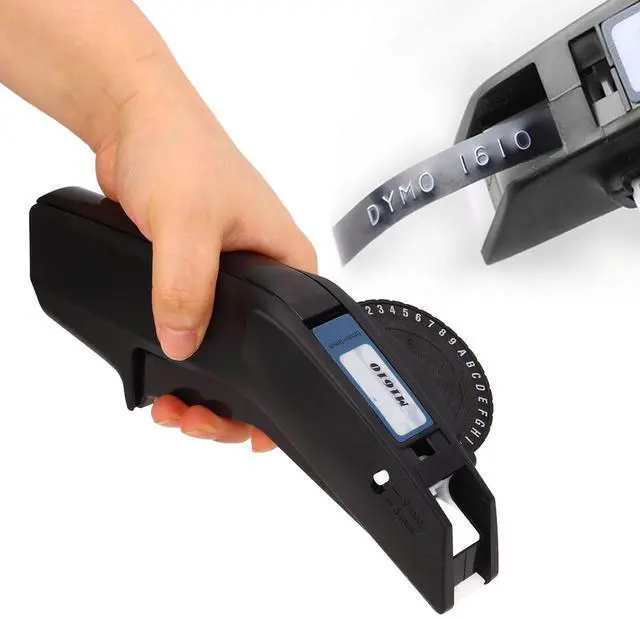


Manual Label Printer, Clear Number Letter Wide Application Embossing Label Maker Strong Durable One Hand Operation for Home (Red)
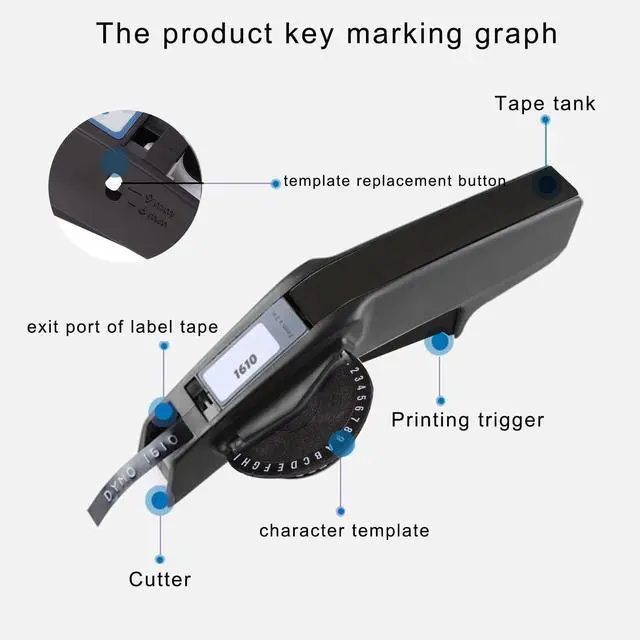
- High Sharpness--- This embossing label printer is equipped with cutter in high sharpness, more convenient to cut the tape.
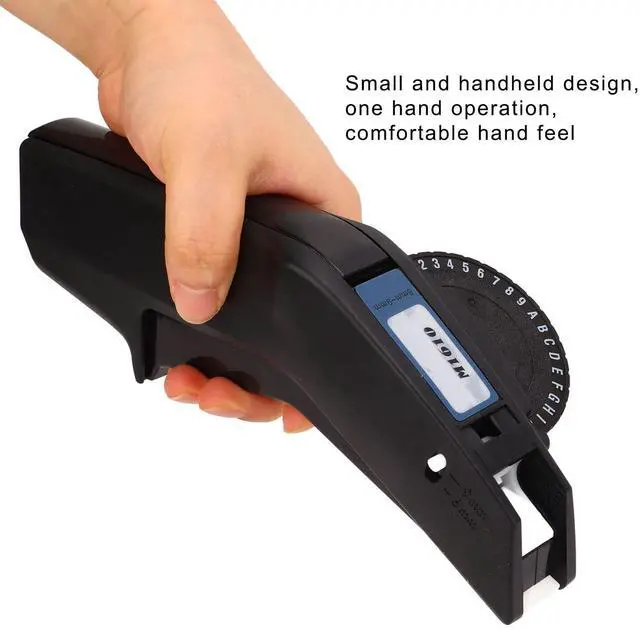
- Ideal Gift--- This embossing label maker is small and portable, ideal gift for your friends and family.
- Clear Printing--- This embossing label maker features clear printing, the printed number and letter present concave convex effect.
- Durable Material--- This manual label printer adopts strong and durable ABS material, which ensures service life.
- One Hand Operation--- This label making embosser can be easily operated with one hand, great convenience.
+
+
Overview
Specs
Reviews

Any questions? Our AI mode will help you find out quickly.
Try me now
Specification: Item
Type: Embossing
Label MakerMaterial: ABS
Suitable Model: Suitable for 1610 Manual Label PrinterApplicable
Tape Size: Approx. 6mm to 9mm / 0.24 in to 0.35 inProduct
Size: Approx. 21 x 6cm / 8.27 x 2.36 in ( Manual Measurement, Slight Error May Exist )How to
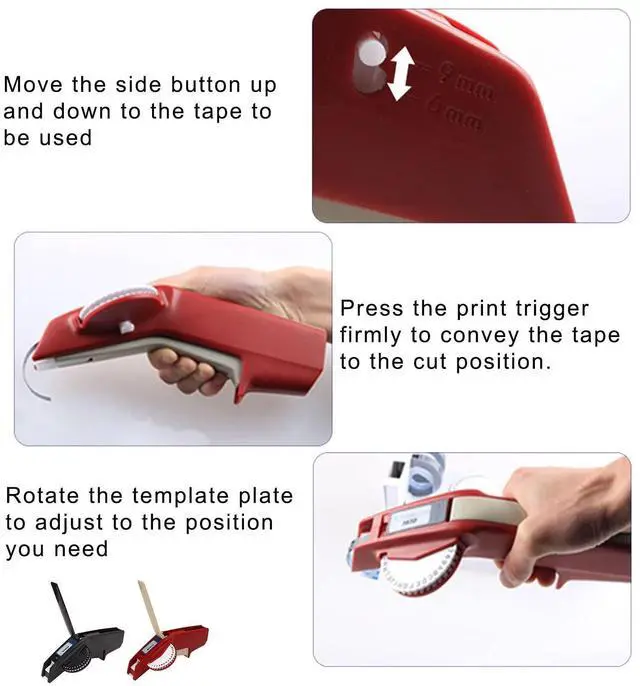
Use: 1. Open the handle part and open the tape tank2. Put in 9 or 6mm tape3. Push the tape forward4. Move the side button up and down to tape to be used. 5. Press the print trigger firmly to convey the tape to the cut position. 6. Rotate the template plate to adjust to the position you need7. Press the print button firmly to print the desired content8. After inputting, move the cutter downward to cut off the tape9. Pull down the white buckle at the bottom of the template to replace the templatePackage
List: 1 x Embossing Label Maker2 x Color Tape
Type: Embossing
Label MakerMaterial: ABS
Suitable Model: Suitable for 1610 Manual Label PrinterApplicable
Tape Size: Approx. 6mm to 9mm / 0.24 in to 0.35 inProduct
Size: Approx. 21 x 6cm / 8.27 x 2.36 in ( Manual Measurement, Slight Error May Exist )How to
Use: 1. Open the handle part and open the tape tank2. Put in 9 or 6mm tape3. Push the tape forward4. Move the side button up and down to tape to be used. 5. Press the print trigger firmly to convey the tape to the cut position. 6. Rotate the template plate to adjust to the position you need7. Press the print button firmly to print the desired content8. After inputting, move the cutter downward to cut off the tape9. Pull down the white buckle at the bottom of the template to replace the templatePackage
List: 1 x Embossing Label Maker2 x Color Tape
Warranty & Returns
Warranty, Returns, And Additional Information
Warranty
- Please contact the Seller directly for warranty information. Warranty information may also be found on the Manufacturer's website.
- CONTACT
Return Policies
- Return for refund within: 30 days
- Return for replacement within: 30 days
- This item is covered by FortressTek Return Policy
Manufacturer Contact Info
- For a directory of all our manufacturers, please click below.
- Manufacturers Directory
LOADING...