Your Browsing History
- Free 30-day Returns
$64.99
Meet Your Seller
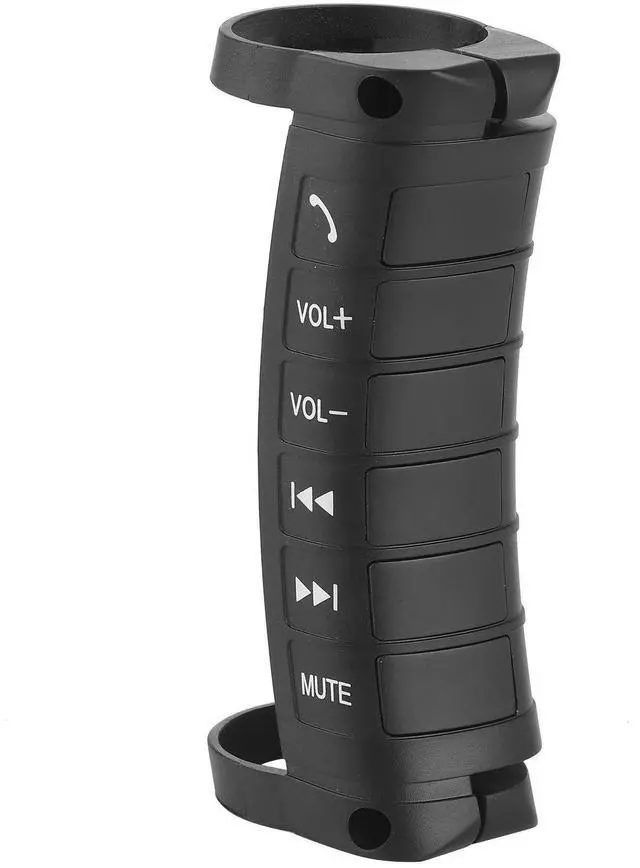
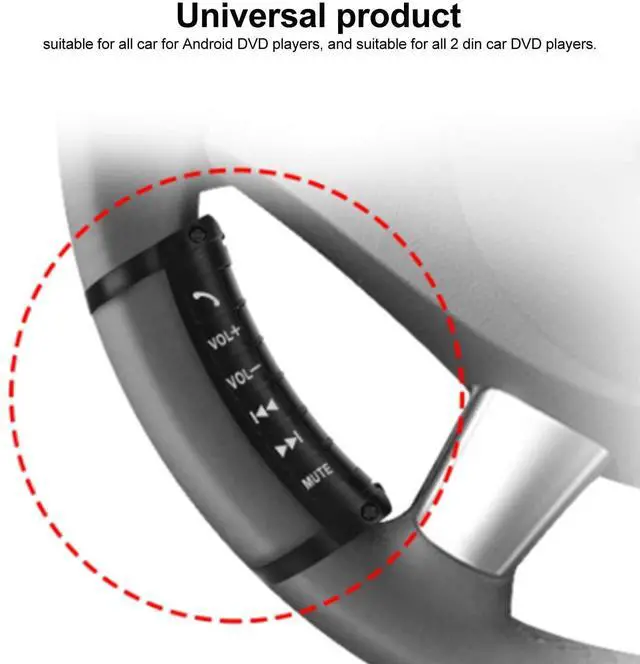
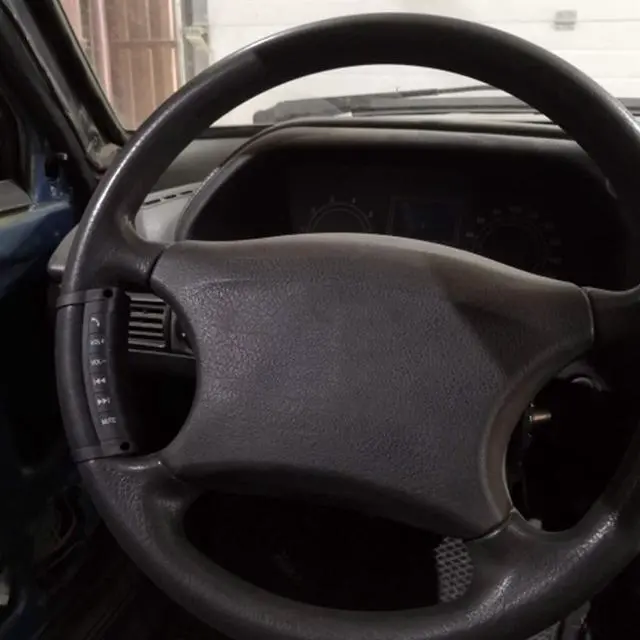
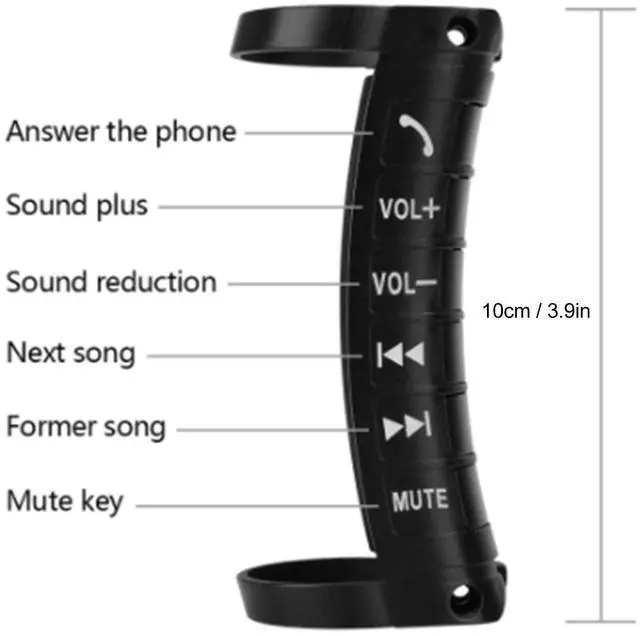
Universal Multifunction Steering Wheel Button Remote Control, 6 Programmable Buttons for Car DVD Navigation, Wireless Controller with Built-in 800mAh Battery
- UNIVERSAL COMPATIBILITY: Compatible with all 2-din car DVD players that have steering wheel control functionality, providing seamless integration with your vehicle's system
- PROGRAMMABLE BUTTONS: Features 6 fully customizable buttons that can be programmed for various functions by pressing and holding for 3 seconds
- WIRELESS CONVENIENCE: Built-in 800mAh lithium battery powers this wireless controller, eliminating the need for complex wiring or installation
- MULTIFUNCTIONAL CONTROL: Enables quick access to essential functions including call answering, subtitle control, and navigation while driving
- EASY INSTALLATION: Simple plug-and-play setup requires no special tools or technical expertise, improving driving safety without complicated installation
+
+
Overview
Specs
Reviews
Any questions? Our AI beta will help you find out quickly.
Try me now
Specification:
Condition: Brand
NewItem Type: Steering
Wheel ButtonMaterial:
ABS+PUColor: As picture shownInstallation
Instructions: 1. Unload the DVD player. 2. Pls find the steering wheel key control plug and ground wire of the DVD player. 3. Then checking the note of each color line for the remote receiver: A. Red line as accessory/ switchB. GND wire as black groundC. KEY 1 (Blue) KEY 2 (White) Find the original steering wheel control plug of the vehicle, and connect it to steering wheel control wire block. If the DVD player only have one steering wheel control wire, pls connect the blue & white wire to this line. 4. When the wires are connected, to DVD player steering wheel setup menu, press the keys on steering wheel for three seconds, select the corresponding functions on the screen. Then will be OK.
Package List: 1 x Steering Wheel Control Button1 x Controller4 x Installation Accessories

Condition: Brand
NewItem Type: Steering
Wheel ButtonMaterial:
ABS+PUColor: As picture shownInstallation
Instructions: 1. Unload the DVD player. 2. Pls find the steering wheel key control plug and ground wire of the DVD player. 3. Then checking the note of each color line for the remote receiver: A. Red line as accessory/ switchB. GND wire as black groundC. KEY 1 (Blue) KEY 2 (White) Find the original steering wheel control plug of the vehicle, and connect it to steering wheel control wire block. If the DVD player only have one steering wheel control wire, pls connect the blue & white wire to this line. 4. When the wires are connected, to DVD player steering wheel setup menu, press the keys on steering wheel for three seconds, select the corresponding functions on the screen. Then will be OK.
Package List: 1 x Steering Wheel Control Button1 x Controller4 x Installation Accessories
Warranty & Returns
Warranty, Returns, And Additional Information
Warranty
- Please contact the Seller directly for warranty information. Warranty information may also be found on the Manufacturer's website.
- CONTACT
Return Policies
- Return for refund within: 30 days
- Return for replacement within: 30 days
- This item is covered by JMDesign Return Policy
Manufacturer Contact Info
- For a directory of all our manufacturers, please click below.
- Manufacturers Directory
LOADING...