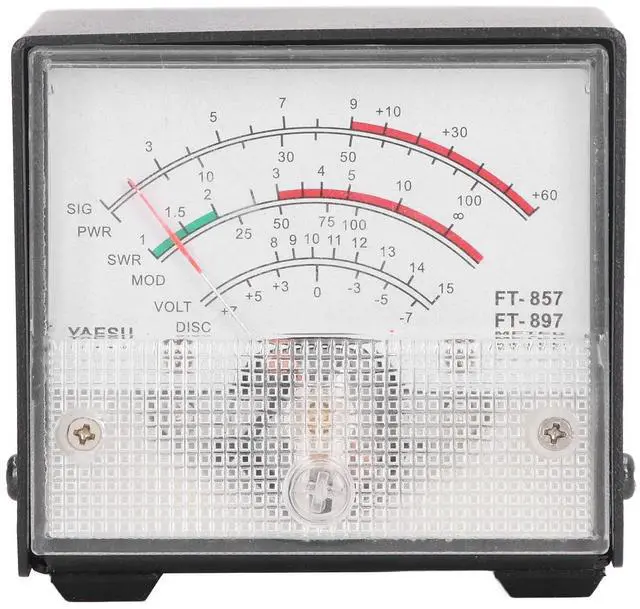
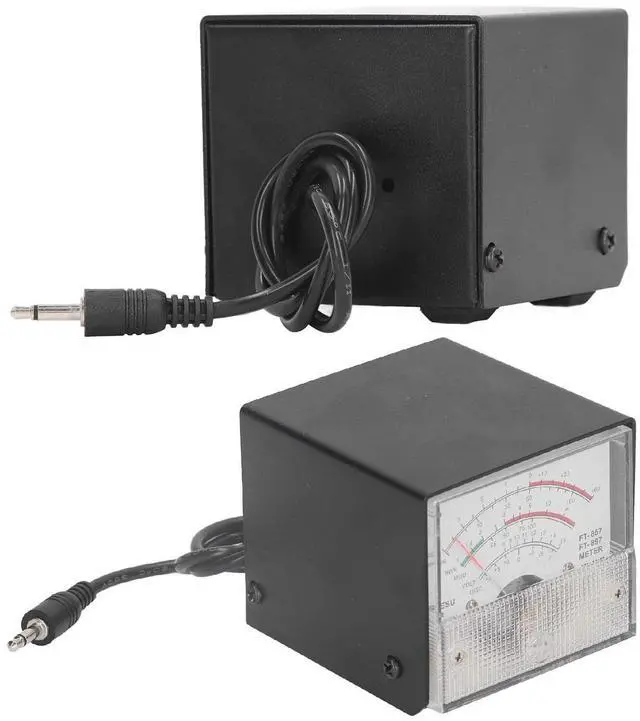
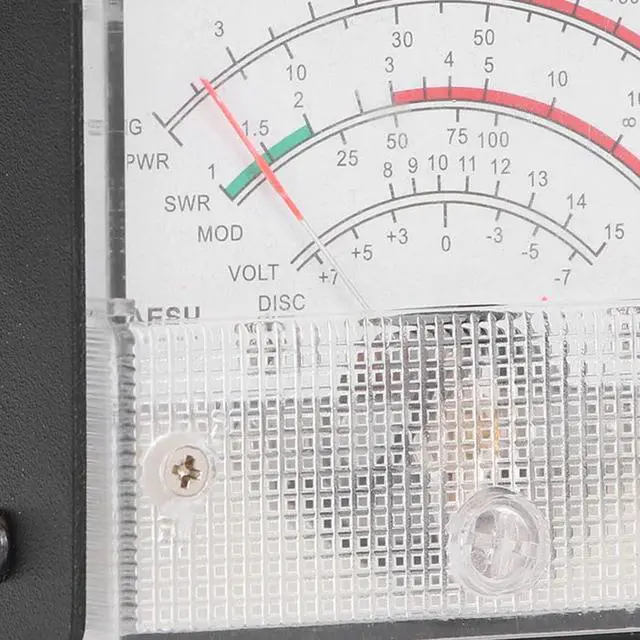
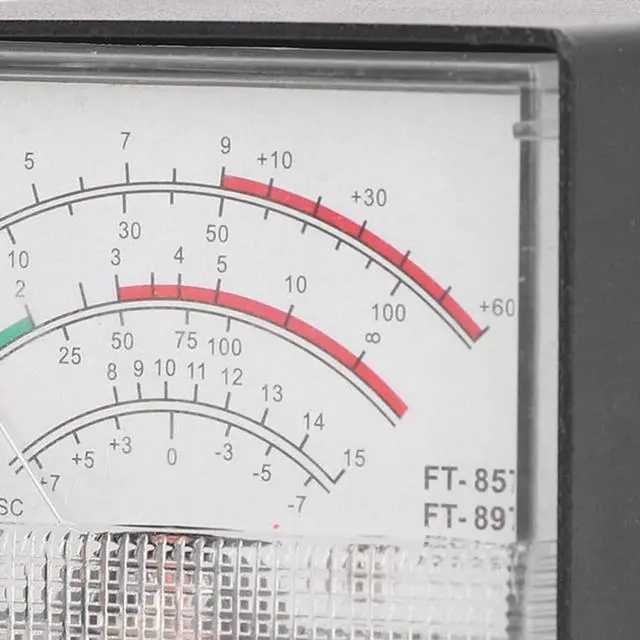
Specification: Applicable
model: For FT857 FT897Receive
Display Settings: 1. Press and hold the FUNC key to enter the setup menu and enable the extended menu. 2. Rotate SELECT to call up the setting menu item No? 060 [MTR ARX SEL]. 3. Rotate DIAL to select the display content of the external instrument:
SIG: Display
input strengthCTR: Discriminator
Center MeterVLT: Display
battery voltageN/A:
BlankFS: Calibrate the external instrument by outputting a standard with a full scale of 1mA on the instrumentOFF: Turn off the instrument. 4. Press and hold the FUNC key to save the settings and exit the setup menu.
Emission Display Settings: 1. Press and hold the FUNC key to enter the setup menu and enable the extended menu. 2. Rotate SELECT to call up the setting menu item No? 061 [MTR ATX SEL]. 3. Rotate DIAL to select the display content of the external instrument:
PWR: Display
transmit powerALC: Display
automatic level control voltageMOD: Display
modulation levelSWR: Display
standing ratioVLT: Display
power supply voltageN/A:
BlankOFF: Turn off the instrument. The meter has been calibrated (if calibration is required), and the calibration method is as follows1. Press and hold the FUNC key to enter the setup menu and enable the extended menu. 2. Rotate SELECT to call up the setting menu item No? 060 [MTR ARX SEL]. 3. Rotate DIAL to select FS. 4. Use a small slotted screwdriver to adjust the calibration adjustment hole at the rear so that the pointer on the meter head points to the full scale. 5. Calibration completed. If you cannot find menus 60 and 61, the radio station has hidden these two menus. Press and hold the F key to open the menu settings, set the No. 1 menu to ON, and press the F key to exit saving to open the hidden menu.
PackageList: 1 x SWR Meter





 here!
here!