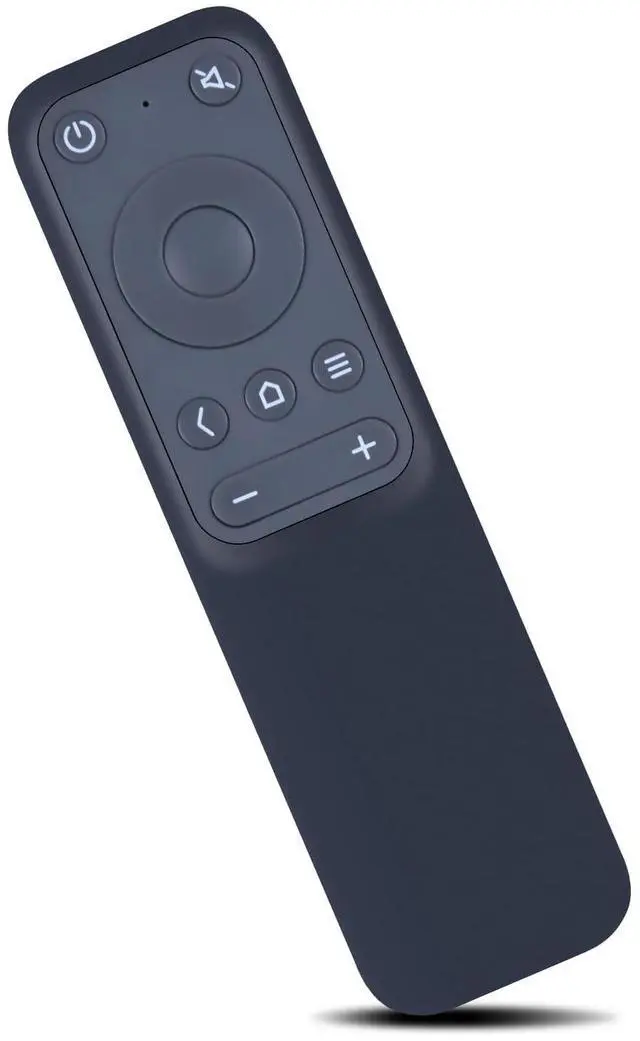
Compatible with
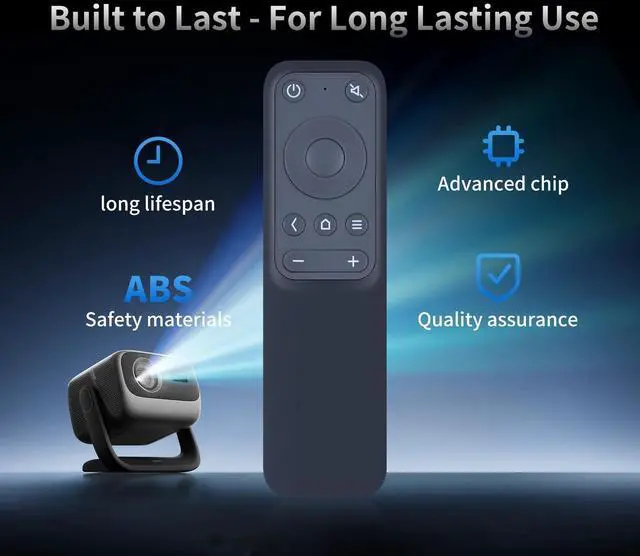
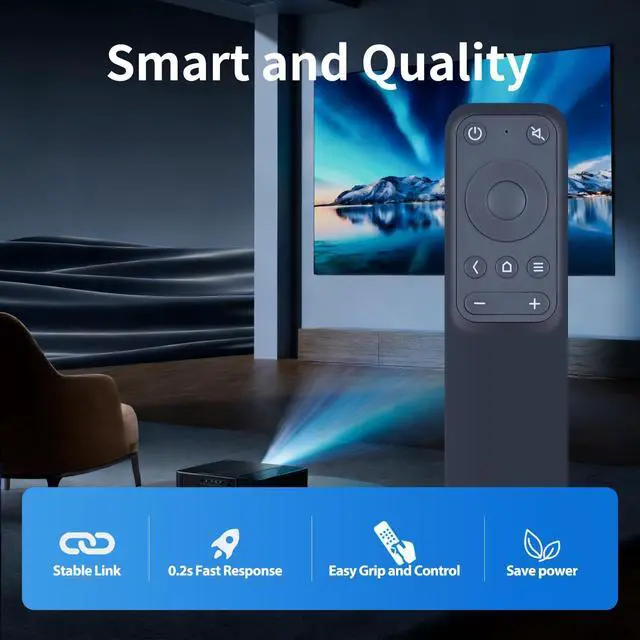
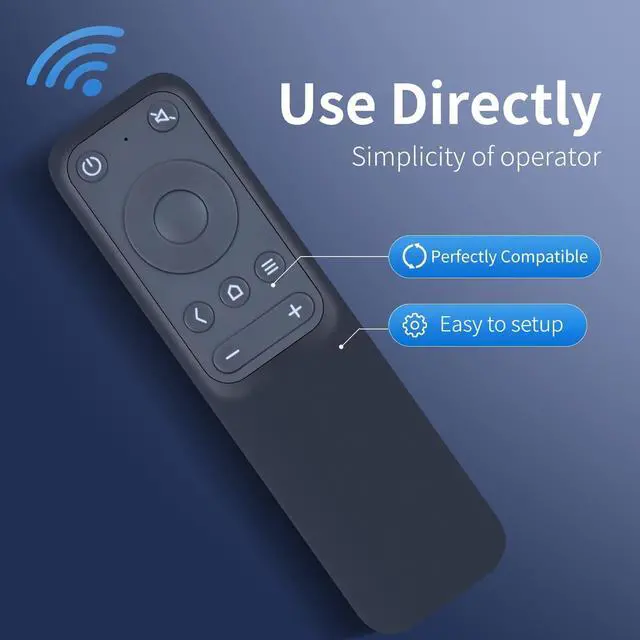
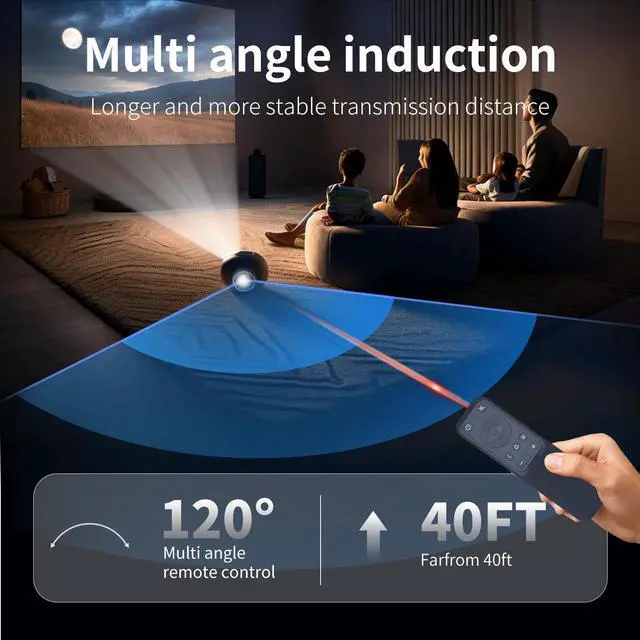
Models: VA-LT003 Projector ^^ How to pairing1. Open the device and enter the settings. 2. Find Bluetth settings. 3. Hold down " < " + " "button on the remote control. Add device Bluetth according to indication. ^^ High QualityMade of High Quality ABS material, which is resistant to falling and has no peculiar smell, Built to Last for Long Lasting Use, and also keeps you and your children away from harm. ^^ Easy to useEasy to Pairing or setup, After inserting the battery (Not included), Simply follow the pairing steps until successful, and it will perfectly replace your original remote ^^ Premium After-saleWe provide a 1 year warranty return service. If you have any questions about your order, please feel free to contact us directly and we will get back to you within 12 hours.





 here!
here!